AI Christmas Photo Generator
Upload a photo to apply this effect while keeping the subject recognizable for a natural, polished result.
Image
Examples
Christmas Photo Generator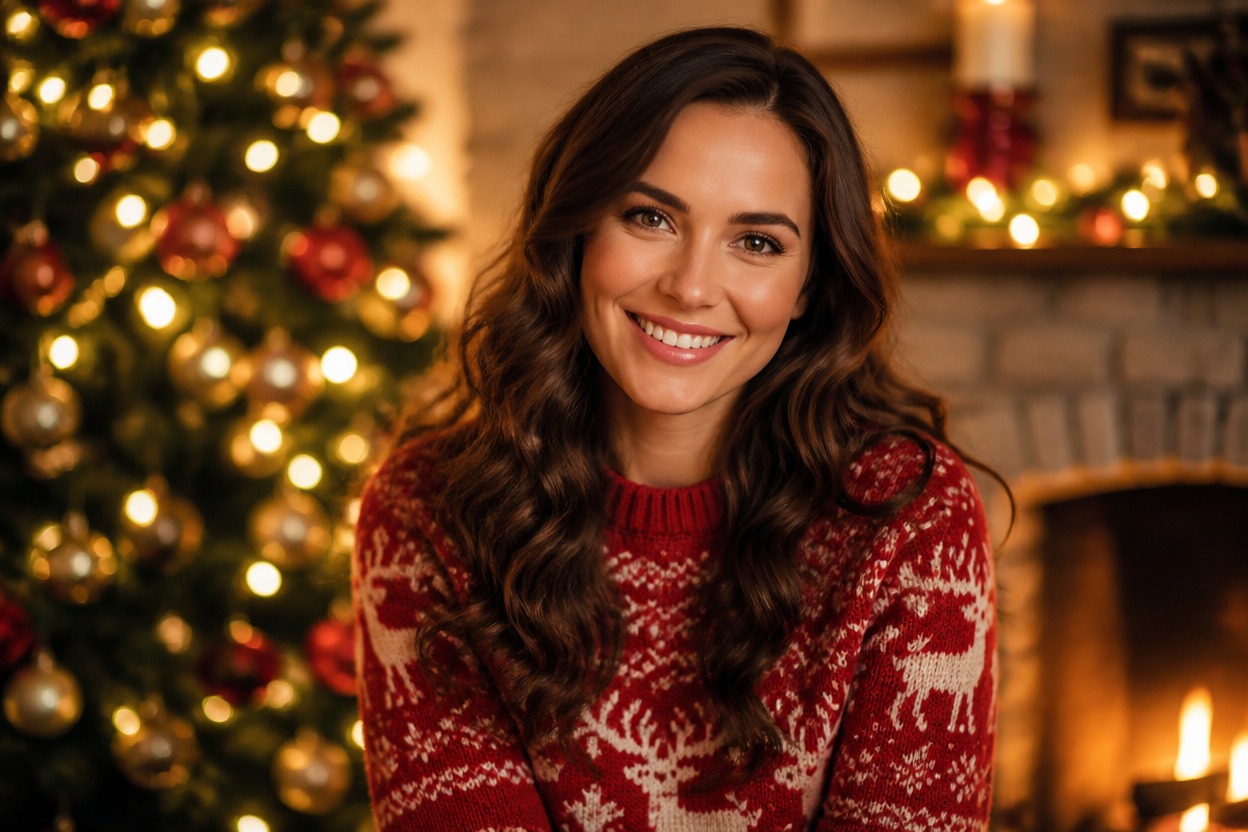
AI Christmas Photo Generator
Upload one image and transform it into a polished Christmas portrait. Powered by GPT-Image-2, AI Hug reimagines the subject, seasonal styling, lighting, and setting as one coherent festive scene.
Create a Christmas PhotoCreate a Festive Portrait from One Photo
One-Image Christmas Transformation
Start with one uploaded image. GPT-Image-2 interprets the visible subject and rebuilds the portrait with coordinated holiday styling, atmosphere, and background detail.
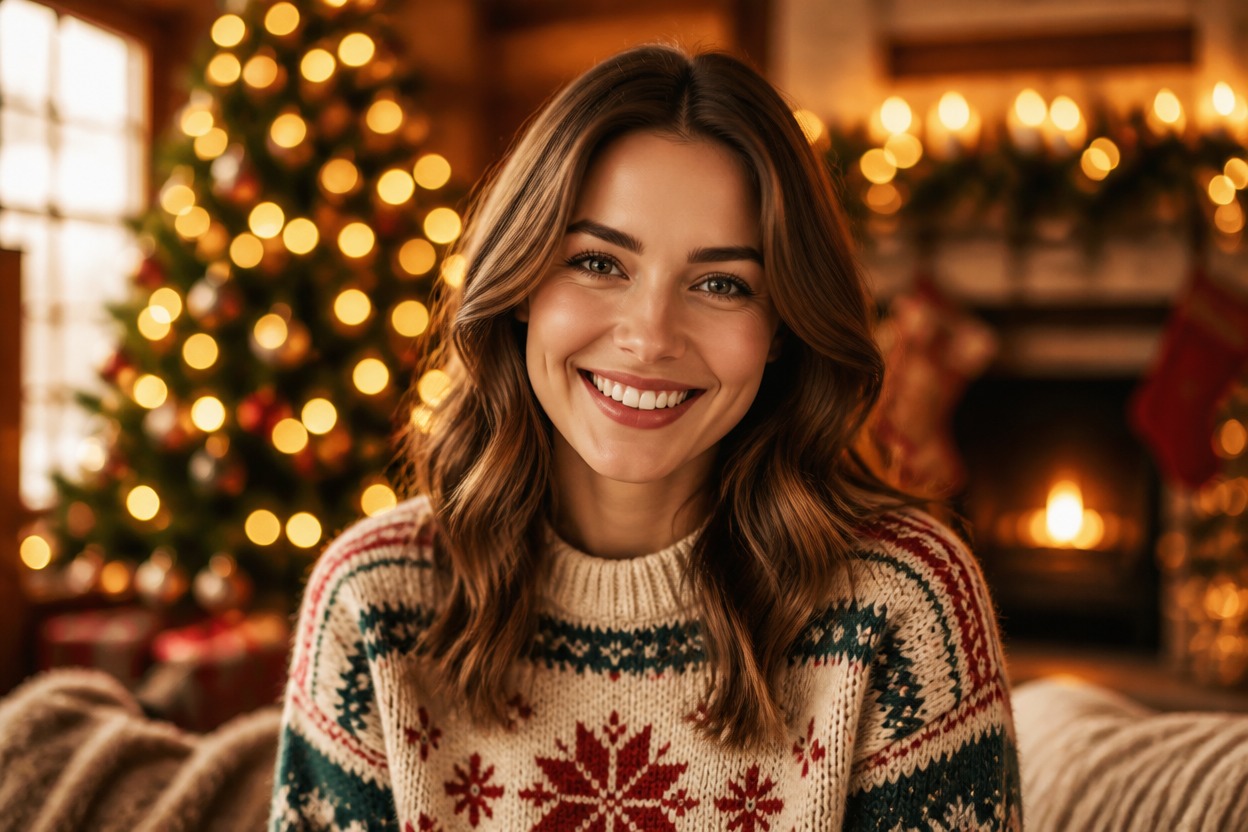
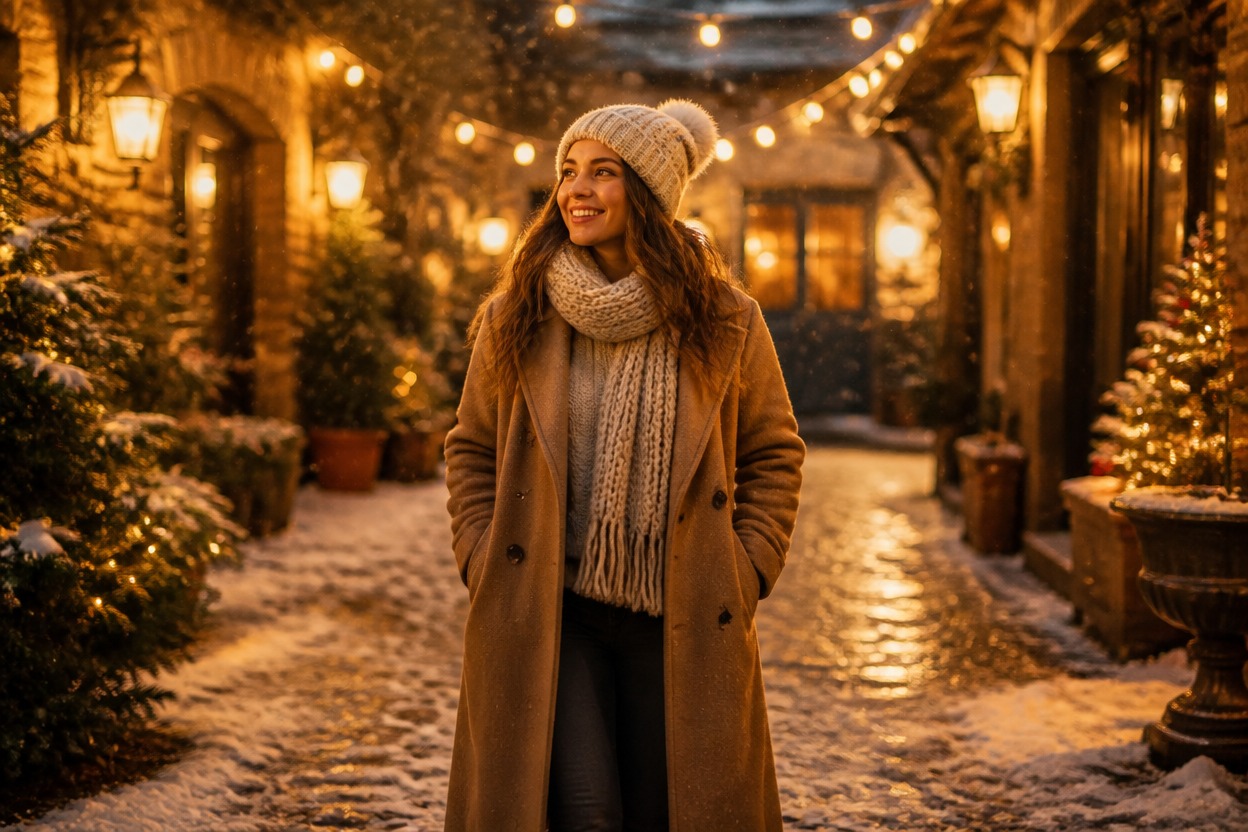
Coherent Seasonal Scenes
Create a complete festive image with natural lighting, winter color, decorations, and environmental depth instead of a simple sticker or frame overlay.
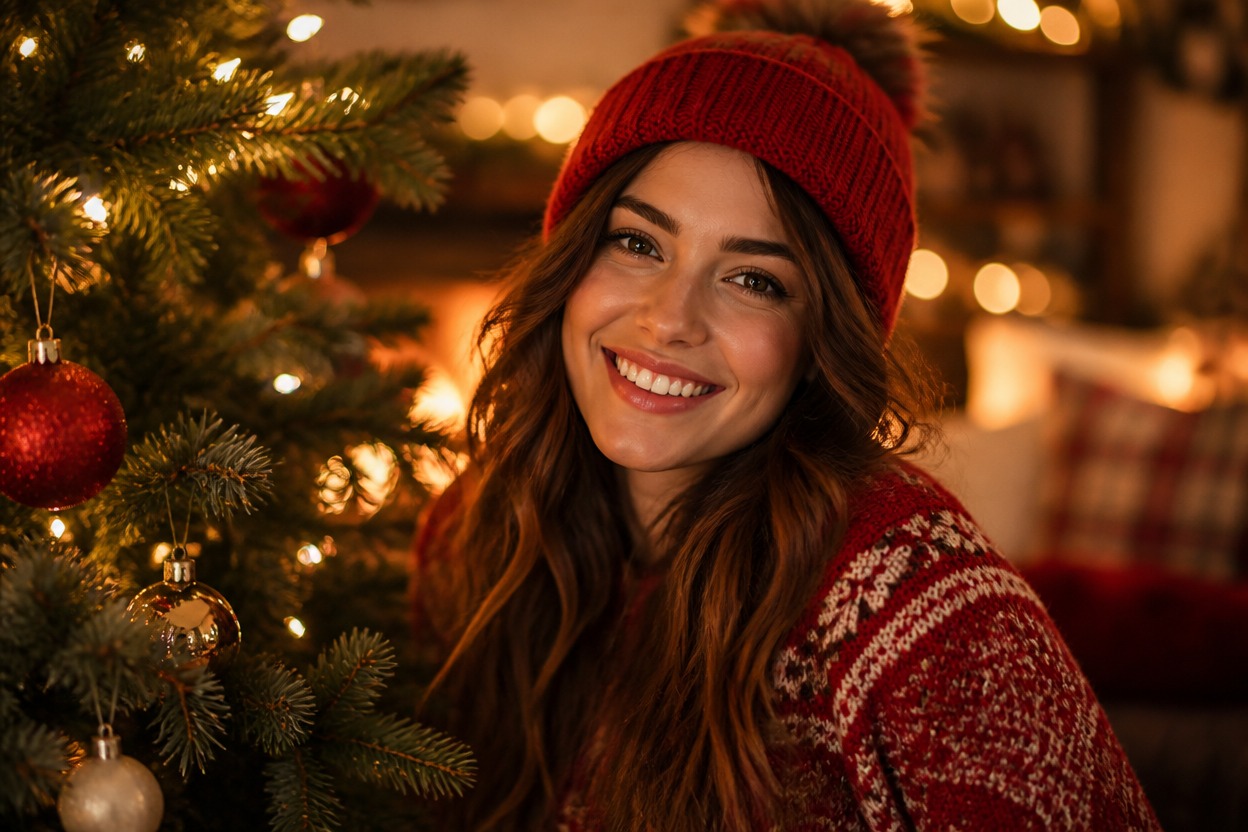
Portrait Details You Can Review
Preview facial likeness, hands, clothing, ornaments, and background details before saving. Generated details can vary, so choose the result that looks most natural and complete.
Create seasonal visuals from one uploaded image for personal portraits and festive projects
Christmas Photo Effects for Portraits, Pets, and Holiday Ideas
Holiday Portraits
Transform a clear adult portrait into a warm Christmas scene with coordinated winter styling and festive light.
Family Christmas Images
Reimagine a well-framed family photo with seasonal decor and a cohesive holiday atmosphere while reviewing every face and hand.
Couple Portraits
Create an elegant Christmas portrait concept for two adults with complementary clothing, color, and environmental lighting.
Pet Holiday Photos
Give a clear pet image a festive setting with winter textures, ornaments, gifts, and warm interior light.
Christmas Card Artwork
Generate the central visual for a personal holiday card, then add any message separately in your preferred design tool.
Seasonal Profile Pictures
Create a polished holiday variation for a profile image, avatar concept, or December social visual.
How to Use the AI Christmas Photo Generator
Upload one image, apply the effect, and review your festive result
01
Upload One Clear Image
Choose a sharp photo with a distinct subject, useful lighting, and clearly visible faces, hands, clothing, or pet features.
02
Apply the Christmas Photo Effect
Start the one-image transformation. AI Hug uses GPT-Image-2 to rebuild the subject and surroundings as one coordinated festive scene.
03
Preview and Download
Check likeness, anatomy, clothing edges, decorations, and background details, then download the version that looks coherent and polished.
Answers about one-photo input, GPT-Image-2, source quality, generated details, and access