AI Clay Filter
Upload a photo to apply this effect while keeping the subject recognizable for a natural, polished result.
Image
Examples
Clay Filter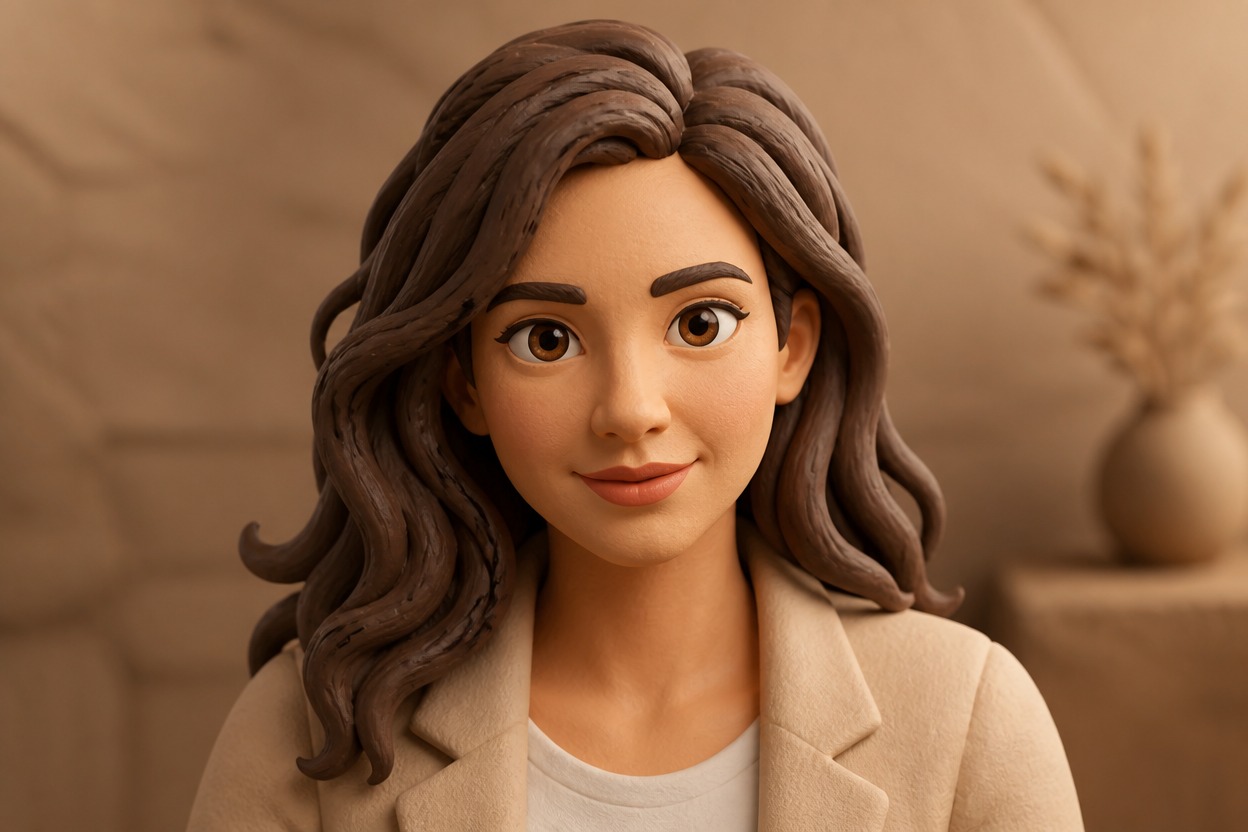
AI Clay Filter from Photo
Upload one image and turn it into a cohesive clay-style artwork. AI Hug uses GPT-Image-2 to reinterpret the subject, colors, lighting, and setting with tactile modeled detail.
Apply the Clay EffectA Complete Clay-Style Image Transformation
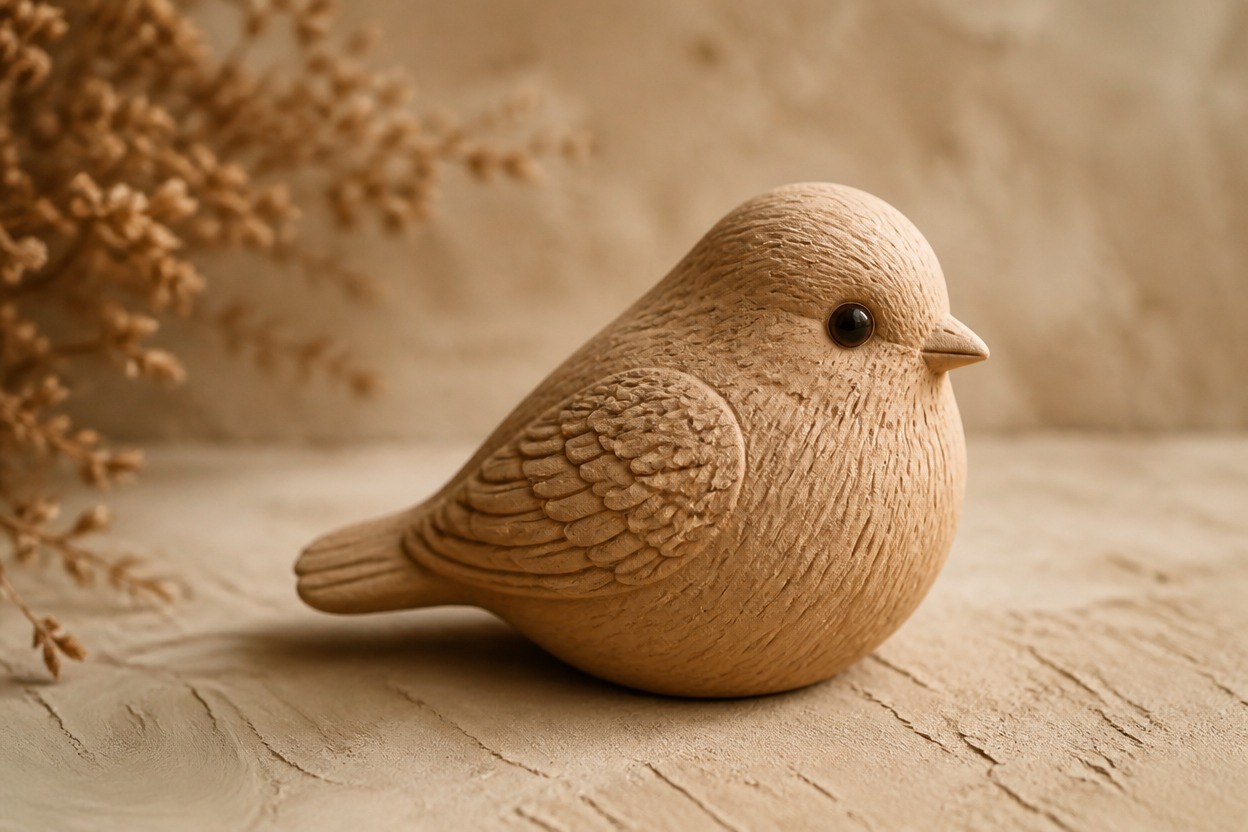
Handcrafted Clay Texture
GPT-Image-2 rebuilds visible surfaces with matte clay texture, softly modeled edges, subtle fingerprints, and dimensional handcrafted detail instead of applying a flat color overlay.
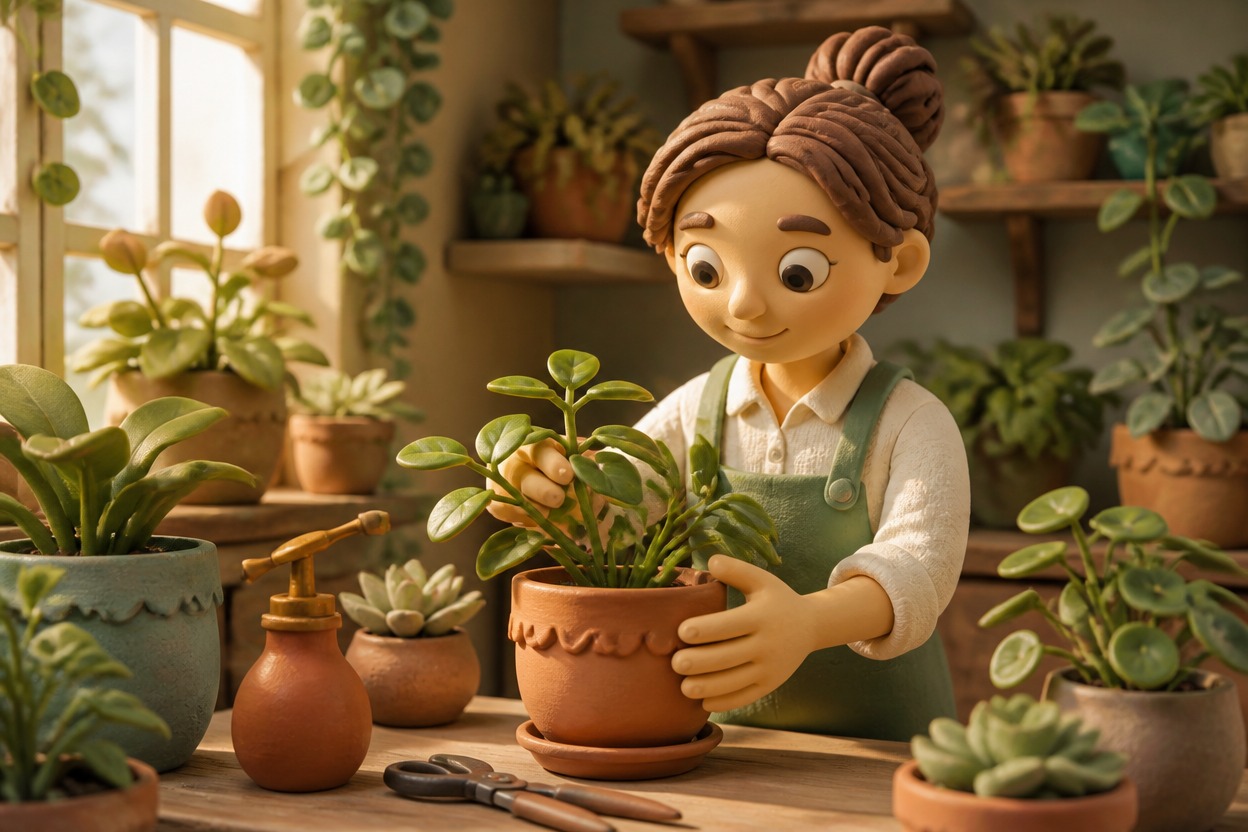
Full-Scene Style Transfer
The transformation can reinterpret the subject and surrounding scene together, helping the result feel like one clay-crafted world rather than a cutout on an unchanged background.
Source-Guided Composition
The generated result follows visible cues from the uploaded image—including the main subject, pose, framing, palette, and lighting—while interpreting fine details in a clay-art style.

Clay-style portraits, characters, pets, objects, and storybook scenes from one image
What You Can Create with the AI Clay Filter
Clay-Style Profile Pictures
Turn a clear portrait into a tactile clay character image for a distinctive profile or avatar concept.
Handcrafted Character Concepts
Reimagine an original or authorized character with modeled clay forms, expressive features, and a cohesive handcrafted setting.
Playful Pet Portraits
Give a well-lit pet photo a warm clay-crafted treatment while following its recognizable pose and markings.
Storybook Scenes
Transform a simple everyday photo into a charming clay-world illustration for a personal story or visual concept.
Product and Object Art
Restyle a clearly framed object as a sculpted clay creation for mood boards, creative studies, or campaign concepts.
Keepsake Images
Create a handcrafted-looking interpretation of a meaningful photo for a digital keepsake or personal print idea.
How to Use the AI Clay Filter
Upload one photo, apply the effect, and review the finished clay-style result
01
Upload One Clear Image
Choose a sharp, well-lit photo with a clearly visible main subject and an uncluttered composition.
02
Apply the Clay Effect
Start the transformation. AI Hug uses GPT-Image-2 to reinterpret the subject and scene with modeled forms, matte texture, and handcrafted detail.
03
Preview and Download
Review the subject, anatomy, clay texture, colors, and background coherence, then download the version that best fits your image.
Answers about one-photo input, GPT-Image-2, clay-style results, source images, and access