AI Coloring Page Generator
Upload a photo to apply this effect while keeping the subject recognizable for a natural, polished result.
Image
Examples
Coloring Page Generator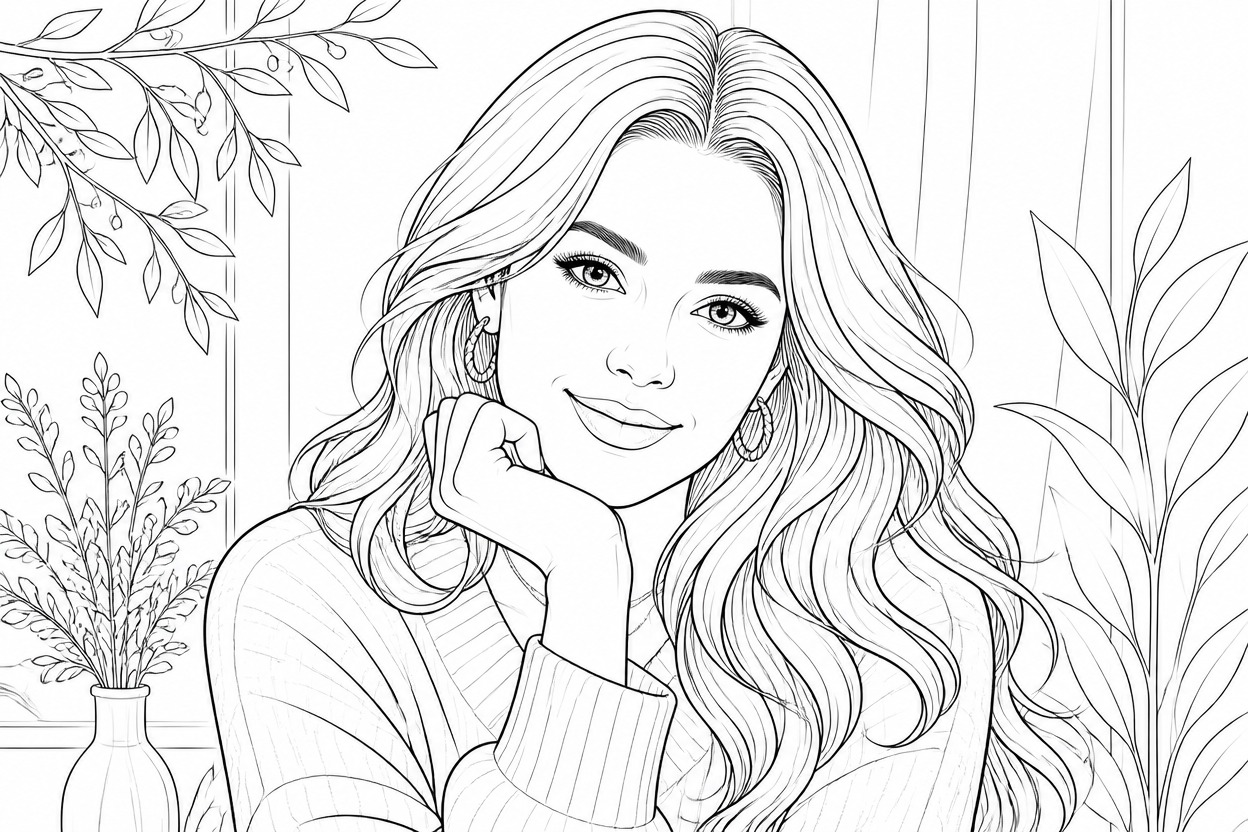
AI Coloring Page Generator
Upload one clear image and turn it into polished black-and-white coloring line art. AI Hug uses GPT-Image-2 to reinterpret recognizable subjects, contours, textures, and scene details as one coherent illustration.
Create a Coloring PageTurn One Photo into Detailed Coloring Line Art
Recognizable Subject Structure
The transformation follows the main subject, pose, and composition while simplifying visible edges into clear contours that are practical to color.
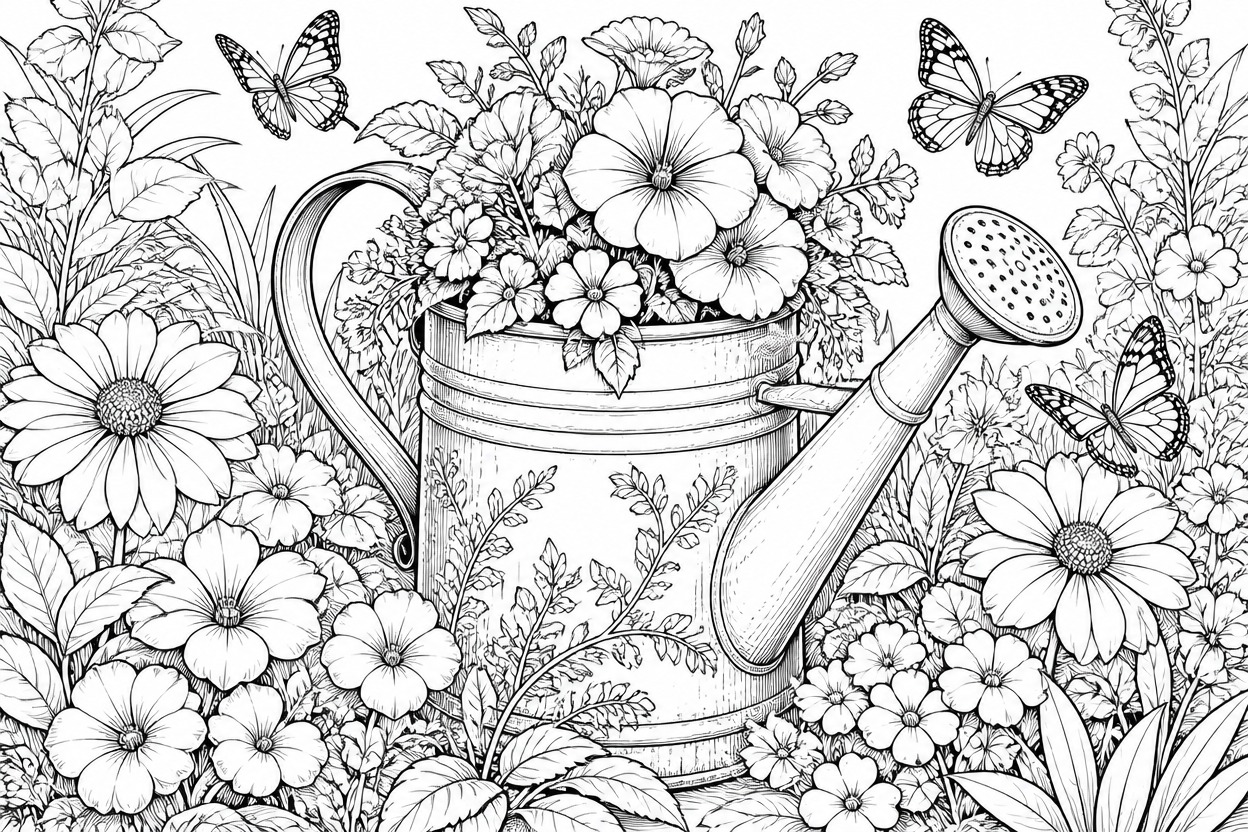
Generated Line-Art Detail
Unlike a basic AI photo filter, GPT-Image-2 rebuilds textures, facial features, foliage, clothing, and objects as varied black ink lines and open white spaces.
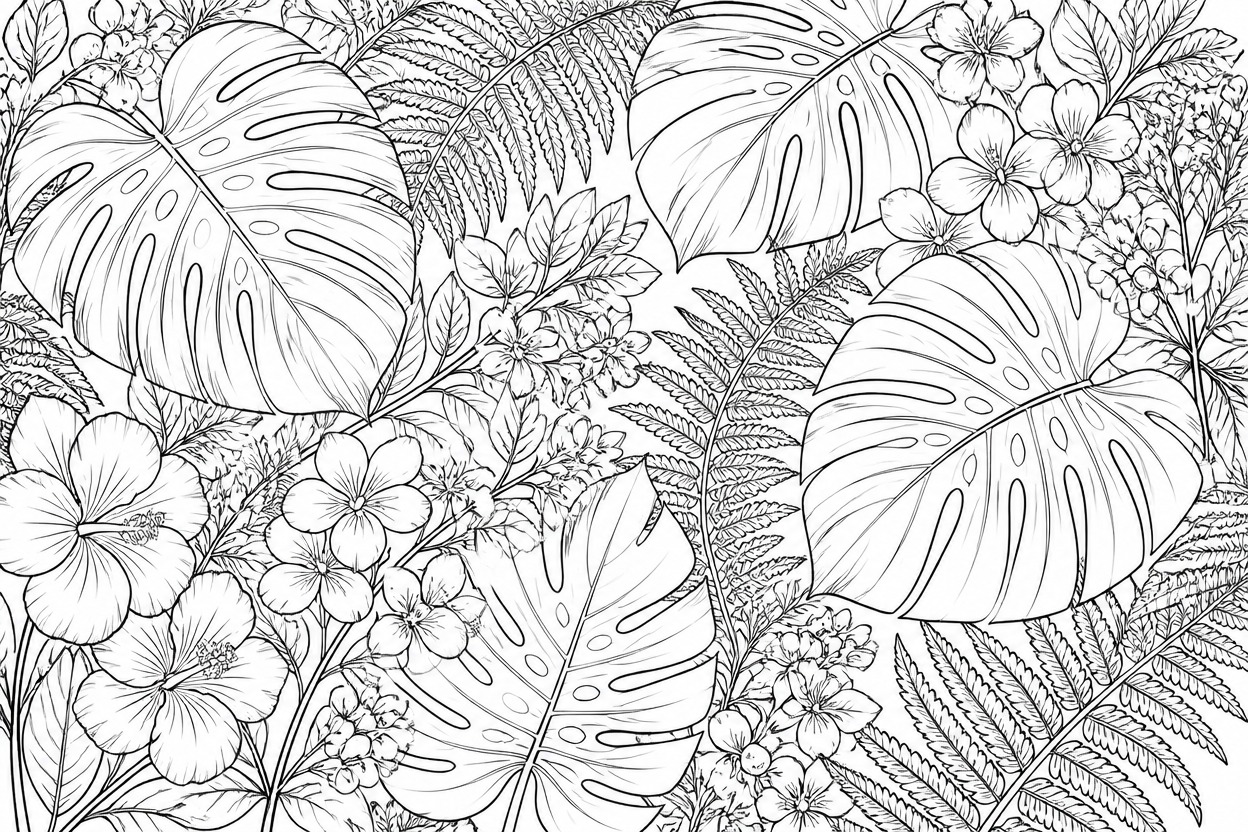
One-Image Transformation
Start with one uploaded image, apply the coloring-page effect, and review a unified result without combining separate source assets or assembling a layout.
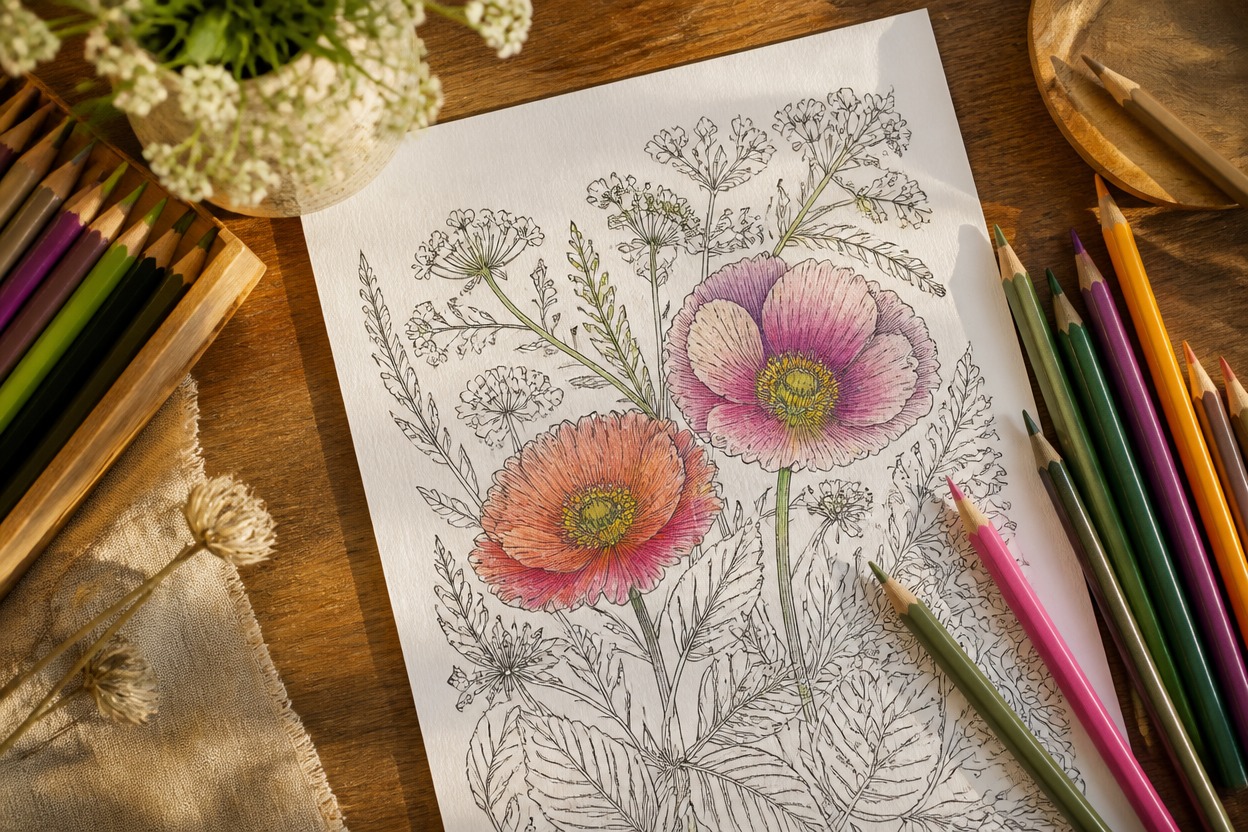
Practical coloring-page ideas for portraits, pets, places, and objects
What You Can Make from Your Image
Portrait Coloring Pages
Turn a clear adult portrait into line art that aims to keep the face, hairstyle, expression, and framing recognizable.
Pet Illustrations
Translate fur patterns, ears, eyes, and a familiar pose into an engaging coloring-page outline.
Family Activity Pages
Rework a meaningful family photo into a personalized page for an at-home coloring activity.
Travel Memory Line Art
Convert landmarks, streets, gardens, and landscape photos into detailed black-and-white scenes.
Object and Product Outlines
Create contour-based studies of toys, flowers, vehicles, or other clearly photographed objects.
Drawing and Craft References
Use a generated outline as a visual reference for personal sketching, tracing practice, or craft planning.
How to Use the AI Coloring Page Generator from Photo
Upload one image, apply the effect, and review the finished line art
01
Upload One Clear Image
Choose a sharp, well-lit photo with a distinct subject, visible edges, and enough detail for the line art you want to retain.
02
Apply the Coloring-Page Effect
Start the one-image transformation. AI Hug uses GPT-Image-2 to interpret the photo as clean black contours and interior line details.
03
Preview and Download
Check the subject, face or anatomy, important objects, and line clarity, then download the result that best represents your source.
Answers about source photos, GPT-Image-2, output checks, and access