Eyebrow Filter
Upload a photo to apply this effect while keeping the subject recognizable for a natural, polished result.
Image
Examples
Eyebrow Filter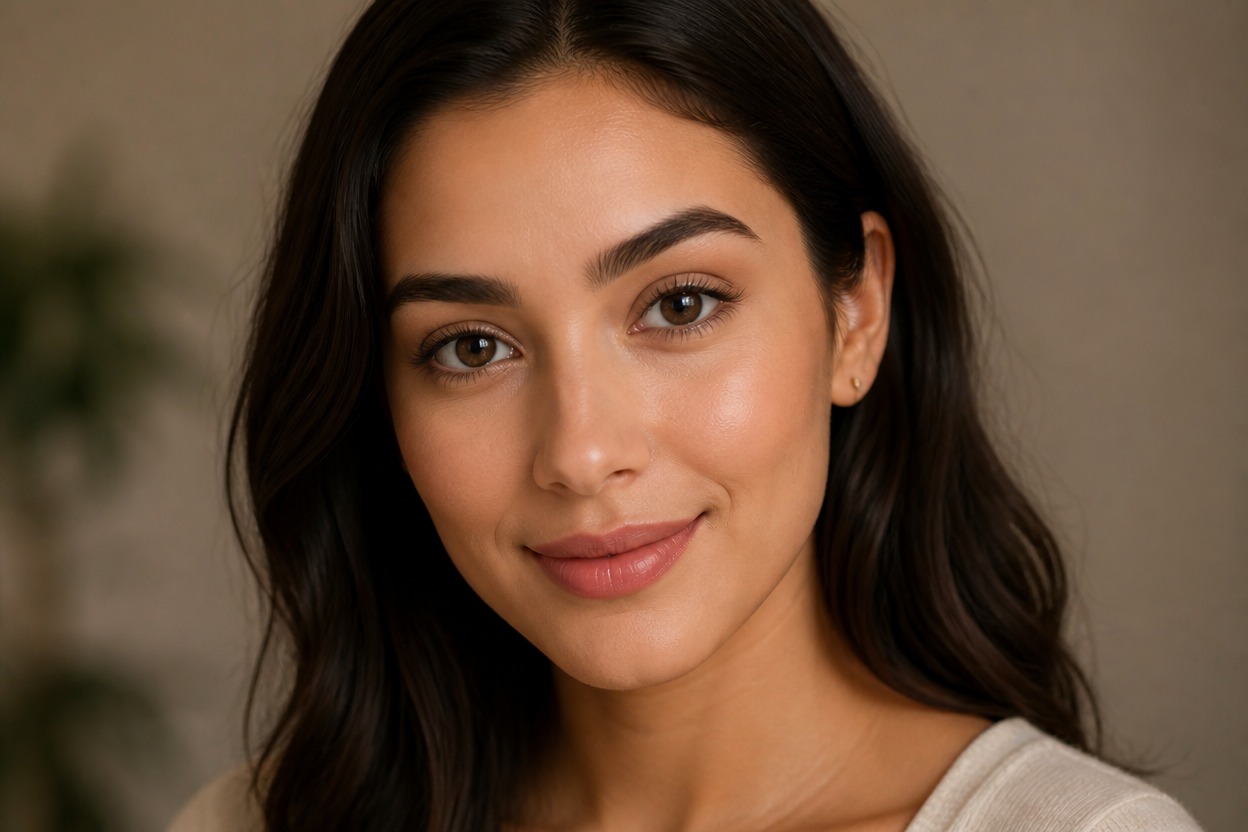
Eyebrow Filter from Photo
Upload one clear portrait and transform the brows into a polished, face-aware look. Powered by GPT-Image-2, AI Hug rebuilds brow shape, hair detail, makeup, and lighting as one coherent image.
Apply the Eyebrow FilterShape a Polished Eyebrow Look from One Photo
Face-Aware Brow Styling
GPT-Image-2 interprets visible facial structure, brow placement, and expression together, creating a shape that belongs in the portrait rather than a fixed overlay.
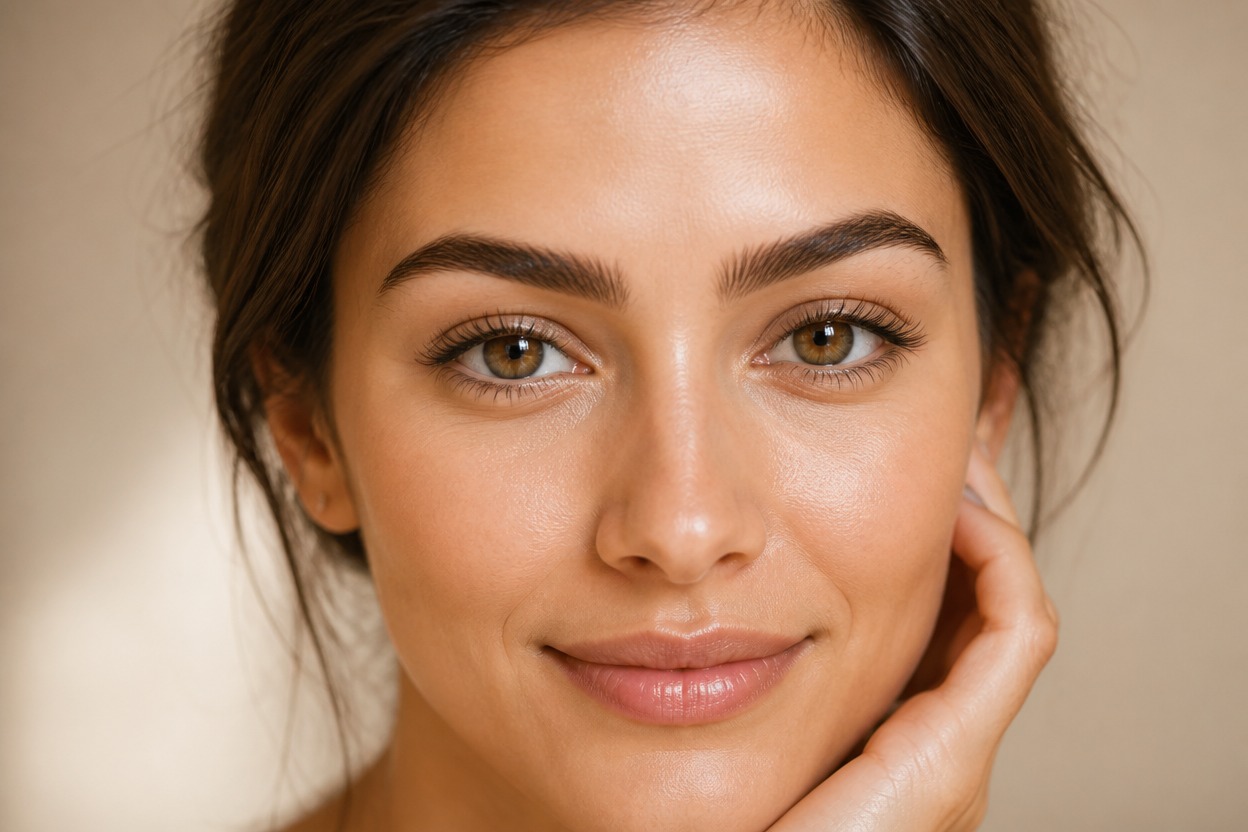
Natural Hair and Definition
The transformation can coordinate individual-looking brow hairs, clean edges, arch definition, and surrounding makeup within one finished beauty image.
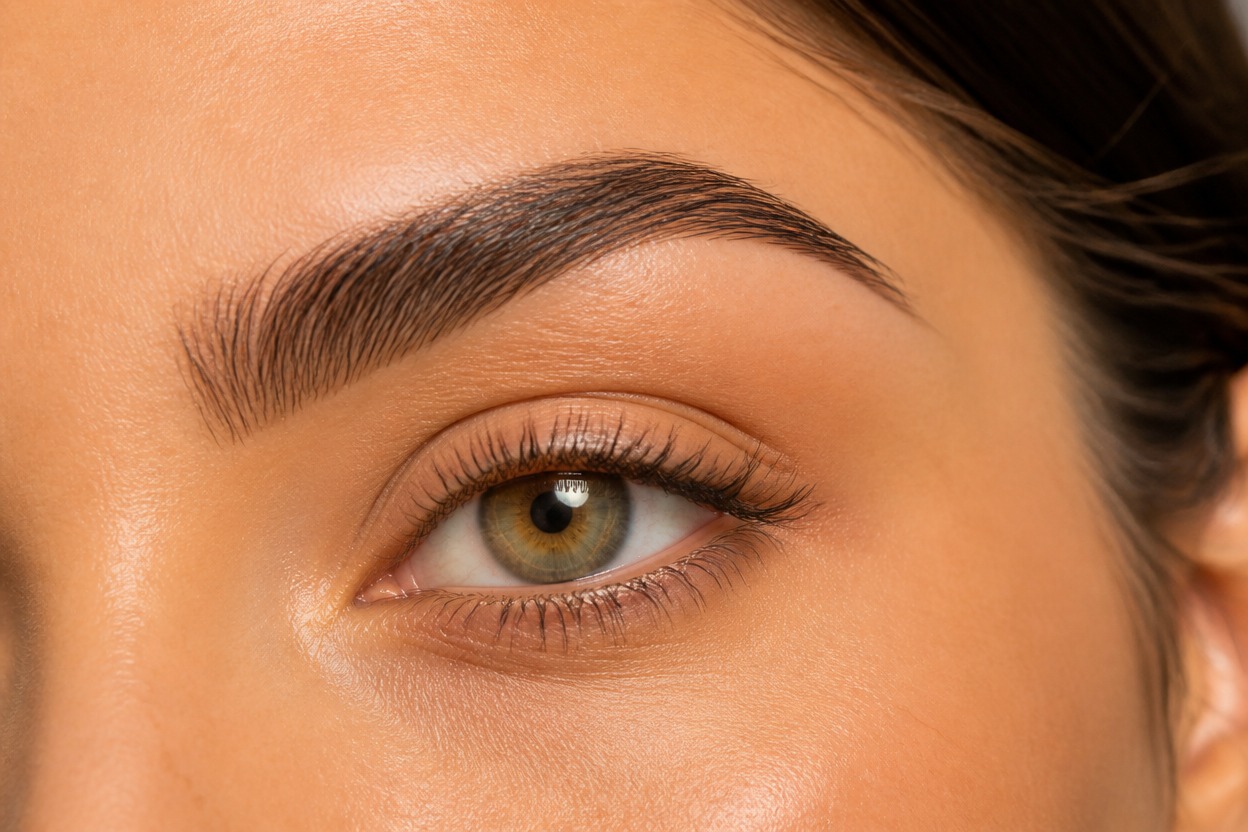
Details Worth Reviewing
Preview brow symmetry, facial likeness, eye anatomy, hairline, and skin texture. A generated result may vary, so keep the version that looks balanced and believable.
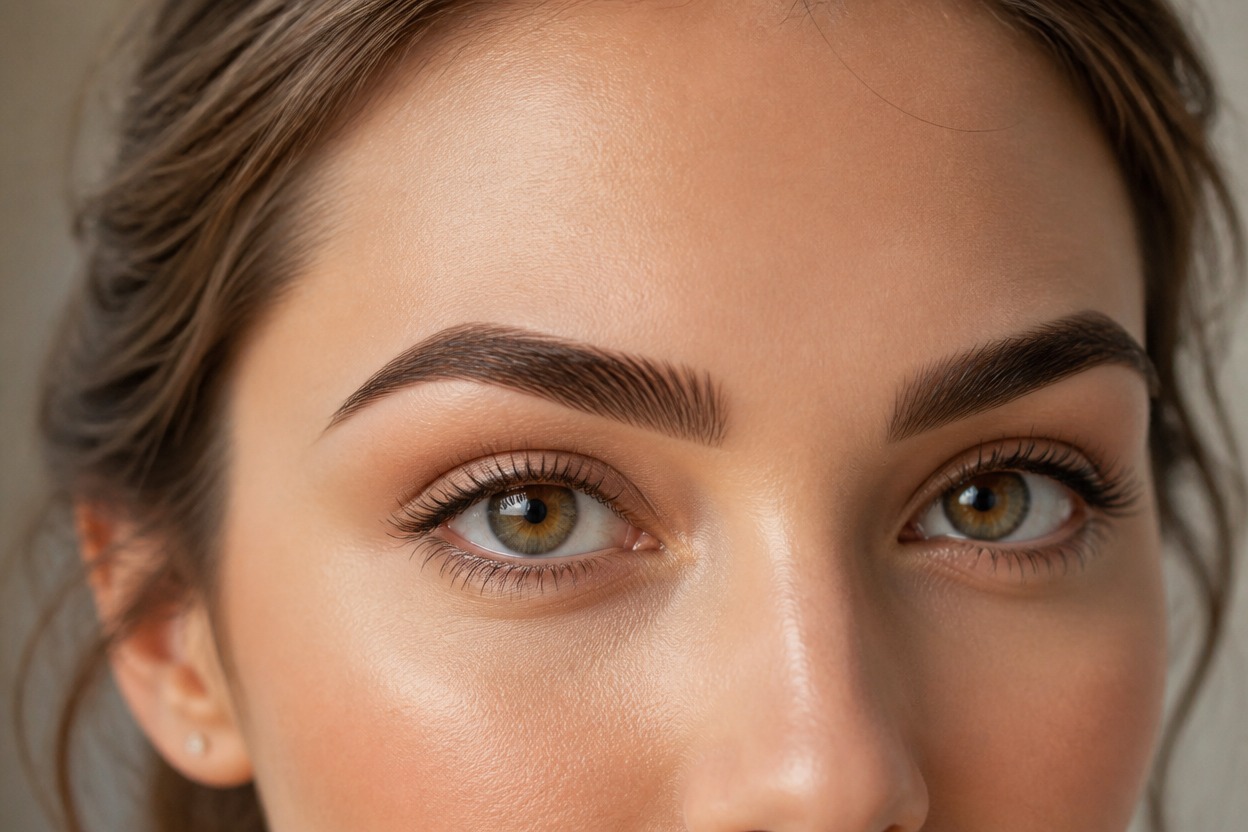
Explore natural, defined, fuller, profile-ready, and editorial brow directions
Eyebrow Styles for Portraits and Beauty Ideas
Natural Brow Concepts
Explore soft, realistic definition that complements an everyday portrait without looking like a pasted-on overlay.
Defined Arch Ideas
Visualize cleaner arches and tapered tails for a more structured beauty look from one suitable portrait.
Fuller Brow Styling
Try a denser brow direction with visible hair detail while reviewing balance across both sides of the face.
Makeup Look Planning
Use a generated brow style as visual inspiration before discussing a real makeup approach with a qualified professional.
Profile Picture Variations
Create a refined eyebrow and portrait variation for a personal avatar while checking likeness and facial detail.
Editorial Beauty Portraits
Develop a more sculpted eyebrow direction for an original beauty portrait, mood board, or creative photography concept.
How to Use the Eyebrow Filter
Upload one portrait, apply the effect, and review the finished eyebrow transformation
01
Upload One Clear Portrait
Choose a sharp, evenly lit image of one adult with both eyebrows visible, a natural expression, and minimal obstruction around the eyes.
02
Apply the Eyebrow Effect
Start the one-image transformation. AI Hug uses GPT-Image-2 to generate a cohesive brow shape and integrate it with the face, makeup, and lighting.
03
Preview and Download
Check brow symmetry, individual hair detail, eye anatomy, facial likeness, and skin texture, then download the generated version you prefer.
Answers about one-photo input, GPT-Image-2, portrait quality, generated details, and access