AI GTA Filter
Upload a photo to apply this effect while keeping the subject recognizable for a natural, polished result.
Image
Examples
GTA Filter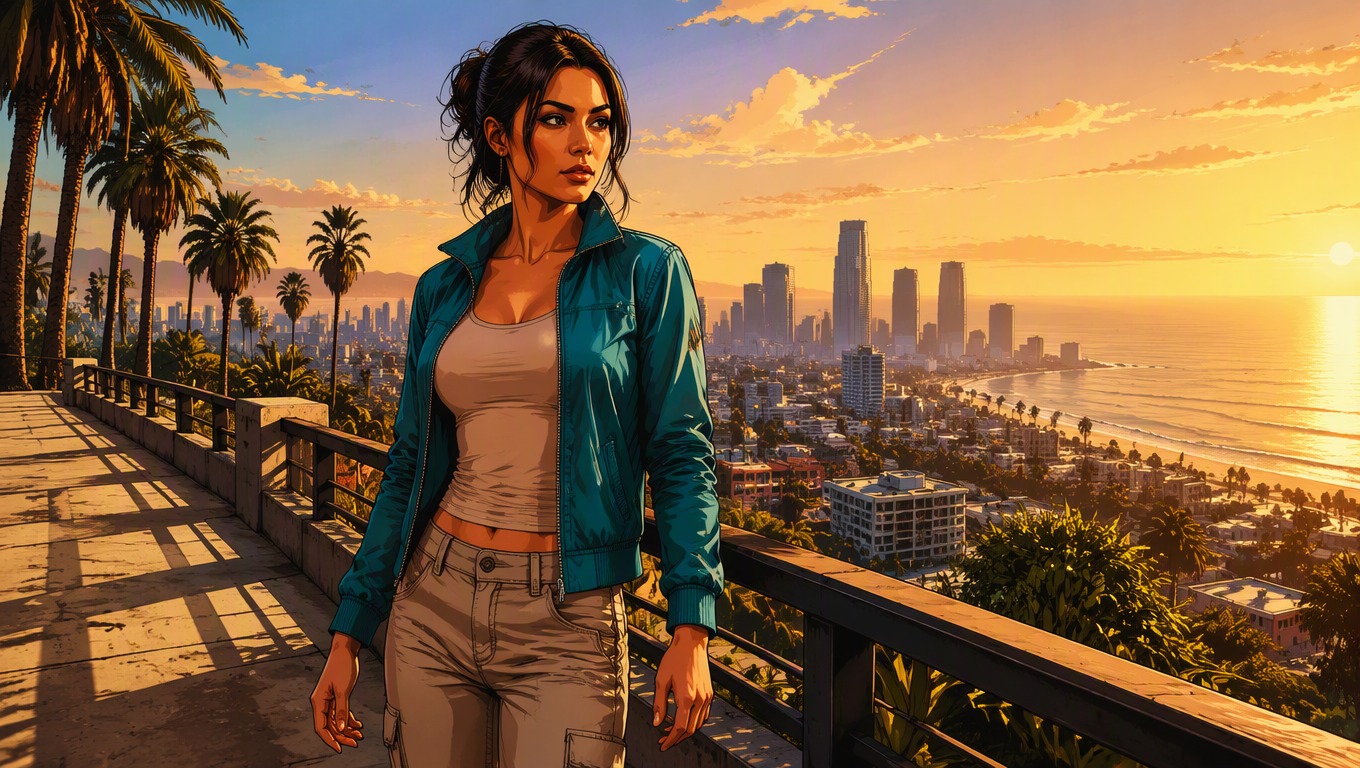
AI GTA Filter from Photo
Upload one image and let GPT-Image-2 reinterpret it with bold contours, cinematic color, and open-world action-game energy while keeping the scene visually coherent.
Apply AI GTA FilterWhat the AI GTA Filter Changes
Cinematic Game-Art Direction
Transform everyday portraits, vehicles, and city scenes with saturated lighting, graphic edges, and a dramatic illustrated finish.
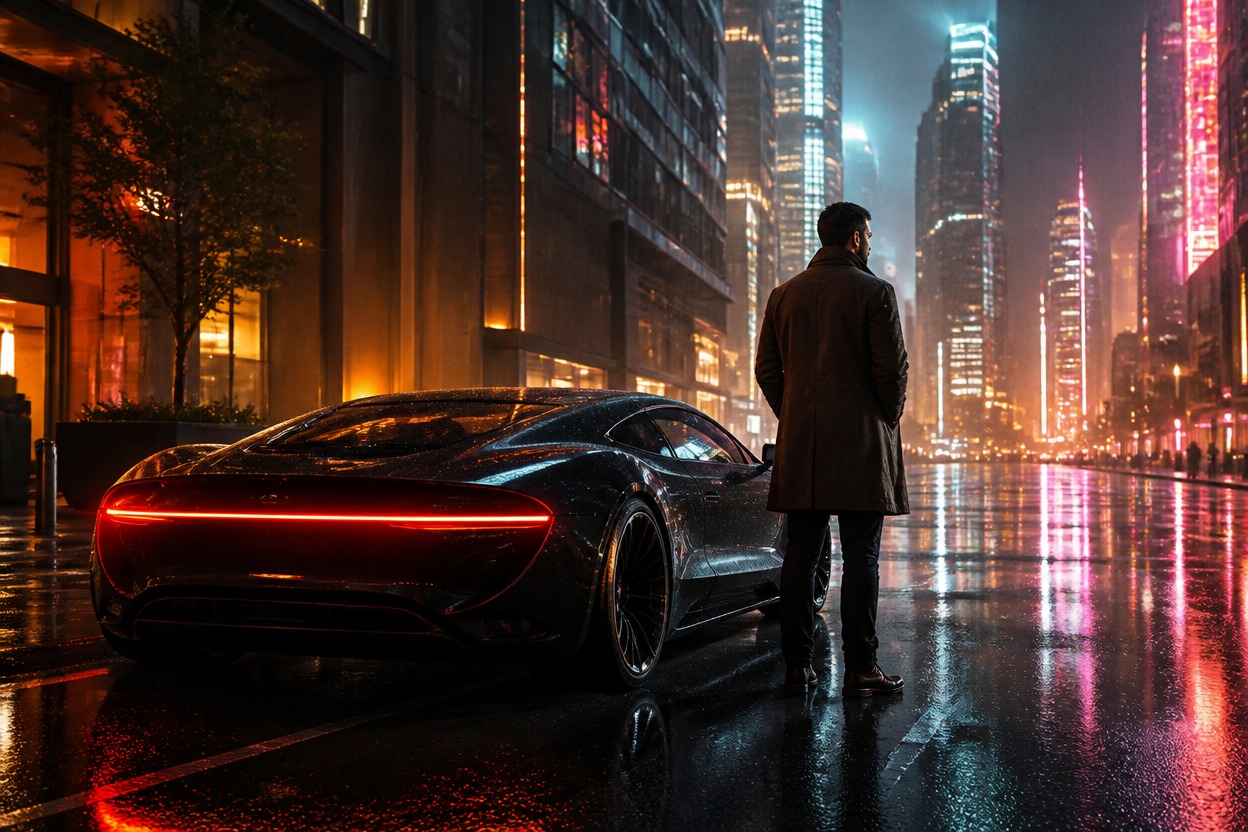
One-Image Scene Reinterpretation
GPT-Image-2 uses the uploaded image as the visual foundation, rebuilding the subject and environment as one coherent stylized scene rather than adding a flat overlay.
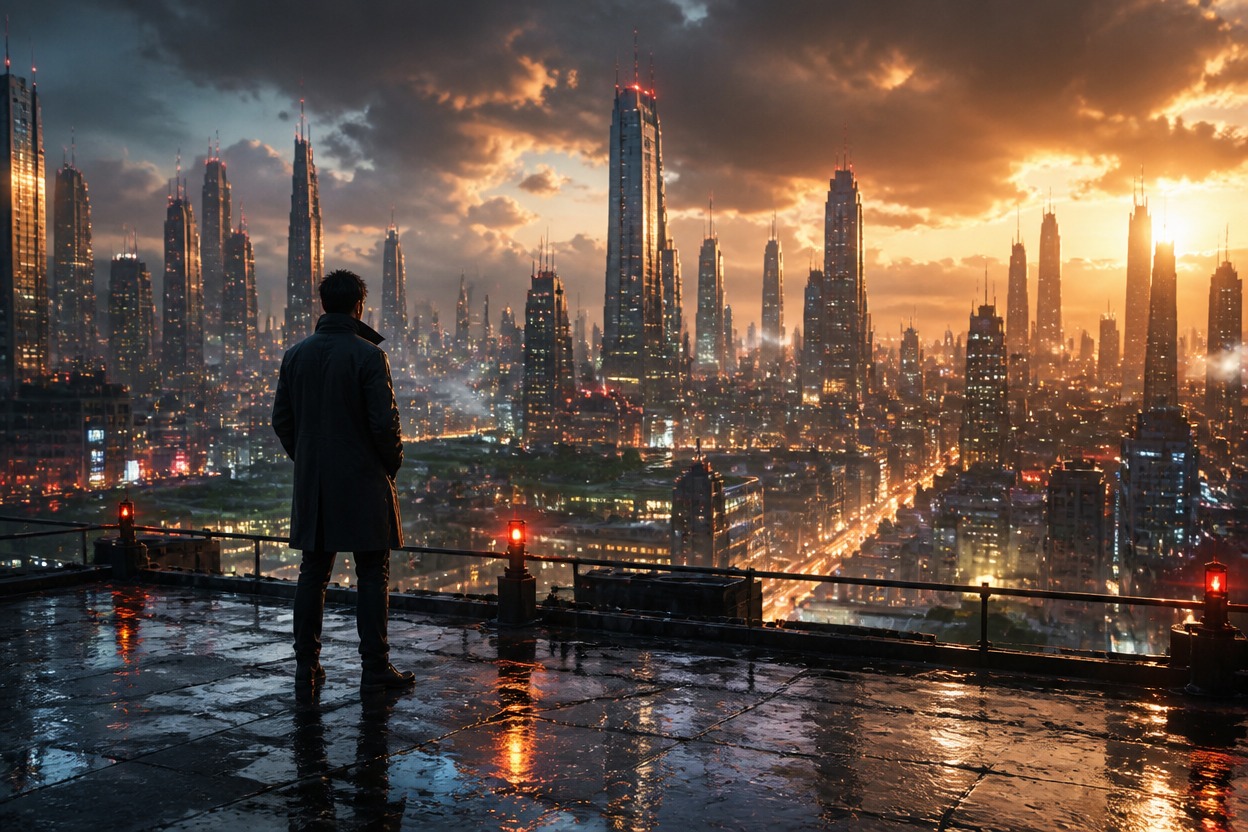
Recognizable Composition
The result follows the source framing, main subject, pose, and setting, although generated details may vary and should be reviewed before use.
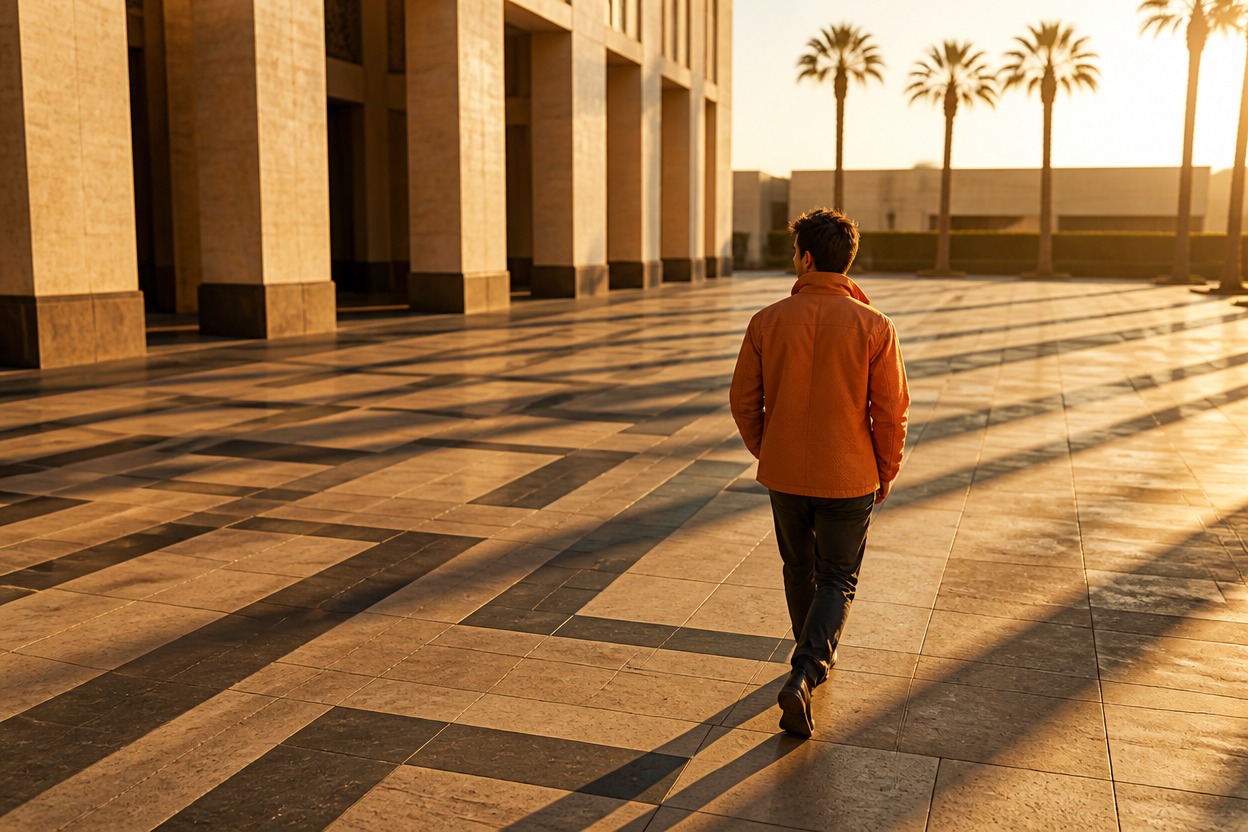
Practical ideas for portraits, scenes, and personal creative projects
Ways to Use Your Game-Style Photo
Profile Pictures
Turn a clear adult portrait into a bold illustrated avatar with cinematic atmosphere.
Urban Portraits
Give street, nightlife, and city photos a stylized open-world action-game mood.
Car and Travel Photos
Reinterpret road trips, scenic drives, and destination shots with graphic color and dramatic light.
Creator Thumbnails
Build an eye-catching hero visual for videos, streams, or personal creative projects.
Party and Group Memories
Give adult group photos a cohesive illustrated treatment while keeping the original scene structure.
Original Character Concepts
Use your own photo as a starting point for an original game-inspired persona or story scene.
How to Apply the AI GTA Filter
Upload, transform, and review in three simple steps
01
Upload one clear image
Choose a well-lit photo with a visible subject and enough background context for a coherent scene transformation.
02
Apply the AI GTA Filter
Start the effect and let GPT-Image-2 rebuild the photo with graphic contours, cinematic contrast, and illustrated open-world energy.
03
Preview and download
Review faces, hands, clothing, objects, and scene details, then download the version that best fits your idea.
Helpful answers before you transform a photo