AI Headshot Generator
Upload a photo to apply this effect while keeping the subject recognizable for a natural, polished result.
Image
Examples
Headshot Generator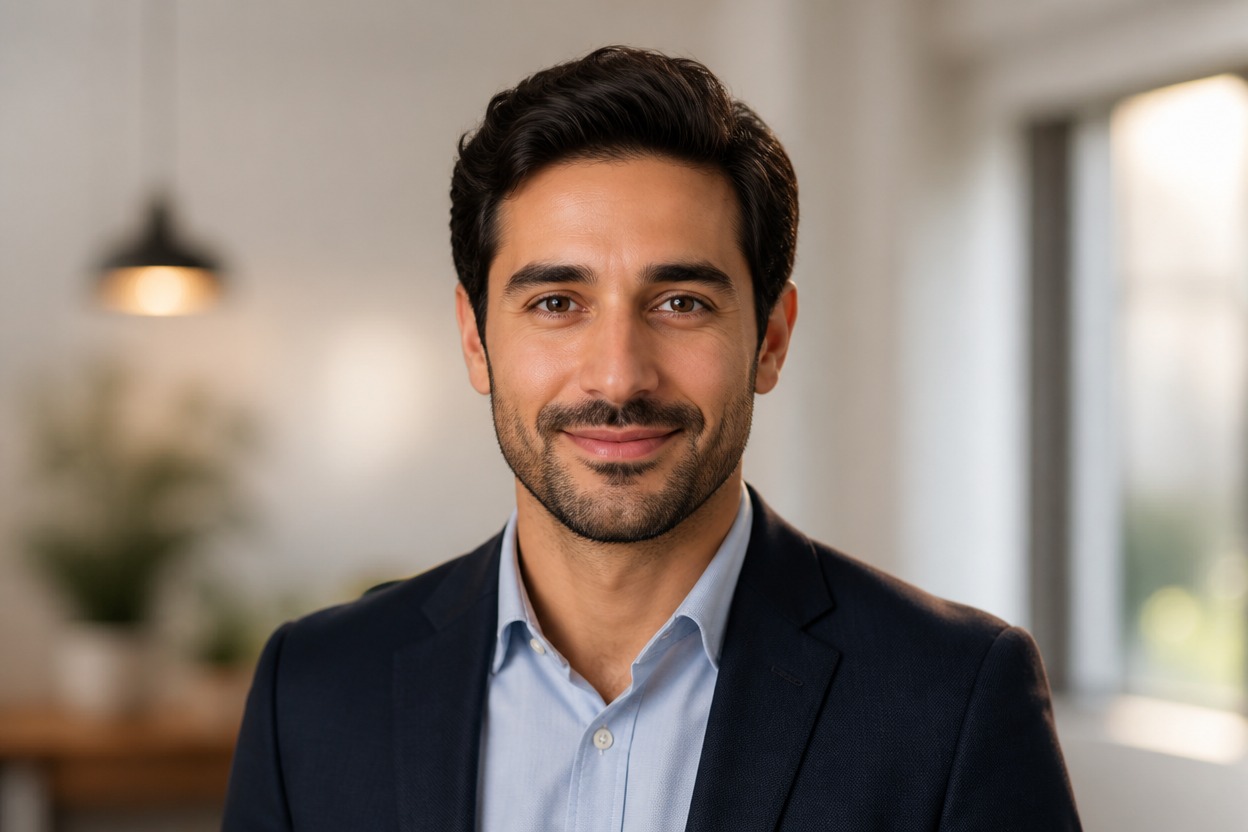
AI Headshot Generator from Photo
Upload one clear image and turn it into a polished professional portrait. AI Hug uses GPT-Image-2 to reinterpret the subject, lighting, wardrobe, and background as one coherent headshot.
Create Your AI HeadshotCreate Polished AI Headshots from One Photo
Professional Portrait Styling
Create a refined headshot with balanced studio-style light, a clean background, and professional visual polish from a single uploaded image.
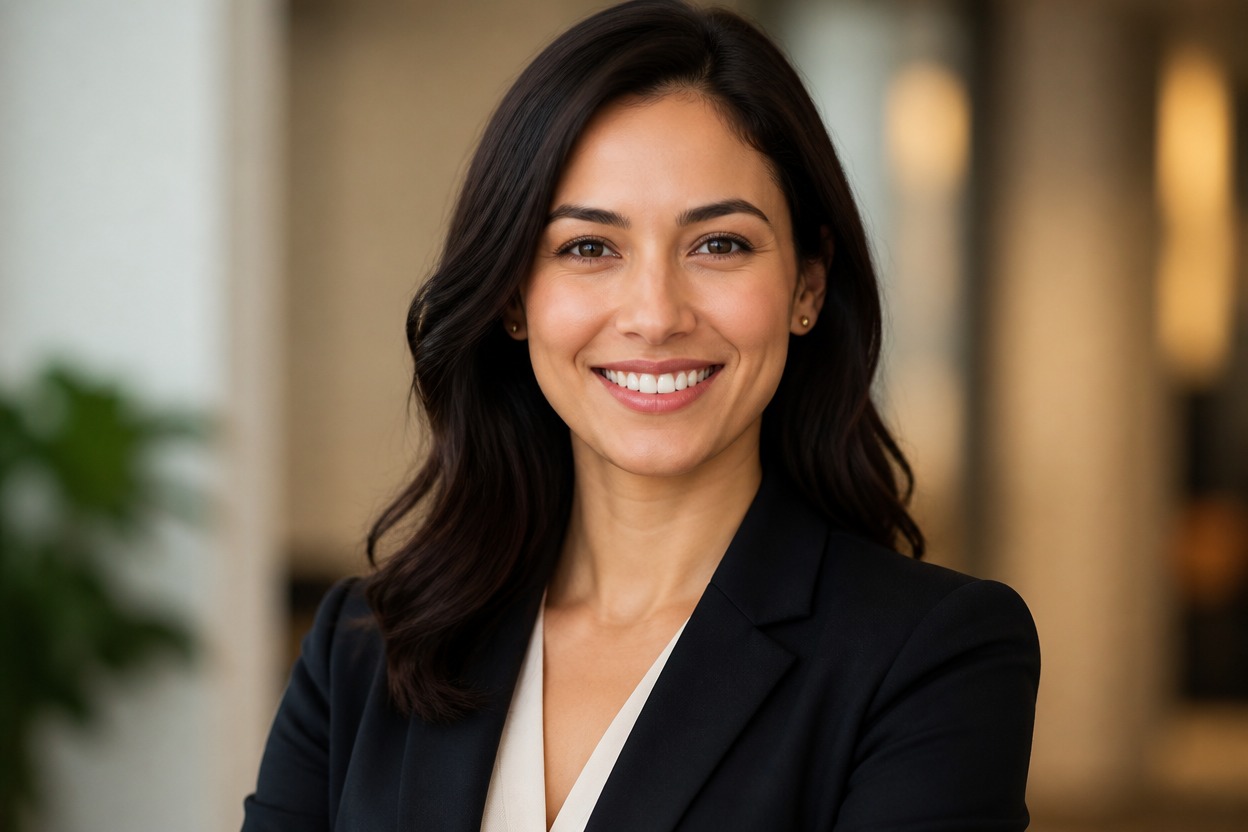
One-Photo Transformation
GPT-Image-2 rebuilds the uploaded photo as one unified portrait rather than placing the source and result in a comparison layout.
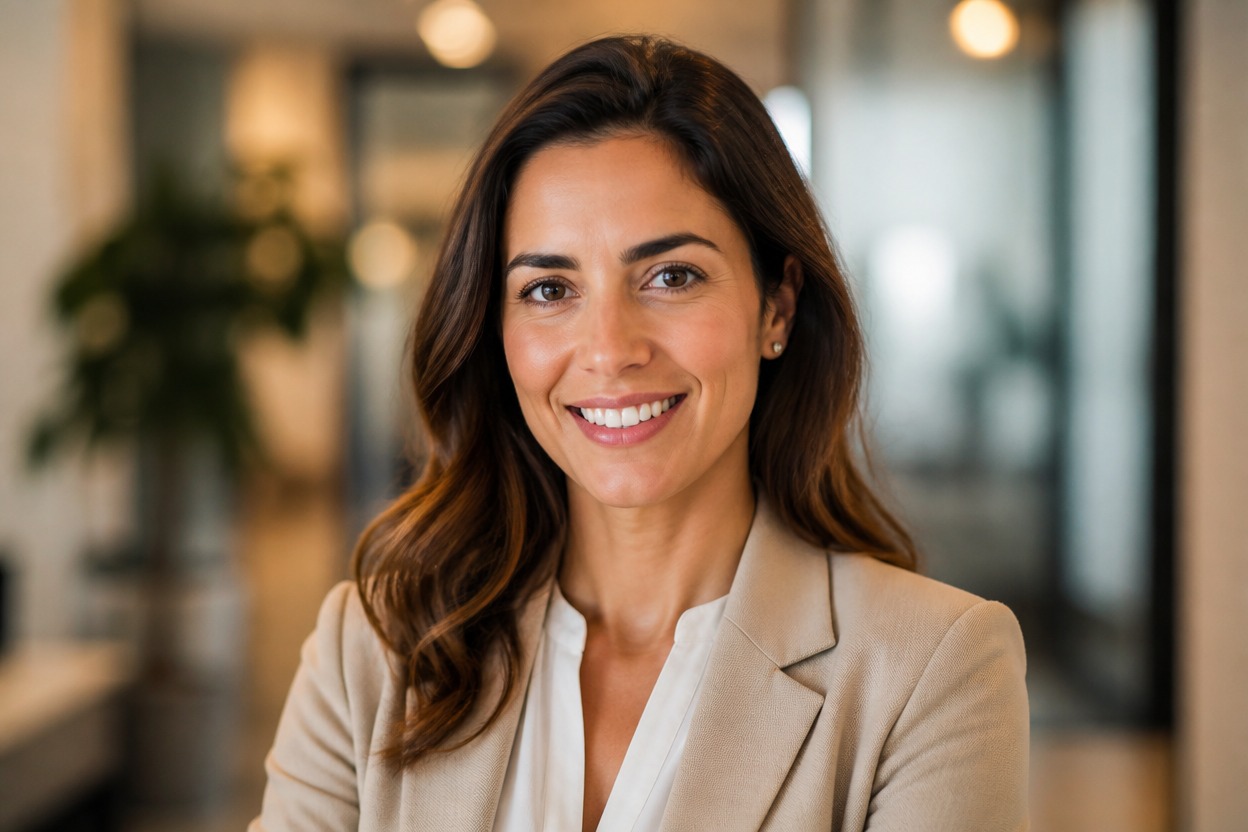
Coherent Headshot Detail
The effect coordinates facial detail, hair, clothing, depth of field, and scene lighting. Review the result because generated details can vary.
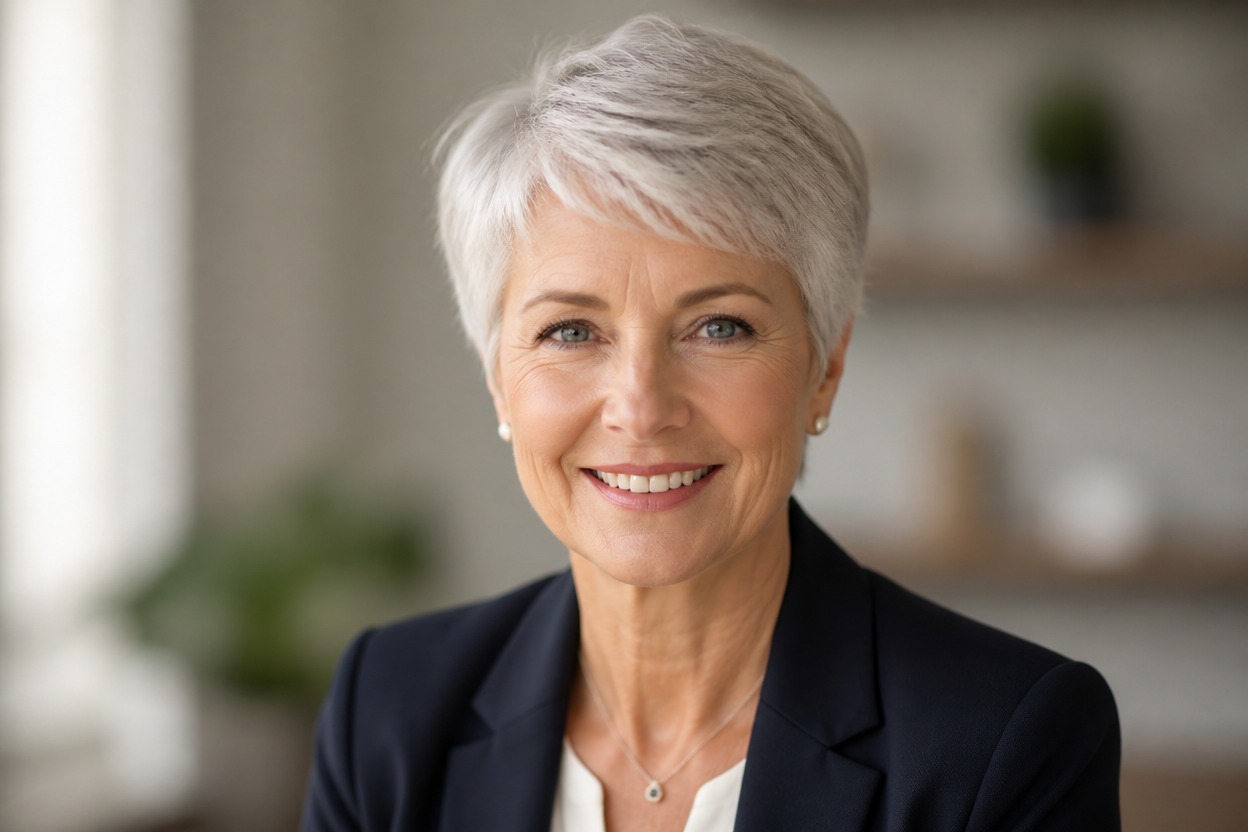
Professional portrait ideas for profiles, bios, websites, portfolios, and personal branding
Ways to Use an AI Headshot Generator
Professional Profile Photos
Create a clean portrait for professional profiles, team directories, and personal portfolio pages.
Resume and Bio Portraits
Generate a polished head-and-shoulders image to accompany a resume, speaker bio, or personal introduction.
Business Website Headshots
Build a consistent, professional-looking portrait for an about page or individual team profile.
Creator Profile Images
Transform a clear photo into an editorial headshot for creator pages, newsletters, and media kits.
Studio-Style Portrait Concepts
Explore refined lighting, neutral backgrounds, and wardrobe presentation without arranging a studio session.
Personal Branding Variations
Create alternate professional portrait directions while keeping the result focused on one recognizable adult subject.
How to Generate an AI Headshot from a Photo
Upload one image, apply the effect, and review the finished professional portrait
01
Upload One Clear Photo
Choose a sharp, well-lit image of one adult with an unobstructed face. A front-facing or slightly angled portrait usually provides useful detail.
02
Apply the Headshot Effect
Start the transformation. AI Hug uses GPT-Image-2 to generate a cohesive headshot with professional portrait lighting, styling, and background treatment.
03
Review and Download
Check facial likeness, eyes, hair, clothing edges, skin texture, and background details, then download the version that best fits your use.
Answers about one-photo input, GPT-Image-2, portrait quality, use cases, and access