AI Lego Generator
Upload a photo to apply this effect while keeping the subject recognizable for a natural, polished result.
Image
Examples
Lego Generator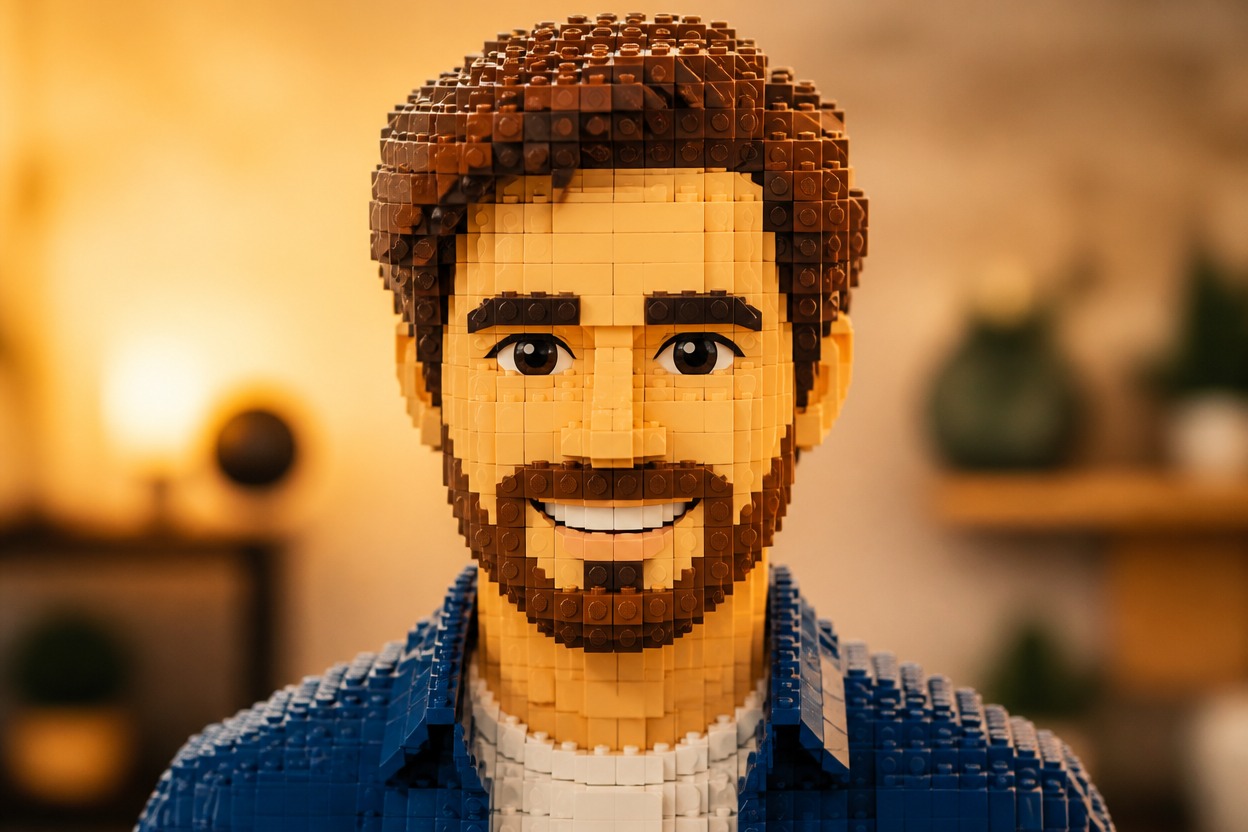
AI Lego Generator from Photo
Upload one clear image and transform its adult subject or main object into an original building-brick scene. Powered by GPT-Image-2, AI Hug rebuilds shapes, colors, lighting, and surroundings as one coherent image.
Transform My PhotoCreate Coherent Building-Brick Art from One Photo
Building-Brick Transformation
GPT-Image-2 reinterprets the uploaded subject, clothing, props, and setting with interlocking brick geometry, crisp molded surfaces, and coordinated color rather than adding a flat texture overlay.
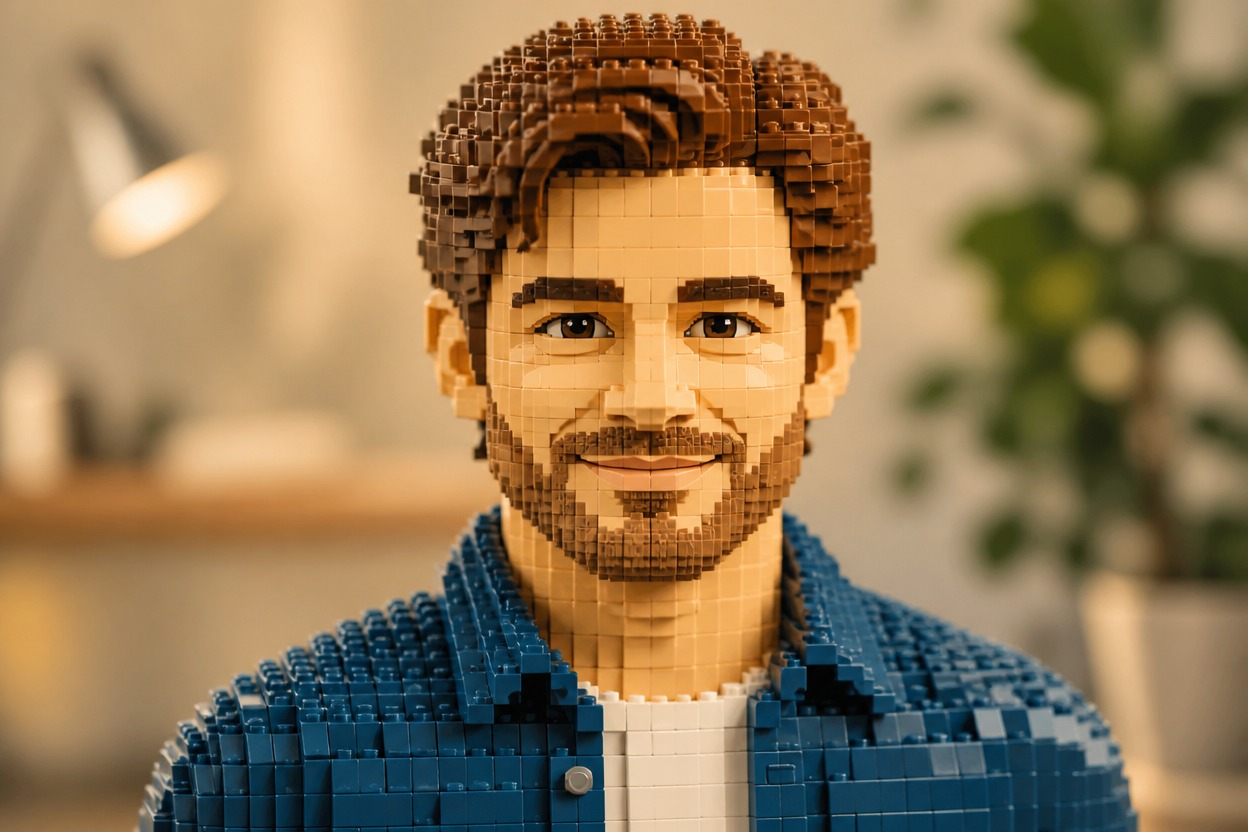
Source-Aware Visual Details
The source image guides visible features such as hairstyle, expression, outfit, object silhouette, pose, and framing while the generator creates a new stylized interpretation.

One Unified Brick Scene
Subject and environment are generated together so perspective, scale, light, shadows, and brick materials stay connected across one polished full-scene result.
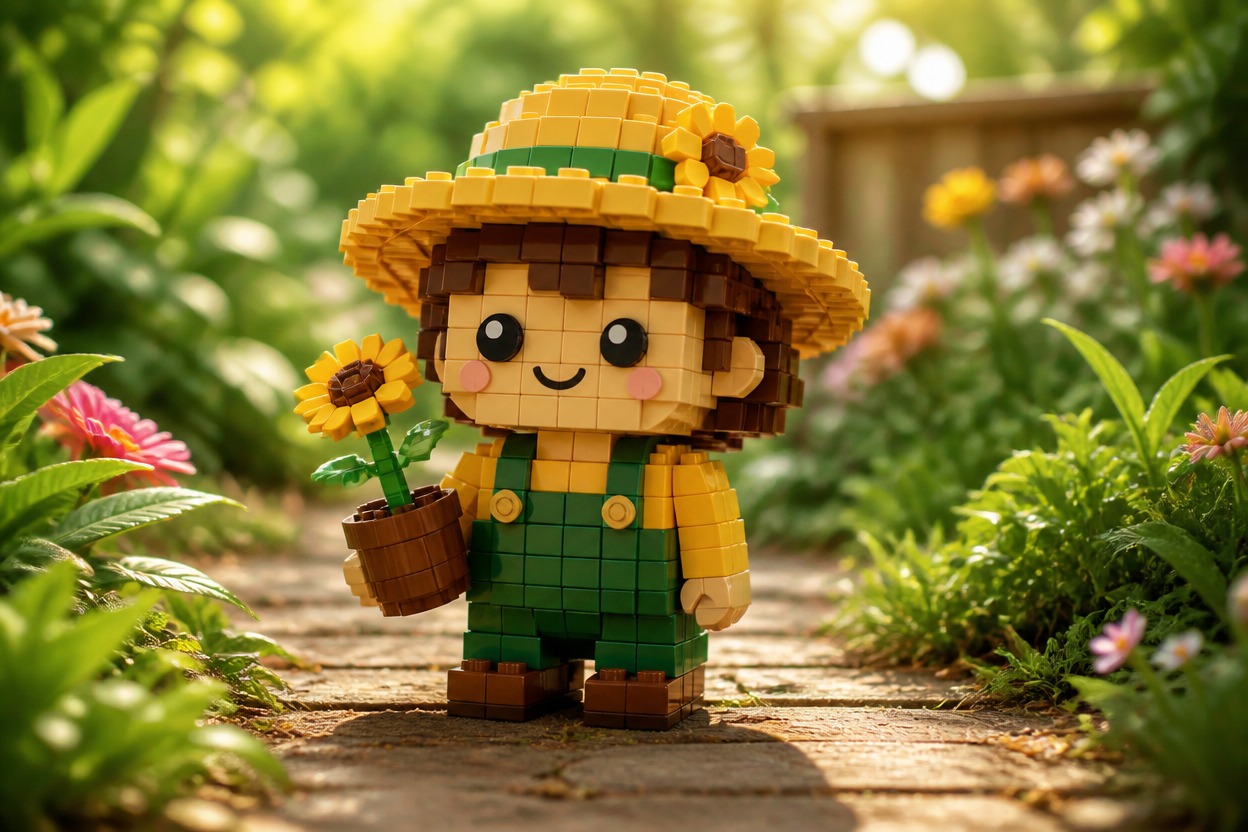
Ideas for portraits, keepsakes, pets, travel scenes, original characters, objects, and vehicles
Building-Brick Images You Can Create
Brick-Style Profile Pictures
Turn a clear adult portrait into an original building-brick character scene for a distinctive profile-image concept.
Couple and Group Keepsakes
Restyle an authorized photo of adults as one playful brick-built memory, then review every face and hand before saving.
Pet Brick Portraits
Translate a clearly photographed pet into colorful brick geometry while following its pose, markings, and expression.
Travel Photo Restyles
Rebuild a travel subject and recognizable surroundings as a unified miniature brick-world scene.
Original Character Concepts
Explore an original character as a brick-built figure with coordinated clothing, props, colors, and environment.
Object and Vehicle Art
Transform a clearly framed object or vehicle into a polished construction-brick visual for creative concept work.
How to Use the AI Lego Generator
Upload one image, apply the effect, and review one finished building-brick scene
01
Upload One Clear Image
Choose a sharp, well-lit photo with one distinct main subject. Visible facial features, natural anatomy, and an uncluttered composition give the model stronger visual structure.
02
Apply the Building-Brick Effect
Start the one-uploaded-image transformation. AI Hug uses GPT-Image-2 to reinterpret the subject, colors, materials, lighting, and setting as one coherent brick-built scene.
03
Preview and Download
Check facial resemblance, hands, anatomy, object geometry, brick continuity, and background perspective, then download the generated version you prefer.
Answers about one-photo input, GPT-Image-2, source quality, generated details, access, and affiliation