AI Lingerie
Upload a photo to apply this effect while keeping the subject recognizable for a natural, polished result.
Image
Examples
Lingerie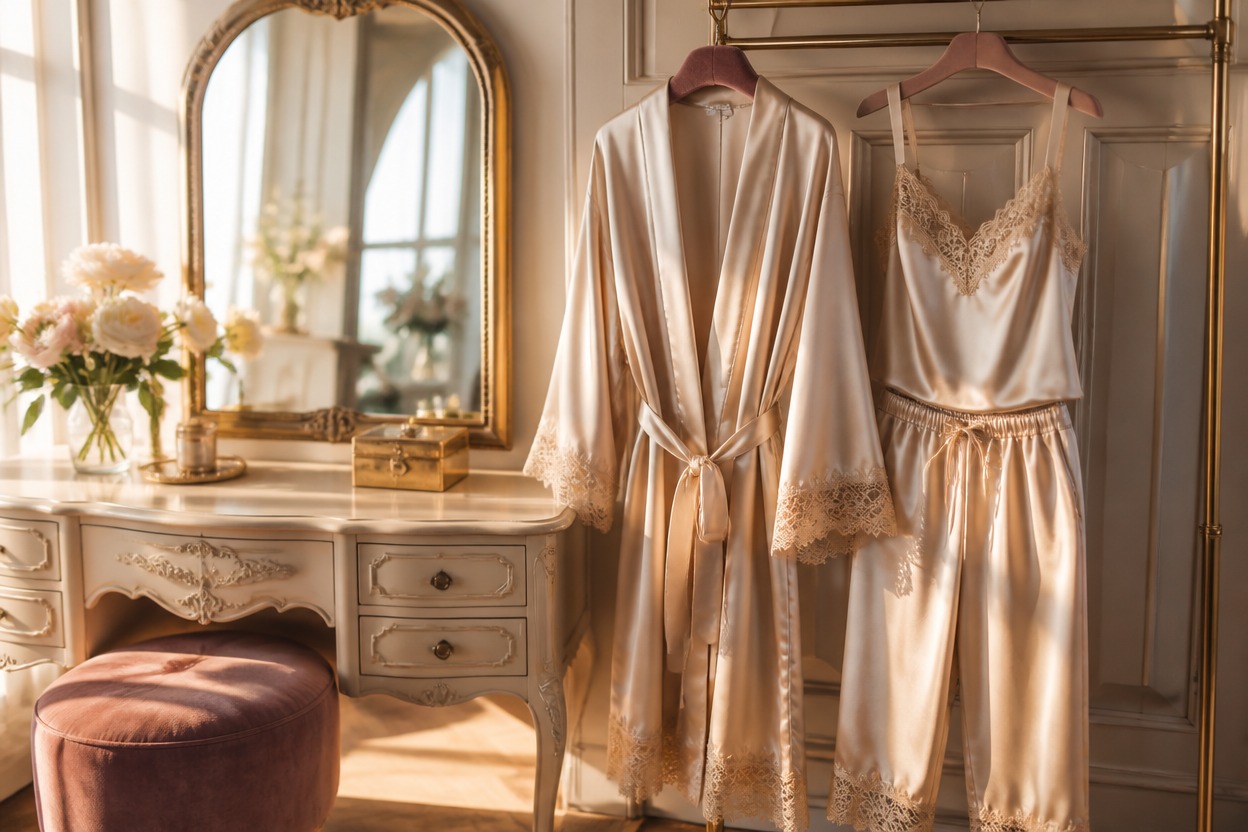
AI Lingerie from Photo
Upload one clear adult portrait and transform it into a tasteful lingerie-inspired fashion image. AI Hug uses GPT-Image-2 to create one polished scene while following the visible subject, pose, and setting.
Create an AI Lingerie LookCreate a Polished AI Lingerie Fashion Portrait
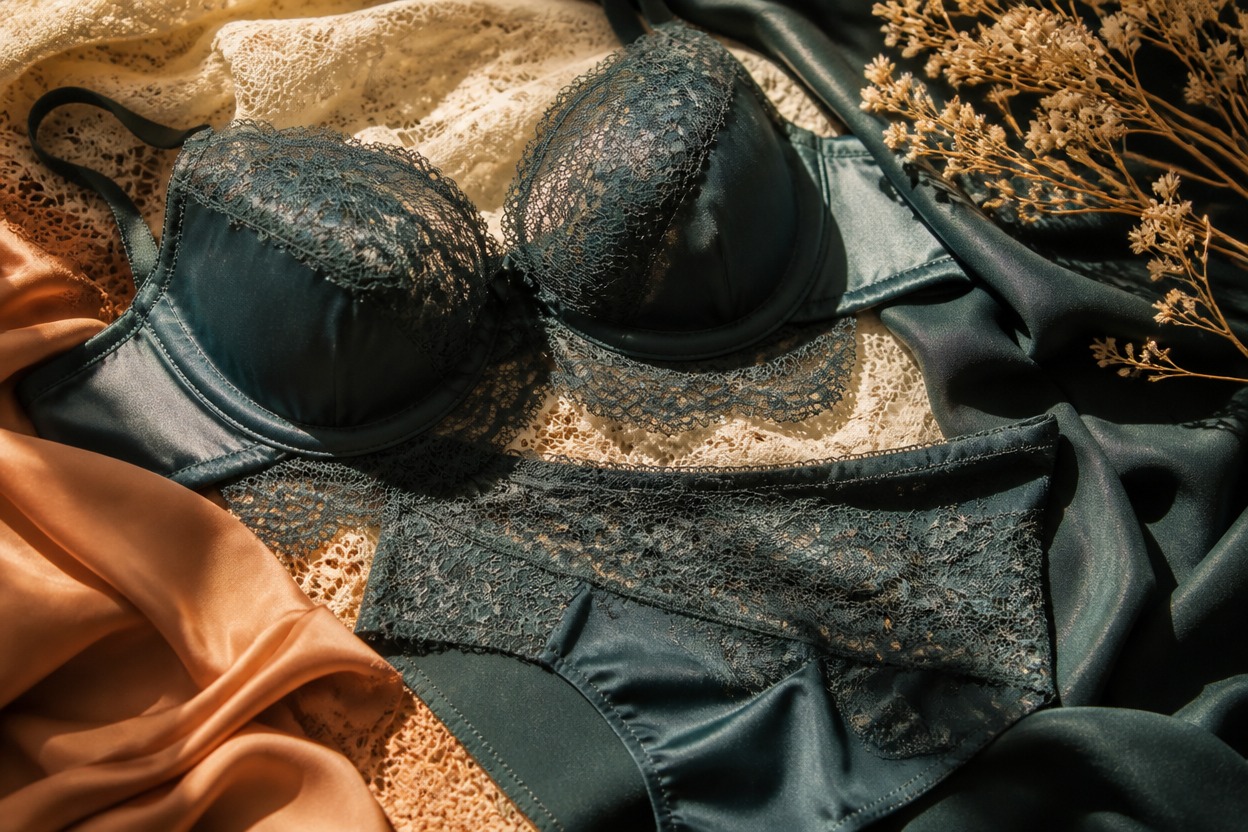
Tasteful Editorial Styling
Create a refined intimate-fashion look with coordinated fabrics, soft light, and a coherent setting rather than a pasted-on clothing overlay.
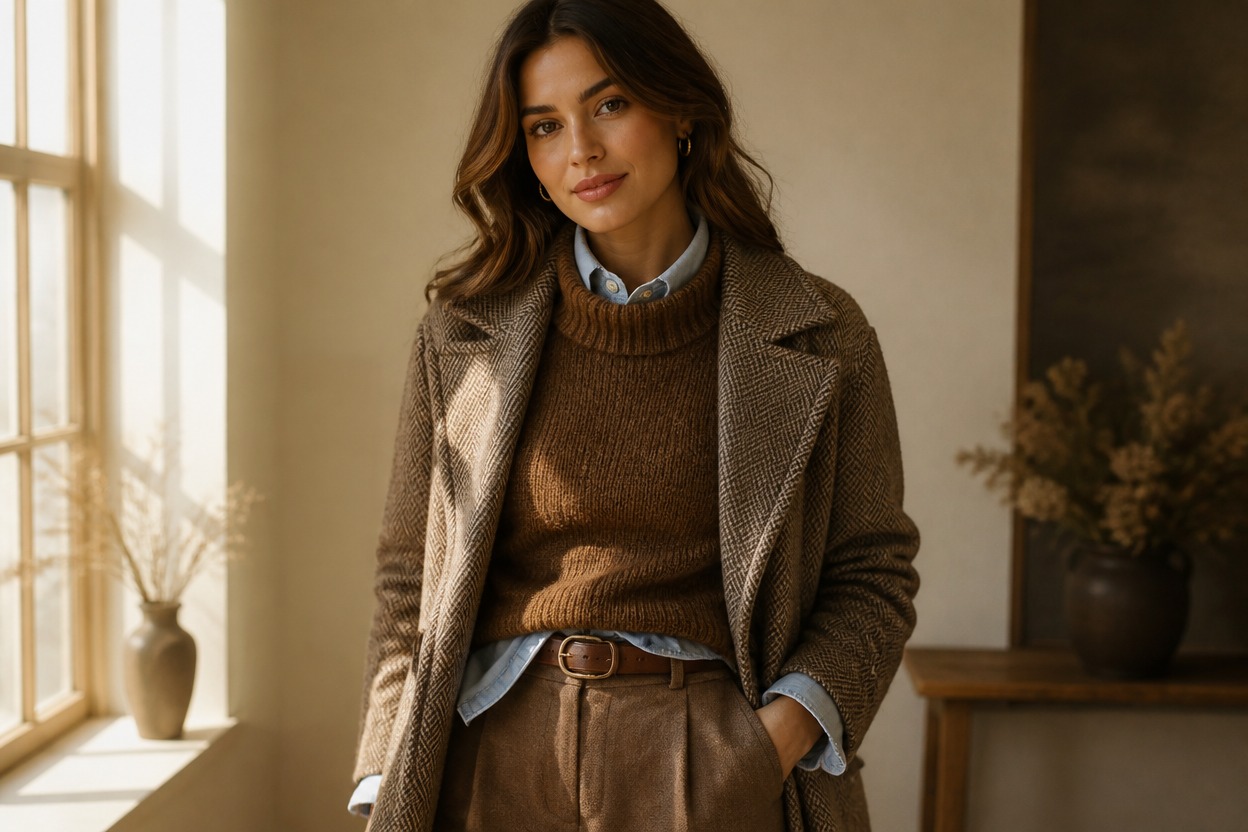
One-Image Transformation
Start from one uploaded image. GPT-Image-2 interprets the visible person, pose, lighting, and background as a complete fashion portrait.
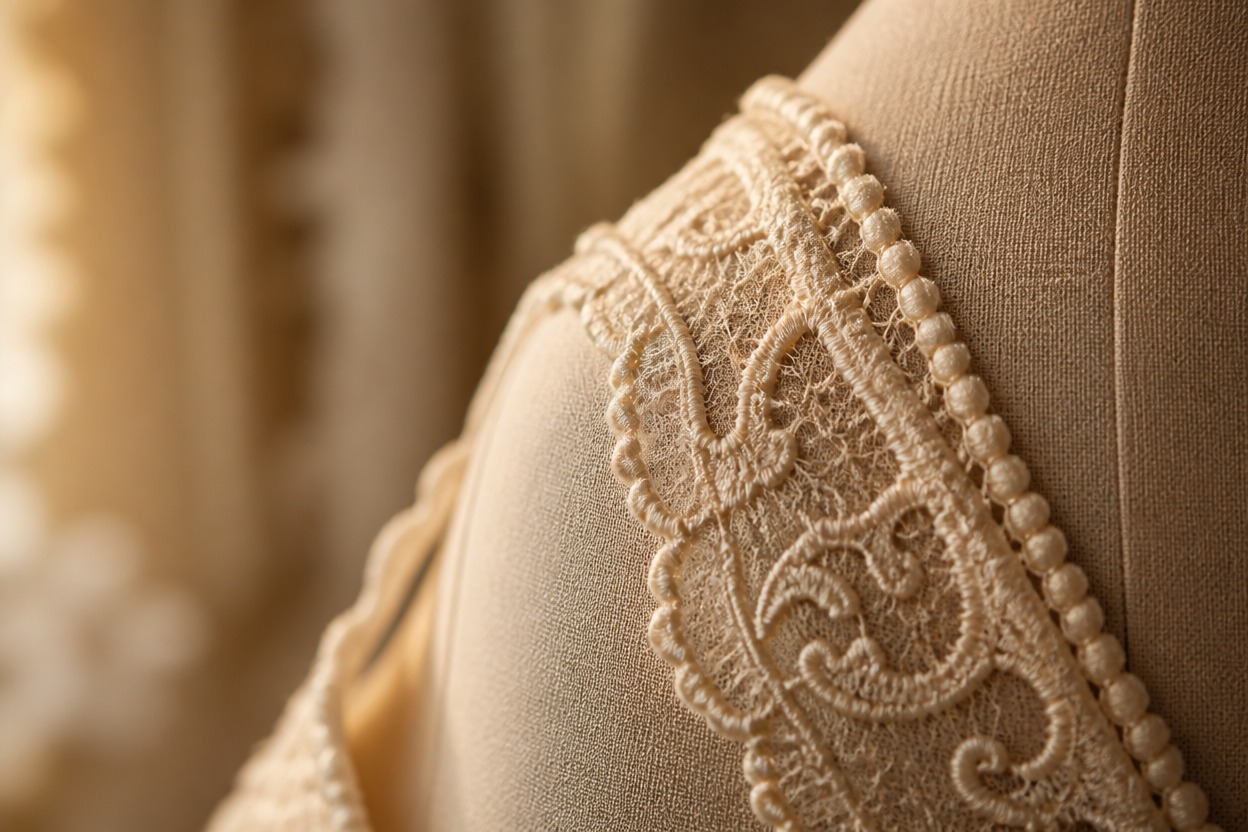
Details Worth Reviewing
Preview fabric edges, hands, facial identity, body proportions, and skin texture before keeping a generated version.
Tasteful fashion concepts for personal styling, portraits, and creative references
Ways to Use an AI Lingerie Photo Effect
Personal Style Exploration
Visualize a tasteful intimate-fashion direction before choosing colors, fabrics, or a broader portrait concept.
Editorial Portrait Concepts
Create polished fashion imagery for private inspiration boards and creative portrait planning.
Nightwear Mood Boards
Explore satin, silk, lace-inspired detail, robes, and coordinated palettes in one coherent visual.
Character Wardrobe Ideas
Develop elegant sleepwear or intimate-fashion references for an original adult character or costume concept.
Anniversary Portrait Inspiration
Draft a refined private portrait idea while keeping the styling non-explicit and presentation-focused.
Fashion Color Studies
See how soft neutrals, jewel tones, or warm pastels can shape the mood of an intimate-fashion portrait.
How to Create AI Lingerie from a Photo
Upload one image, apply the effect, and review the finished result
01
Upload One Clear Adult Photo
Choose a sharp, well-lit image of one consenting adult with the face, hands, pose, and clothing edges clearly visible.
02
Apply the AI Lingerie Effect
Start the transformation. AI Hug uses GPT-Image-2 to rebuild the uploaded image as one tasteful, coordinated fashion scene.
03
Preview and Download
Check facial identity, anatomy, fabric coverage, hands, skin texture, lighting, and background, then download the version you want to keep.
Answers about one-photo generation, source images, GPT-Image-2, review, access, and consent