AI Makeup Generator
Upload a photo to apply this effect while keeping the subject recognizable for a natural, polished result.
Image
Examples
Makeup Generator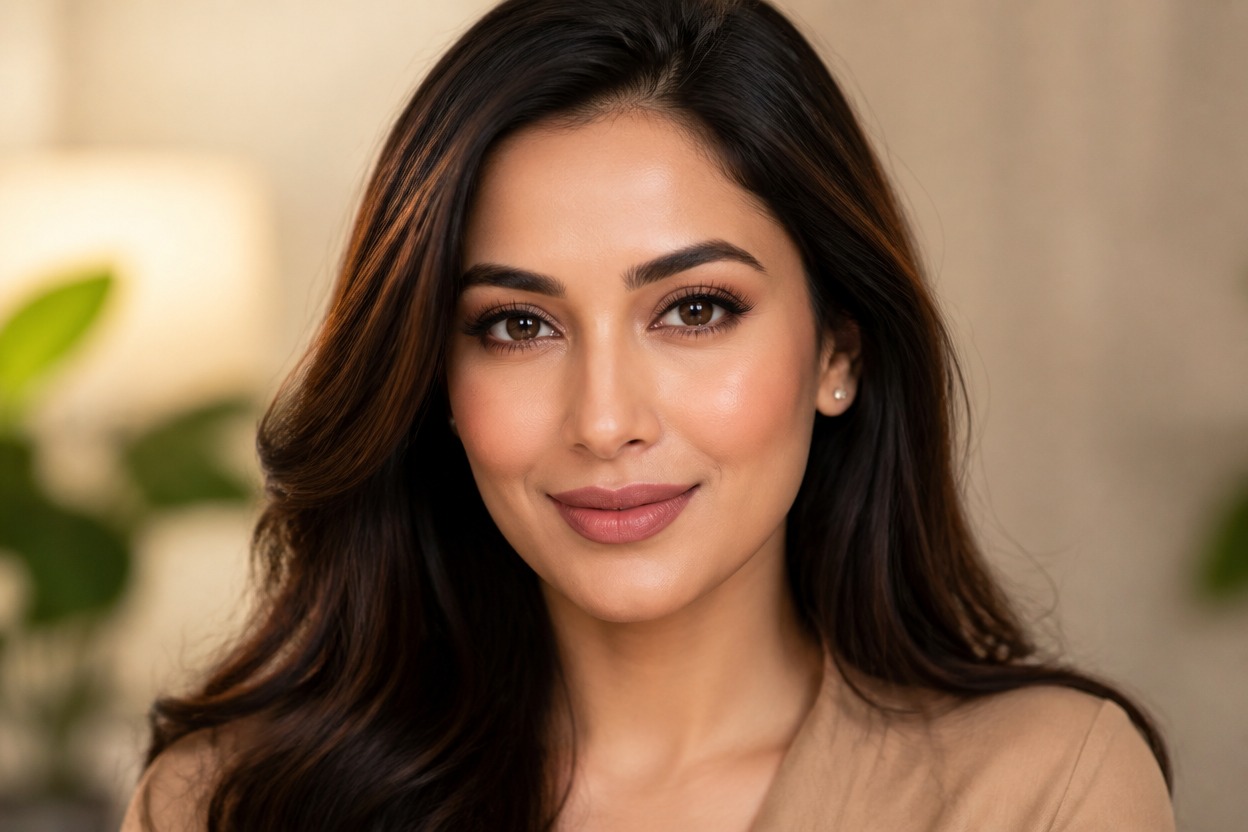
AI Makeup Generator from Photo
Upload one clear portrait and transform it with a polished makeup look. Powered by GPT-Image-2, AI Hug reinterprets complexion, eyes, lips, and lighting as one coherent image.
Apply an AI Makeup LookCreate a Cohesive Makeup Look from One Photo
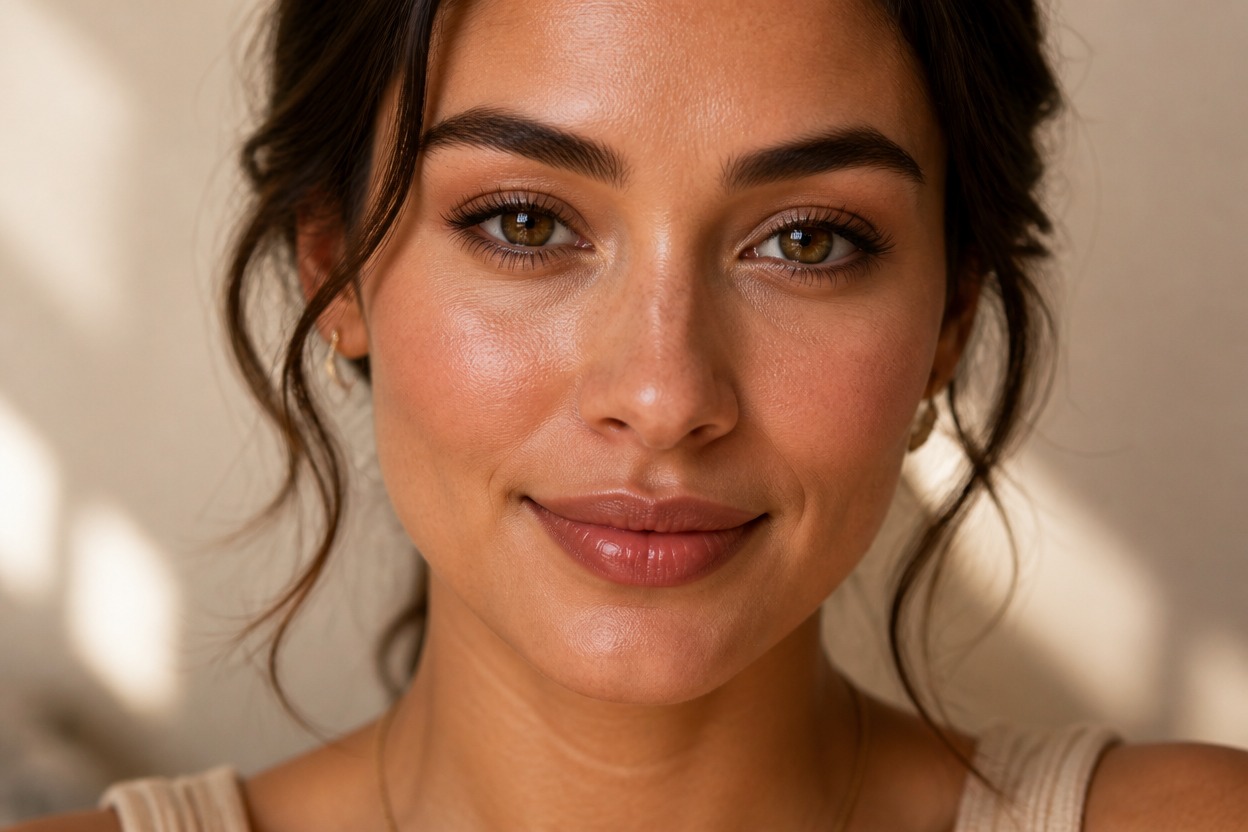
Complete Makeup Transformation
GPT-Image-2 can reinterpret foundation, blush, eye color, liner, lashes, and lip color together so the finish reads as one coordinated beauty look rather than separate overlays.
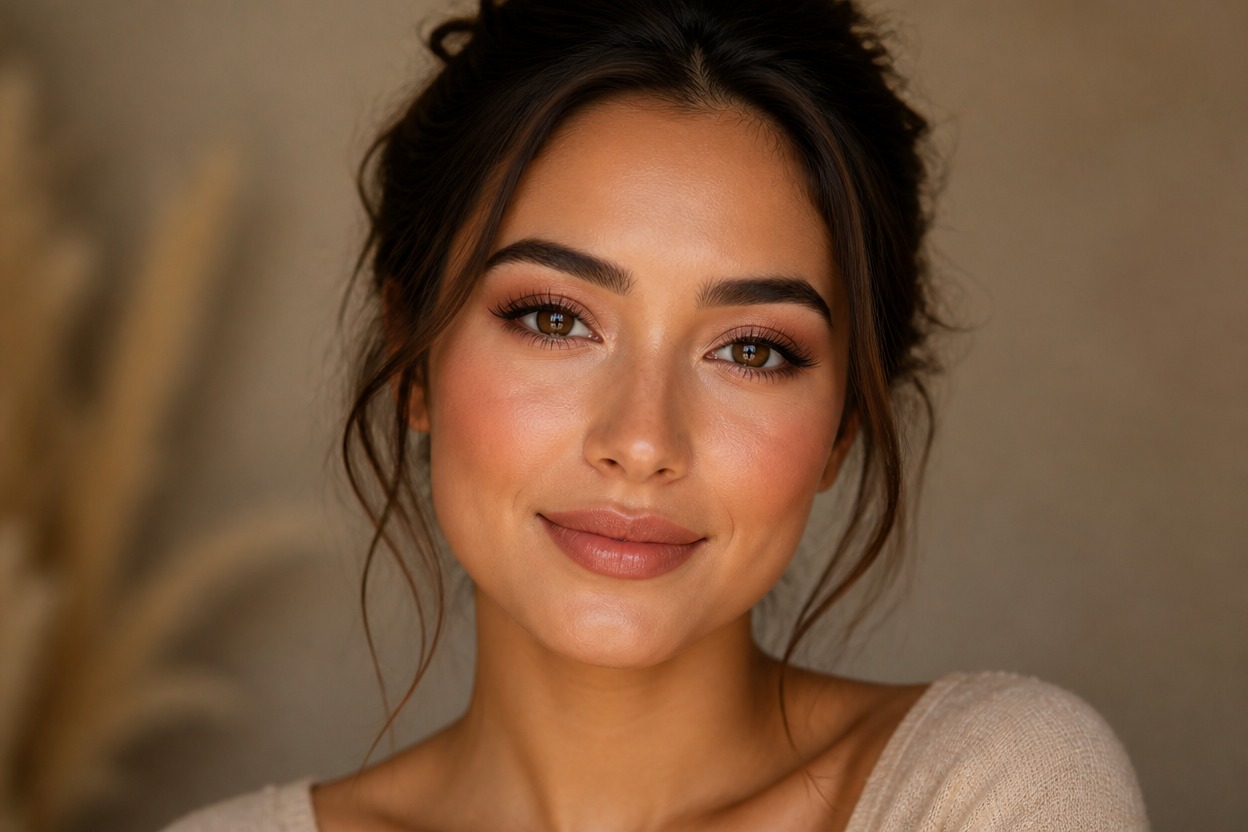
Face-Aware Color and Light
The transformation follows visible facial structure and source lighting while integrating highlights, shadows, and color across the entire portrait.
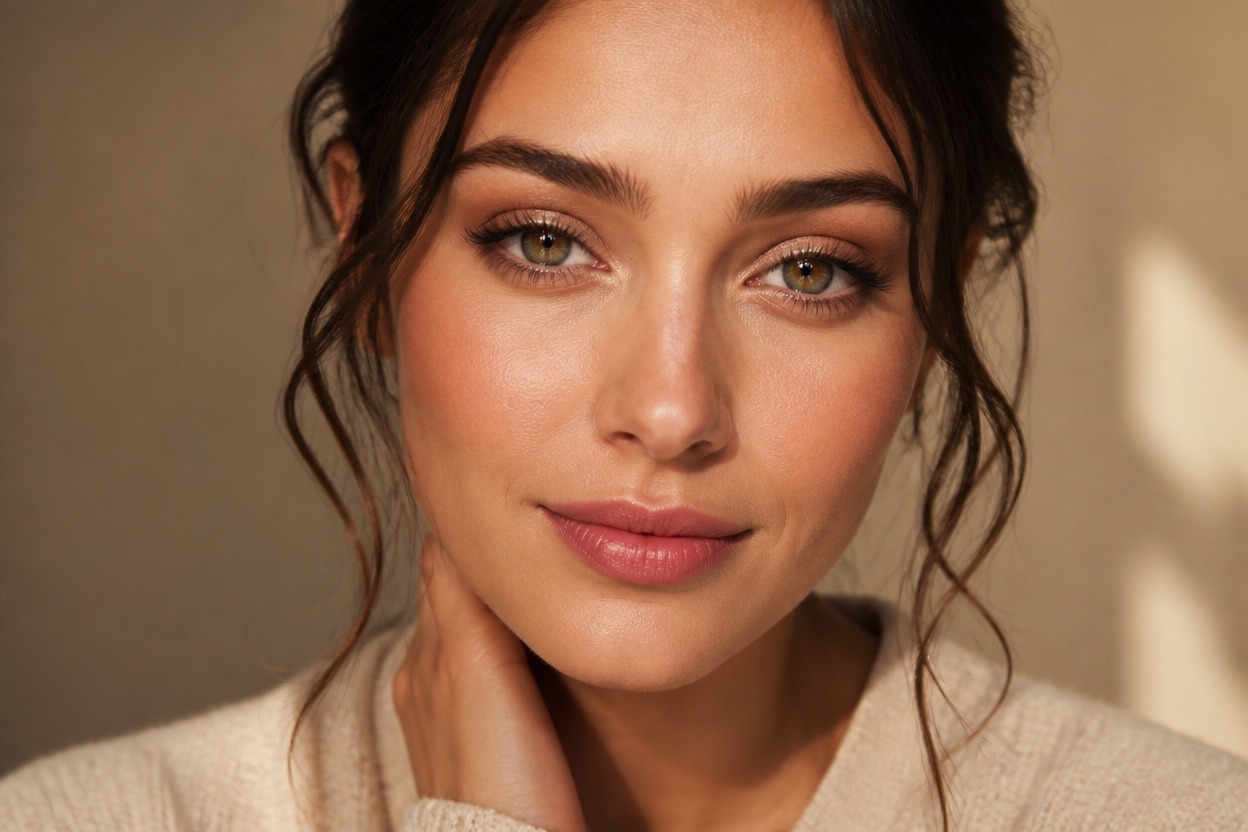
Details You Can Review
Preview skin texture, eye symmetry, lip edges, hairline, facial likeness, and background continuity. Keep the generated version that looks balanced and natural to you.
Explore everyday, evening, bridal-inspired, editorial, profile, and seasonal beauty directions
Makeup Looks for Portraits, Profiles, and Style Ideas
Everyday Makeup Ideas
Explore a clean, balanced look with restrained complexion, eye, cheek, and lip color for personal style inspiration.
Evening Beauty Looks
Create a more defined portrait with richer eye makeup, sculpted light, and coordinated lip color for an evening mood.
Wedding Makeup Concepts
Visualize a polished bridal-inspired direction from a suitable adult portrait before discussing the real look with a makeup professional.
Editorial Portrait Styling
Develop a bolder color story for an original beauty portrait, mood board, or creative photography concept.
Profile Picture Variations
Generate a refined makeup variation for a personal avatar or profile image while reviewing likeness and facial detail.
Seasonal Color Inspiration
Explore warm autumn shades, luminous summer color, cool winter tones, or a fresh spring palette in one portrait.
How to Use the AI Makeup Generator
Upload one portrait, apply the effect, and review the finished beauty transformation
01
Upload One Clear Portrait
Choose a sharp, well-lit image of one adult with an unobstructed face, visible skin texture, and minimal heavy shadow.
02
Apply the Makeup Effect
Start the one-image transformation. AI Hug uses GPT-Image-2 to generate coordinated makeup and integrate it with the portrait's facial structure and light.
03
Preview and Download
Check facial likeness, skin texture, eye symmetry, lip edges, hairline, and background continuity, then download the result you prefer.
Answers about one-photo input, GPT-Image-2, portrait quality, generated details, and access