AI Manga Filter
Upload a photo to apply this effect while keeping the subject recognizable for a natural, polished result.
Image
Examples
Manga Filter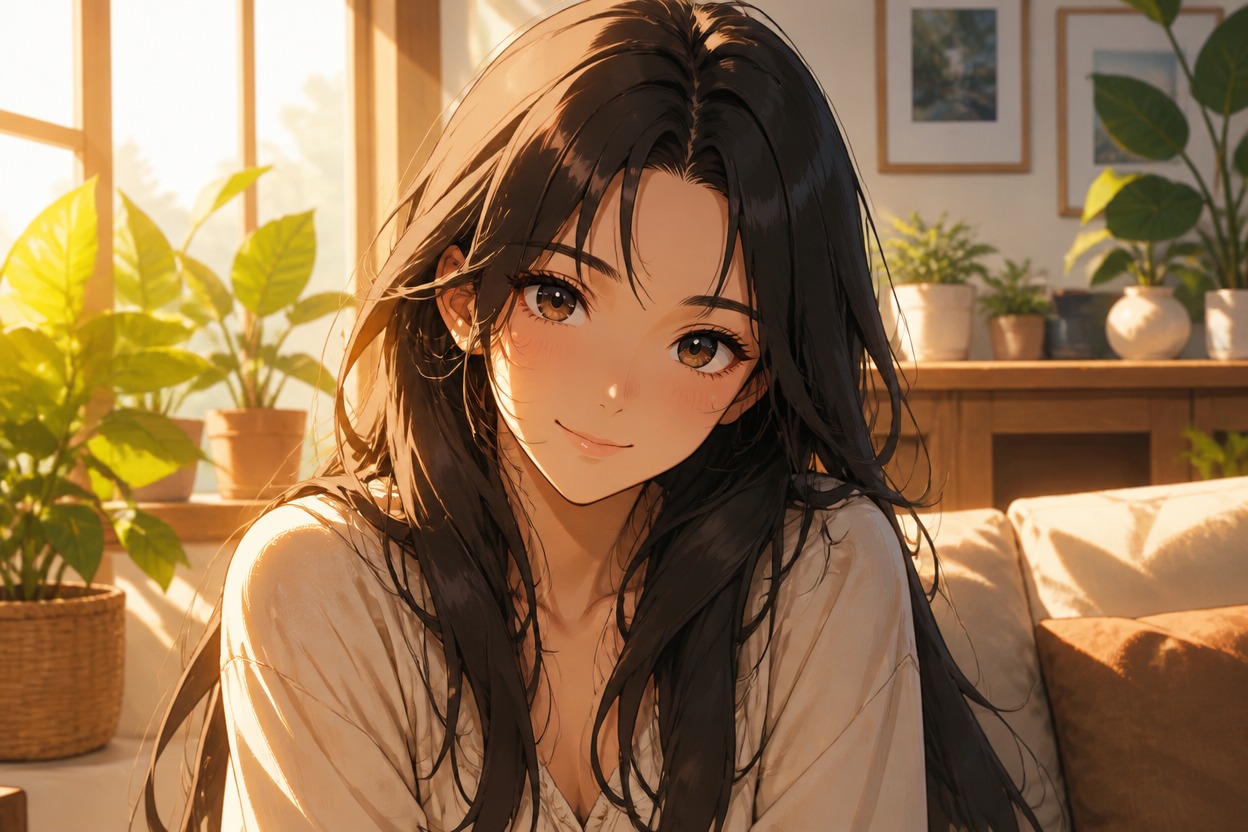
AI Manga Filter from Photo
Upload one clear image and turn it into a polished manga-style scene. Powered by GPT-Image-2, AI Hug transforms the subject, linework, shading, color, and setting as one coherent composition.
Apply the Manga FilterCreate a Cohesive Manga-Style Image
Manga Linework and Shading
GPT-Image-2 reinterprets the upload with expressive ink-style contours, screentone-inspired depth, controlled highlights, and a finished illustrated surface rather than a simple color overlay.
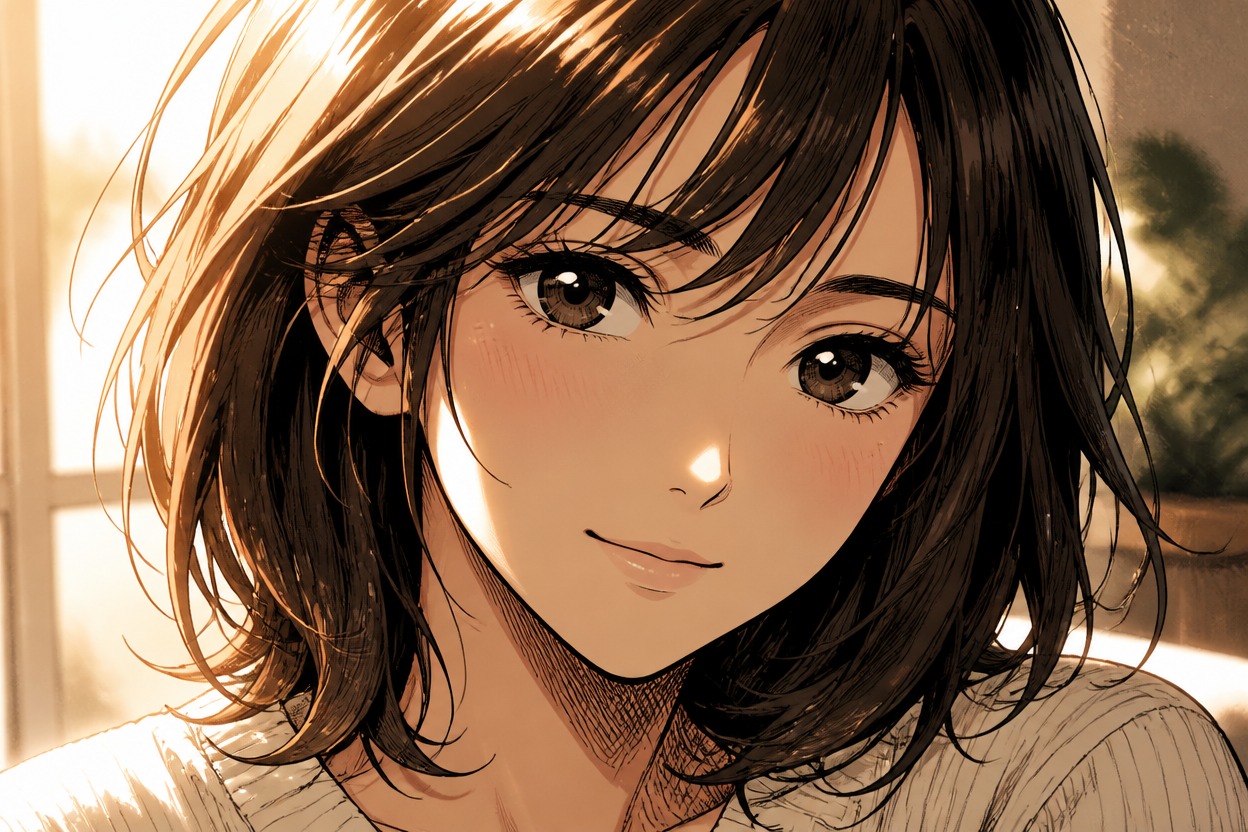
Source-Aware Composition
The uploaded image guides the visible subject, pose, framing, clothing, and environment while the AI image style transfer rebuilds those elements in a unified manga visual language.

Details Worth Reviewing
Check eyes, hands, hair strands, clothing edges, background perspective, and small accessories before choosing a result. Clear subjects and uncluttered source images provide stronger visual evidence.

Create illustrated portraits, original character references, story scenes, cosplay artwork, and social visuals
Ways to Use the AI Manga Filter
Manga Profile Pictures
Turn a clear portrait into a distinctive illustrated avatar with expressive linework and focused framing.
Original Character References
Reinterpret an adult character photo, costume, or pose as visual-development material for an original manga concept.
Story Scene Concepts
Transform a staged photo into an illustrated scene that can support moodboards, scripts, and storyboard planning.
Cosplay Illustrations
Convert a costume photo into manga-inspired artwork while retaining the visible silhouette, styling, and scene cues.
Social Visuals
Create a polished still image for posts, thumbnails, or creative profile updates without building the artwork from scratch.
Personal Art Experiments
Explore how a familiar photo changes through generative AI style transfer and compare regenerated interpretations.
How to Use the AI Manga Filter
Upload one image, apply the effect, and review the finished manga-style transformation
01
Upload One Clear Image
Choose a sharp photo with a visible adult subject, readable pose, balanced lighting, and minimal obstruction around important facial or clothing details.
02
Apply the Manga Filter
Start the one-uploaded-image transformation. AI Hug uses GPT-Image-2 to reinterpret the full photo as one coherent manga-style scene.
03
Preview and Download
Review likeness, facial details, hands, linework, skin texture, clothing edges, and background continuity, then download the result you prefer.
Answers about one-photo input, GPT-Image-2, source quality, manga-style results, rights, and access