AI Minecraft Generator
Upload a photo to apply this effect while keeping the subject recognizable for a natural, polished result.
Image
Examples
Minecraft Generator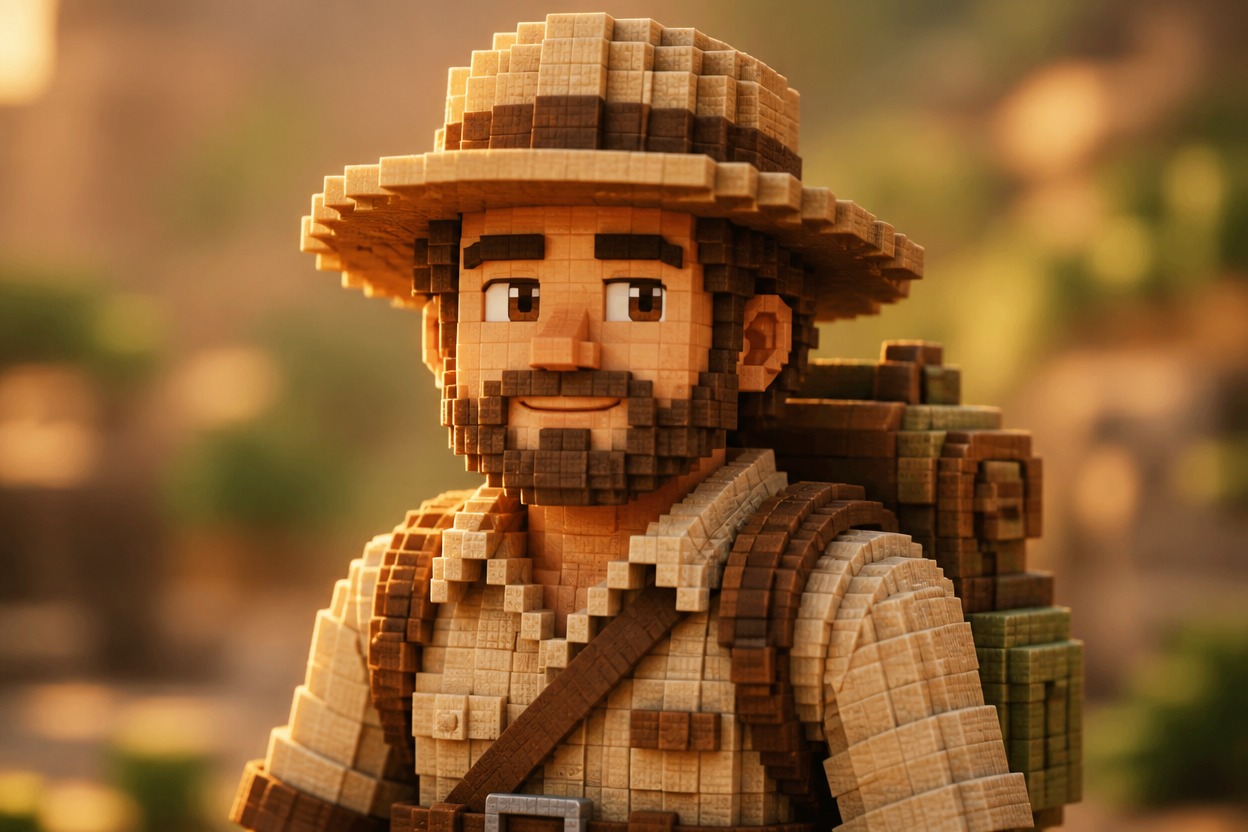
AI Minecraft Generator from Photo
Upload one clear image and transform its adult subject into an original voxel-style explorer. AI Hug uses GPT-Image-2 to rebuild the person, clothing, terrain, trees, water, and lighting as one polished block-built scene.
Transform My PhotoBuild a Polished Voxel World from One Photo
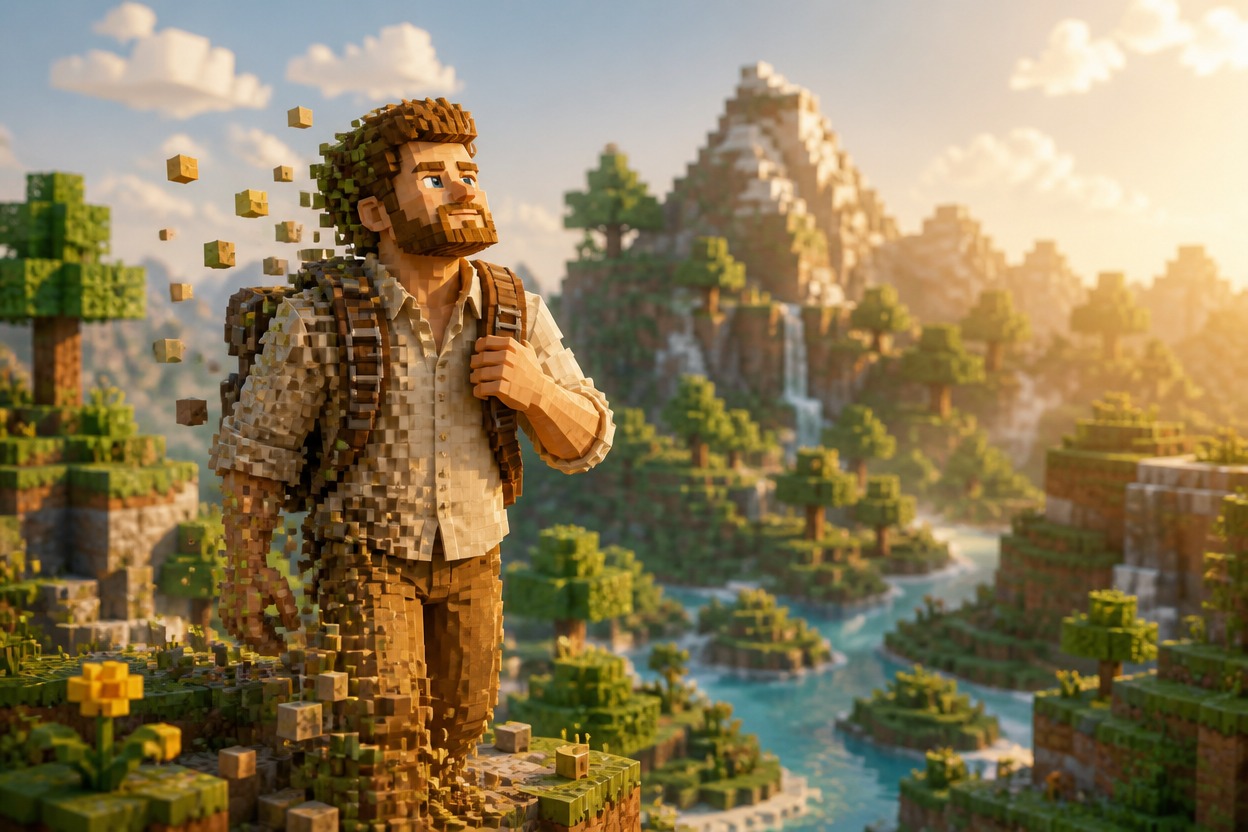
Complete Voxel-Style Transformation
GPT-Image-2 reinterprets the visible subject, outfit, pose, and surroundings with cubic geometry, block-built materials, and unified depth instead of adding a simple overlay.
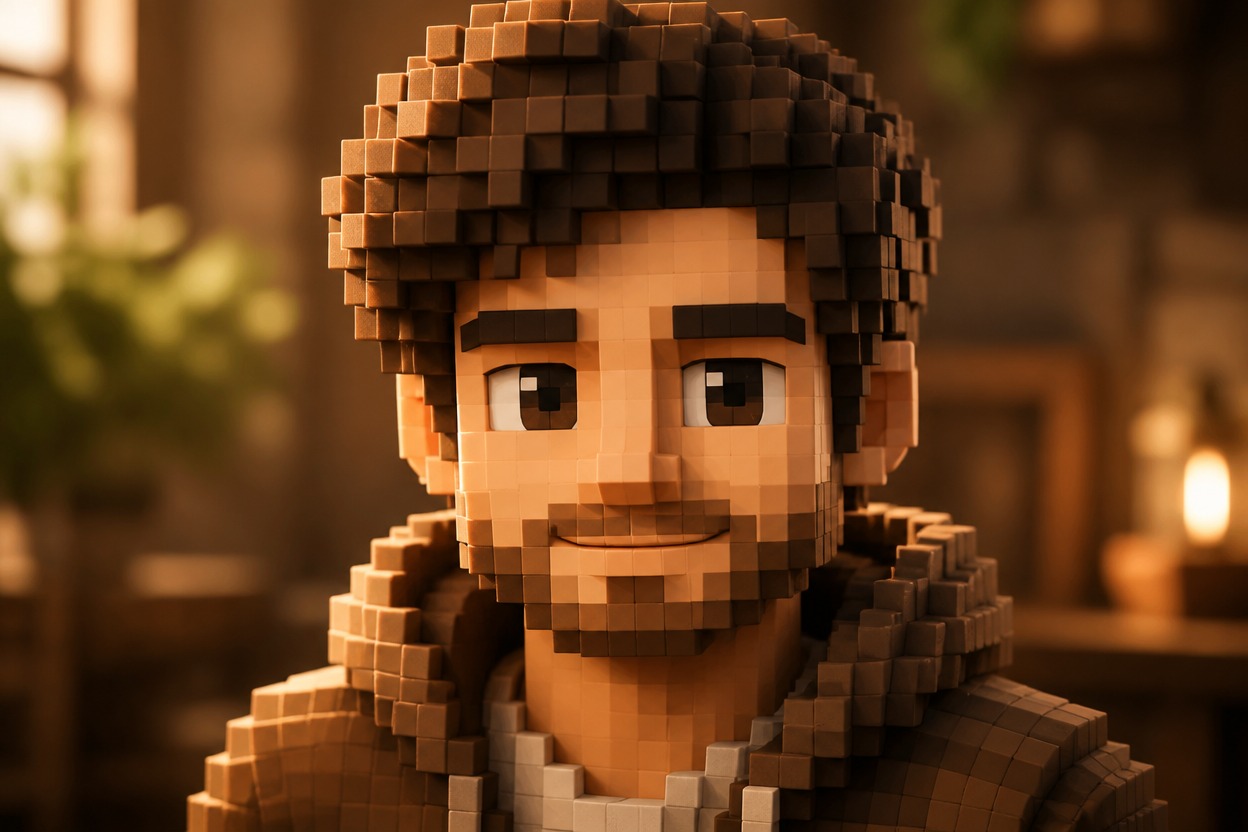
Recognizable Subject Details
The effect follows cues from one uploaded image, such as hairstyle, expression, clothing colors, posture, and framing, while translating them into an original block-built character.
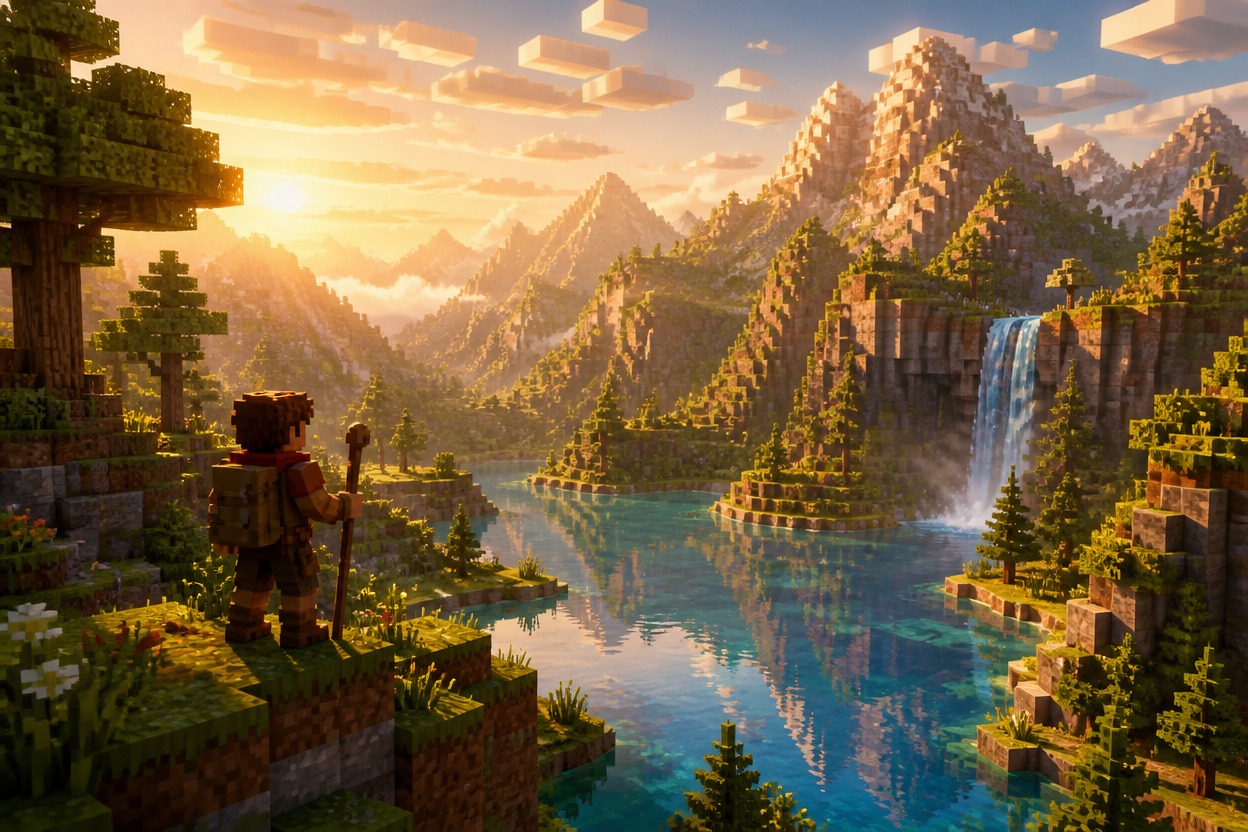
One Coherent Cubic World
Character, terrain, trees, stone, water, shadows, and atmosphere are generated together so the output feels like one continuous scene rather than assembled layers.
Ideas for profiles, travel photos, adventurers, couples, pets, and original stories
Block-Built Images You Can Create
Voxel Profile Pictures
Turn a clear adult portrait into a distinctive block-built explorer image for personal profiles and avatars.
Cubic Travel Restyles
Reimagine an authorized travel photo with block-built terrain, trees, water, and atmospheric depth around the subject.
Adventure Character Art
Create an original adult adventurer with translated clothing colors, a clear silhouette, and a coherent cubic-world setting.
Couple Voxel Portraits
Transform an authorized photo of two adults into one shared block-built scene, then review both faces and anatomy before saving.
Pet Adventure Images
Restyle a pet photo as an original cubic-world companion scene with block-built fur shapes and environmental detail.
Story and Role-Play Visuals
Generate an original scene for a personal story, tabletop character, mood board, or role-play profile without branded game assets.
How to Use the AI Minecraft Generator
Upload one photo, apply the effect, and review one finished block-built scene
01
Upload One Clear Image
Choose a sharp, well-lit photo with a clearly visible subject and enough surrounding space for the effect to rebuild the setting.
02
Apply the Block-Built Effect
Start the one-uploaded-image transformation. AI Hug uses GPT-Image-2 to reinterpret the subject and environment with voxel-style geometry and materials.
03
Preview and Download
Check the face, hands, body proportions, clothing edges, cubic geometry, and scene continuity, then download the result you prefer.
Answers about one-photo input, GPT-Image-2, source quality, generated details, access, and affiliation