AI Mugshot Generator
Upload a photo to apply this effect while keeping the subject recognizable for a natural, polished result.
Image
Examples
Mugshot Generator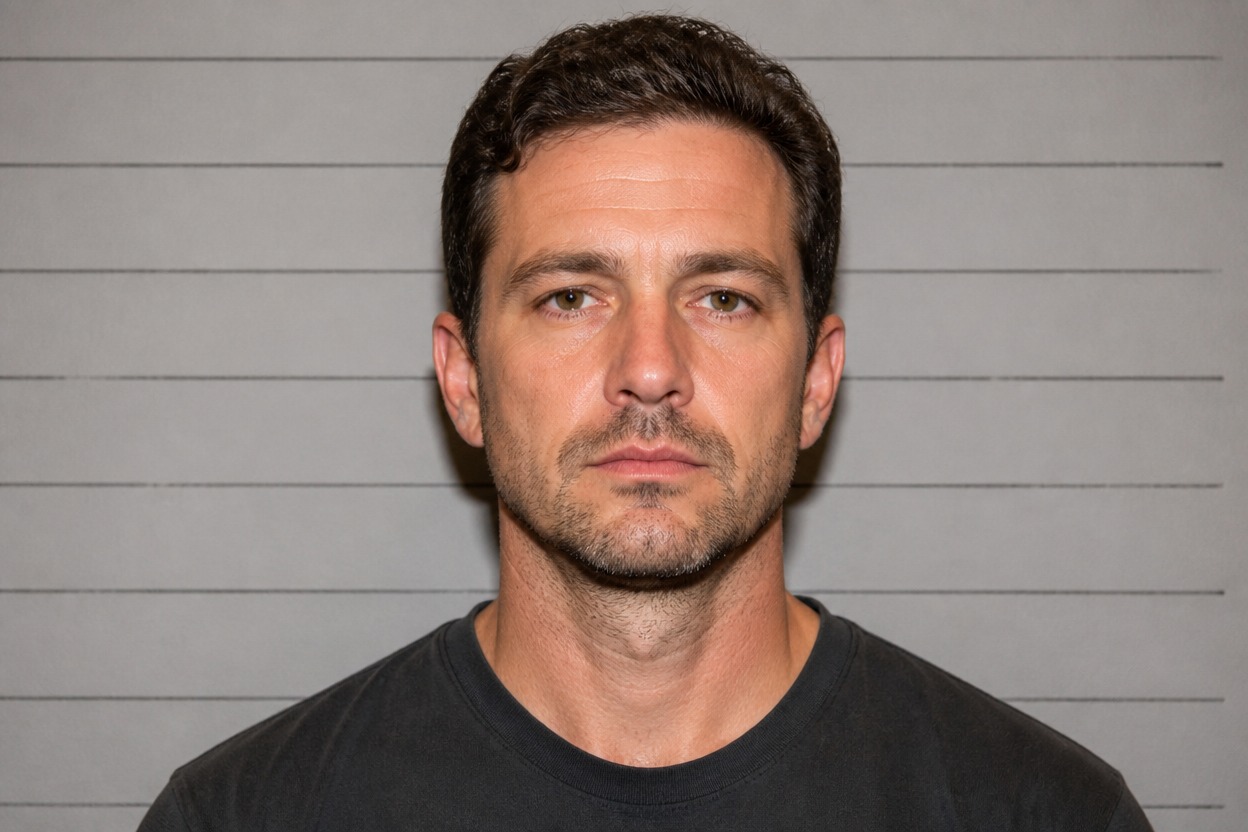
AI Mugshot Generator from Photo
Upload one clear adult portrait and turn it into a polished mugshot-style image. Powered by GPT-Image-2, AI Hug treats the upload as one coherent transformation rather than a before-and-after layout.
Create a Mugshot-Style PortraitCreate a Coherent Mugshot-Style Portrait
Booking-Photo Visual Language
GPT-Image-2 can reinterpret the uploaded portrait with frontal framing, restrained expression, neutral lighting, and a simple institutional-style backdrop in one finished scene.
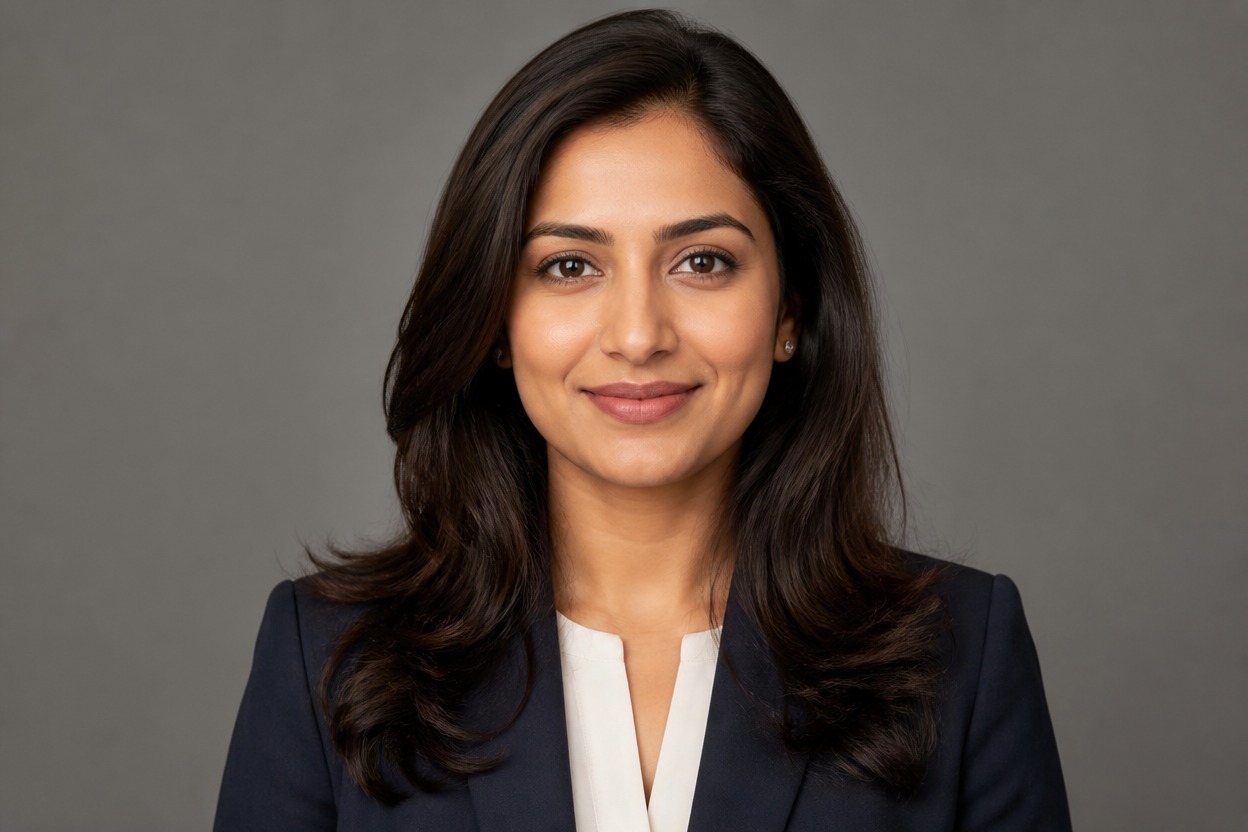
Source-Aware Portrait Structure
The source image guides visible facial structure, hair, pose, clothing, and overall framing while the effect rebuilds the scene around a focused mugshot-style composition.

Details Worth Reviewing
Preview the generated face, eyes, ears, hairline, neck, shoulders, skin texture, and background continuity. A sharp, evenly lit input gives the model clearer visual evidence to follow.
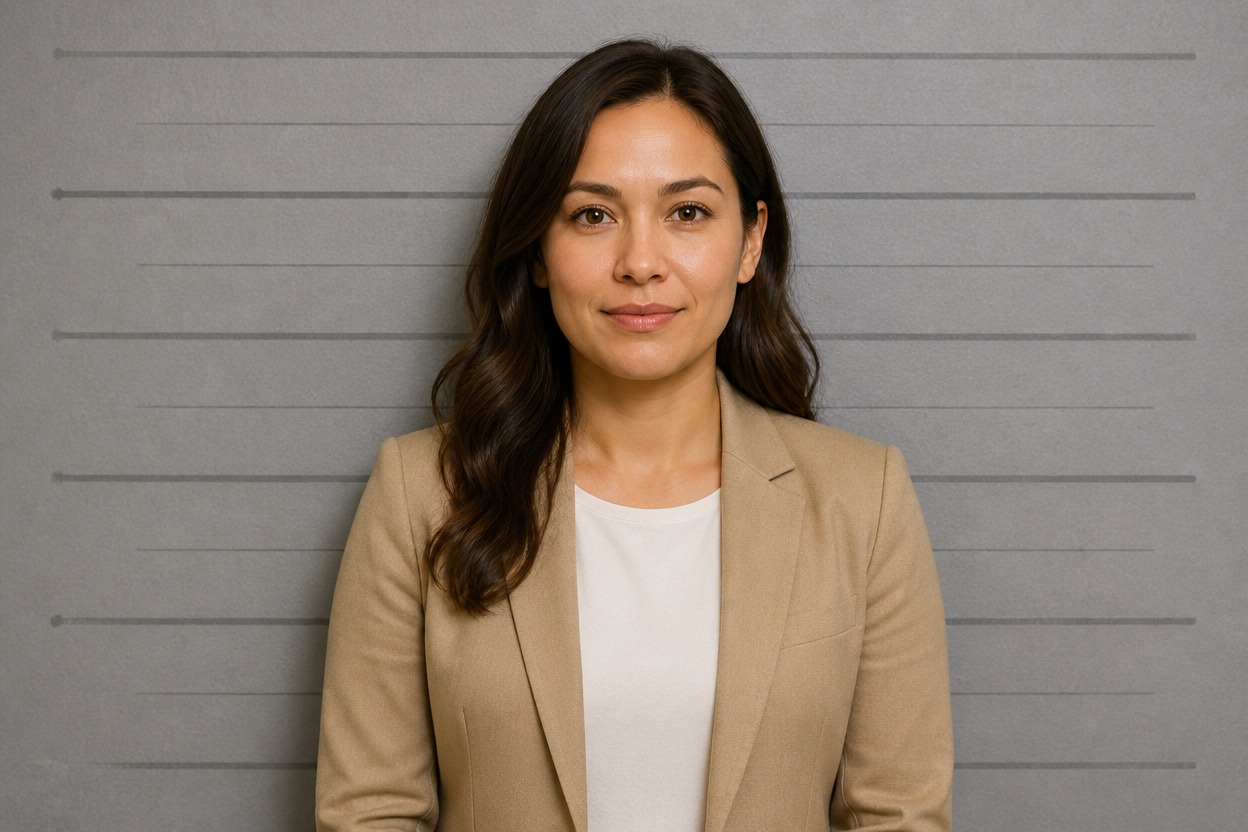
Create fictional character references, story visuals, profile variations, and themed portrait concepts
Ways to Use Mugshot-Style AI Photo Effects
Character Reference Portraits
Create a direct, front-facing portrait for an original adult character, casting board, or visual-development reference.
Crime-Fiction Story Visuals
Generate a fictional booking-photo-inspired image for mystery stories, role-playing campaigns, or narrative moodboards.
Profile Picture Variations
Try a serious, centered portrait treatment for a distinctive avatar or themed profile-image variation.
Costume and Makeup Concepts
Review how wardrobe, hair, facial styling, and neutral lighting work together in a focused character portrait.
Short-Form Video Props
Create a still visual for a fictional skit, teaser, or story setup without building a physical booking-photo set.
Creative Photo Experiments
Explore a structured AI photo filter when you want a more specific result than broad color or lighting adjustments.
How to Use the AI Mugshot Generator
Upload one portrait, apply the effect, and review the finished AI photo transformation
01
Upload One Clear Adult Portrait
Choose a sharp, well-lit photo with one visible adult face, a straightforward angle, and minimal obstruction around the head and shoulders.
02
Apply the Mugshot Effect
Start the one-uploaded-image transformation. AI Hug uses GPT-Image-2 to create a centered booking-photo-inspired portrait as one coherent scene.
03
Preview and Download
Check likeness, facial details, skin texture, neck, shoulders, clothing, and background continuity, then download the generated result you prefer.
Answers about one-photo input, GPT-Image-2, portrait quality, generated results, and access