AI Nose Piercing Filter
Upload a photo to apply this effect while keeping the subject recognizable for a natural, polished result.
Image
Examples
Nose Piercing Filter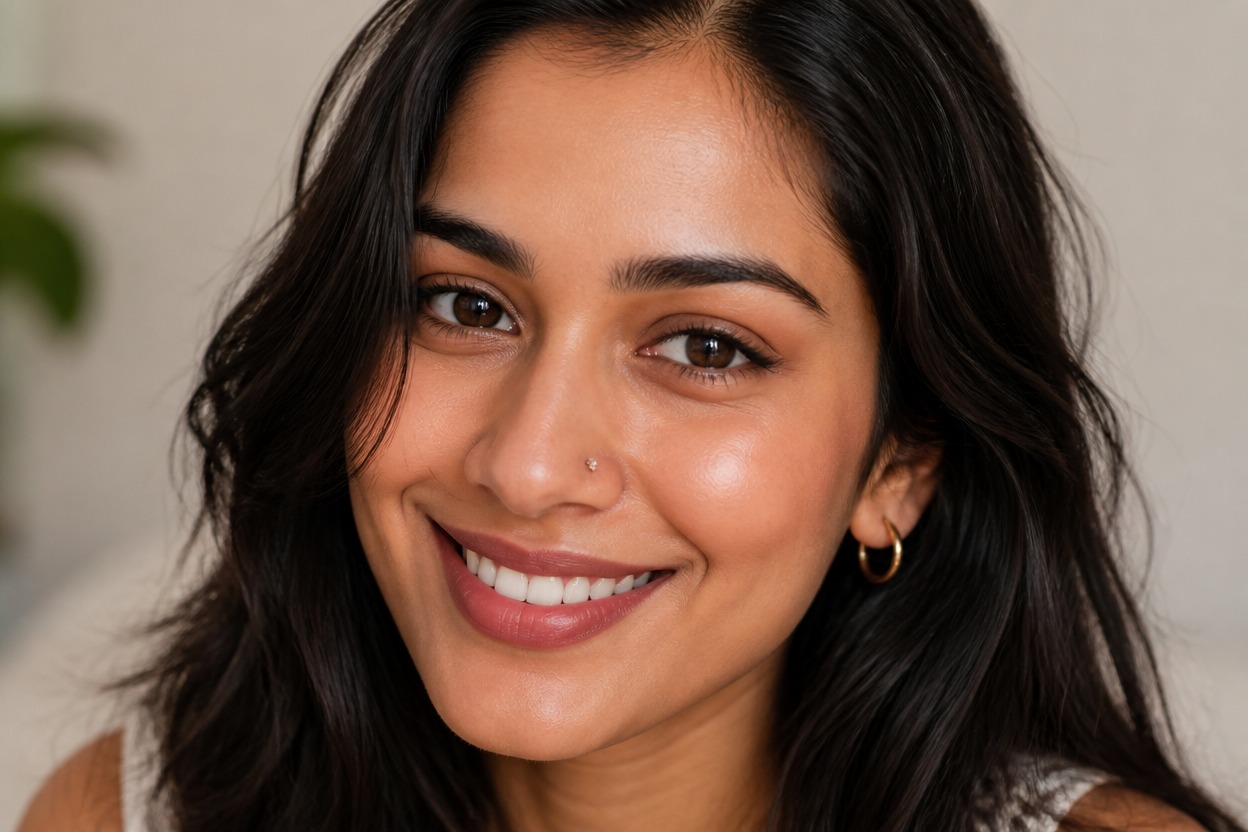
AI Nose Piercing Filter from Photo
Upload one clear portrait and preview a generated nose piercing in one transformed image. Powered by GPT-Image-2, AI Hug integrates the jewelry with your face, skin, lighting, and overall portrait.
Try a Nose Piercing LookSee How a Nose Piercing Could Look in One Photo
Piercing Styles That Fit the Portrait
Explore a subtle nostril stud, a delicate hoop, or a more expressive jewelry direction while keeping the result visually connected to the original portrait.
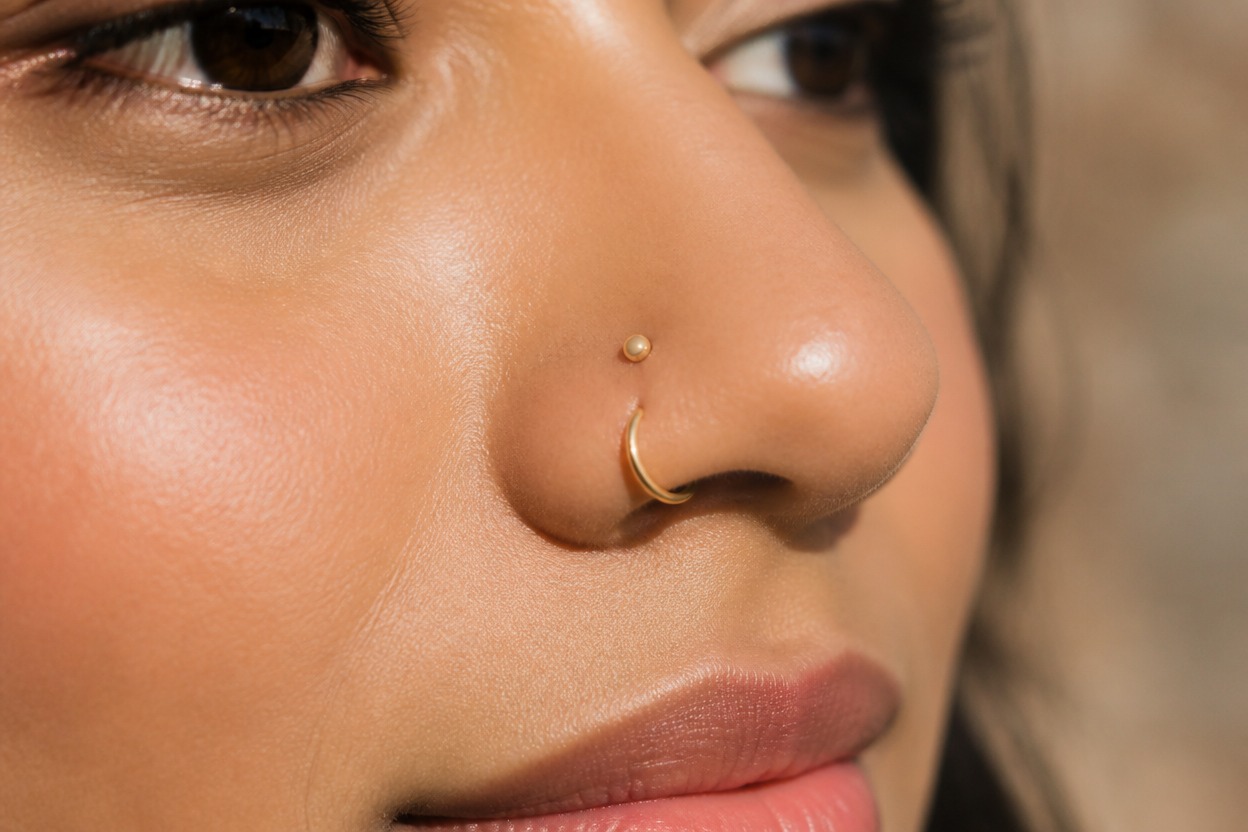
Face-Aware Placement and Lighting
GPT-Image-2 reinterprets placement, scale, reflections, shadows, and skin contact together so the piercing reads as part of one finished image rather than a flat sticker.
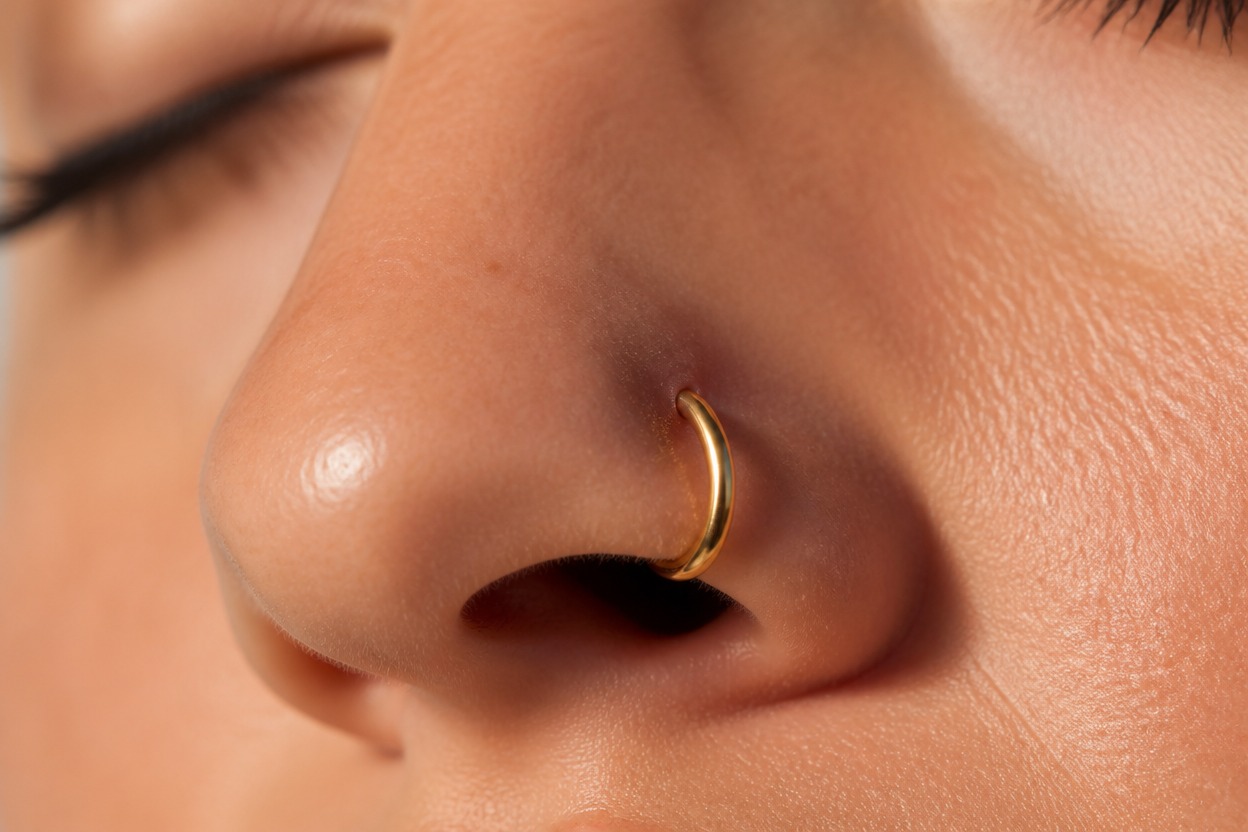
A Result You Can Inspect
Review nose shape, nostrils, facial likeness, skin texture, jewelry edges, and background continuity before keeping or sharing the generated portrait.
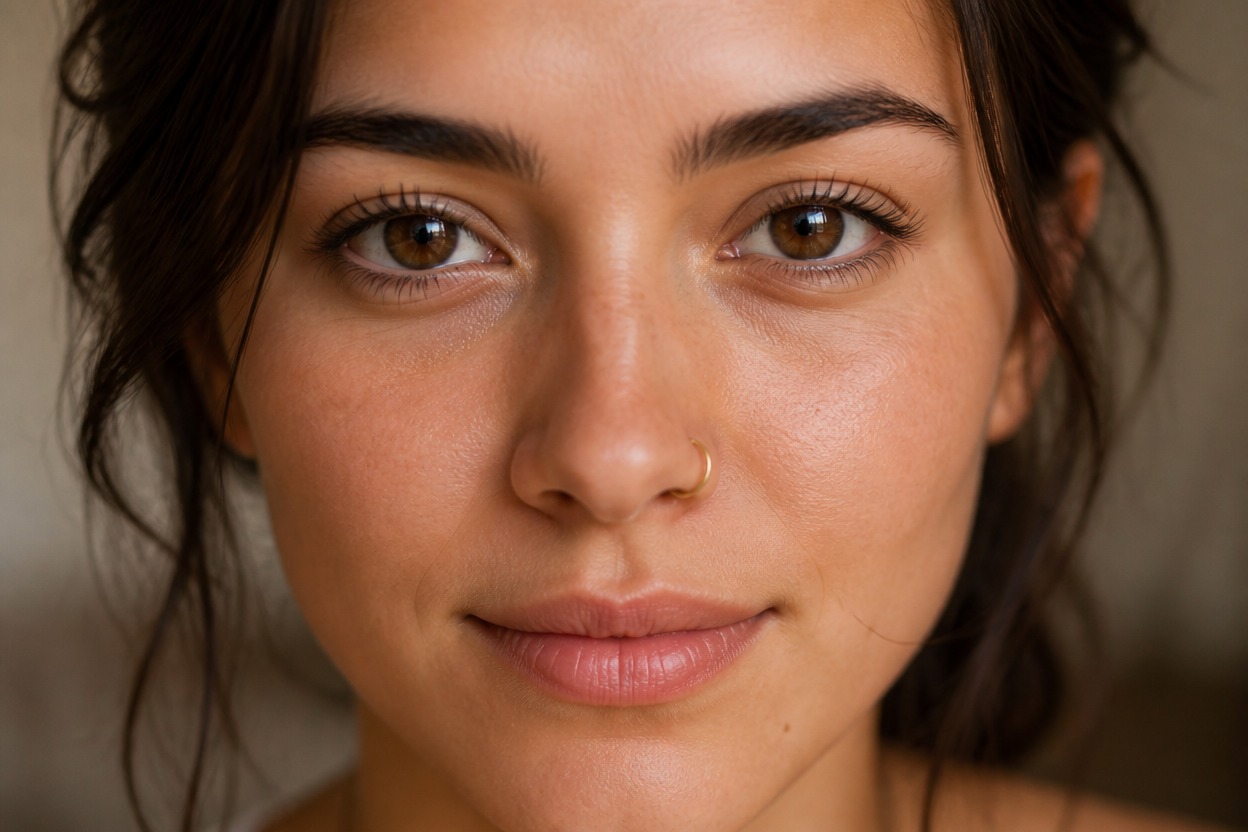
Explore subtle studs, delicate hoops, profile variations, and original editorial directions
Nose Piercing Looks for Style, Beauty, and Portrait Ideas
Subtle Nostril Studs
Preview a small, understated stud that adds a precise metallic detail without overwhelming the portrait.
Delicate Nose Hoops
Explore a slim hoop look with reflections and shadows adapted to the visible angle of the face.
Personal Style Experiments
Try a new piercing direction for private style exploration before deciding whether the look suits you.
Profile and Avatar Variations
Create a distinctive portrait variation for a personal profile image, avatar concept, or creative identity study.
Beauty and Makeup Concepts
Coordinate a generated piercing with the portrait's existing makeup, color palette, and lighting for a unified beauty look.
Editorial Portrait Ideas
Develop an original fashion or beauty portrait concept with a polished jewelry accent and coherent visual mood.
How to Use the AI Nose Piercing Filter
Upload one portrait, apply the effect, and review the transformed image
01
Upload One Clear Portrait
Choose a sharp, well-lit image of one adult with the nose and nostrils clearly visible and minimal obstruction around the face.
02
Apply the Nose Piercing Effect
Start the one-image transformation. AI Hug uses GPT-Image-2 to generate a piercing and integrate it with facial structure, skin, perspective, and light.
03
Preview and Download
Check placement, jewelry edges, facial likeness, anatomy, skin texture, and background continuity, then download the result you prefer.
Answers about one-photo input, GPT-Image-2, portrait quality, piercing styles, generated details, and access