AI Passport Photo Maker
Upload a photo to apply this effect while keeping the subject recognizable for a natural, polished result.
Image
Examples
Passport Photo Maker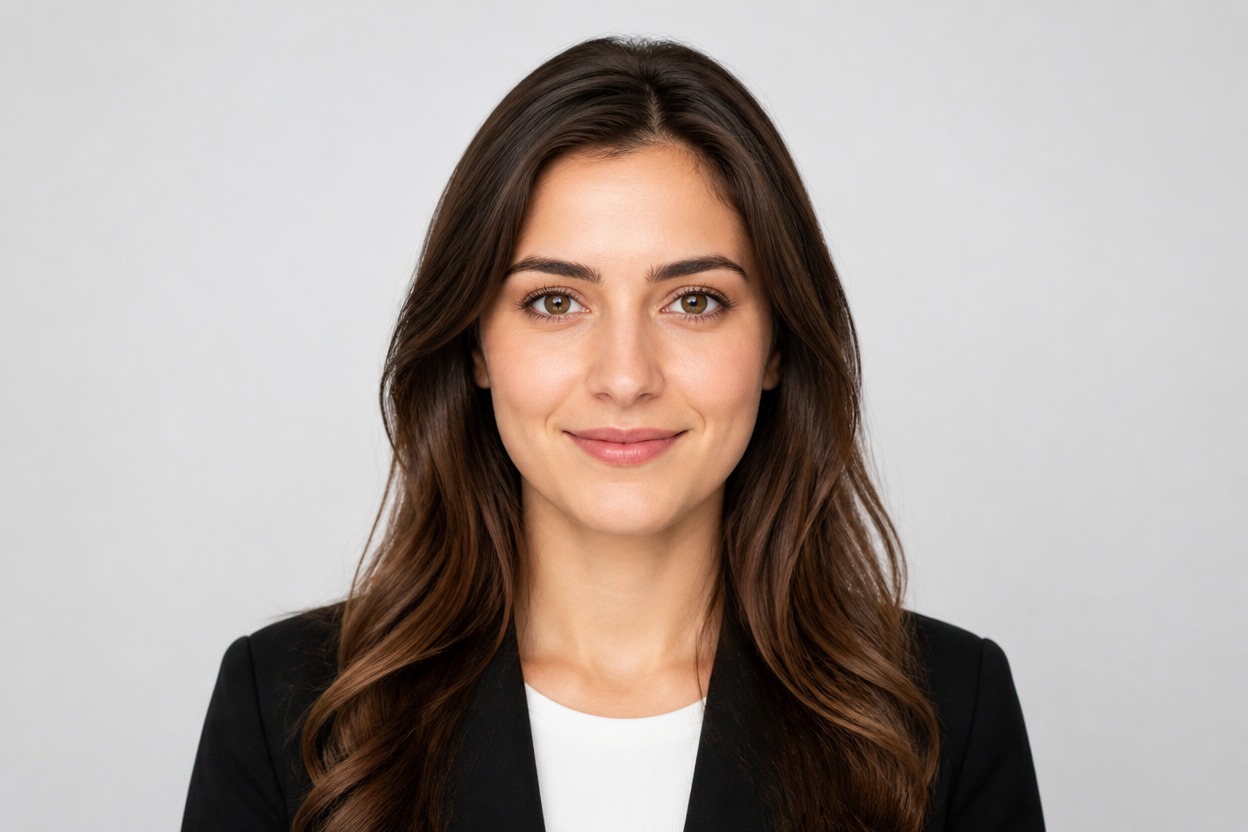
AI Passport Photo Maker
Upload one clear portrait and turn it into a polished passport-style photo with a centered adult subject, balanced lighting, and a clean neutral background. AI Hug uses GPT-Image-2 to create the transformation from a single image.
Make a Passport-Style PhotoCreate a Clean Passport-Style Portrait from One Photo
Clean Portrait Framing
The transformation presents the visible subject in a centered head-and-shoulders composition suited to a formal portrait look.
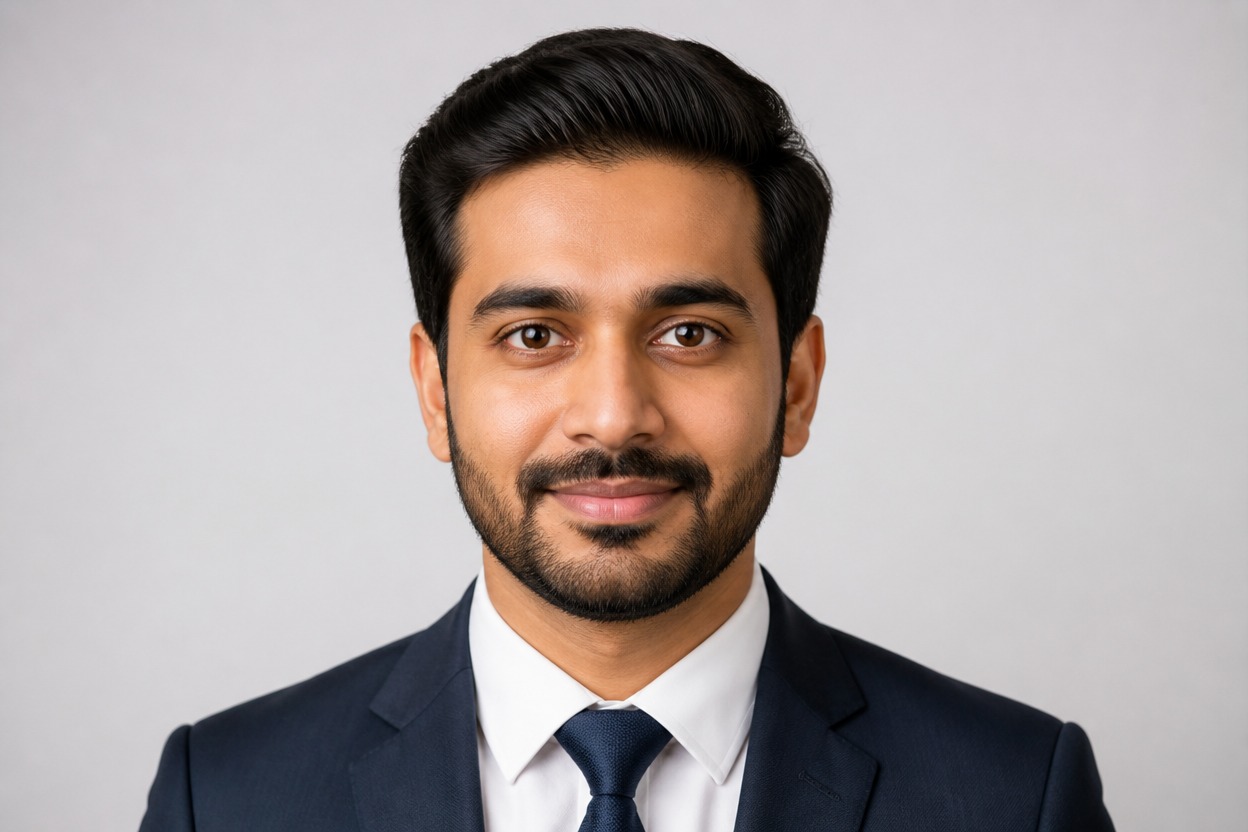
Neutral Studio Background
GPT-Image-2 can reinterpret distracting surroundings as a simple, coherent backdrop that keeps attention on the face.
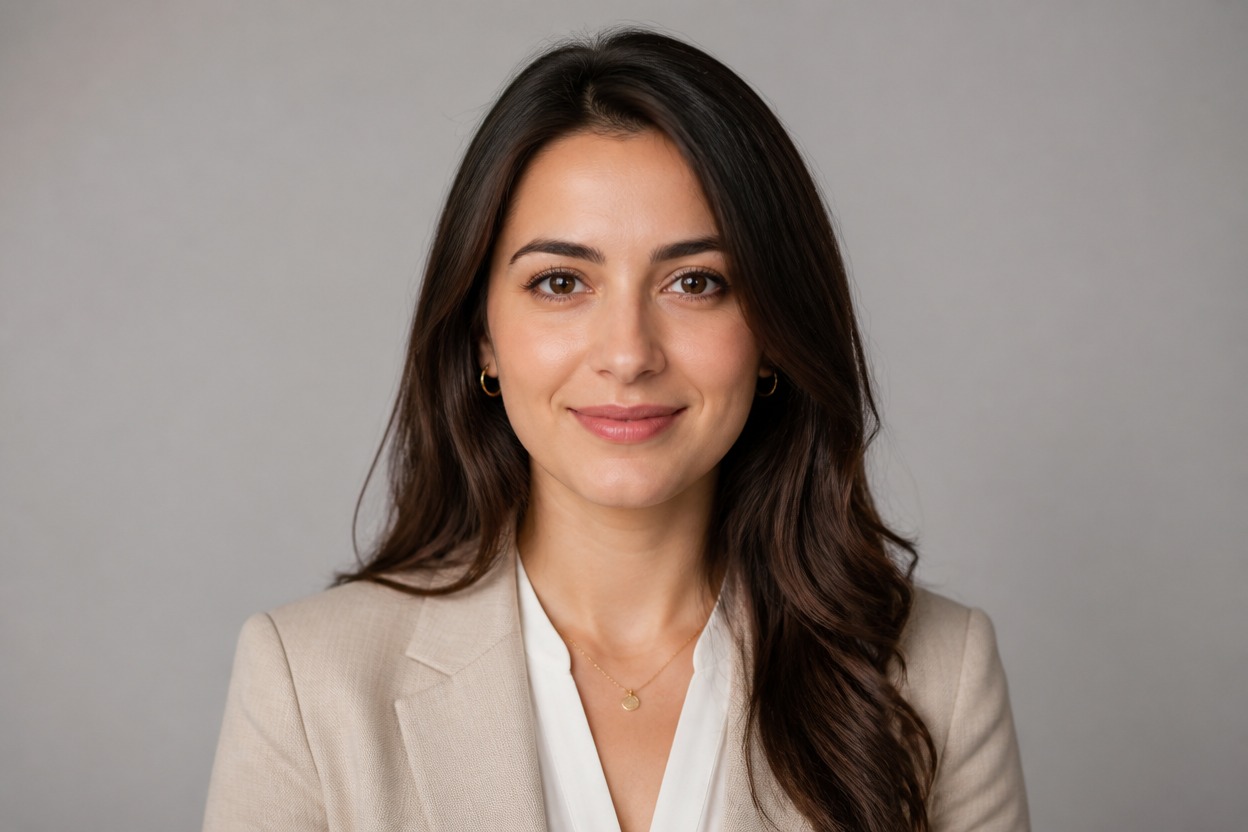
Balanced Light and Natural Detail
Create an evenly lit portrait with natural-looking skin texture, clear facial structure, tidy hair edges, and restrained color.
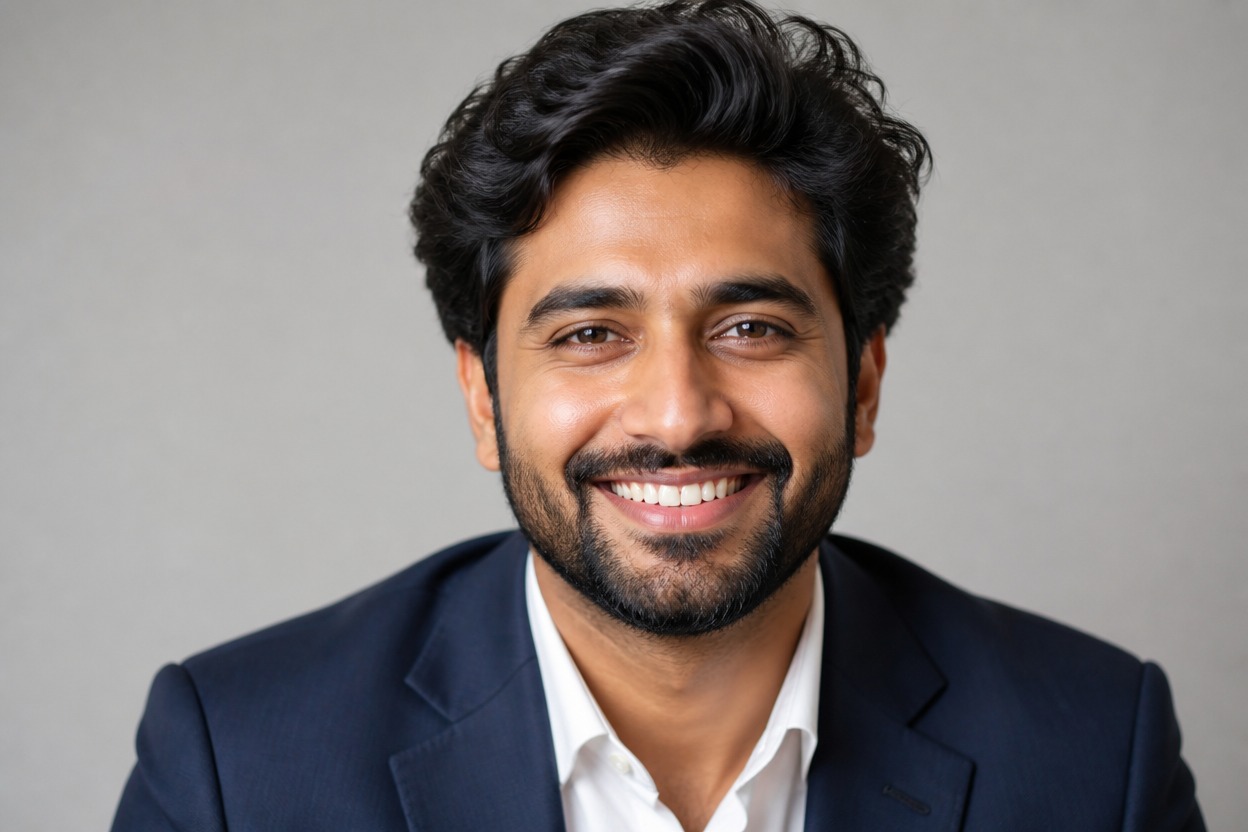
Formal portrait results for document preparation, profiles, and records
Useful Ways to Create Passport-Style Photos
ID Photo Preparation
Create a clean portrait draft to compare with the official size, background, expression, and recency rules for your intended document.
Visa Application Portraits
Prepare a formal-looking headshot, then check it carefully against the destination authority’s current photo specifications.
Professional Profile Photos
Turn a casual portrait into a restrained, centered image for directories, accounts, and professional profiles.
Student and Membership Records
Create a consistent portrait style for school, club, or membership records where a clean headshot is requested.
Travel Document Drafts
Generate a polished portrait for review before cropping or submitting it through the appropriate official process.
Formal Headshot Variations
Explore a neat neutral-background version of an adult portrait without arranging a separate studio session.
How to Use the AI Passport Photo Maker from Photo
Upload one image, apply the effect, and review the finished portrait
01
Upload One Clear Portrait
Choose a sharp, front-facing image of one adult with the full face visible, even lighting, and minimal obstruction around the hair and shoulders.
02
Apply the Passport Photo Effect
Start the transformation. AI Hug uses GPT-Image-2 to create a centered portrait with a clean background and formal presentation from the uploaded image.
03
Preview and Download
Inspect the face, expression, hair edges, clothing, background, and framing, then download the version you want to keep.
Answers about source portraits, GPT-Image-2, one-image generation, review, and access