AI Product Photo Generator
Upload a photo to apply this effect while keeping the subject recognizable for a natural, polished result.
Image
Examples
Product Photo Generator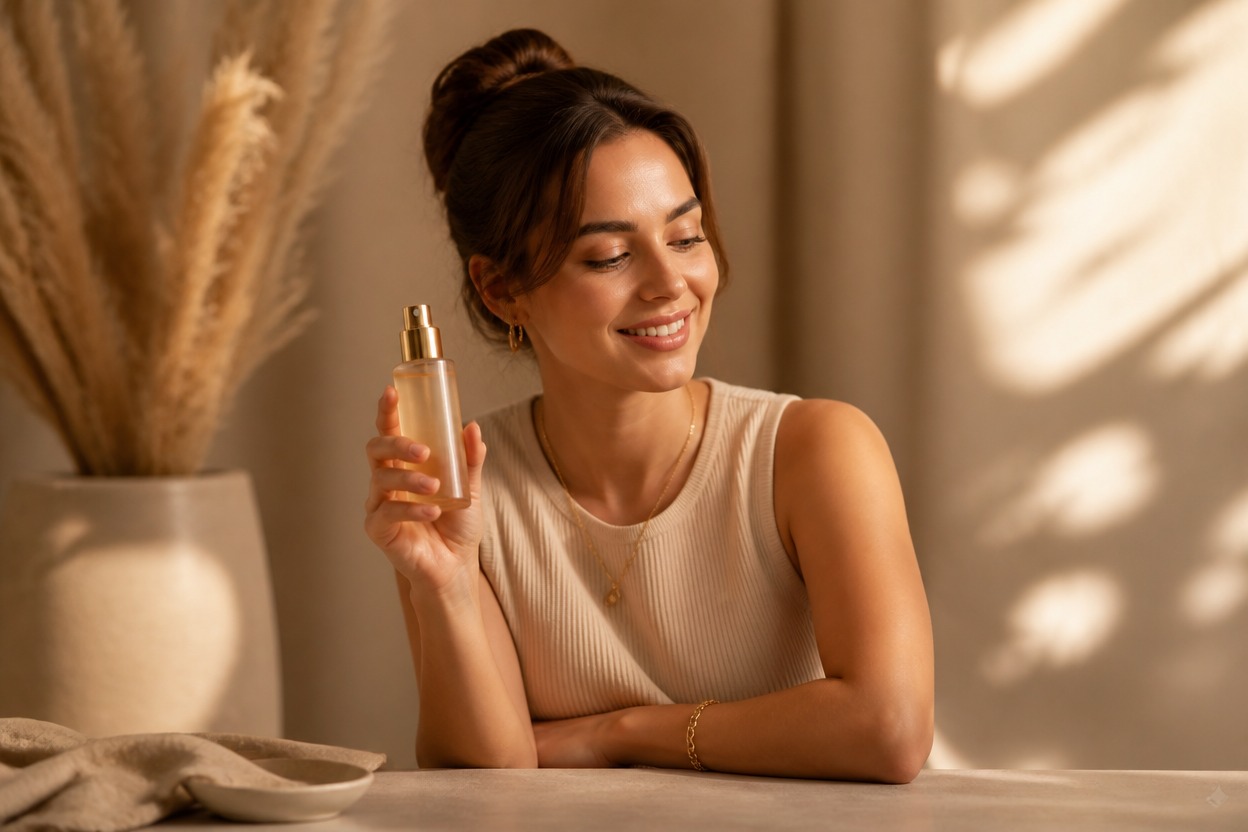
AI Product Photo Generator from Photo
Upload one clear product image and transform it into a polished campaign visual with AI Hug. Powered by GPT-Image-2, the effect rebuilds the setting, lighting, surfaces, and atmosphere as one coherent scene.
Create a Product PhotoCreate Polished Product Photos from One Upload
Campaign-Ready Styling
Reframe a simple product shot with considered surfaces, props, color, lighting, and depth for a more polished advertising-style presentation.
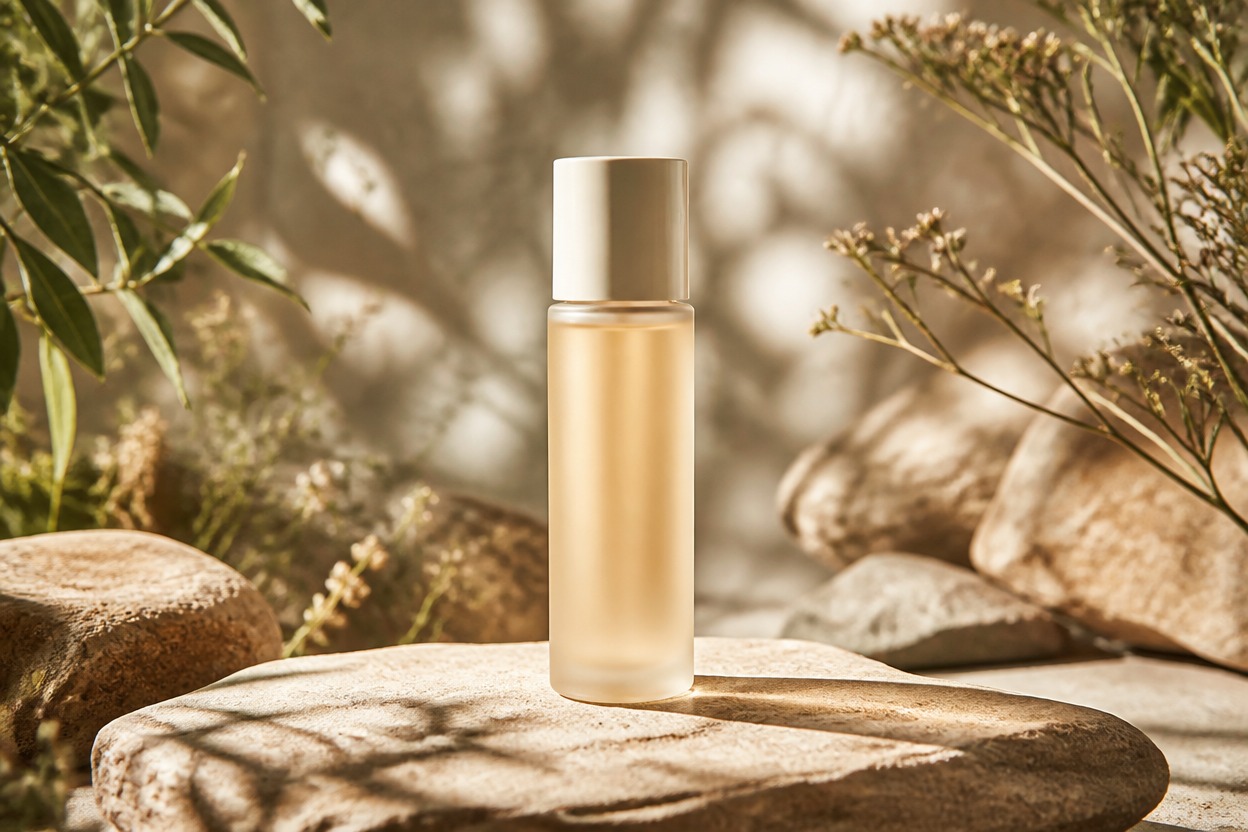
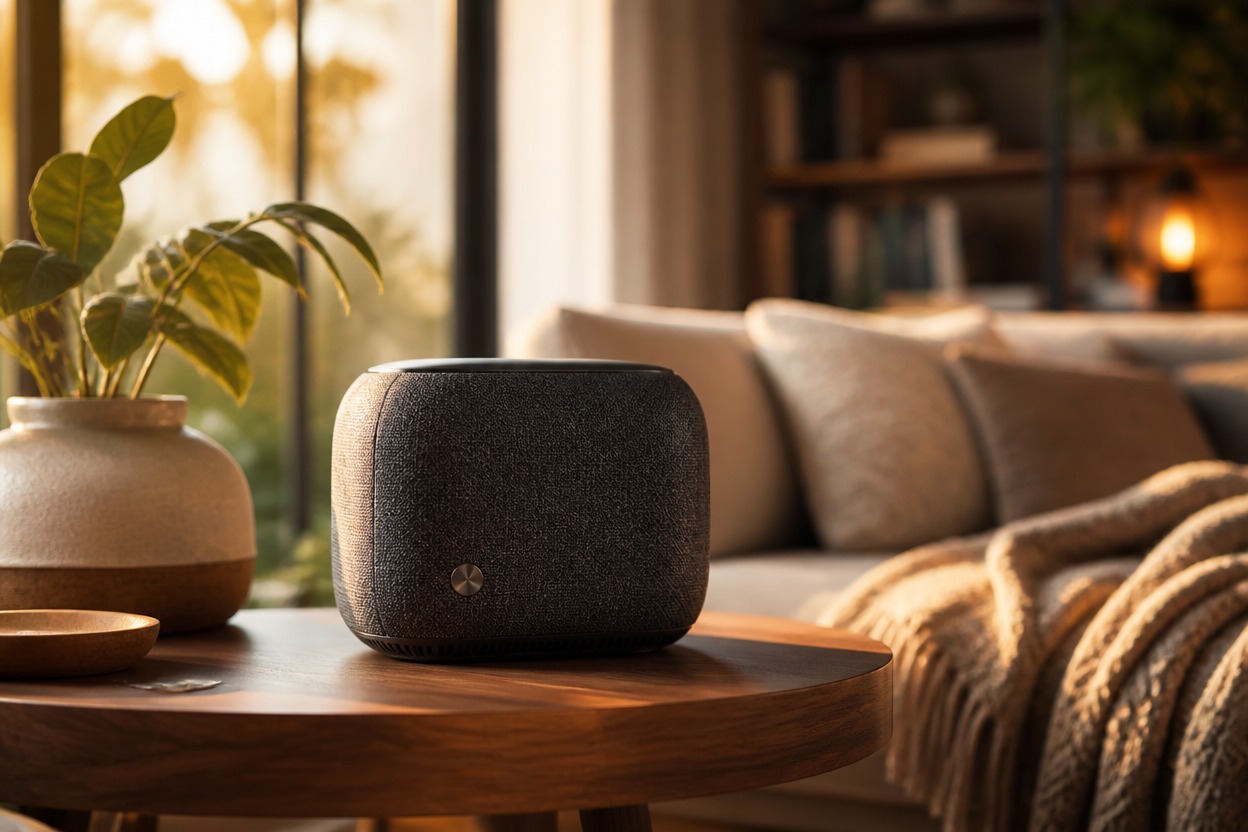
One-Image Transformation
Start from one uploaded image. GPT-Image-2 uses the visible product as the source while generating a complete surrounding scene without extra reference files.
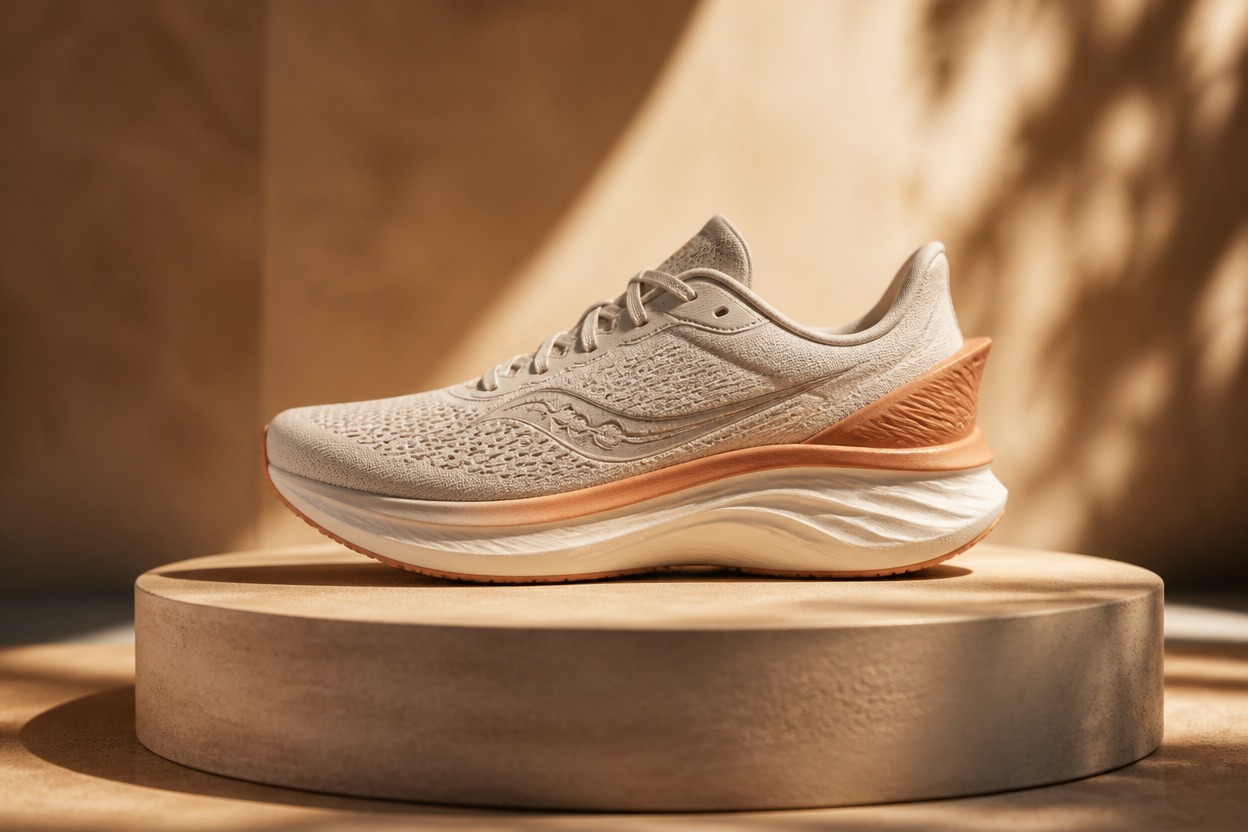
Coherent Product Focus
The effect aims to keep the product visually central while rebuilding the environment around it. Review packaging shape, small details, and label accuracy before saving.
Product visuals for ecommerce, campaigns, launches, seasonal concepts, and creative direction
Ways to Use AI Product Photos
Ecommerce Hero Images
Create a polished primary product visual for a store page concept, then check shape, color, and packaging details against the real item.
Launch Campaign Concepts
Explore a focused visual direction for a new product launch without arranging a full studio set for every early concept.
Social Campaign Visuals
Generate clean product-led imagery that can become the visual foundation for an original social campaign layout.
Seasonal Product Scenes
Reimagine one item in a seasonal atmosphere using relevant lighting, materials, colors, and props without visible promotional text.
Marketplace Listing Ideas
Test alternative backdrops and presentation styles while keeping the product prominent and the overall composition easy to scan.
Creative Direction Boards
Develop a single-scene product concept for a photographer, designer, or marketing team to refine in a production workflow.
How to Use the AI Product Photo Generator
Upload one image, apply the effect, and review the finished product scene
01
Upload One Clear Product Image
Choose a sharp, well-lit photo with the full product visible, clean edges, and minimal obstruction around the packaging or object silhouette.
02
Apply the Product Photo Effect
Start the one-image transformation. AI Hug uses GPT-Image-2 to rebuild the background, surfaces, props, lighting, and atmosphere as one scene.
03
Preview and Download
Inspect product shape, color, label details, reflections, shadows, and object edges, then download the result that best matches your visual direction.
Answers about one-photo input, GPT-Image-2, product accuracy, use cases, and access