Selfie with Celebrity Generator
Upload a photo to apply this effect while keeping the subject recognizable for a natural, polished result.
Image
Examples
Selfie with Celebrity Generator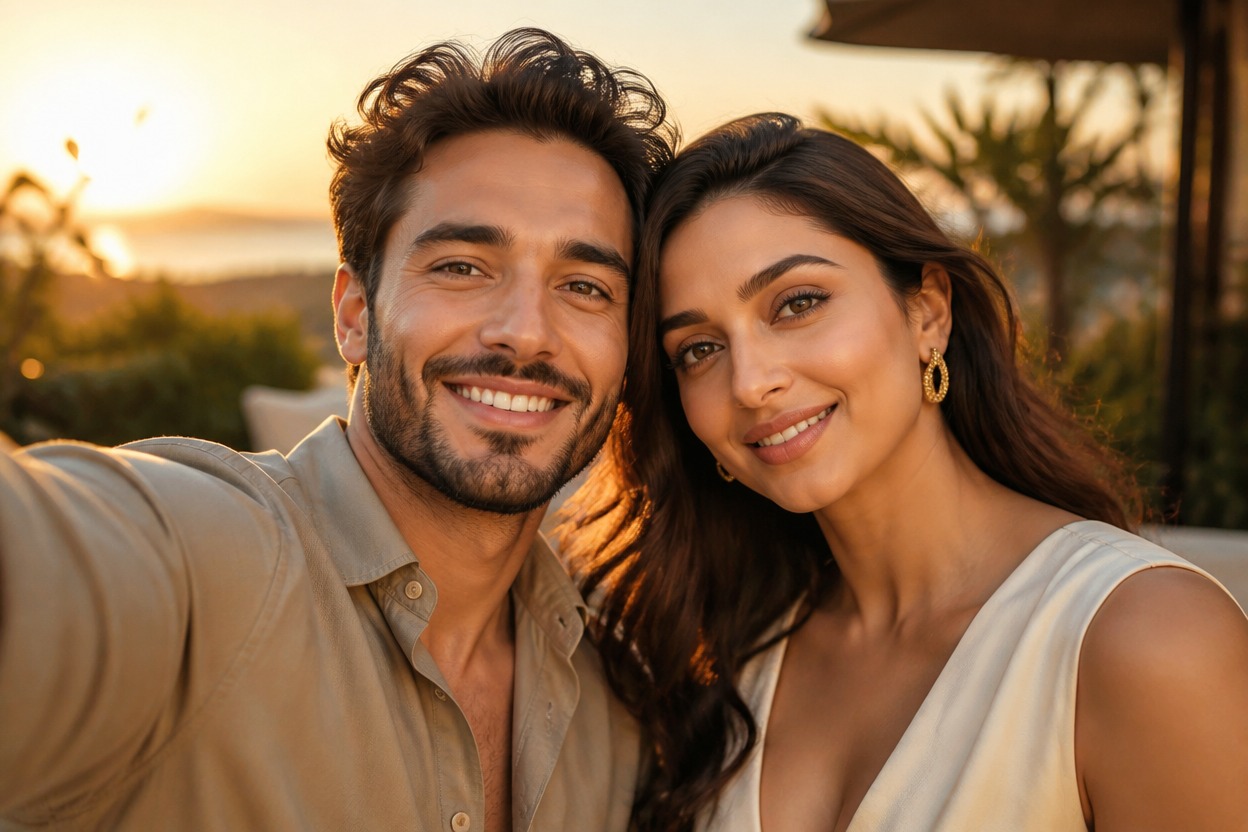
Selfie with Celebrity Generator from Photo
Upload one clear image and create a polished selfie beside an original, fictional celebrity-style figure. AI Hug uses GPT-Image-2 to rebuild the people, lighting, pose, and event atmosphere as one coherent scene.
Create Your Celebrity-Style SelfieCreate a Convincing Celebrity-Style Selfie
Fictional Celebrity-Style Co-Star
Add an original adult figure with red-carpet polish, confident styling, and camera-ready presence without naming or replicating a real celebrity.
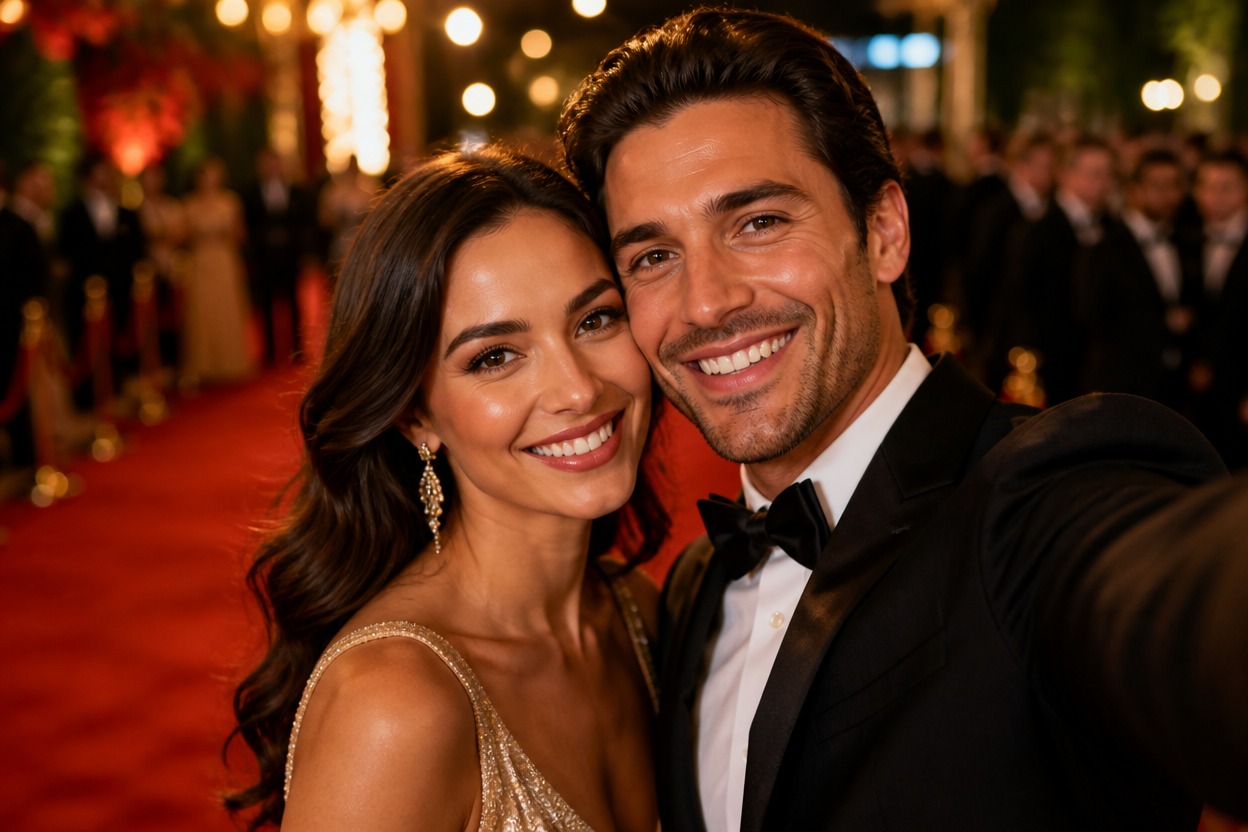
One-Image Transformation
Start with one uploaded portrait. GPT-Image-2 generates the companion, shared pose, event lighting, and surrounding atmosphere in a unified image.
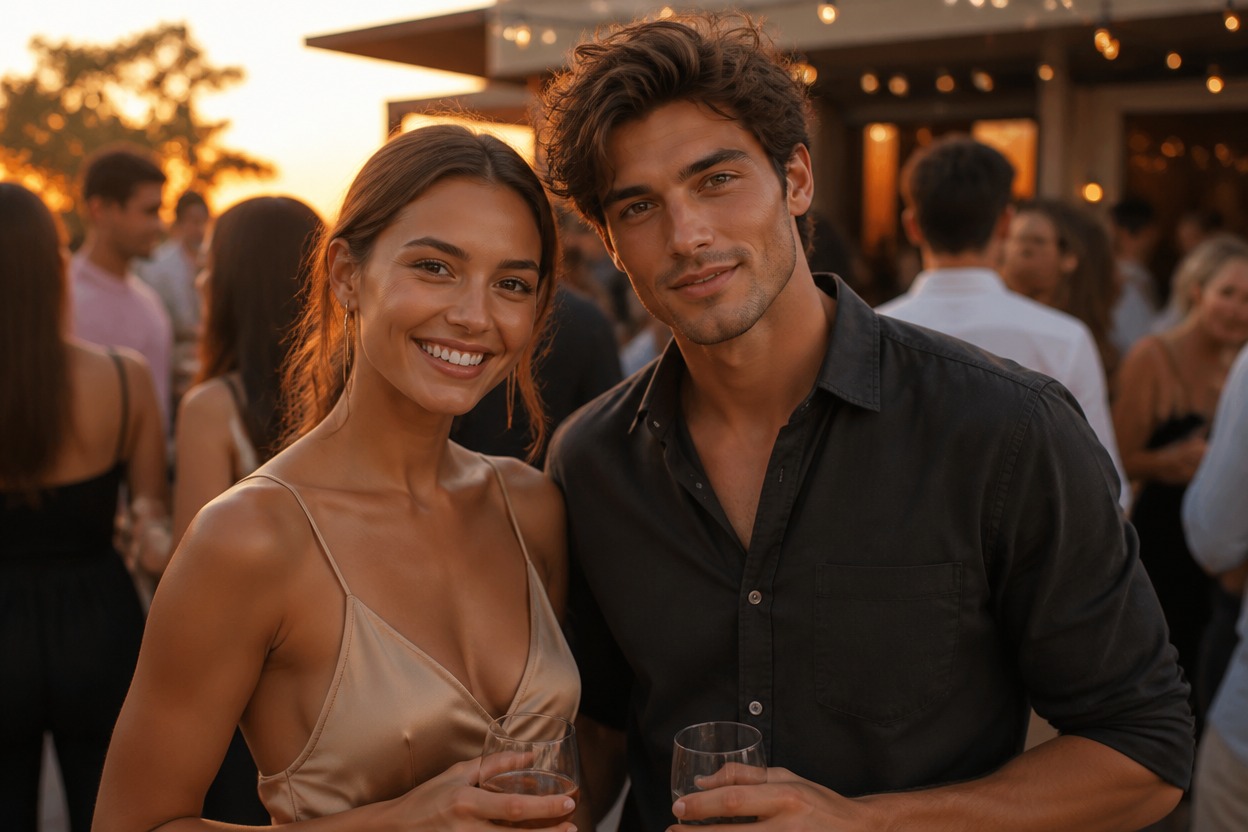
Natural Shared-Selfie Composition
The effect aims for believable eye lines, compatible lighting, close camera framing, and a connected pose so both fictional adults feel present in the same moment.
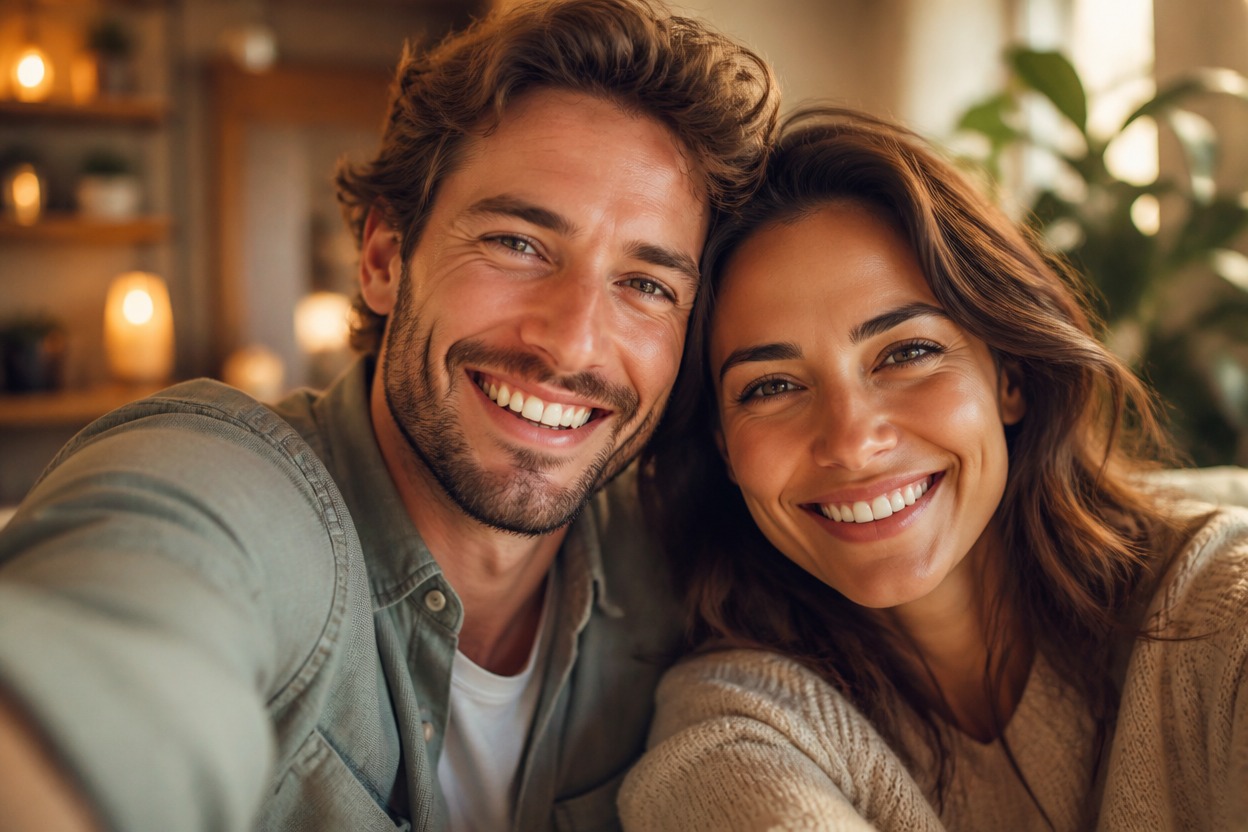
Original fictional encounters for profiles, events, stories, and personal creative projects
Ways to Use Your Celebrity-Style Selfie
Red-Carpet Selfies
Place your portrait in an elegant premiere-style setting beside an original, camera-ready fictional personality.
Fan-Moment Scenes
Create the feeling of an exciting chance encounter with a fictional celebrity-style figure in one polished photo.
Profile Pictures
Make an attention-grabbing social avatar with cinematic lighting and a close shared-selfie composition.
Party Invitations
Develop a playful, text-free image for a premiere-themed party concept before adding event details elsewhere.
Character Storytelling
Visualize an original actor, musician, athlete, or public-figure archetype meeting your character in a fictional scene.
Entertainment Posts
Create a lighthearted fictional image for personal posts, reaction content, or visual storytelling.
How to Use the Selfie with Celebrity Generator
Upload one photo, apply the effect, and review the finished celebrity-style selfie
01
Upload One Clear Image
Choose a sharp, well-lit adult portrait with a visible face, natural expression, and enough space around the head and shoulders.
02
Apply the Celebrity-Style Selfie Effect
Start the transformation. AI Hug uses GPT-Image-2 to generate a fictional celebrity-style companion and blend both adults into one shared scene.
03
Preview and Download
Check facial resemblance, eyes, hands, body proportions, clothing edges, lighting, and background continuity, then download the result you prefer.
Answers about one-photo input, GPT-Image-2, fictional subjects, result quality, and access