AI Silhouette Maker
Upload a photo to apply this effect while keeping the subject recognizable for a natural, polished result.
Image
Examples
Silhouette Maker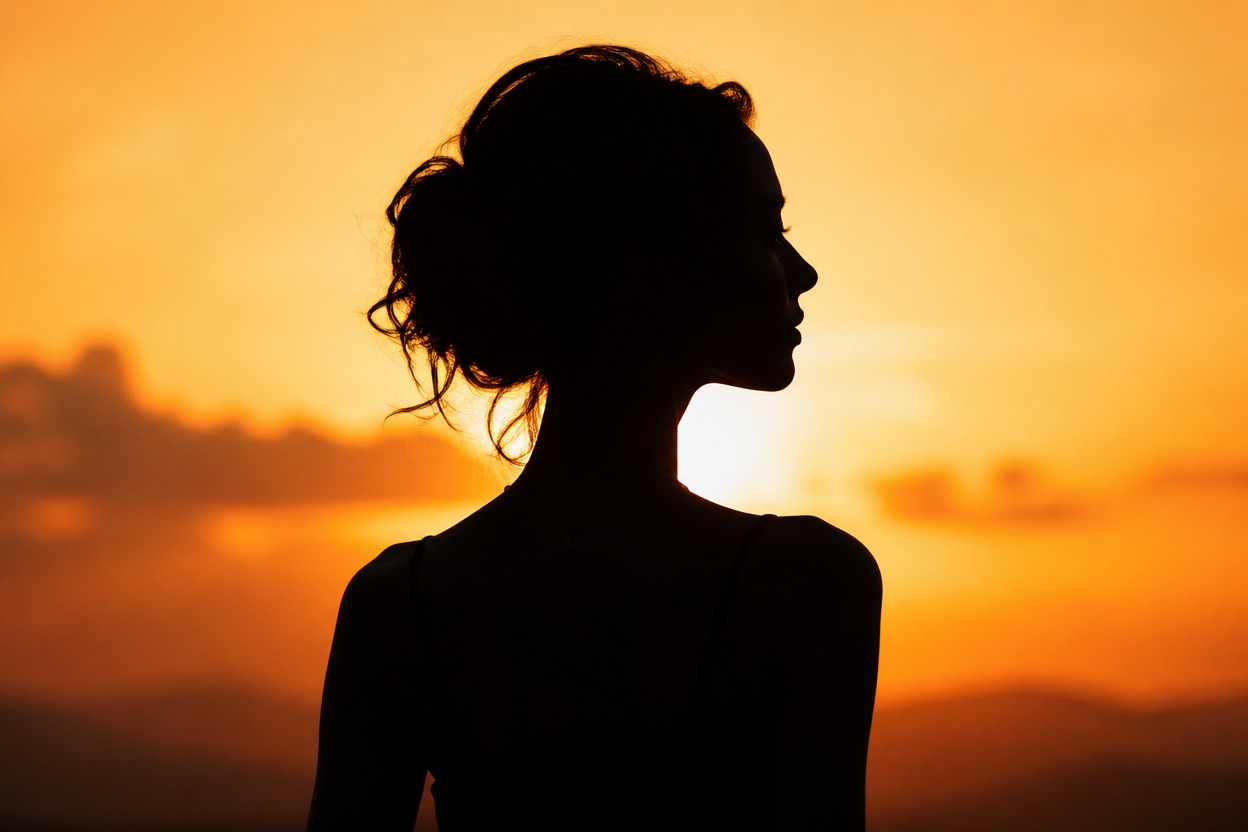
AI Silhouette Maker from Photo
Upload one image and turn its main subject into polished silhouette art. Powered by GPT-Image-2, AI Hug creates a new still image with a strong outline, dramatic contrast, and a cohesive background in one transformation.
Create a SilhouetteTurn One Photo into Striking Silhouette Art
Clean, Recognizable Contours
Emphasize the profile, pose, clothing, pet shape, or object outline so the subject reads clearly against the surrounding scene.
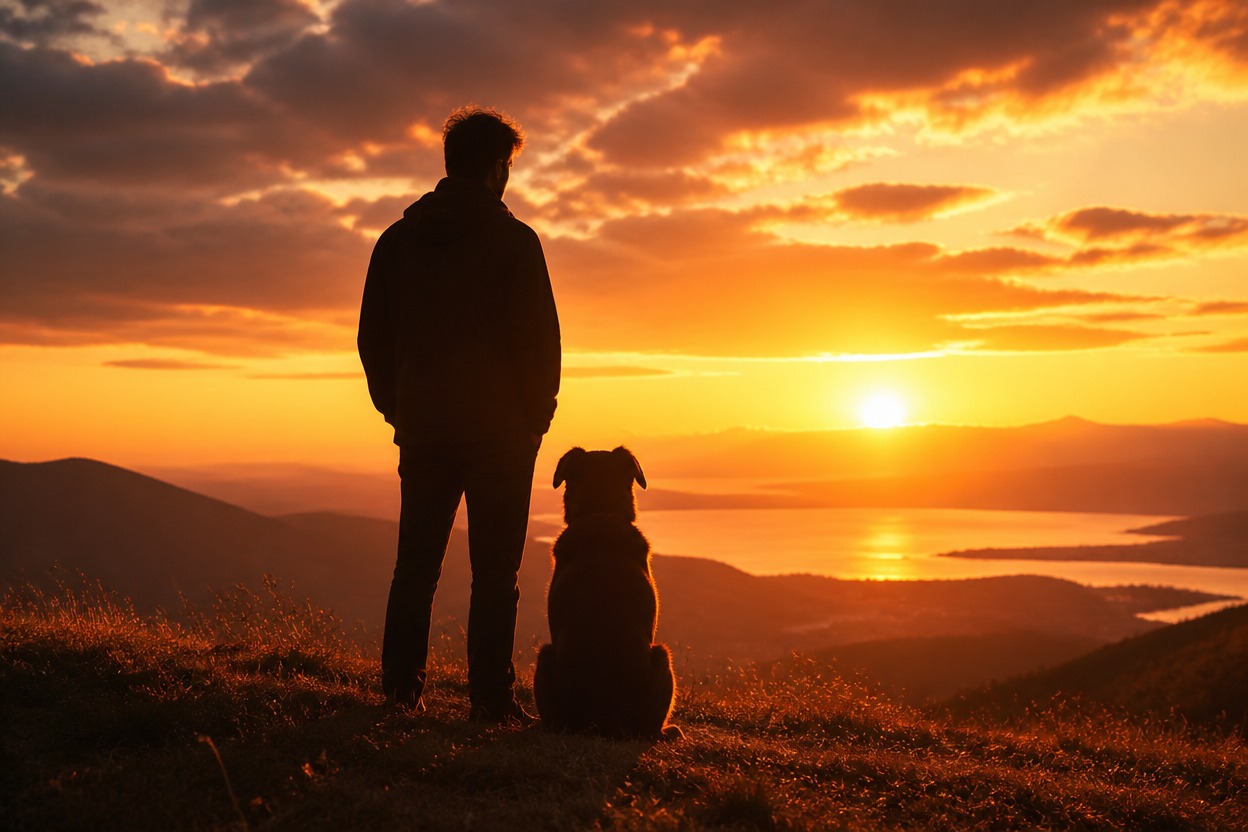
Cohesive Light and Background
GPT-Image-2 interprets the complete photo to build balanced contrast, atmospheric color, and a unified silhouette composition rather than adding a flat overlay.

One-Image Transformation
Start with one uploaded image. The visible subject and composition guide a newly generated silhouette-style still image without a manual cutout workflow.
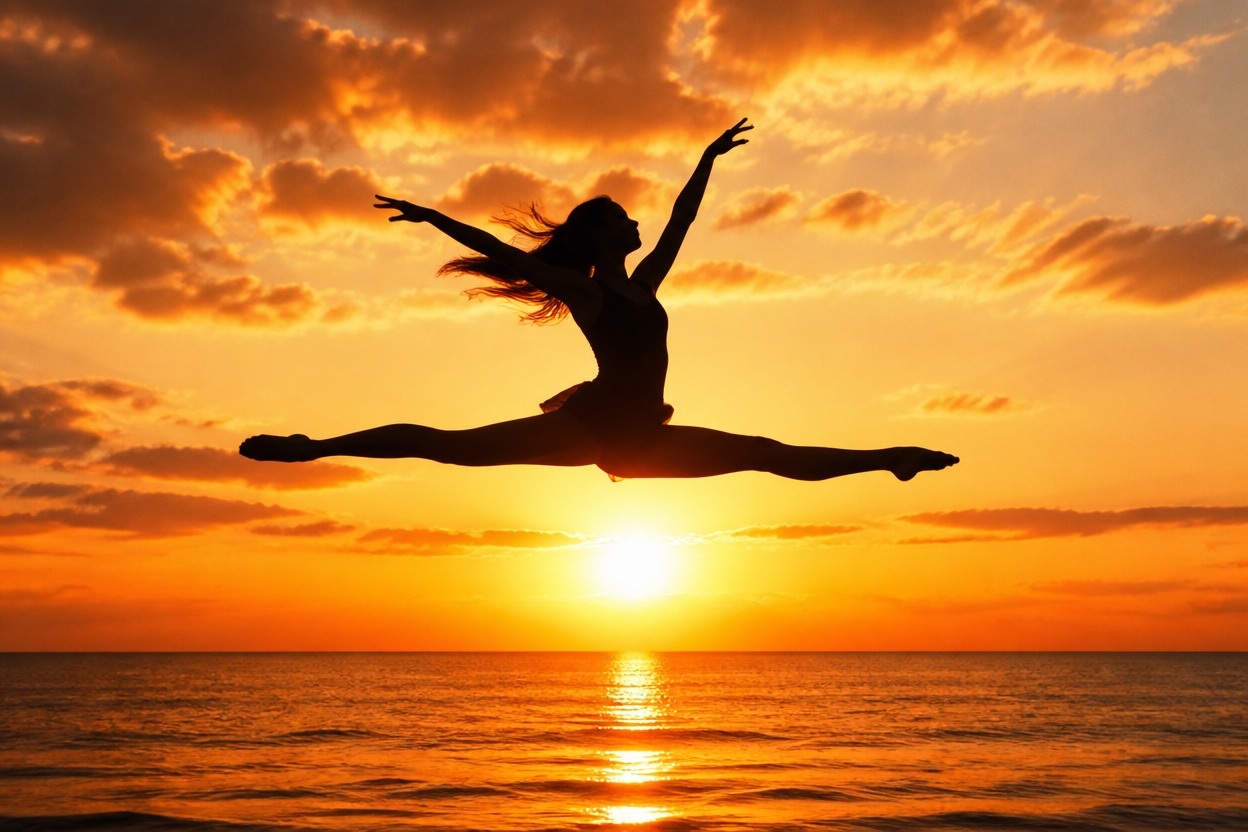
Distinctive silhouette results for people, pets, movement, travel scenes, and personal artwork
Ways to Use an AI Silhouette Maker
Profile and Avatar Images
Create a bold side-profile or full-body silhouette for a distinctive personal avatar or profile image.
Couple and Family Keepsakes
Transform a clear photo with connected figures into a simple, expressive silhouette-style digital keepsake.
Pet Silhouette Art
Highlight a pet’s ears, posture, tail, and recognizable outline against a clean or atmospheric background.
Dance and Sports Poses
Emphasize expressive movement and body shape in a dramatic still image with strong edge separation.
Travel Scene Silhouettes
Turn a subject against a sunset, skyline, coast, or mountain view into an atmospheric memory.
Decorative Print Concepts
Create minimalist silhouette artwork that can inspire personal posters, cards, or wall-art layouts.
How to Use the AI Silhouette Maker
Upload one image, apply the effect, and review your finished silhouette
01
Upload One Clear Image
Choose a sharp photo with a distinct main subject and visible outer edges. Side profiles, full-body poses, pets, and simple objects are strong starting points.
02
Apply the Silhouette Effect
Start the one-image transformation. AI Hug uses GPT-Image-2 to reinterpret the subject, contrast, lighting, and background as one cohesive silhouette scene.
03
Preview and Download
Check the outline, anatomy, important details, background separation, and overall composition, then download the result you want to keep.
Answers about one-photo input, GPT-Image-2, source quality, silhouettes, outputs, and access