AI Skinny Filter
Upload a photo to apply this effect while keeping the subject recognizable for a natural, polished result.
Image
Examples
Skinny Filter
AI Skinny Filter from Photo
Upload one clear image and create a polished portrait with a more streamlined visual silhouette. AI Hug uses GPT-Image-2 to reinterpret body contours, clothing, lighting, and nearby details as one coherent image.
Apply the Skinny FilterAI Skinny Filter Features for Polished Photo Effects
Natural-Looking Proportions
GPT-Image-2 can refine the visible silhouette while keeping shoulders, limbs, posture, and clothing visually balanced rather than applying a flat squeeze effect.

One-Image Transformation
Start with one uploaded image. The AI photo filter rebuilds the subject and surrounding scene together, so the result remains a single integrated composition.
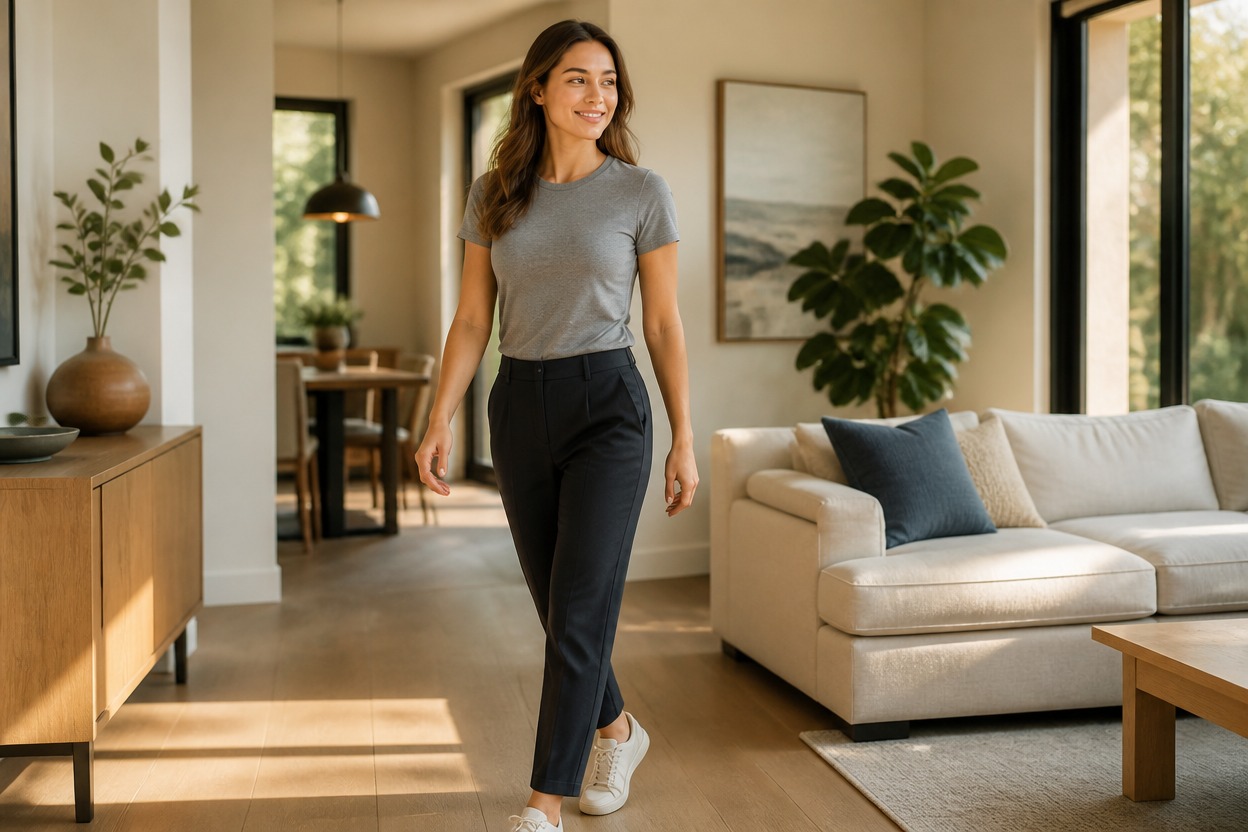
Coherent Clothing and Background
The effect accounts for fabric drape, nearby edges, shadows, and perspective. Review the generated result carefully because fine details can vary.

Respectful photo-effect ideas for portraits, outfits, profiles, and creative styling
What You Can Create with an AI Skinny Filter
Portrait Variations
Create an alternative full-body or three-quarter portrait with a subtly streamlined visual silhouette.
Outfit Visualization
Explore how a fitted or structured outfit may appear within a polished generated portrait.
Profile Photo Concepts
Produce a refined personal-image variation while keeping the pose and presentation respectful.
Editorial Photo Effects
Give an authorized photo a clean fashion-editorial treatment with coherent lighting and proportions.
Creative Character Styling
Reinterpret a character or costume image with adjusted contours while preserving the overall design direction.
Social Image Experiments
Try a new visual treatment for personal content without presenting it as a prediction of real physical change.
How to Use the AI Skinny Filter from Photo
Upload one image, apply the effect, and review the finished photo
01
Upload One Clear Image
Choose a sharp photo with one adult subject, visible body contours, balanced lighting, and minimal obstruction.
02
Apply the AI Skinny Filter
Start the transformation. AI Hug uses GPT-Image-2 to generate a streamlined portrait while reworking clothing, light, and surrounding details together.
03
Preview and Download
Check the face, hands, posture, fabric, background edges, and overall proportions, then download the version that looks coherent.
Answers about one-photo input, GPT-Image-2, image quality, responsible use, and access