Snoopy Filter
Upload a photo to apply this effect while keeping the subject recognizable for a natural, polished result.
Image
Examples
Snoopy Filter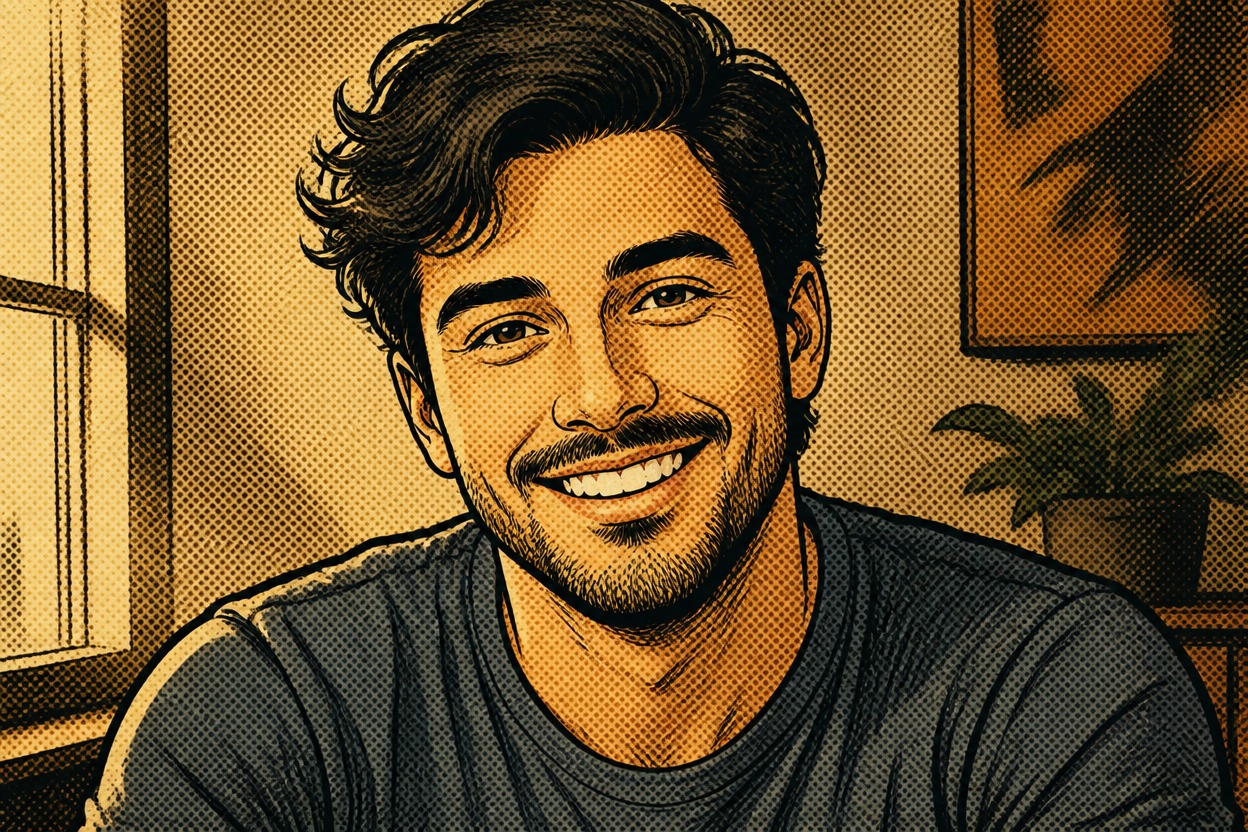
Snoopy Filter from Photo
Upload one image and turn it into a polished, nostalgic newspaper-comic scene. Powered by GPT-Image-2, AI Hug reimagines the subject, linework, shading, and setting together in one coherent result.
Try the Snoopy FilterTurn One Photo into a Playful Comic Scene
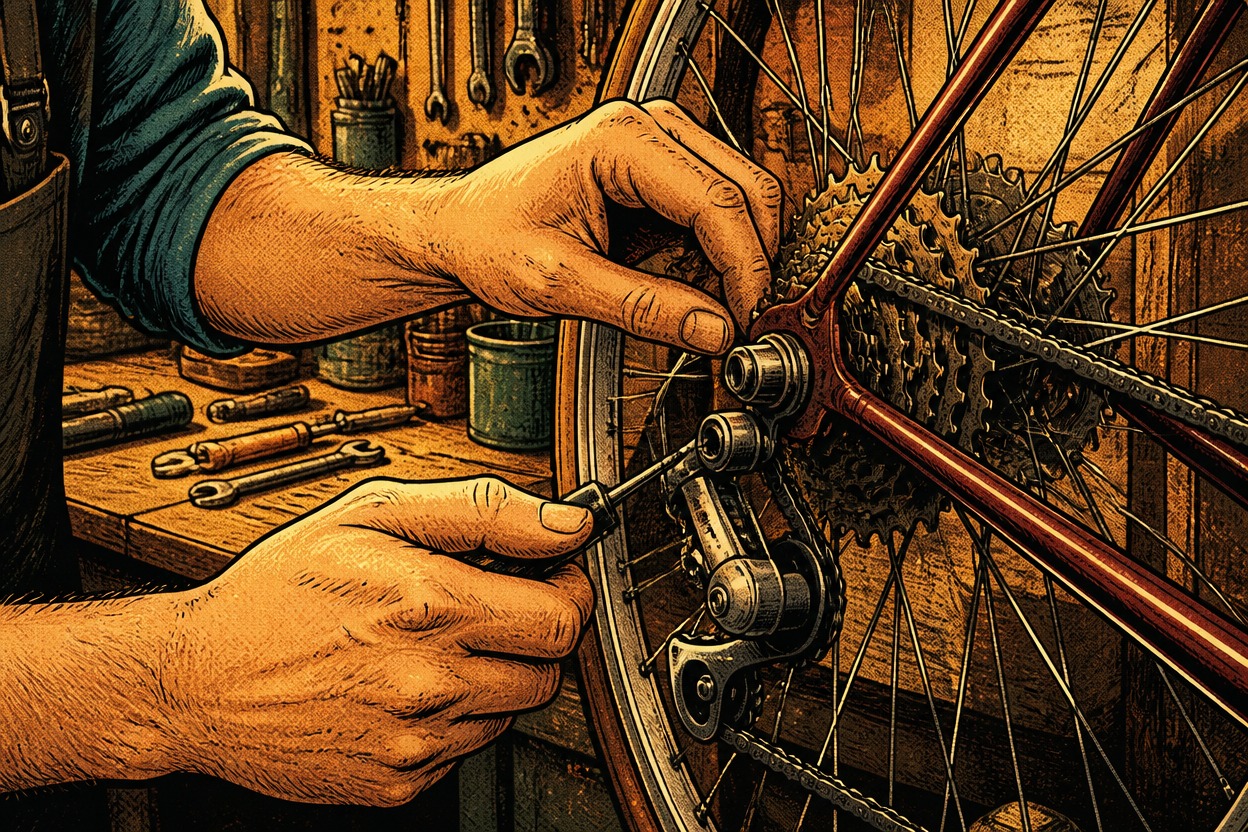
Nostalgic Comic Linework
GPT-Image-2 can reinterpret a photo with crisp ink contours, expressive shapes, restrained shading, and the warm simplicity of a classic newspaper comic.
One-Photo Transformation
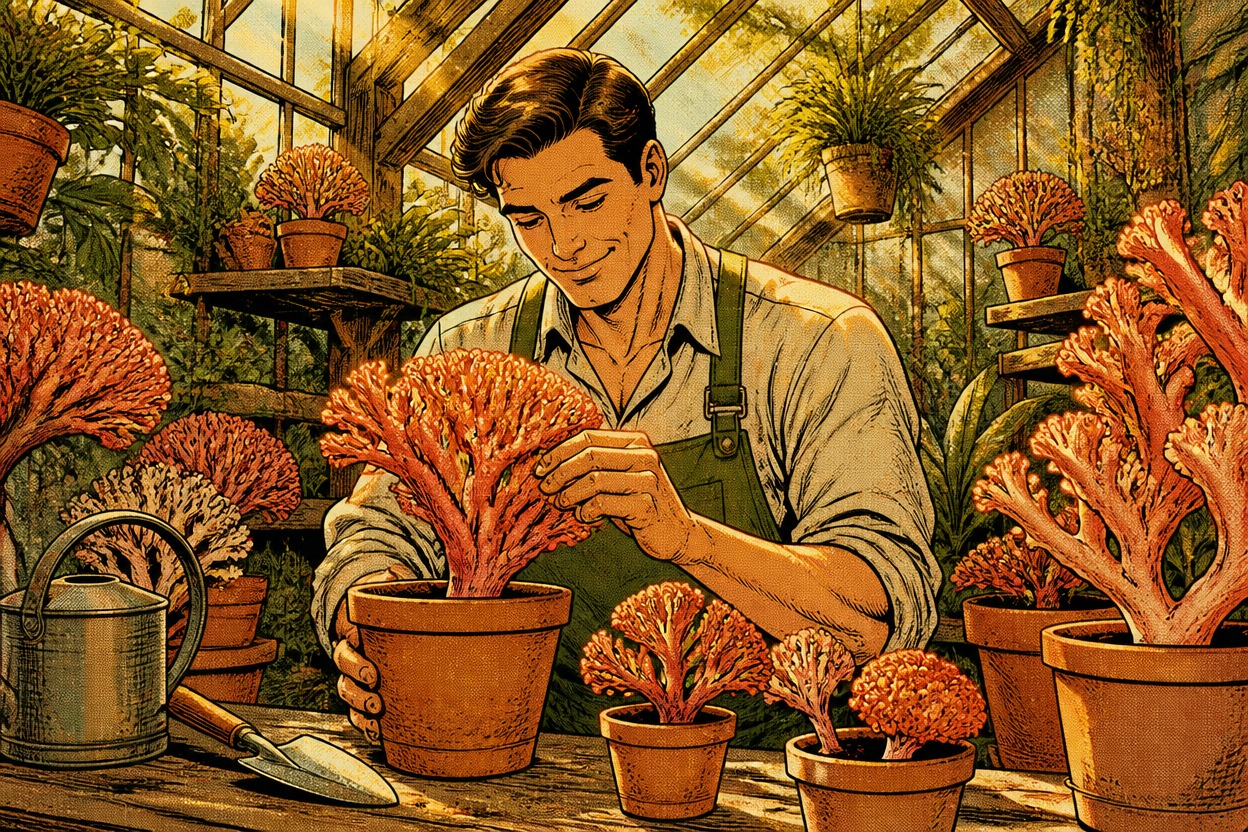
Start with one uploaded image and receive one finished scene rather than a before-and-after board, template, or multi-panel layout.
Original, Unbranded Results
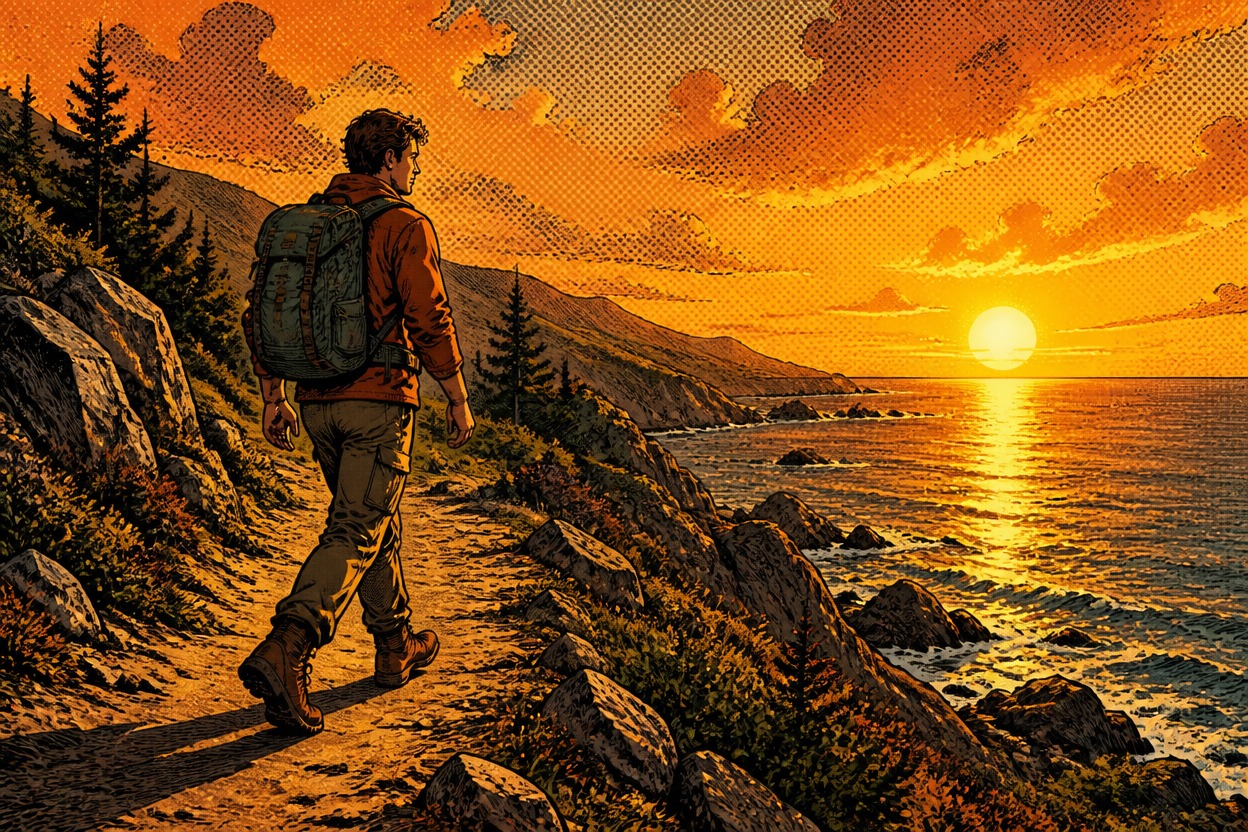
The effect focuses on an original comic interpretation of your subject and setting without adding franchise characters, logos, packaging, or branded text.
Create original comic portraits, pet scenes, avatars, keepsakes, and character concepts
Ways to Use a Snoopy-Style Photo Transformation
Profile Picture Variations
Turn a clear portrait into an approachable comic-style profile image with clean outlines and expressive simplicity.
Pet-and-Owner Illustrations
Create an original illustrated moment featuring an adult and a pet in one visually consistent scene.
Greeting Card Artwork
Generate a warm, text-free comic scene that can inspire a personal greeting or invitation design.
Original Character Concepts
Explore an authorized character in a restrained newspaper-comic aesthetic with a coherent outfit and setting.
Memory Book Images
Reimagine a favorite everyday photo as a simple illustrated scene for a scrapbook or personal collection.
Social Avatar Experiments
Create a playful avatar direction without manually tracing contours, simplifying colors, or rebuilding the background.
How to Use the Snoopy Filter from Photo
Upload one image, apply the effect, and review one finished comic-style result
01
Upload One Clear Image
Choose a sharp, well-lit photo with the main subject, expression, clothing, and setting clearly visible.
02
Apply the Snoopy Filter
Start the one-image transformation. AI Hug uses GPT-Image-2 to rebuild the subject and scene with original comic linework, shapes, and shading.
03
Preview and Download
Review the face, pose, pet anatomy, outlines, background, and overall coherence, then download the result you prefer.
Answers about one-photo input, GPT-Image-2, image quality, recognizable results, and unofficial status