AI South Park Character Creator
Upload a photo to apply this effect while keeping the subject recognizable for a natural, polished result.
Image
Examples
South Park Character Creator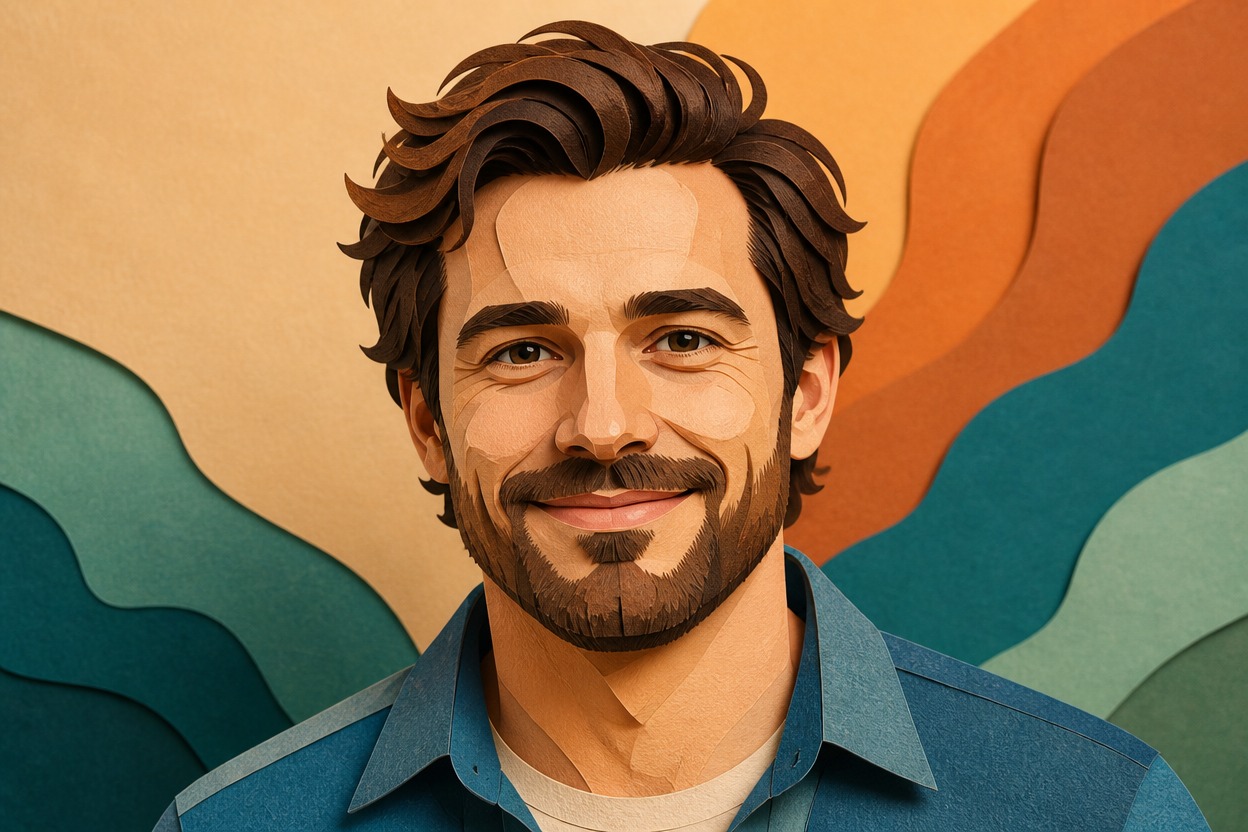
AI South Park Character Creator from Photo
Upload one clear image and transform the adult subject into an original paper-cutout cartoon character. Powered by GPT-Image-2, AI Hug rebuilds the face, outfit, pose, colors, and setting as one coherent illustrated scene.
Create My CharacterCreate an Original Paper-Cutout Cartoon Character
Paper-Cutout Cartoon Styling
GPT-Image-2 redraws the visible subject with compact geometric shapes, clean outlines, layered paper-like texture, expressive features, and a bold limited palette rather than adding a flat overlay.
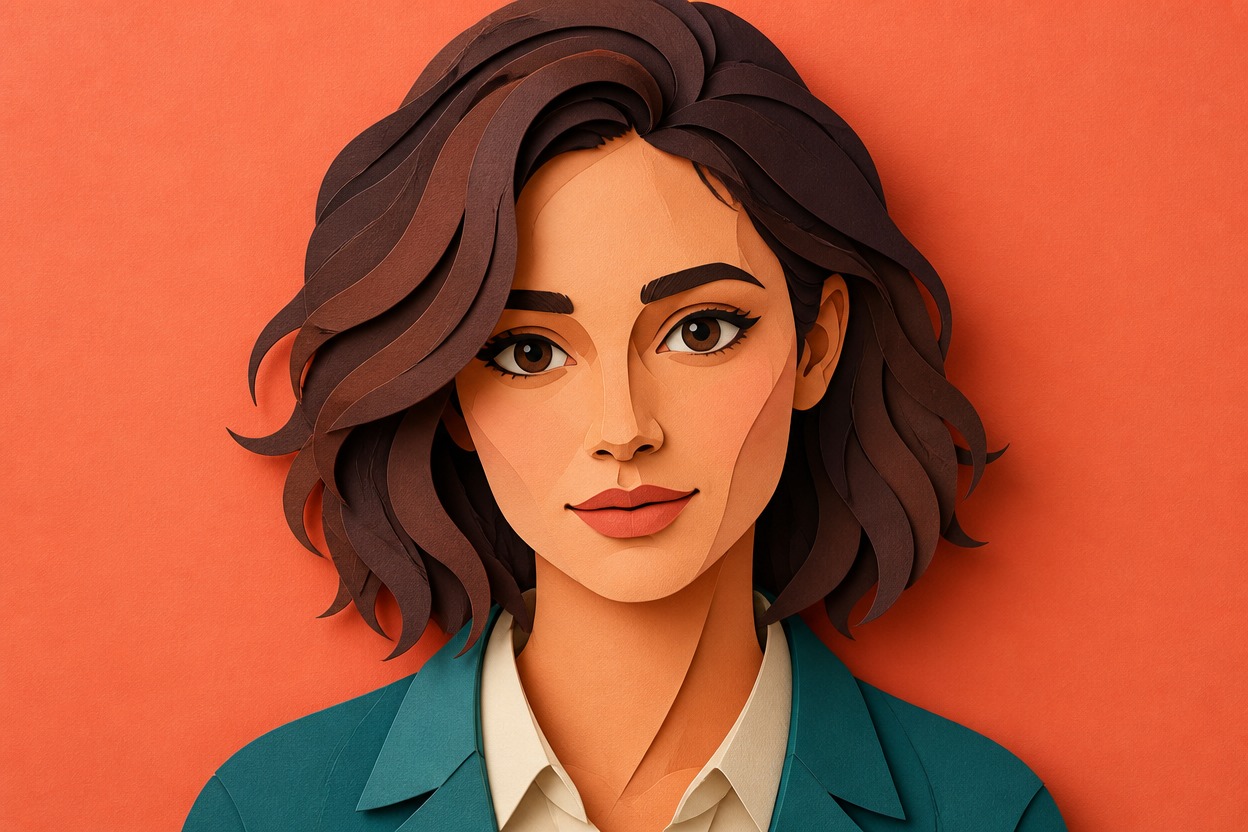
Source-Aware Character Details
The transformation follows visible cues from one uploaded image, including hairstyle, expression, clothing, pose, and framing, while interpreting them as a new original cartoon character.
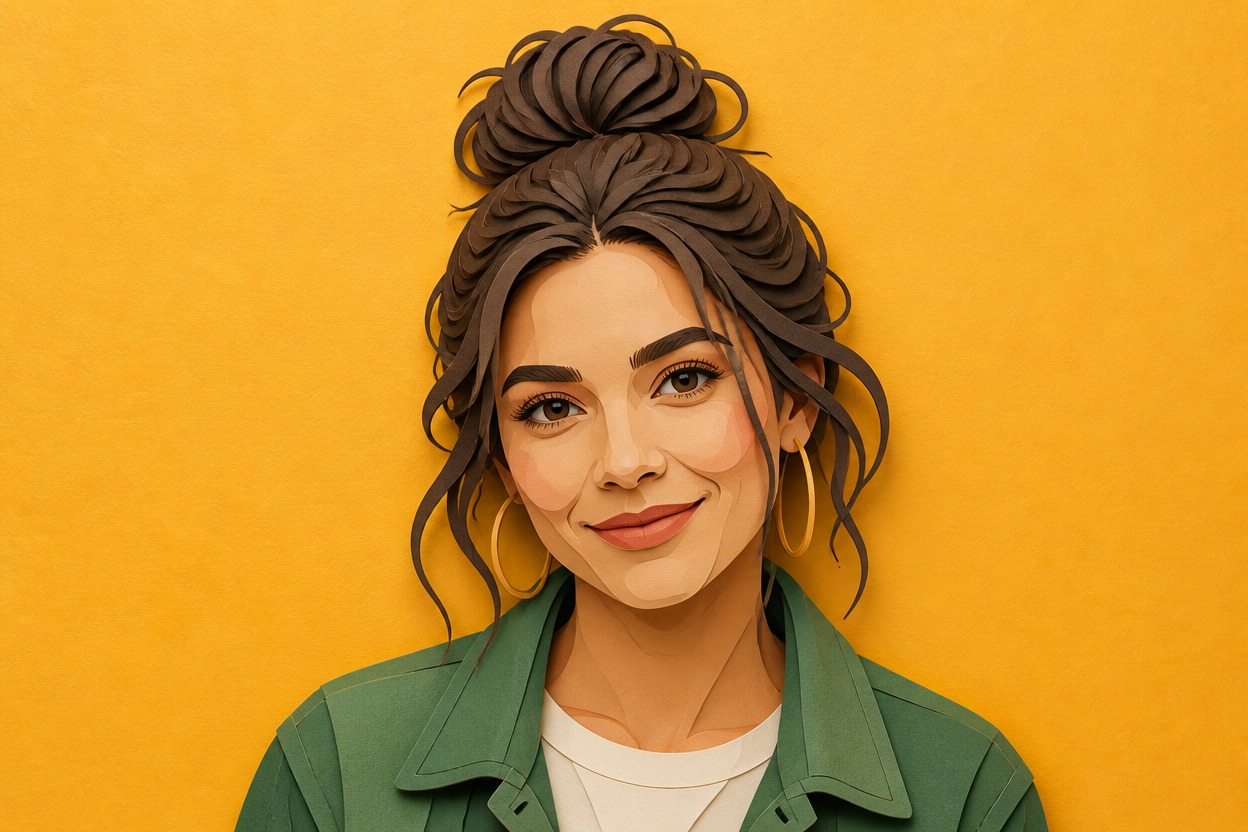
One Unified Illustrated Scene
Character and setting are generated together so color, linework, lighting, perspective, and paper-cutout texture feel consistent across the finished still image.
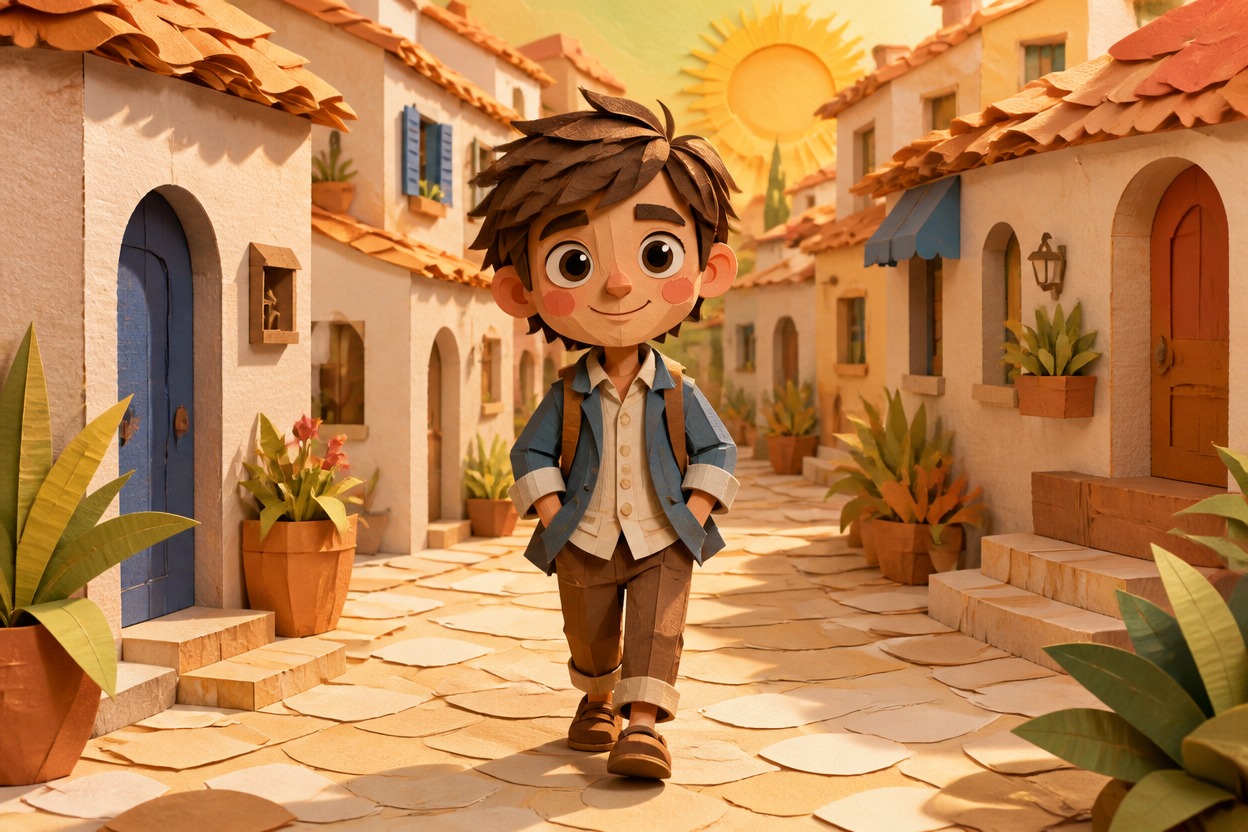
Create memorable avatars, keepsakes, original character concepts, travel restyles, reactions, and story frames
Ways to Use Your Cartoon Character
Profile Pictures
Turn a clear adult portrait into a compact, expressive paper-cutout cartoon avatar with a distinctive color palette.
Couple Portraits
Restyle an authorized image of two adults as one coherent illustrated scene for a lighthearted personal keepsake.
Original Character Concepts
Reinterpret your own adult character reference with simple shapes, bold clothing colors, and an expressive small-town cartoon mood.
Travel Photo Restyles
Transform an adult travel portrait and its location into a unified paper-textured scene with recognizable visual cues.
Reaction Images
Give an expressive adult portrait a heightened cartoon reaction for personal chats, posts, or creative projects.
Story Frames
Create an original character-focused still for a private mood board, short story, storyboard, or visual concept.
How to Use the AI South Park Character Creator
Upload one photo, apply the effect, and review one finished paper-cutout cartoon scene
01
Upload One Clear Image
Choose one sharp, well-lit photo with an adult subject, visible facial features, natural anatomy, and enough background context to guide the scene.
02
Apply the Character Effect
Start the one-uploaded-image transformation. AI Hug uses GPT-Image-2 to reinterpret the subject and setting with flat shapes, bold outlines, layered paper texture, and expressive cartoon detail.
03
Preview and Download
Review facial resemblance, hands, anatomy, outfit details, color separation, and scene coherence, then download the finished version you prefer.
Answers about one-photo input, GPT-Image-2, image quality, results, creative uses, access, and affiliation