AI Statue Generator
Upload a photo to apply this effect while keeping the subject recognizable for a natural, polished result.
Image
Examples
Statue Generator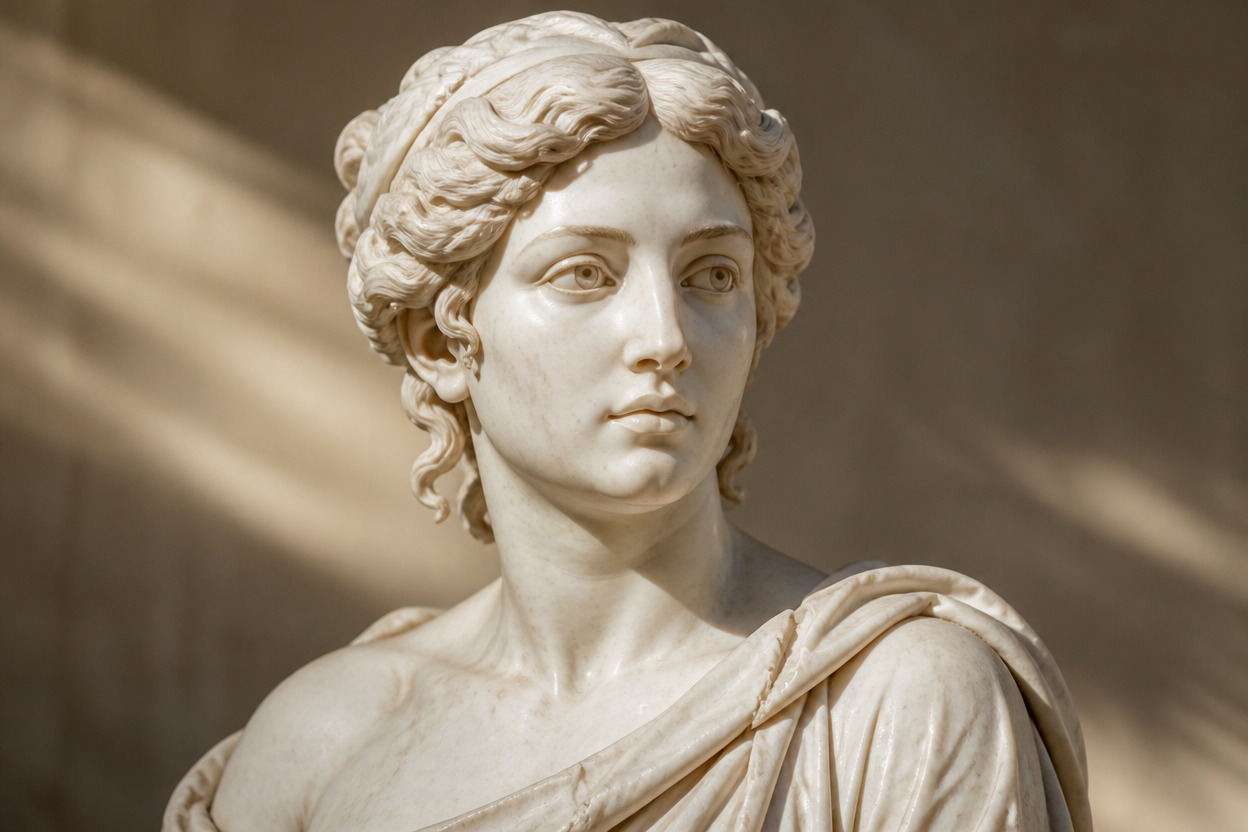
AI Statue Generator
Upload one clear photo and transform the subject into an elegant marble statue portrait. AI Hug uses GPT-Image-2 to reinterpret visible facial details, hair, clothing, and form as realistic carved stone.
Create a Marble PortraitFrom Portrait Photo to Sculpted Marble Art
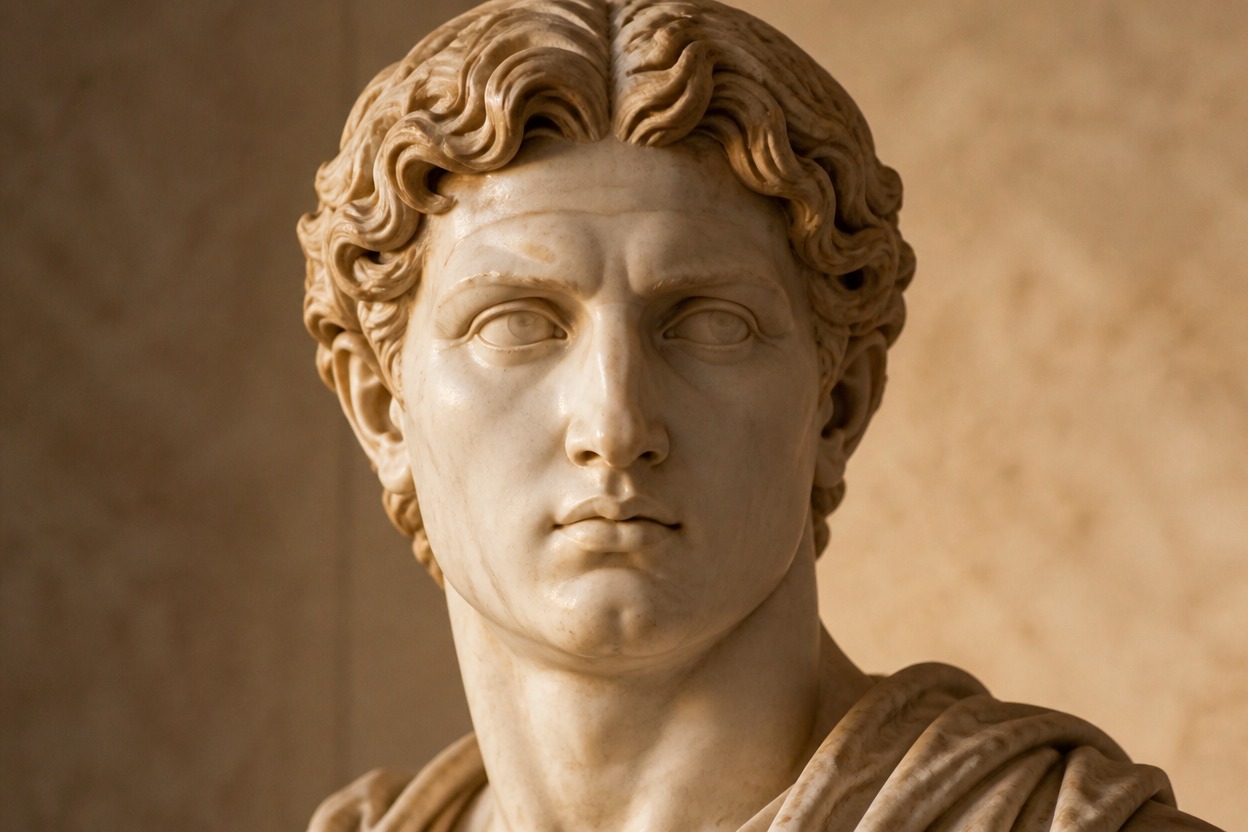
Carved Marble Detail
GPT-Image-2 rebuilds visible skin, hair, and fabric as sculpted stone with fine chisel detail, subtle veining, dimensional contours, and gallery-style lighting.
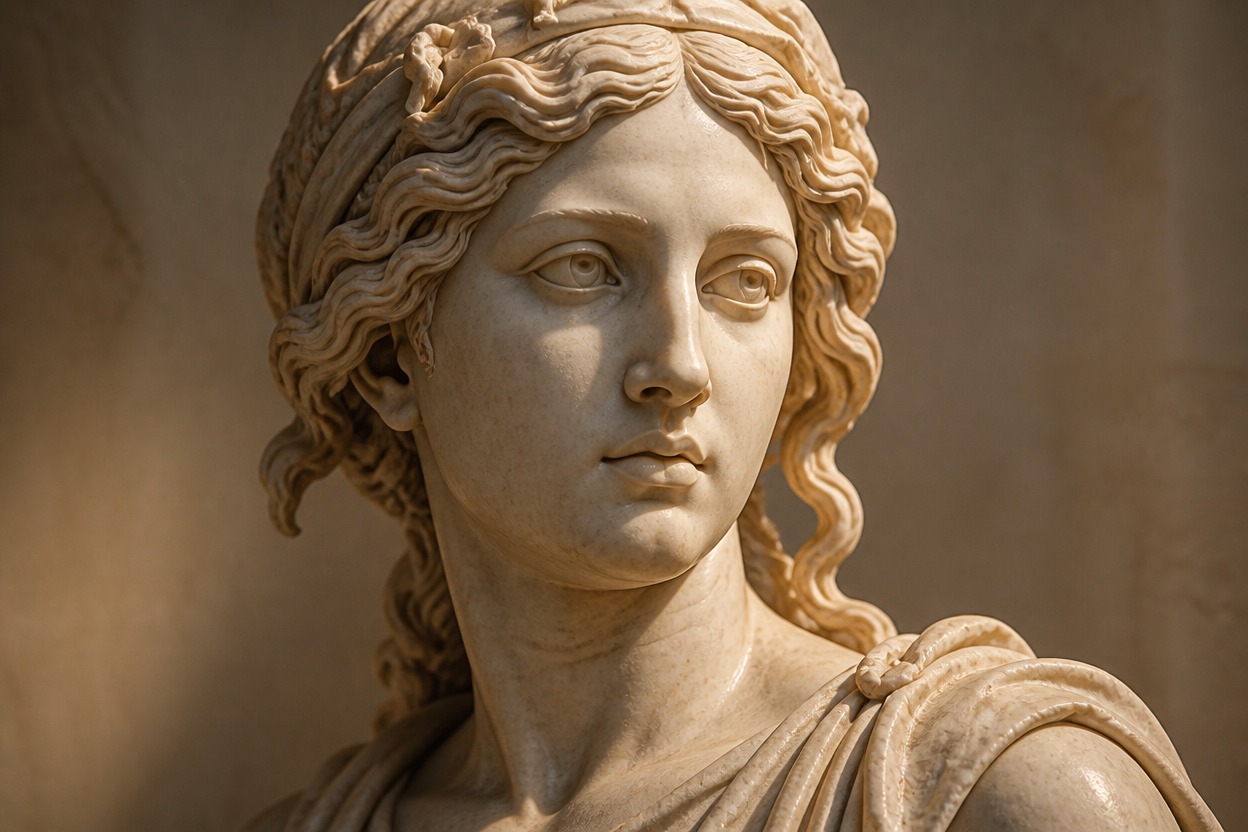
Recognizable Portrait Structure
The transformation follows the source face, expression, pose, and framing so the sculpture remains connected to the uploaded subject, although generated details can vary.
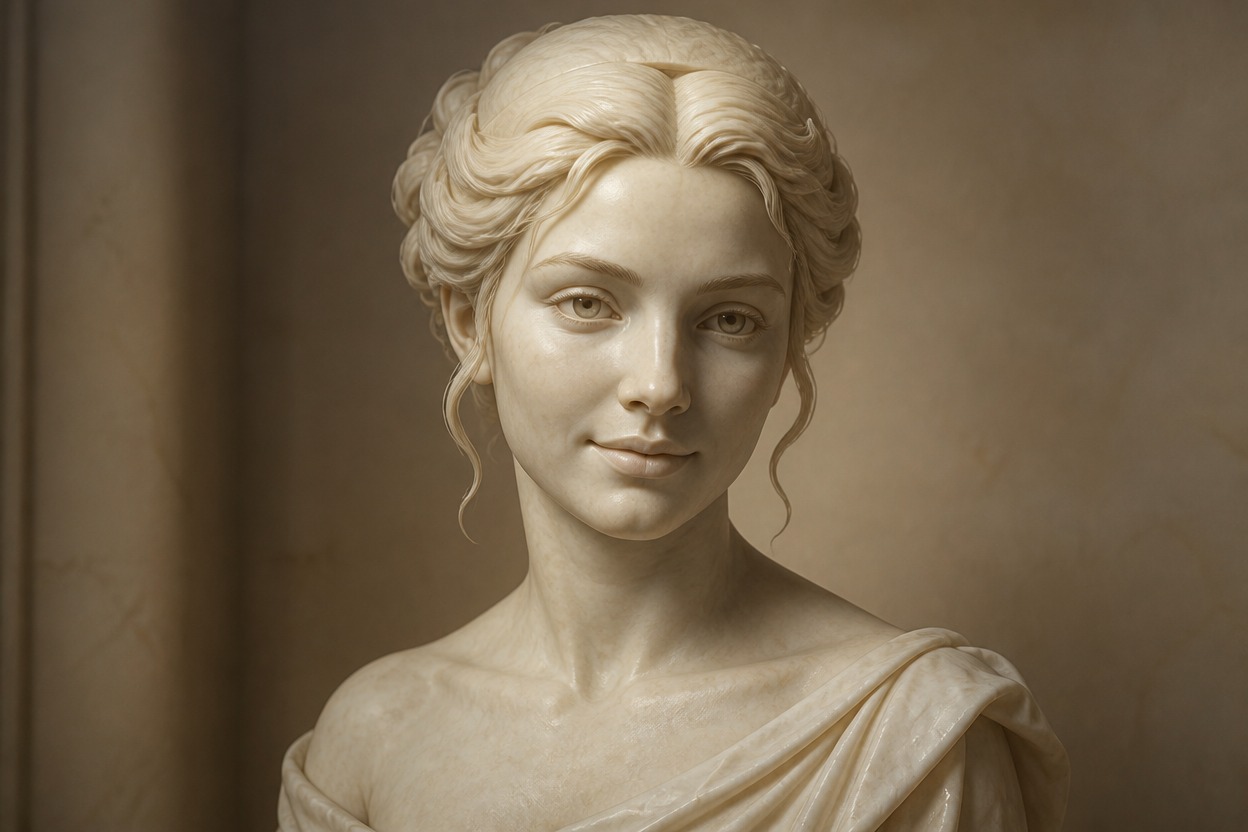
One Coherent Sculpture
Create a focused sculpture portrait from one uploaded image without assembling layers, building a 3D mesh, or combining separate background assets.
Marble-style treatments for portraits, characters, keepsakes, and visual concepts
Ways to Use Your AI Sculpture Portrait
Classical Portrait Concepts
Reimagine a clear adult headshot as a dignified marble bust with carved facial structure and believable stone texture.
Profile Picture Variations
Create a distinctive sculpture-style portrait for a personal profile, avatar concept, or creative identity.
Museum-Inspired Artwork
Place a familiar subject in an elegant gallery aesthetic without arranging a physical sculpture photo shoot.
Historical Character Concepts
Give an original or authorized character a classical sculpture treatment for storytelling and visual development.
Gift and Keepsake Ideas
Transform a meaningful portrait into marble-style artwork for a personal card, print concept, or digital keepsake.
Editorial Visuals
Develop a refined sculpture portrait for articles, mood boards, and creative campaigns after reviewing applicable usage rights.
How to Use the AI Statue Generator from Photo
Upload one image, apply the effect, and review the finished marble portrait
01
Upload One Clear Image
Choose a sharp, well-lit photo with one visible adult subject, readable facial features, and minimal obstruction around the face.
02
Apply the Statue Effect
Start the one-image transformation. AI Hug uses GPT-Image-2 to reinterpret the subject as carved marble while following the original pose and framing.
03
Preview and Download
Check the likeness, facial anatomy, stone texture, clothing, and background, then download the result that best represents your source.
Answers about source photos, GPT-Image-2, marble results, output checks, and access