AI Sticker Generator
Upload a photo to apply this effect while keeping the subject recognizable for a natural, polished result.
Image
Examples
Sticker Generator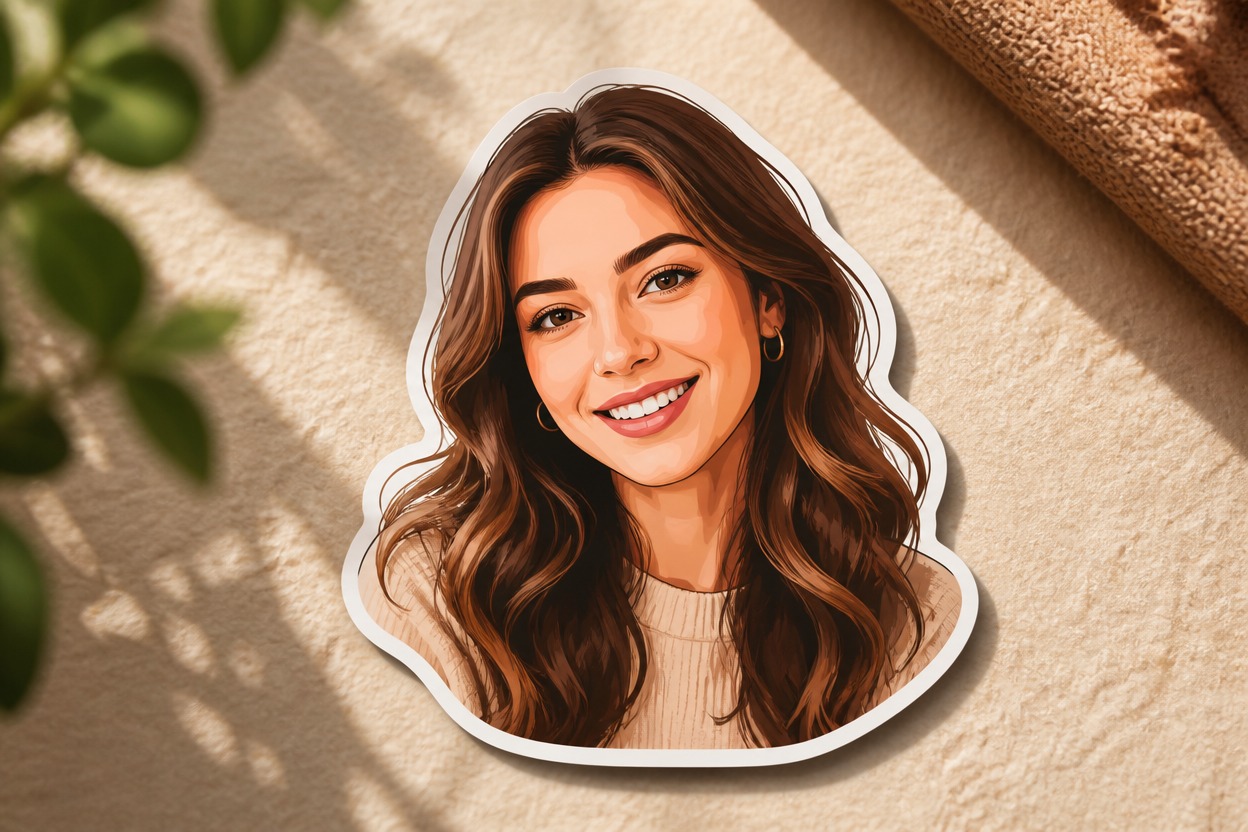
AI Sticker Generator
Upload one clear image and transform its main subject into polished die-cut sticker art. AI Hug uses GPT-Image-2 to reinterpret recognizable shapes, colors, and details with a crisp cut border and a cohesive illustrated finish.
Create a StickerTurn One Photo into Polished Sticker Art
Crisp Die-Cut Sticker Style
GPT-Image-2 rebuilds the subject as cohesive sticker artwork with a clean outer border, readable silhouette, and polished color treatment.
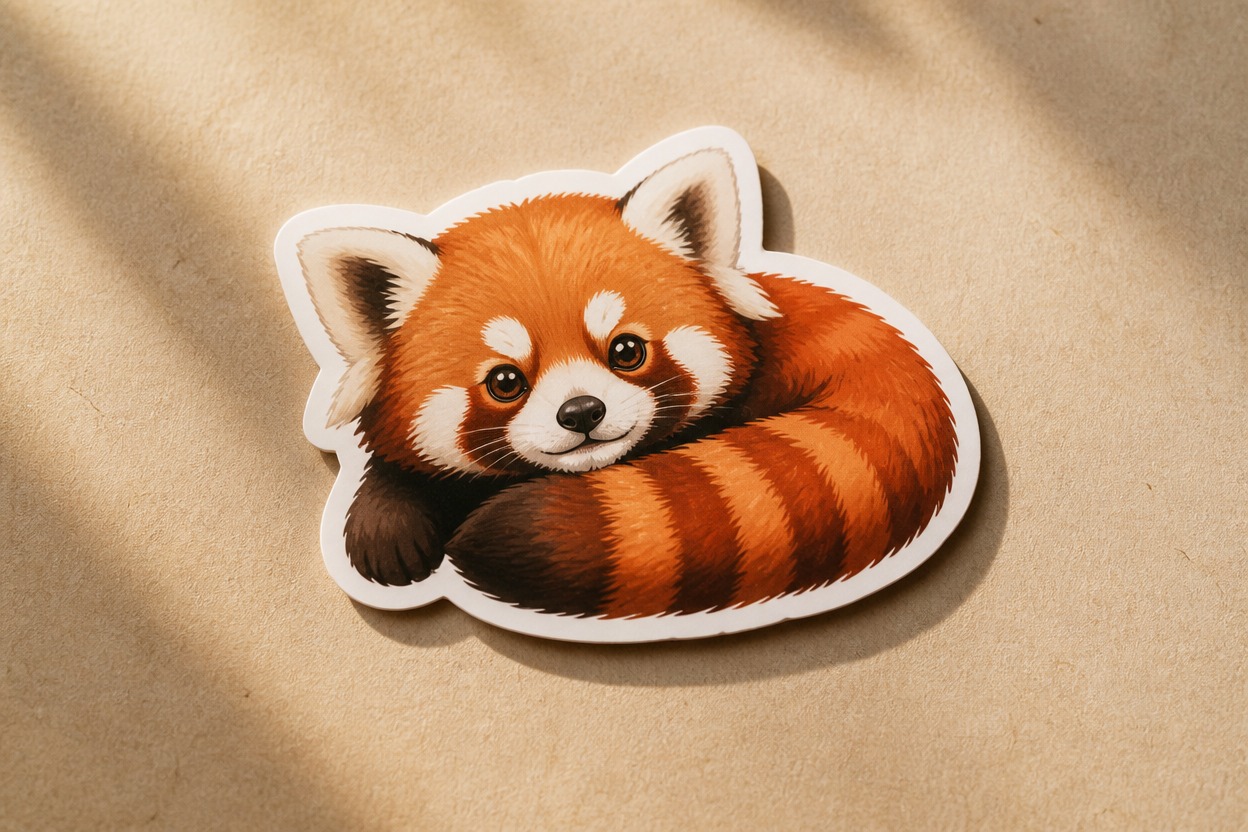
Recognizable Subject Details
The transformation follows the source subject, pose, expression, and key visual traits while simplifying fine detail for a clearer sticker design.
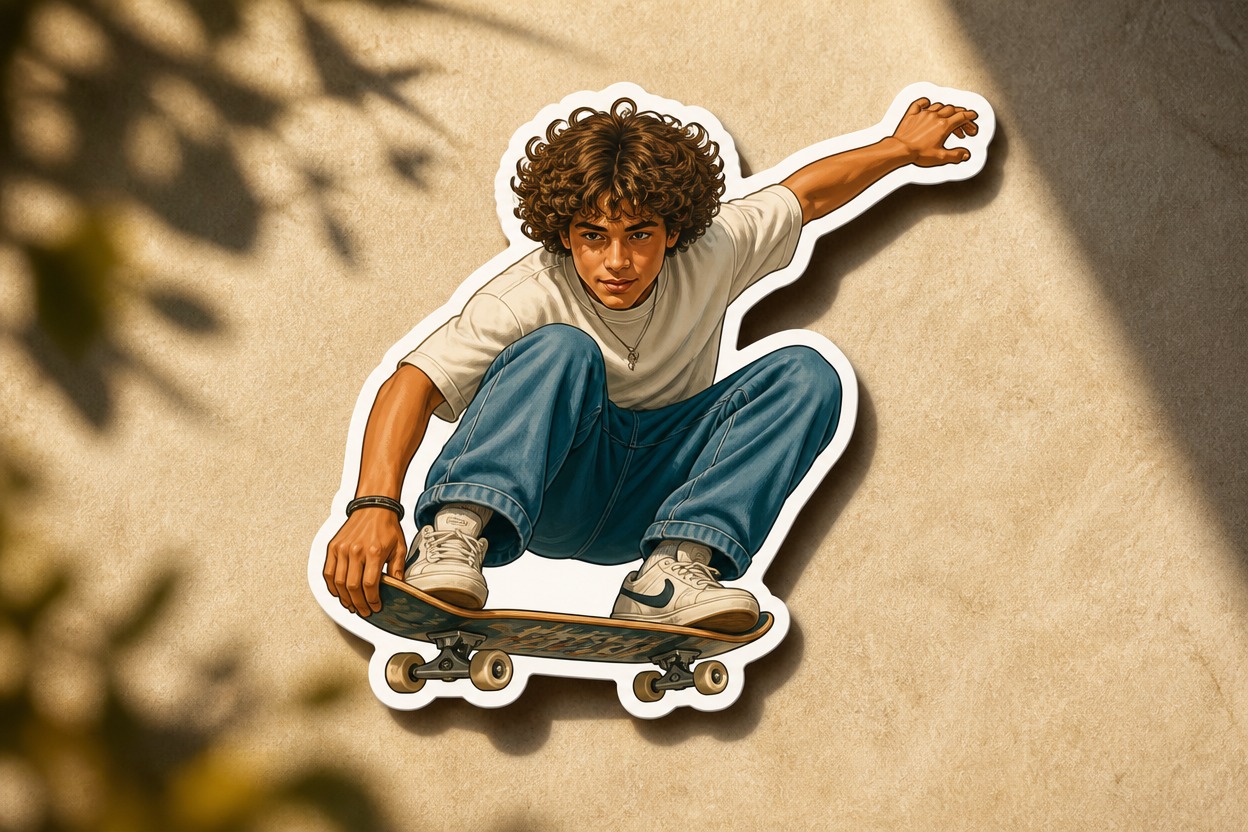
One-Image Transformation
Start with one uploaded photo and generate one unified sticker-style result without assembling layers or combining multiple source images.
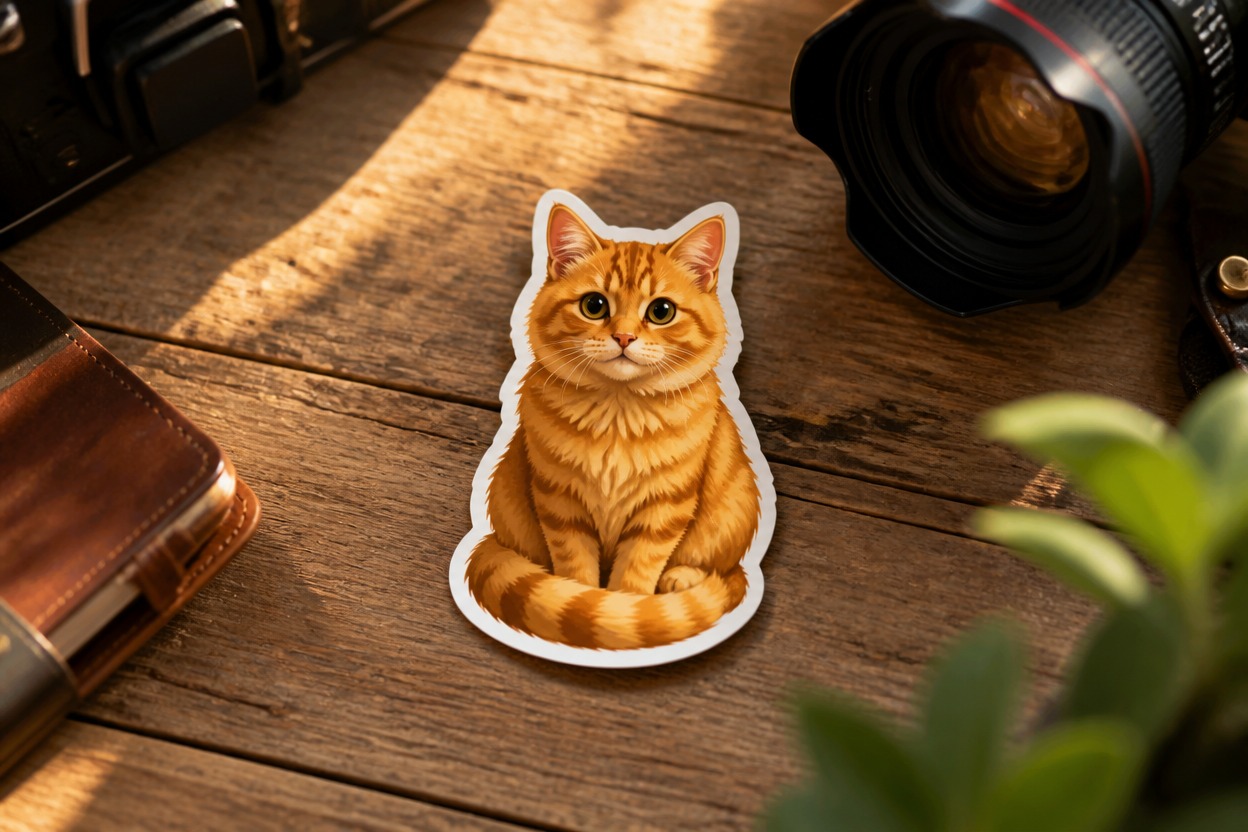
Practical designs for portraits, pets, characters, memories, and objects
Sticker Ideas You Can Create
Profile Stickers
Turn a clear adult portrait into expressive sticker art for a personal avatar or profile image concept.
Pet Stickers
Transform a favorite pet photo into a colorful sticker-style illustration that follows distinctive markings and expression.
Reaction Images
Create bold facial-expression stickers from suitable source photos for personal conversations and visual reactions.
Character Stickers
Give an original or authorized character a clean die-cut treatment for story, community, or role-play visuals.
Travel Memory Stickers
Rework a recognizable travel subject, landmark detail, or vacation object into a compact illustrated keepsake.
Product and Object Stickers
Convert a clearly photographed object into crisp sticker artwork for mood boards, labels, or creative concepts after reviewing usage rights.
How to Use the AI Sticker Generator from Photo
Upload one image, apply the effect, and review your finished sticker art
01
Upload One Clear Image
Choose a sharp, well-lit photo with a distinct subject and uncluttered edges so the transformation has useful visual structure to follow.
02
Apply the Sticker Effect
Start the one-image transformation. AI Hug uses GPT-Image-2 to reinterpret the subject as cohesive sticker art with a defined cut border.
03
Preview and Download
Check the subject, anatomy, important details, border, and overall composition, then download the version that best represents your source.
Answers about source images, GPT-Image-2, sticker results, output checks, and access