AI Tan Filter
Upload a photo to apply this effect while keeping the subject recognizable for a natural, polished result.
Image
Examples
Tan Filter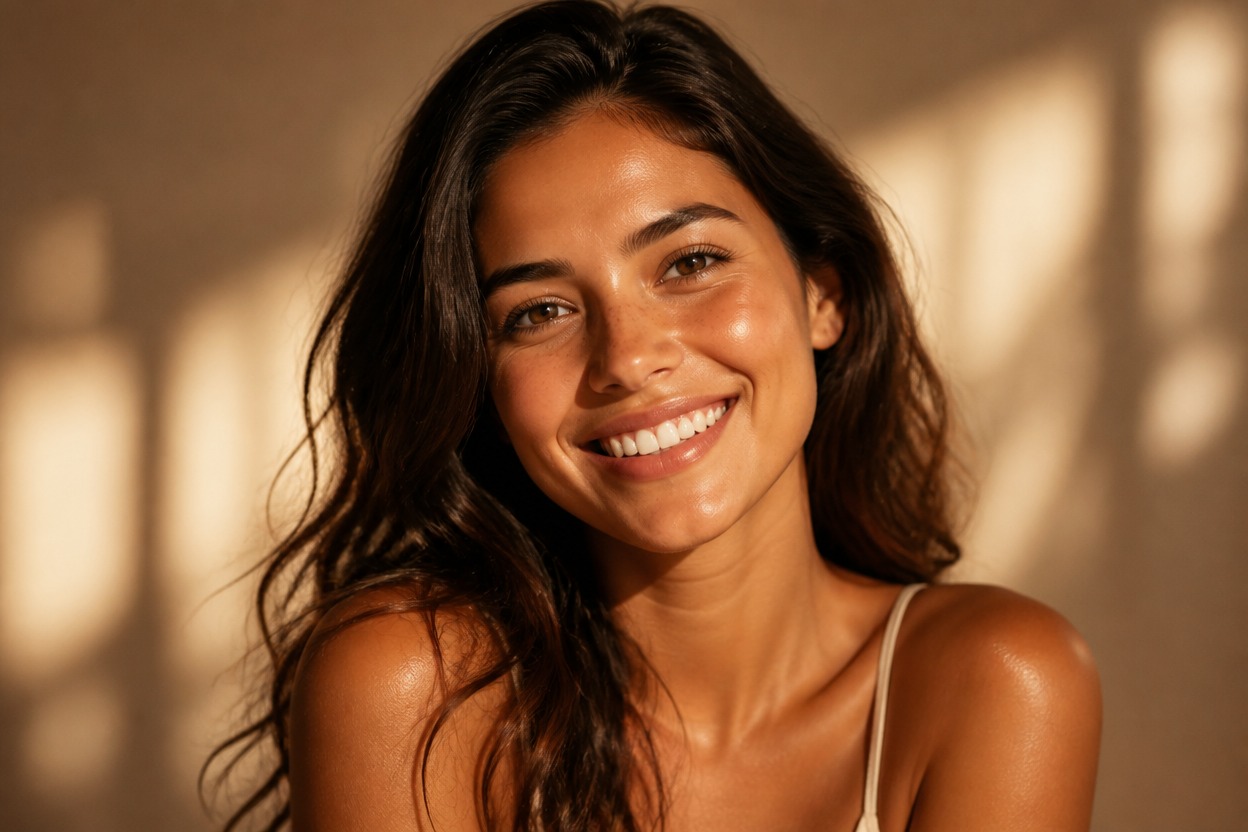
AI Tan Filter from Photo
Upload one clear portrait and create a polished sun-kissed complexion in one coherent image. AI Hug uses GPT-Image-2 to reinterpret skin tone, warmth, lighting, and nearby details without a before-and-after layout.
Apply the Tan FilterAI Tan Filter Features for Natural Portrait Edits
Natural-Looking Warmth
GPT-Image-2 can render warmer, sun-kissed color with visible skin texture, balanced highlights, and believable tonal variation instead of a flat orange overlay.
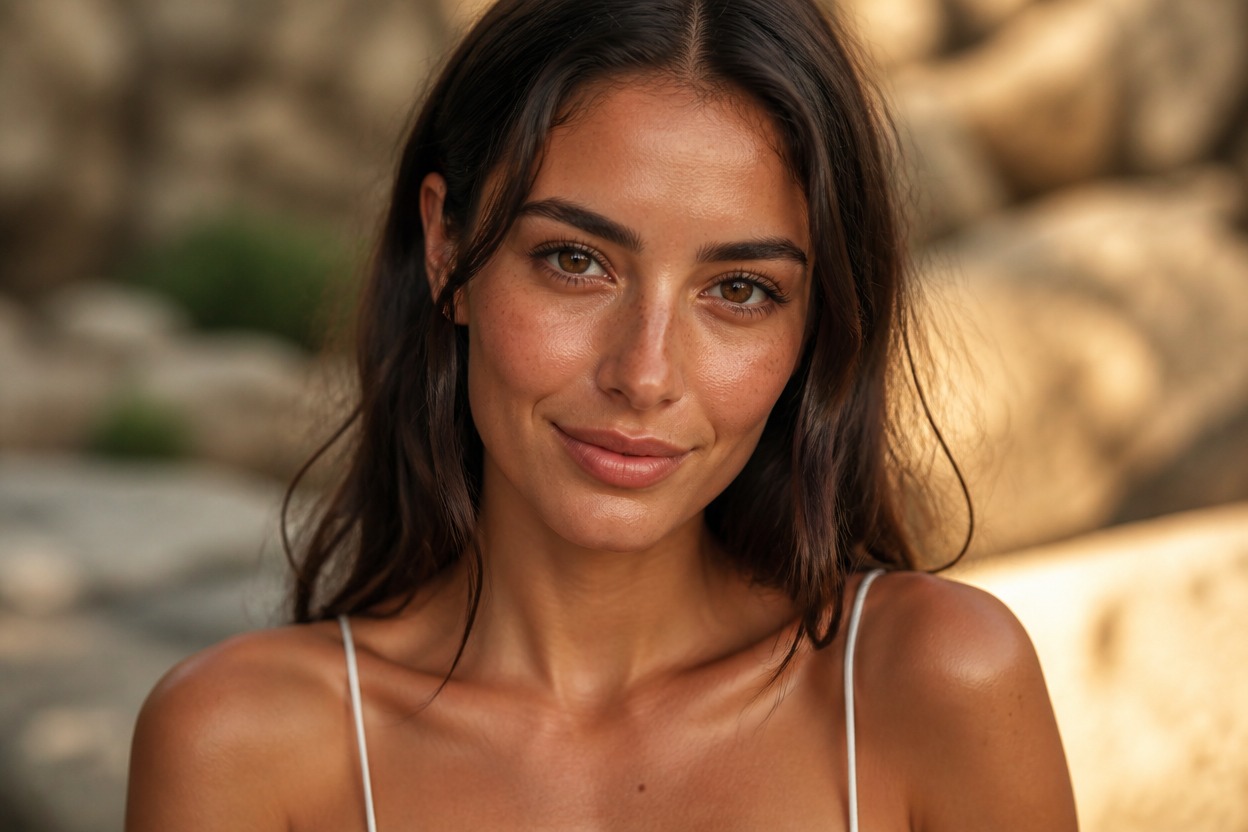
One-Photo Transformation
Start with one uploaded image. The filter rebuilds the portrait as a unified scene, adapting the complexion alongside the face, hair, clothing, background, and existing light.

Coherent Portrait Detail
The result follows visible cues from the source while changing apparent skin tone. Review facial likeness, edges, hands, texture, and color balance because generated details can vary.
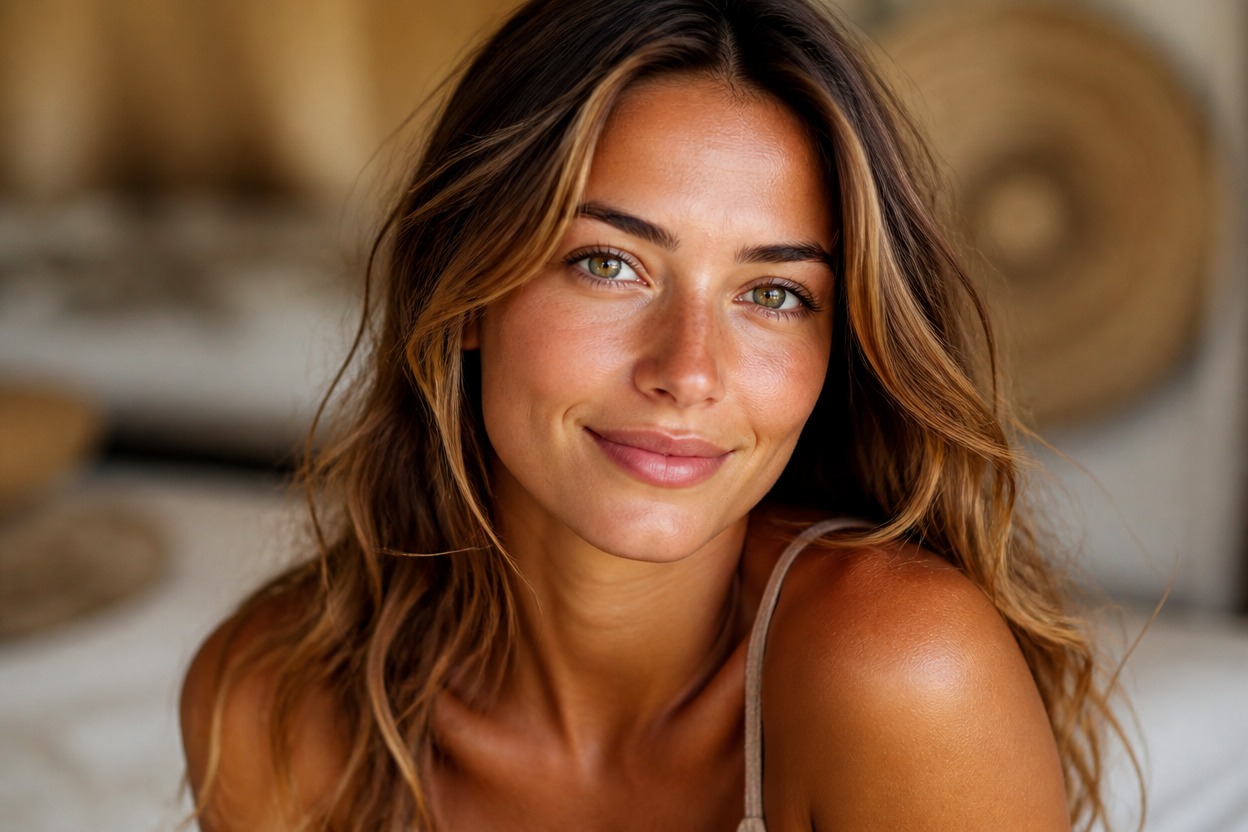
Portrait ideas for profiles, beauty references, seasonal edits, and personal styling
What You Can Create with an AI Tan Filter
Vacation-Style Portraits
Give a clear adult portrait a warm, sun-kissed finish for a travel-inspired personal image.
Profile Picture Variations
Create a warmer alternative to a standard headshot while keeping the result polished and recognizable.
Beauty Look Concepts
Explore how a tan complexion could pair with your current hair, clothing, and makeup before choosing a look.
Seasonal Photo Edits
Add a summery complexion to a suitable portrait for warm-weather mood boards or personal posts.
Makeup Reference Images
Use the generated portrait as visual inspiration for bronzer placement, color harmony, and a sun-kissed makeup direction.
Creative Portrait Styling
Reimagine an authorized portrait with warmer color and lighting for an editorial or lifestyle concept.
How to Use the AI Tan Filter from Photo
Upload one image, apply the effect, and review the finished portrait
01
Upload One Clear Portrait
Choose a sharp, well-lit image with one adult face, visible skin, and minimal obstruction from hair, glasses, or strong shadow.
02
Apply the Tan Effect
Start the one-image transformation. AI Hug uses GPT-Image-2 to generate warmer skin tone and integrate it with the portrait's existing light and color.
03
Preview and Download
Check the face, skin texture, color balance, hairline, hands, and background, then download the version that looks natural and complete.
Answers about one-photo input, GPT-Image-2, portrait quality, generated color, and access