Angry Face Filter
Upload a photo to apply this effect while keeping the subject recognizable for a natural, polished result.
Image
Examples
Angry Face Filter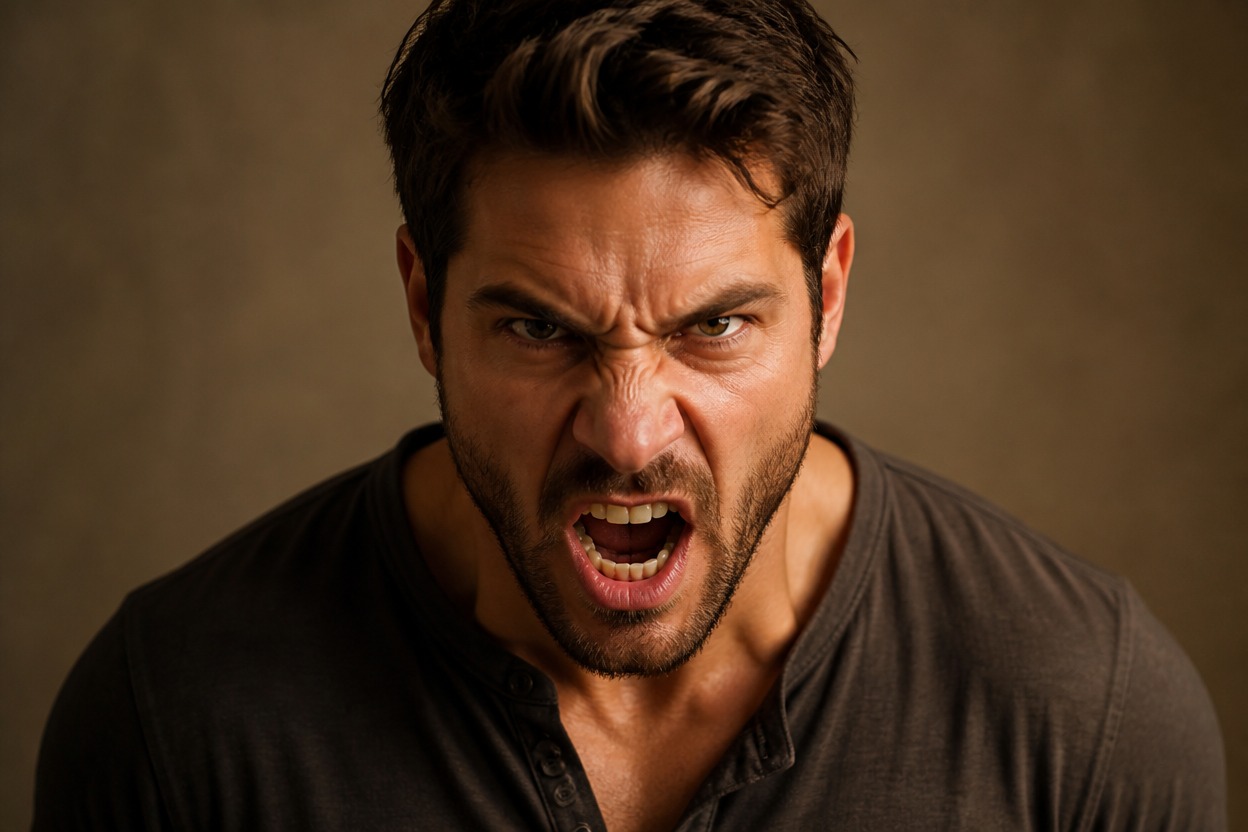
Angry Face Filter from Photo
Upload one image and transform the visible adult subject into a polished angry portrait. Powered by GPT-Image-2, AI Hug reinterprets expression, facial tension, color, and lighting as one coherent scene.
Apply the Angry Face FilterCreate an Expressive Angry Portrait from One Photo
A Convincing Angry Expression
Turn neutral or subtle facial cues into a more intense look through furrowed brows, narrowed eyes, a tense jaw, and expression-focused lighting.
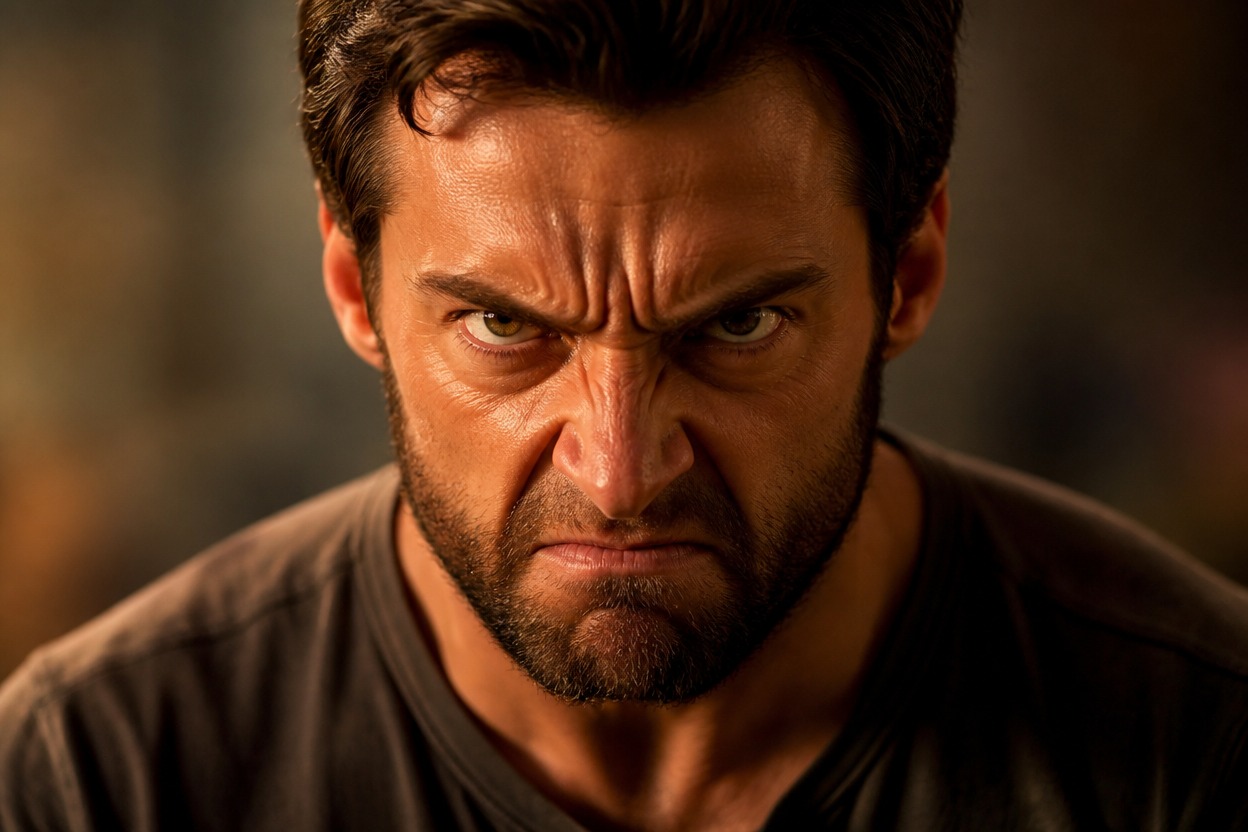
One-Image Transformation
Start from one uploaded photo. GPT-Image-2 uses the visible face, pose, framing, and scene as guidance for a newly generated angry portrait.
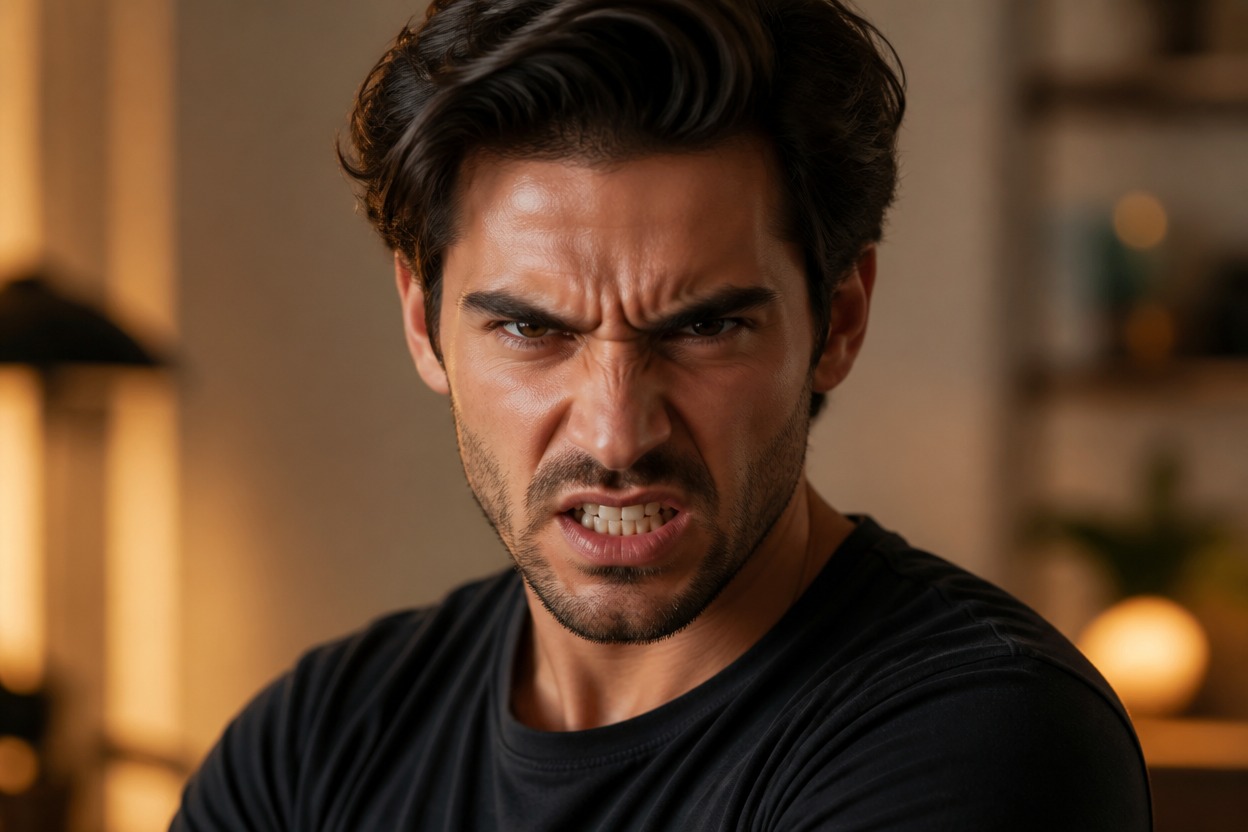
A Unified Portrait, Not a Sticker Overlay
Facial tension, skin tone, shadows, hair, and background are interpreted together, creating a cohesive result rather than a flat expression sticker or makeup layer.
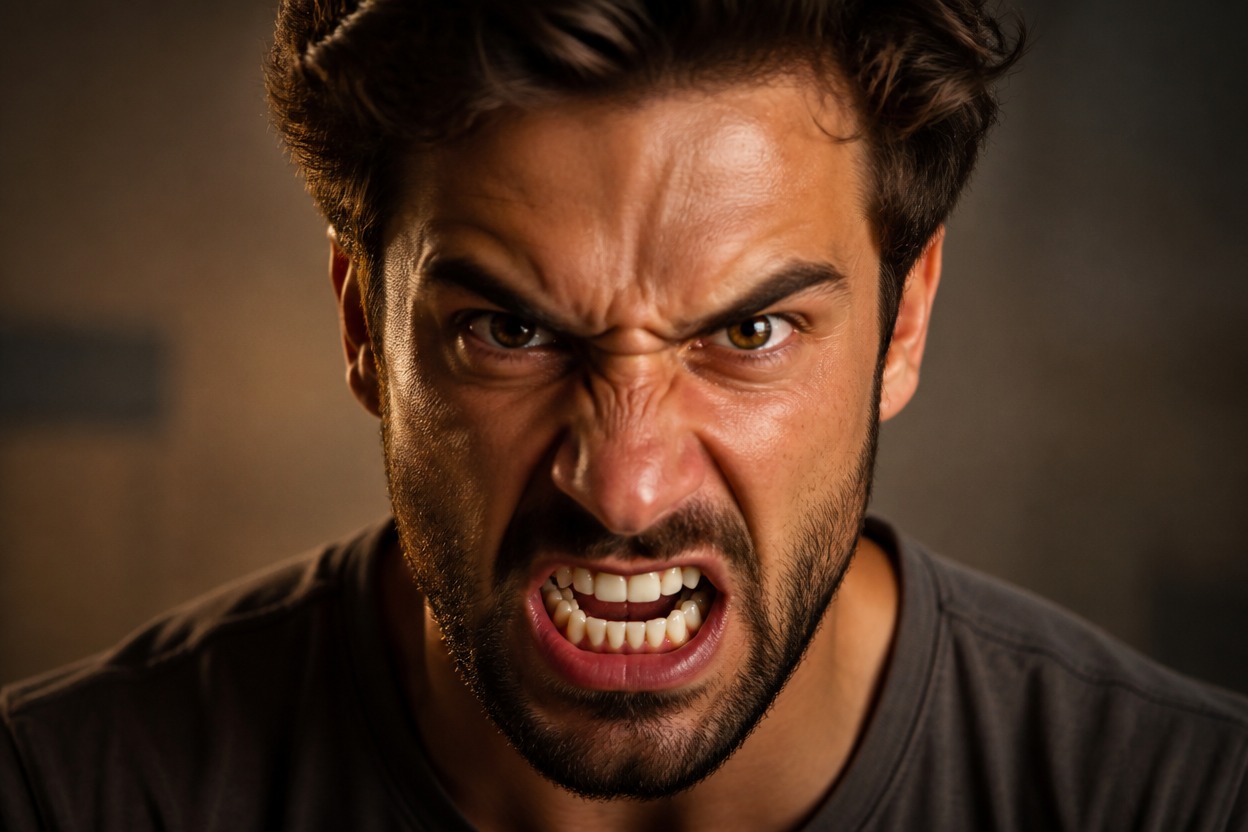
Expression-led edits for reactions, characters, profiles, stories, makeup concepts, and creative portraits
Ways to Use an Angry Face Filter
Reaction Images
Create a focused angry reaction portrait for conversations, commentary, or a personal meme concept.
Character Expression Studies
Explore how an original adult character might look with a sharper glare, tightened features, and a more confrontational mood.
Dramatic Profile Pictures
Turn a suitable portrait into an intense avatar variation with cinematic color and expression-driven detail.
Story and Comic References
Generate a visual reference for an angry scene, confrontation, or emotional beat in an original story.
Theatrical Makeup Concepts
Explore an AI makeup filter-style mood through stronger facial contour, flushed color, shadow, and dramatic lighting.
Creative Photo Edits
Reinterpret a familiar portrait with a bolder emotional tone for a personal art project or visual experiment.
How to Use the Angry Face Filter
Upload one image, apply the effect, and review the finished portrait
01
Upload One Clear Image
Choose a sharp, well-lit photo with one clearly visible adult face and minimal obstruction around the eyes, brows, cheeks, and mouth.
02
Apply the Angry Face Effect
Start the one-image transformation. AI Hug uses GPT-Image-2 to reinterpret facial tension, expression, light, and surrounding details as one coherent portrait.
03
Preview and Download
Check the eyes, mouth, facial anatomy, skin texture, hair, and background continuity, then download the result you want to keep.
Answers about one-photo input, GPT-Image-2, source quality, facial changes, creative uses, and access