Black and White Filter
Upload a photo to apply this effect while keeping the subject recognizable for a natural, polished result.
Image
Examples
Black and White Filter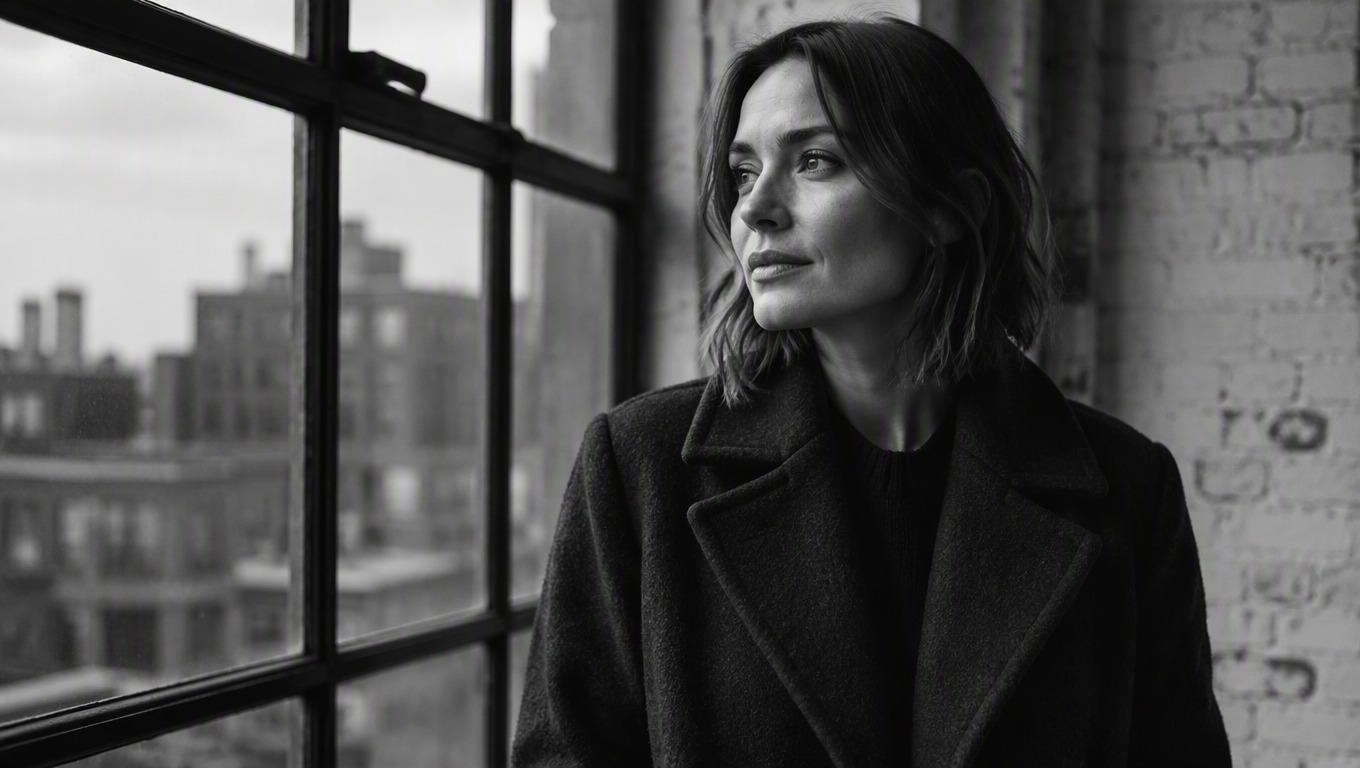
Black and White Filter
Upload one image and transform it into a polished monochrome photo. AI Hug uses GPT-Image-2 to reinterpret color, light, texture, and contrast as a cohesive black-and-white result.
Apply the Black and White FilterMore Than Simple Desaturation
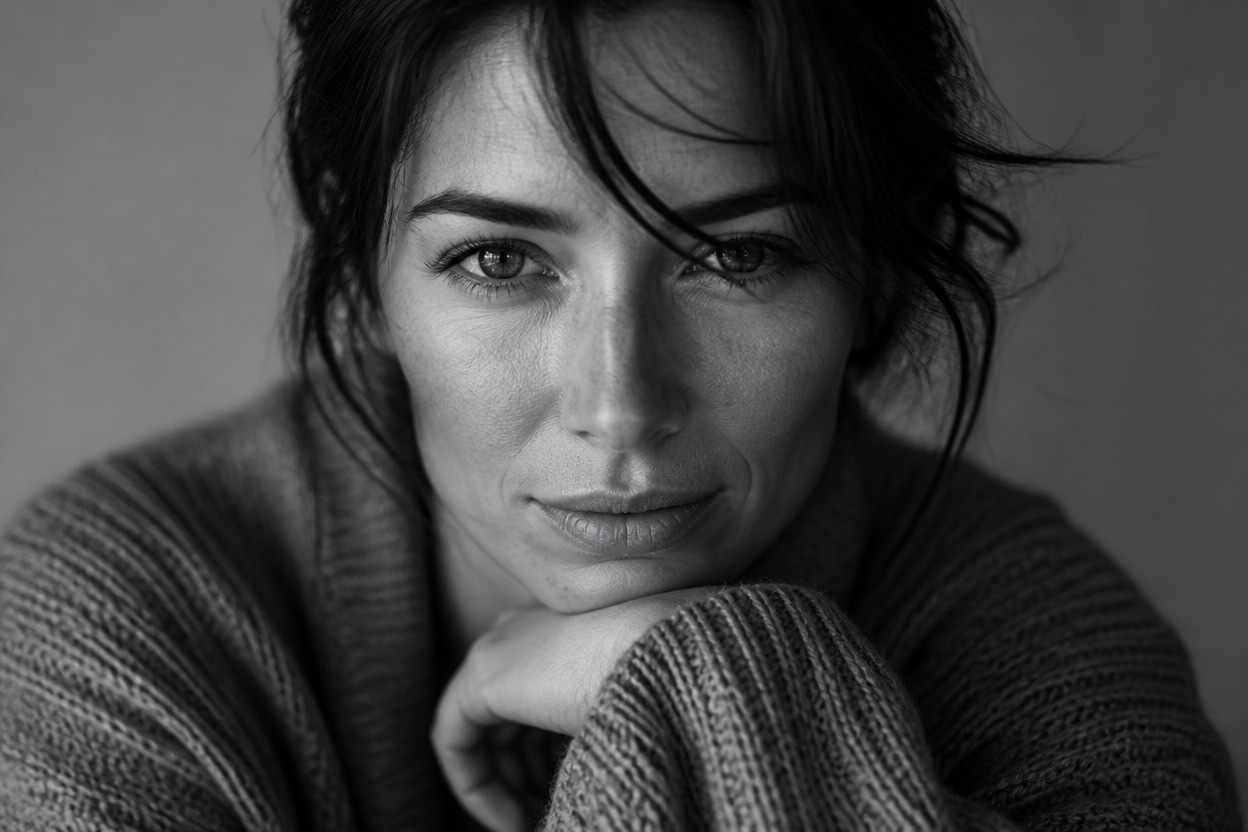
Balanced Grayscale Tones
Translate the source image into nuanced blacks, whites, and midtones while retaining visible depth across faces, clothing, objects, and backgrounds.
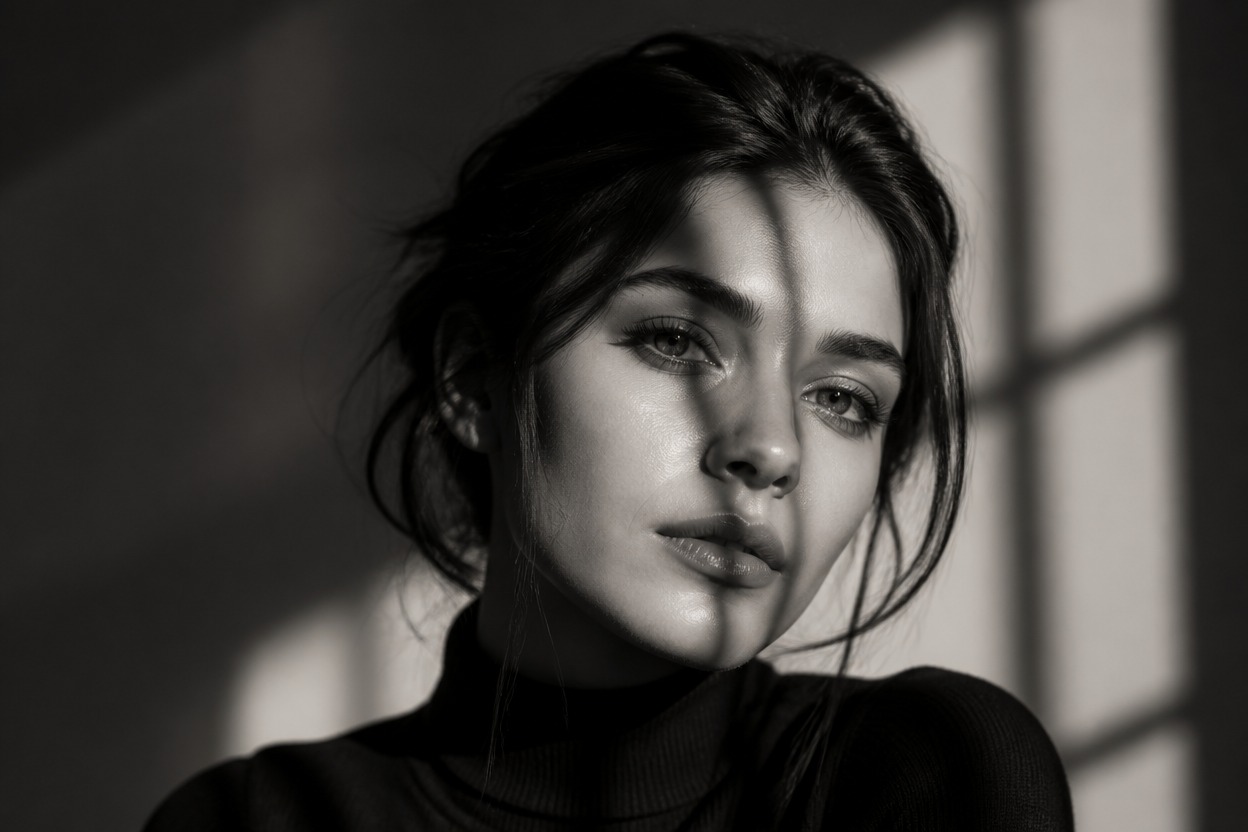
Focused Light and Contrast
GPT-Image-2 rebuilds the scene with deliberate highlights, dimensional shadows, and a coherent monochrome mood rather than simply removing color.
One-Image Transformation
Create the effect from a single uploaded photo while following the main subject, framing, and visual hierarchy of the source.
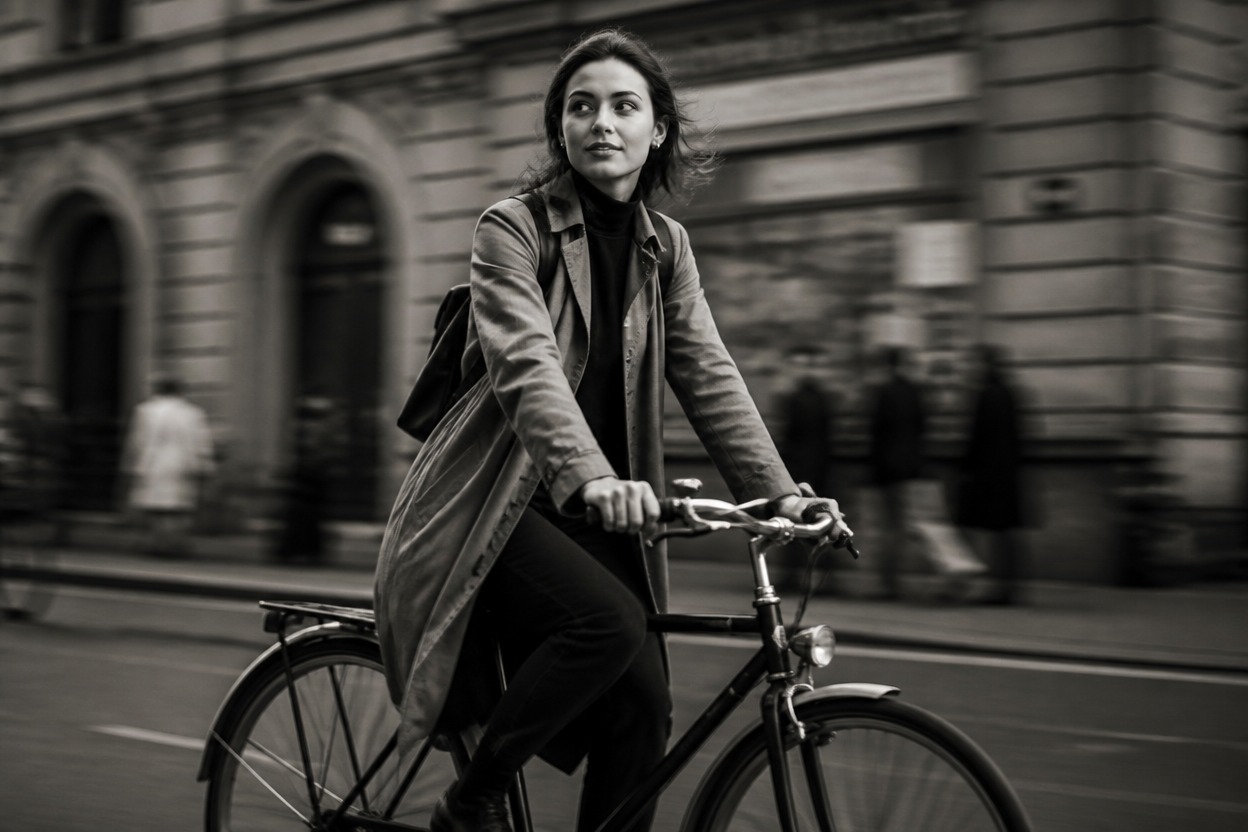
Monochrome treatments for portraits, places, objects, and creative projects
Ways to Use Black and White Photo Effects
Editorial Portraits
Give a clear adult portrait a timeless monochrome treatment with shaped light, facial detail, and natural texture.
Street Photography
Emphasize architecture, reflections, weather, and candid atmosphere through controlled grayscale contrast.
Travel Memories
Rework city views, landscapes, and cultural scenes into cohesive black-and-white keepsakes.
Product and Still Life
Highlight form, material, shadow, and surface detail in objects without relying on color.
Pet Photos
Turn a well-lit pet image into monochrome artwork while retaining fur texture, markings, and expression.
Creative Campaign Concepts
Develop a focused black-and-white visual direction for authorized editorial or campaign imagery after reviewing the generated result.
How to Use the Black and White Filter from Photo
Upload one image, generate the effect, and review the finished monochrome photo
01
Upload One Clear Image
Choose a sharp, well-lit photo with a distinct subject and enough visible detail in both highlights and shadows.
02
Apply the Black and White Effect
Start the one-image transformation. AI Hug uses GPT-Image-2 to reinterpret the scene with cohesive grayscale tones, contrast, and texture.
03
Preview and Download
Review faces, hands, edges, important objects, tonal balance, and composition, then download the result you prefer.
Answers about GPT-Image-2, source photos, monochrome results, and access