Black Eye Filter
Upload a photo to apply this effect while keeping the subject recognizable for a natural, polished result.
Image
Examples
Black Eye Filter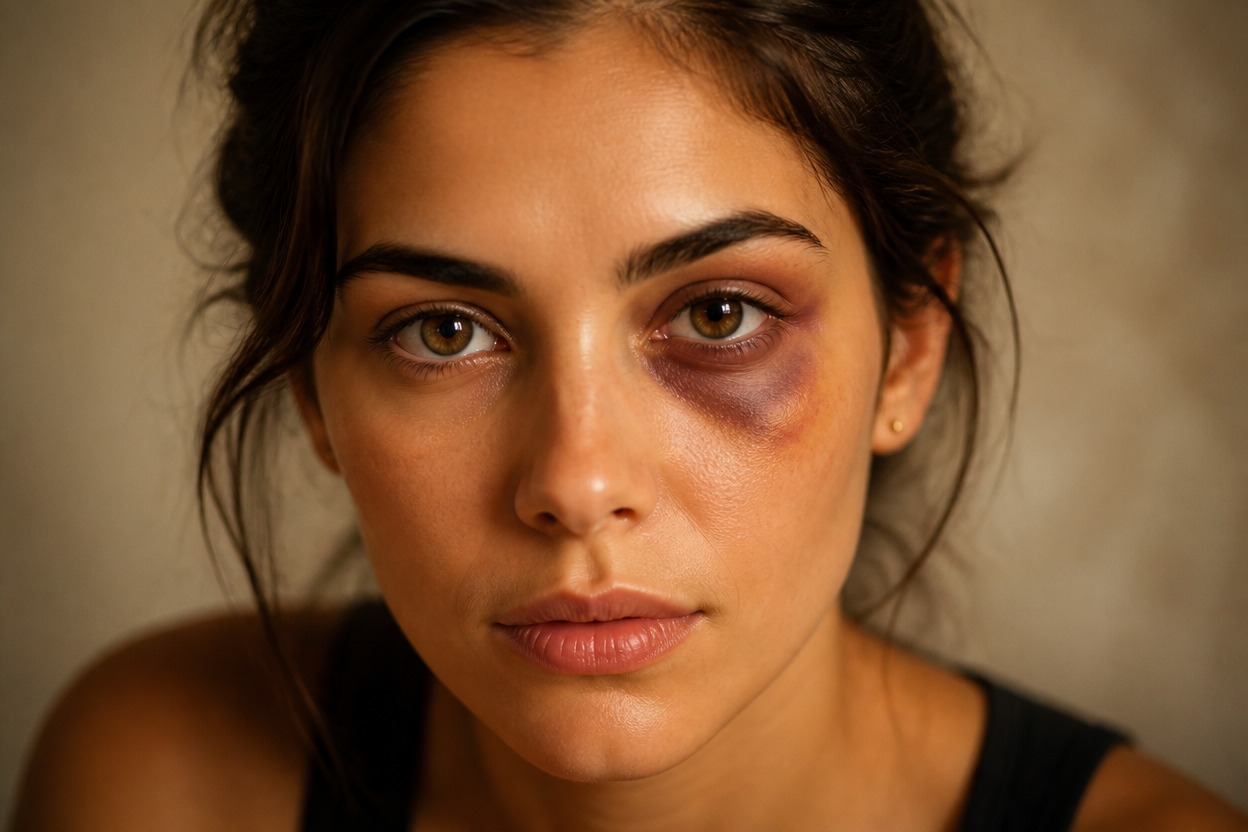
Black Eye Filter from Photo
Upload one clear portrait and transform it with a mild theatrical bruise effect around one eye. Powered by GPT-Image-2, AI Hug rebuilds color, skin texture, facial detail, and lighting as one coherent image.
Apply the Black Eye FilterCreate a Convincing Theatrical Black Eye Effect
Mild Theatrical Bruise Styling
Create restrained purple, blue, and yellow-brown tonal variation around one eye without blood, gore, open wounds, or an exaggerated injury look.
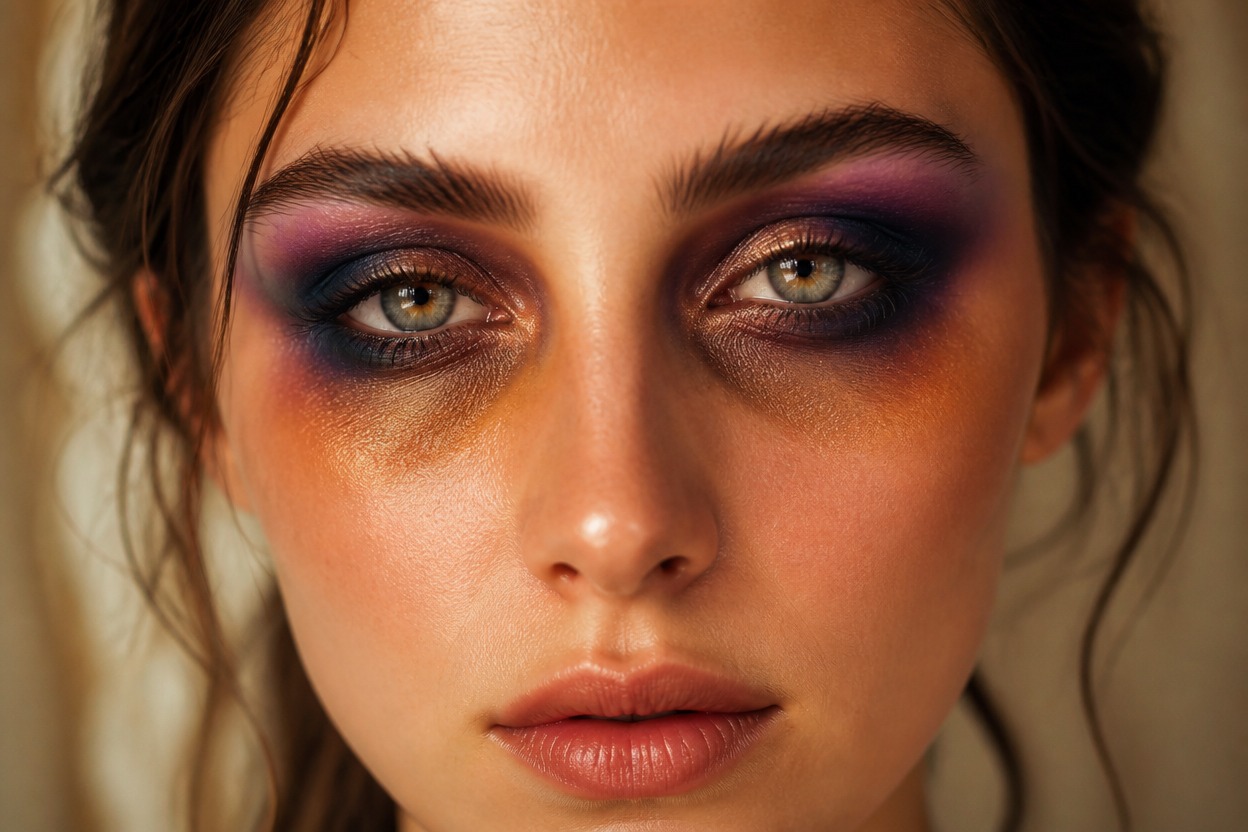
Face-Aware Integration
GPT-Image-2 interprets the visible face and blends the effect with skin texture, eye contours, cheek structure, and the source lighting rather than placing a flat sticker on top.
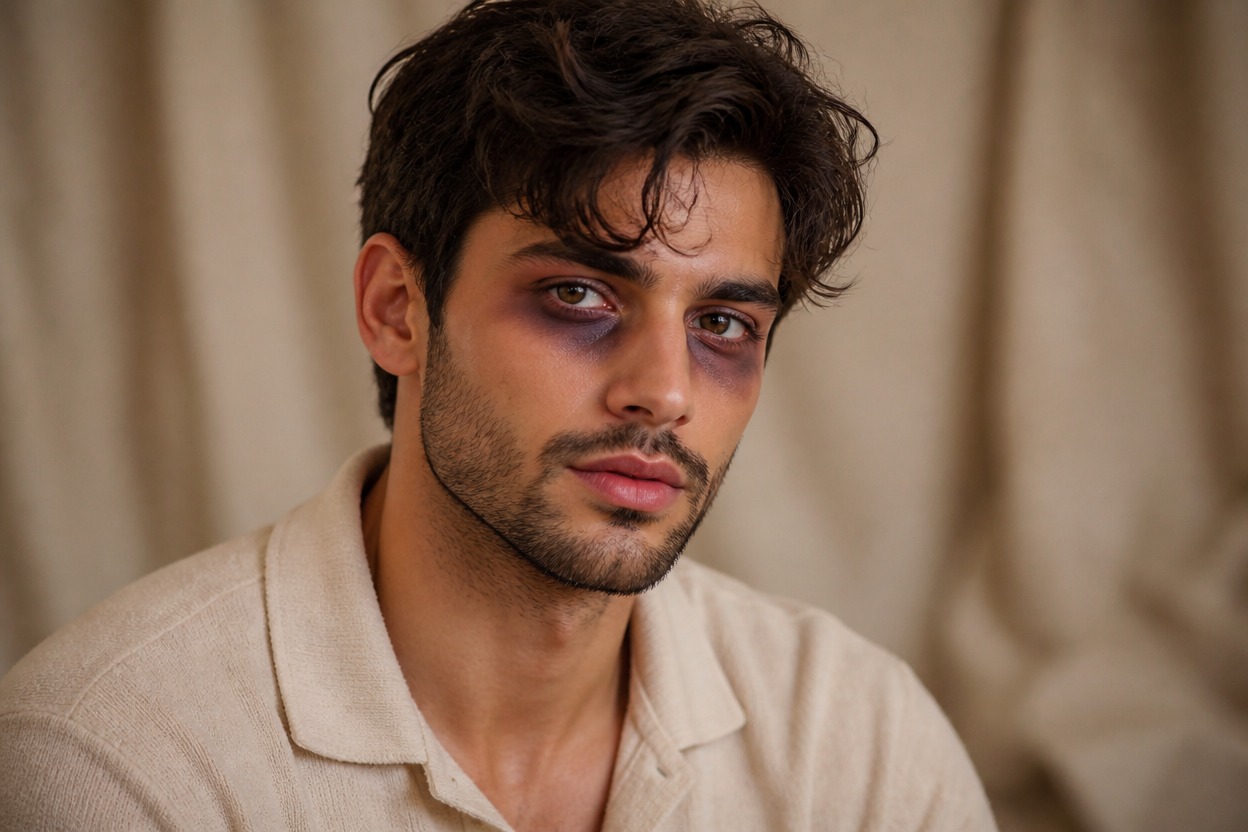
One-Photo Transformation
Start with one uploaded image and receive one finished portrait. Review facial likeness, eye detail, skin texture, hair edges, and background continuity before keeping the result.
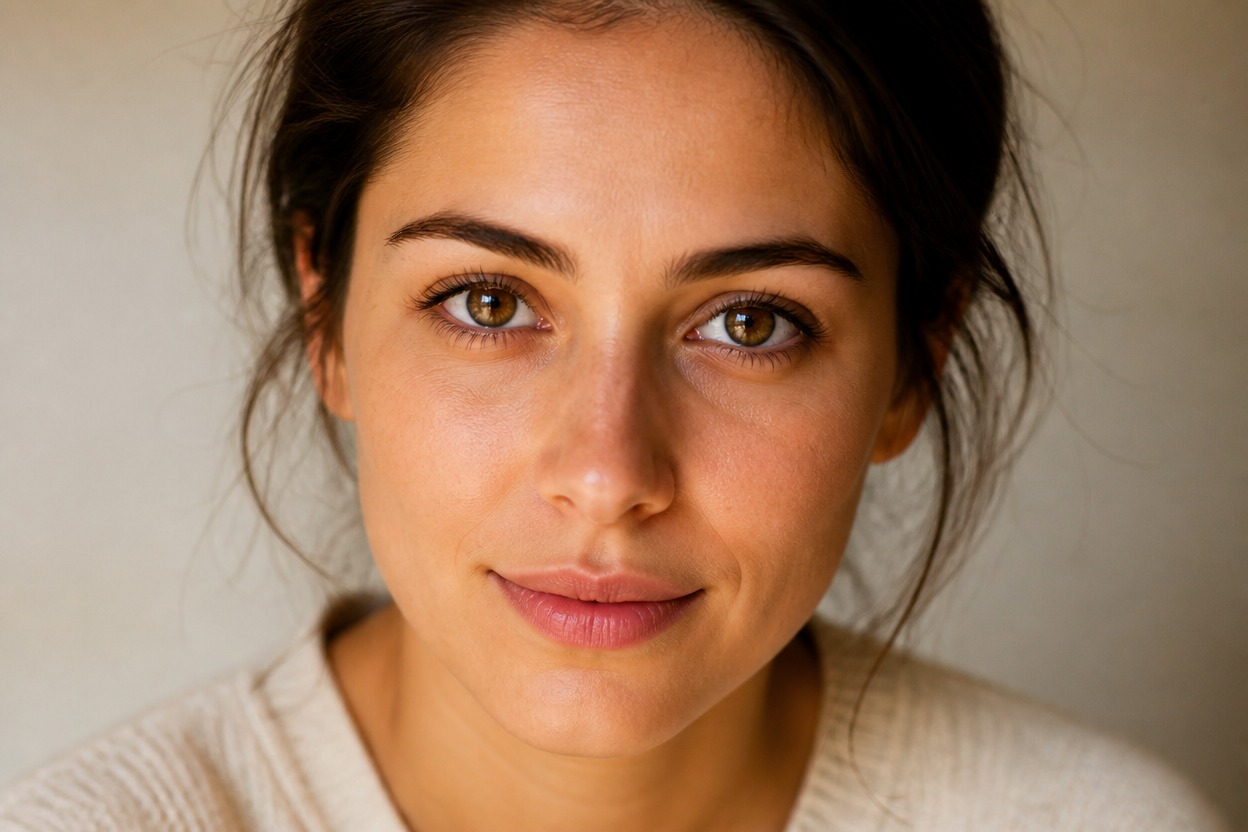
Create theatrical makeup references, fictional character looks, seasonal portraits, and editorial concepts
Black Eye Effect Ideas for Costumes and Character Portraits
Costume Makeup Concepts
Visualize a restrained stage-makeup direction for an adult costume, character study, or themed portrait.
Film and Theater References
Create an original reference image for discussing mild theatrical bruise color, placement, and lighting with a makeup artist.
Character Portraits
Give an authorized adult portrait a weathered fictional detail for a story character without using a before-and-after layout.
Halloween Portrait Ideas
Develop a subtle spooky-season profile image that stays non-graphic and keeps the subject calm and recognizable.
Editorial Photo Concepts
Explore a controlled, cinematic portrait treatment for an original editorial mood or visual narrative.
Profile Image Variations
Generate a dramatic but restrained alternative to a standard adult portrait for personal creative use.
How to Use the Black Eye Filter from Photo
Upload one portrait, apply the effect, and review the finished image
01
Upload One Clear Portrait
Choose a sharp, well-lit image of one adult with both eyes visible, natural skin detail, and minimal obstruction from hair, glasses, or deep shadow.
02
Apply the Black Eye Effect
Start the one-image transformation. AI Hug uses GPT-Image-2 to generate a mild theatrical bruise look and integrate it with the face and existing light.
03
Preview and Download
Check facial likeness, both eyes, skin texture, hairline, neck, and background continuity, then download the version you want to keep.
Answers about one-photo input, GPT-Image-2, portrait quality, generated details, and access