Blue Eye Filter
Upload a photo to apply this effect while keeping the subject recognizable for a natural, polished result.
Image
Examples
Blue Eye Filter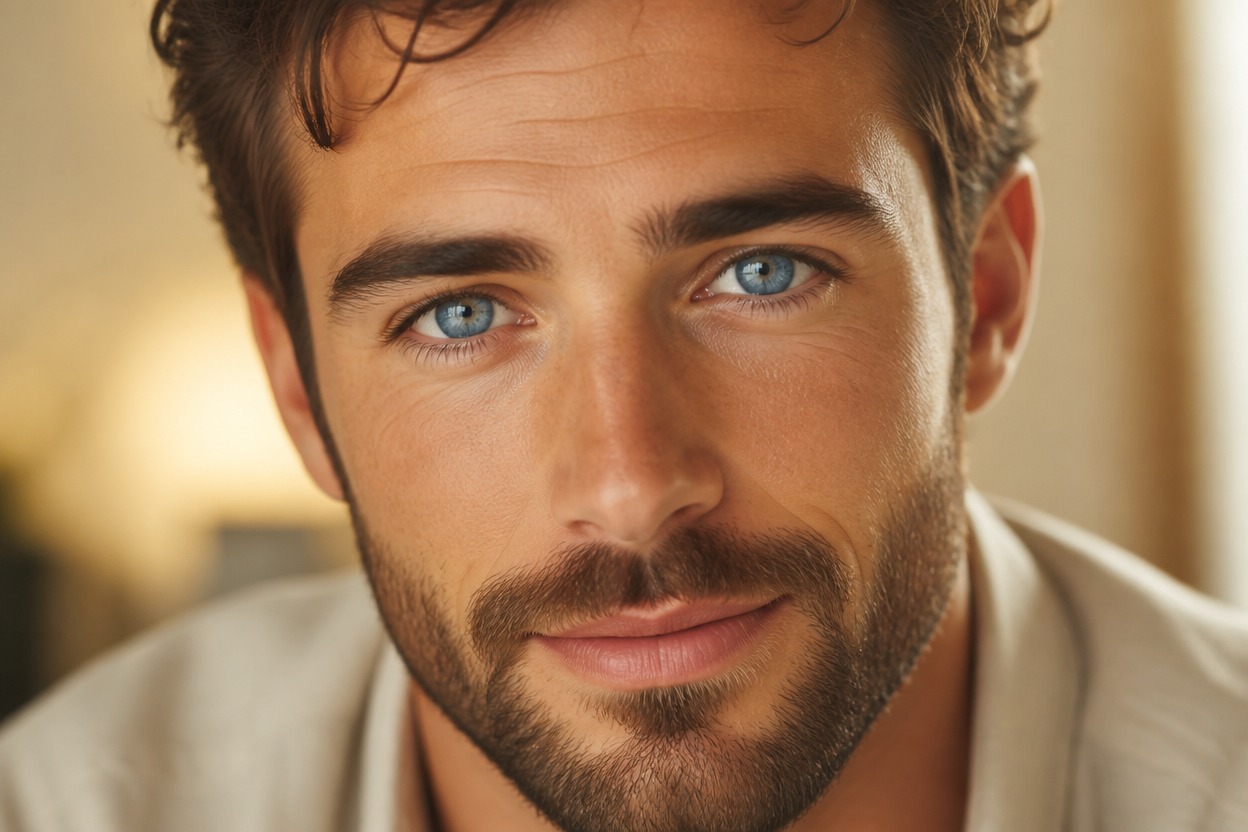
Blue Eye Filter from Photo
Upload one clear portrait and transform the visible irises into polished, natural-looking blue eyes. Powered by GPT-Image-2, AI Hug rebuilds iris color, depth, highlights, and nearby reflections as one coherent image while aiming to keep the face, expression, skin texture, lighting, and setting recognizable.
Apply the Blue Eye FilterNatural Blue Eyes in One Coherent Photo
Dimensional Blue Iris Color
GPT-Image-2 can reinterpret the iris with layered blue tones, a defined limbal ring, radial detail, and natural variation instead of a flat color overlay.
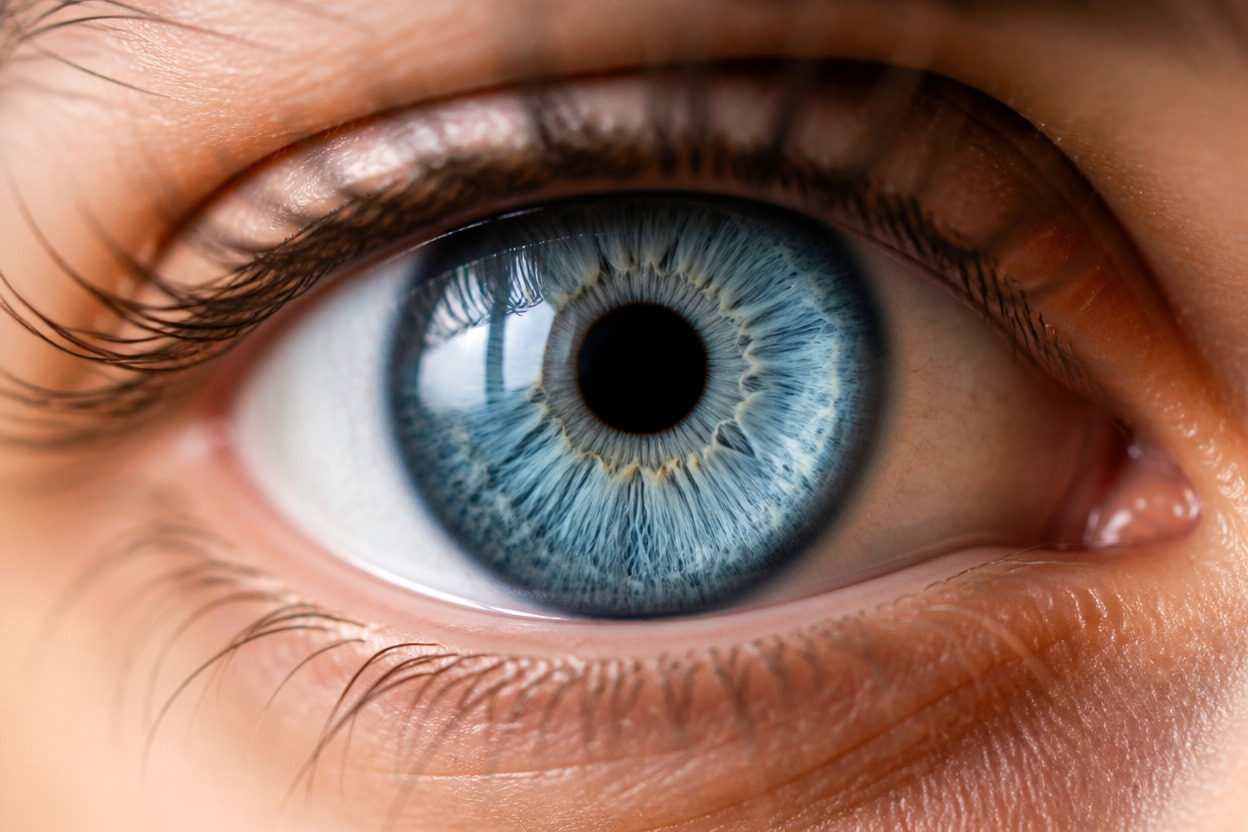
Integrated Light and Reflections
The transformation accounts for pupils, catchlights, eyelids, lashes, tear lines, and scene lighting so the edited eyes belong in the original portrait.
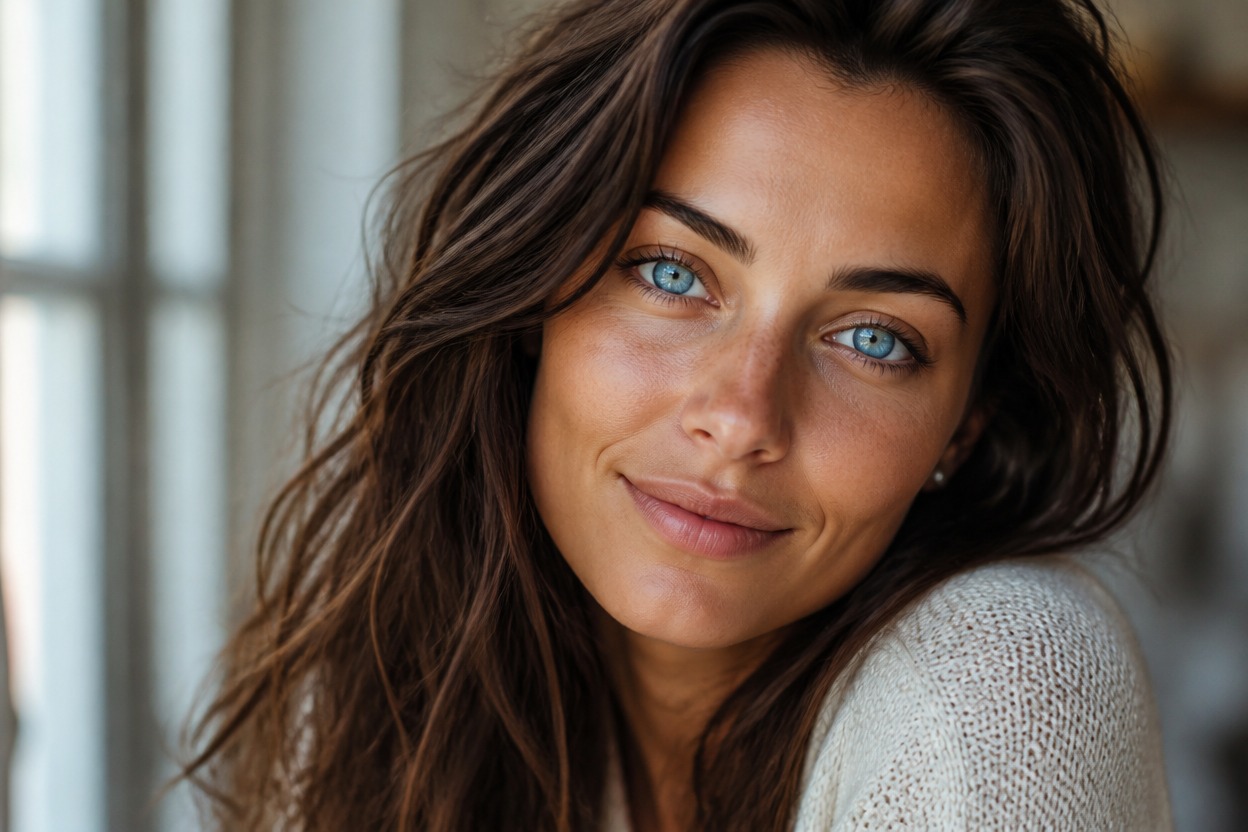
One Upload, One Finished Portrait
Start with one uploaded image and receive a single transformed scene focused on eye color, without assembling a comparison board or editing each eye by hand.
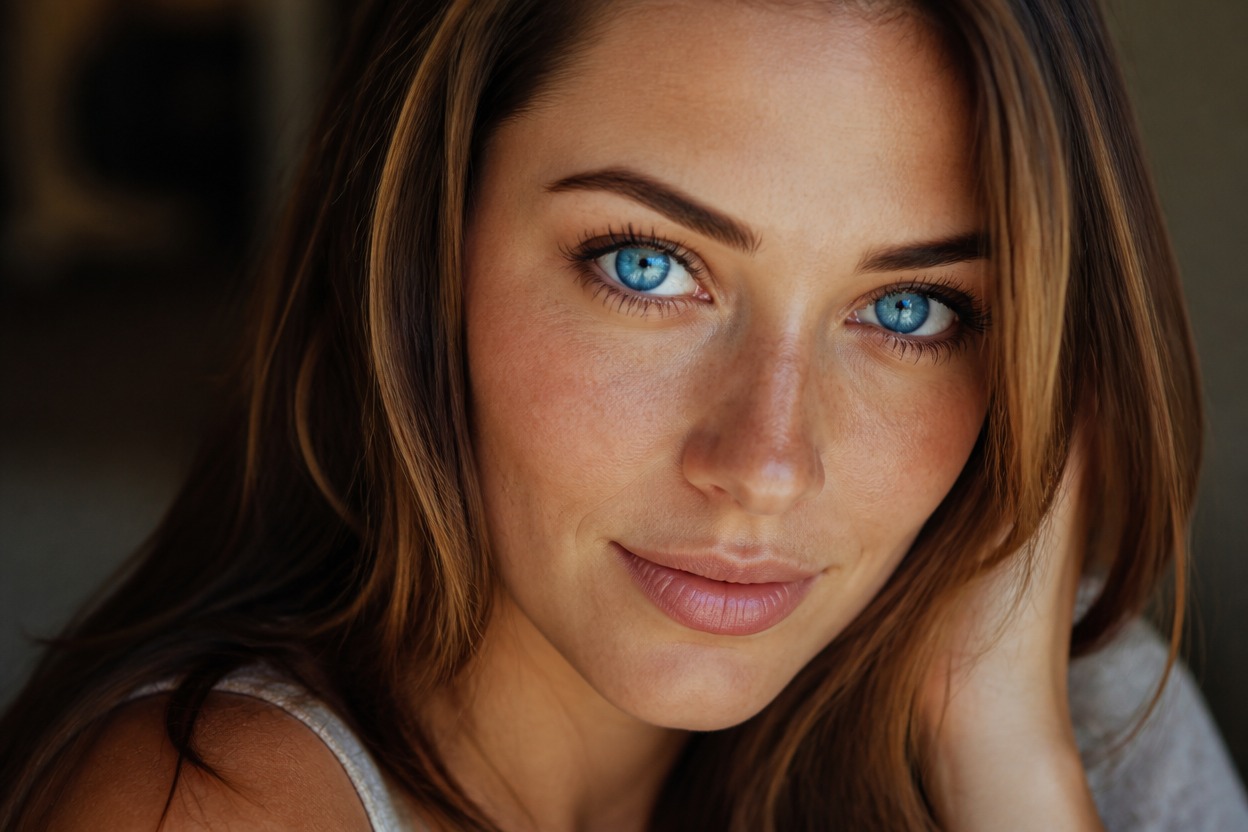
Explore profile images, beauty looks, editorial portraits, character studies, and fantasy styling
Blue-Eye Ideas for Portraits, Makeup, and Character Styling
Profile Picture Refreshes
Create a distinctive blue-eyed variation of an authorized portrait for a personal avatar or profile image.
Makeup Look Planning
Preview how blue eyes pair with the visible complexion, brows, lashes, and cosmetic colors in one portrait.
Colored-Contact Inspiration
Explore a visual direction before choosing blue contact lenses, without treating the generated result as an exact product preview.
Editorial Portrait Concepts
Give a fashion or beauty portrait a cool blue-eye focal point while keeping the surrounding scene visually consistent.
Character Appearance Studies
Try blue eyes on an original or authorized adult character portrait for casting, styling, or story development.
Fantasy Portrait Styling
Add an expressive blue gaze to an adult fantasy portrait while retaining believable eye structure and facial anatomy.
How to Use the Blue Eye Filter
Upload one portrait, apply the effect, and review your finished blue-eye transformation
01
Upload One Clear Portrait
Choose a sharp, well-lit image of one adult with both eyes visible and enough resolution to show the pupils, irises, eyelids, and lashes.
02
Apply the Blue Eye Effect
Start the one-image transformation. AI Hug uses GPT-Image-2 to generate blue irises and integrate their color, depth, catchlights, and reflections with the portrait.
03
Preview and Download
Review iris detail, pupil shape, eye alignment, catchlights, facial likeness, skin texture, and background continuity, then download the result you prefer.
Answers about one-photo input, GPT-Image-2, portrait quality, eye detail, makeup filters, and access