Bob Haircut Filter
Upload a photo to apply this effect while keeping the subject recognizable for a natural, polished result.
Image
Examples
Bob Haircut Filter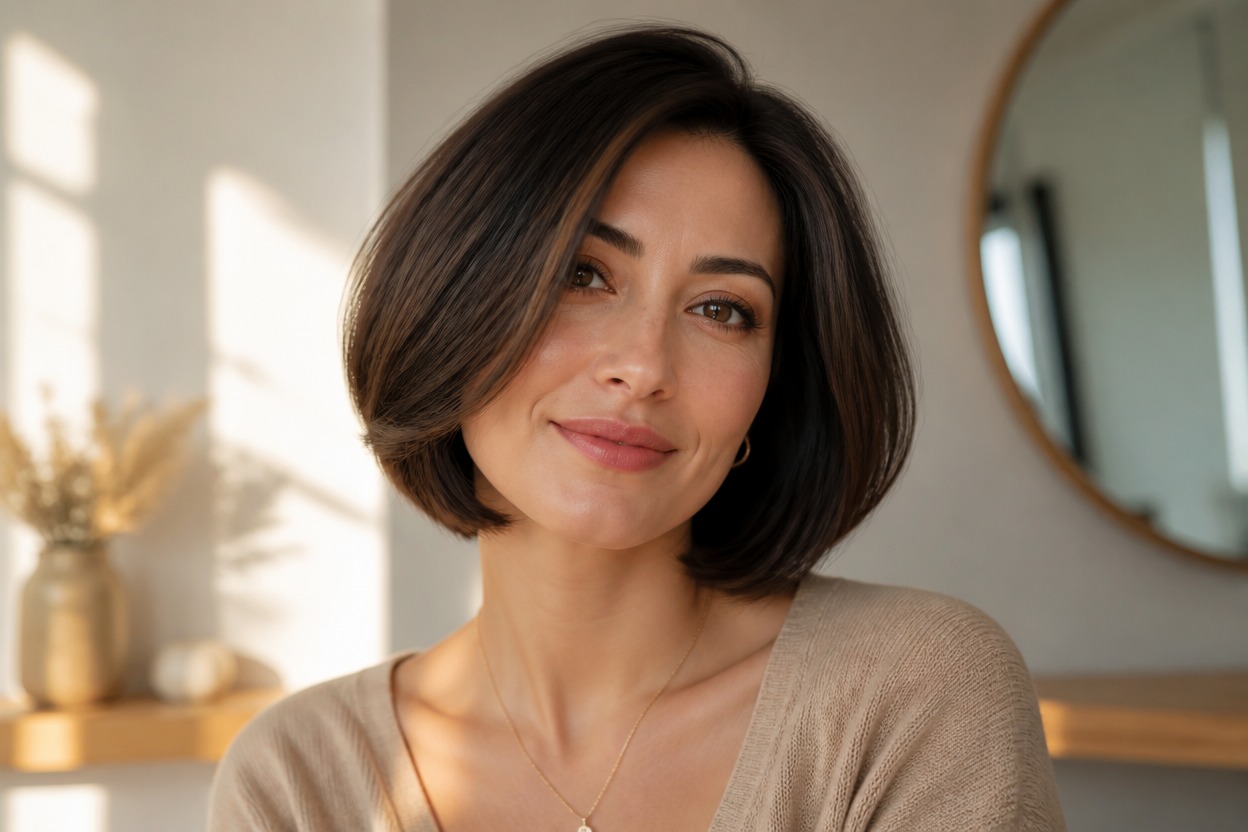
Bob Haircut Filter from Photo
Upload one clear portrait and preview a polished bob haircut in one coherent image. Powered by GPT-Image-2, AI Hug reshapes the visible hair with a defined length, natural ends, face-framing detail, believable strands, and coordinated light while aiming to keep the person and setting recognizable.
Apply the Bob Haircut FilterA Polished Bob Haircut in One Finished Portrait
A Bob Shape That Fits the Portrait
GPT-Image-2 interprets the visible hairline, part, head angle, neck, and shoulders to create a chin-length or jaw-skimming bob that belongs in the same portrait.
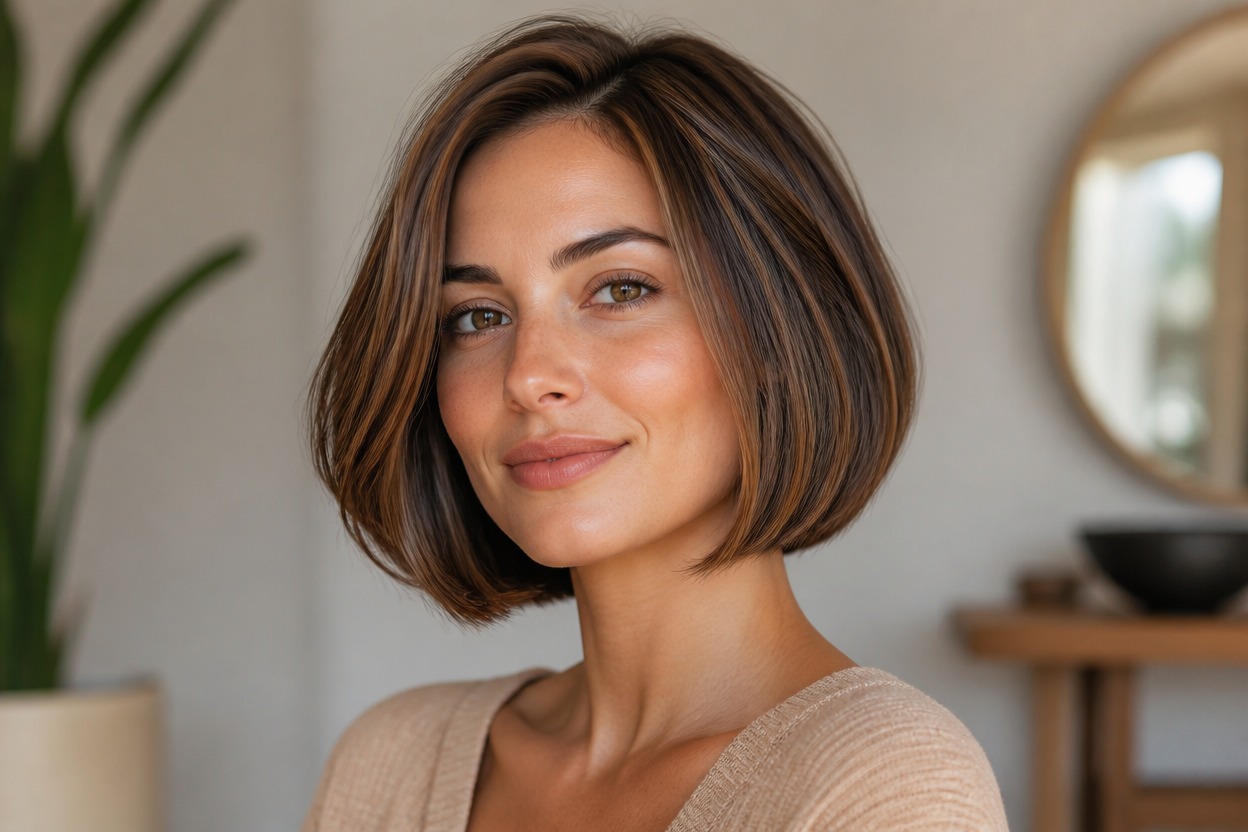
Natural Ends and Face Framing
Defined ends, subtle inward curves, side pieces, individual strands, fine flyaways, highlights, and shadows help the haircut avoid a pasted-on or helmet-like finish.
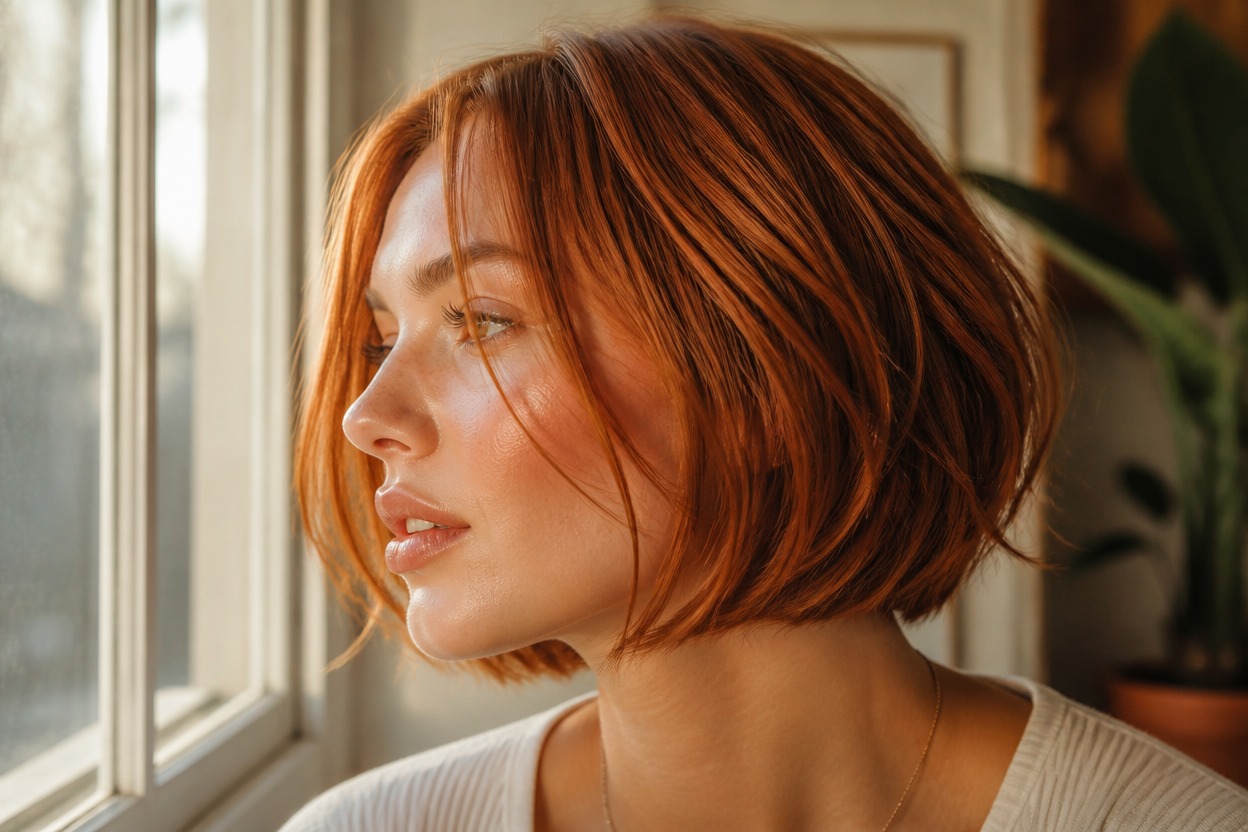
One Unified Hair Transformation
The AI hair filter generates one finished scene while aiming to follow recognizable facial proportions, expression, pose, lighting, clothing, and background from the uploaded image.
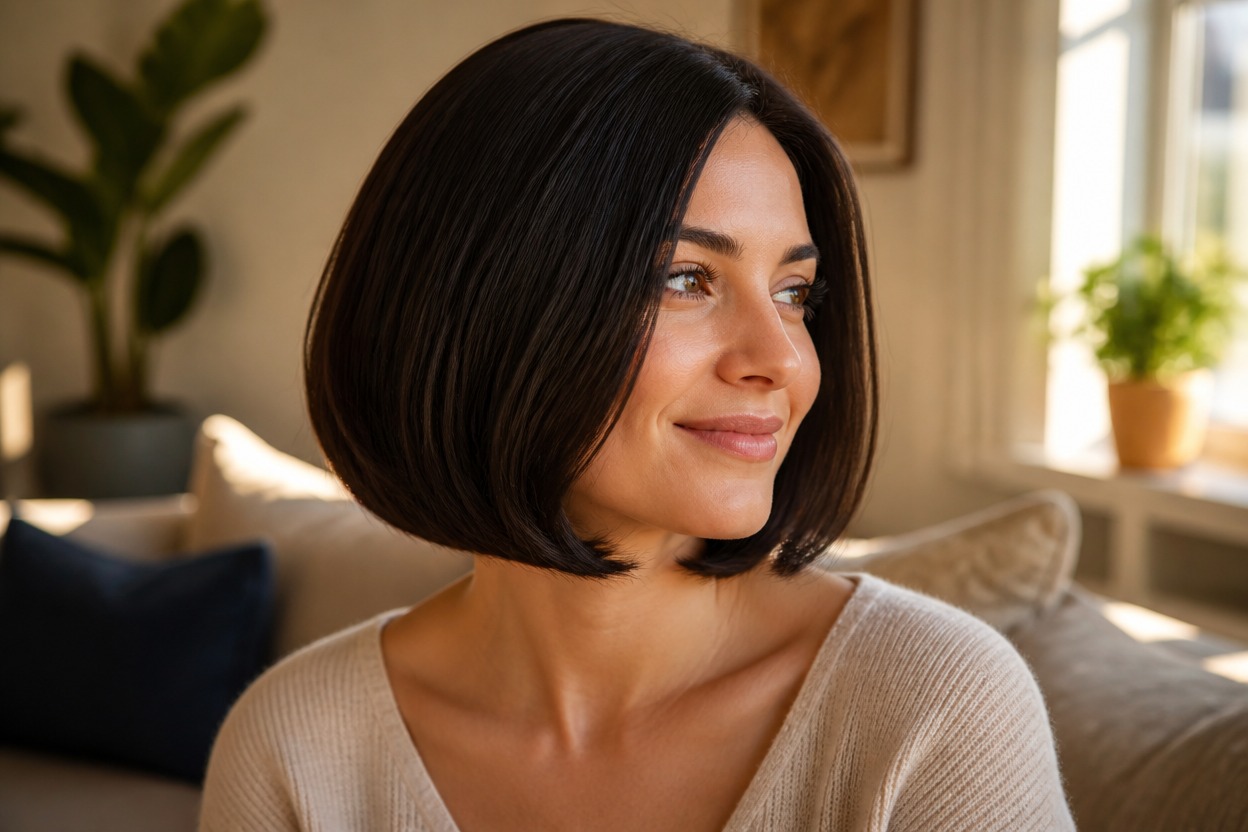
Explore blunt, layered, sleek, softly waved, consultation, profile, and editorial directions
Bob Haircut Ideas for Style Planning and Portraits
Blunt Bob Previews
Visualize a clean, jaw-skimming silhouette with defined ends and balanced volume around the face.
Soft Layered Bobs
Explore a lighter bob direction with subtle layers, movement, and face-framing pieces.
Straight or Wavy Styling
Try a sleek finish or soft waves that remain coherent with the photographed hair, light, and setting.
Stylist Consultation References
Create a personal visual reference for discussing bob length, shape, parting, volume, and upkeep with a stylist.
Profile Photo Refreshes
Reimagine an authorized adult portrait with a polished bob for a creative profile image or style concept.
Event and Editorial Looks
Preview a bob direction for a portrait session, celebration, costume, performance, or original beauty concept.
How to Use the Bob Haircut Filter
Upload one portrait, apply the effect, and review your finished bob-haircut preview
01
Upload One Clear Portrait
Choose a sharp, well-lit photo of one adult where the face, hairline, part, neck, shoulders, and current hair edges are easy to see.
02
Apply the Bob Haircut Effect
Start the one-uploaded-image transformation. AI Hug uses GPT-Image-2 to reinterpret the visible hairstyle with a bob shape, coordinated ends, volume, strand detail, and lighting.
03
Preview and Download
Check facial likeness, hairline continuity, symmetry, strand edges, overlap around the ears and neck, skin texture, lighting, and background, then download the result you prefer.
Answers about one-photo input, GPT-Image-2, portrait quality, bob styles, generated results, and access