AI Crying Filter
Upload a photo to apply this effect while keeping the subject recognizable for a natural, polished result.
Image
Examples
Crying Filter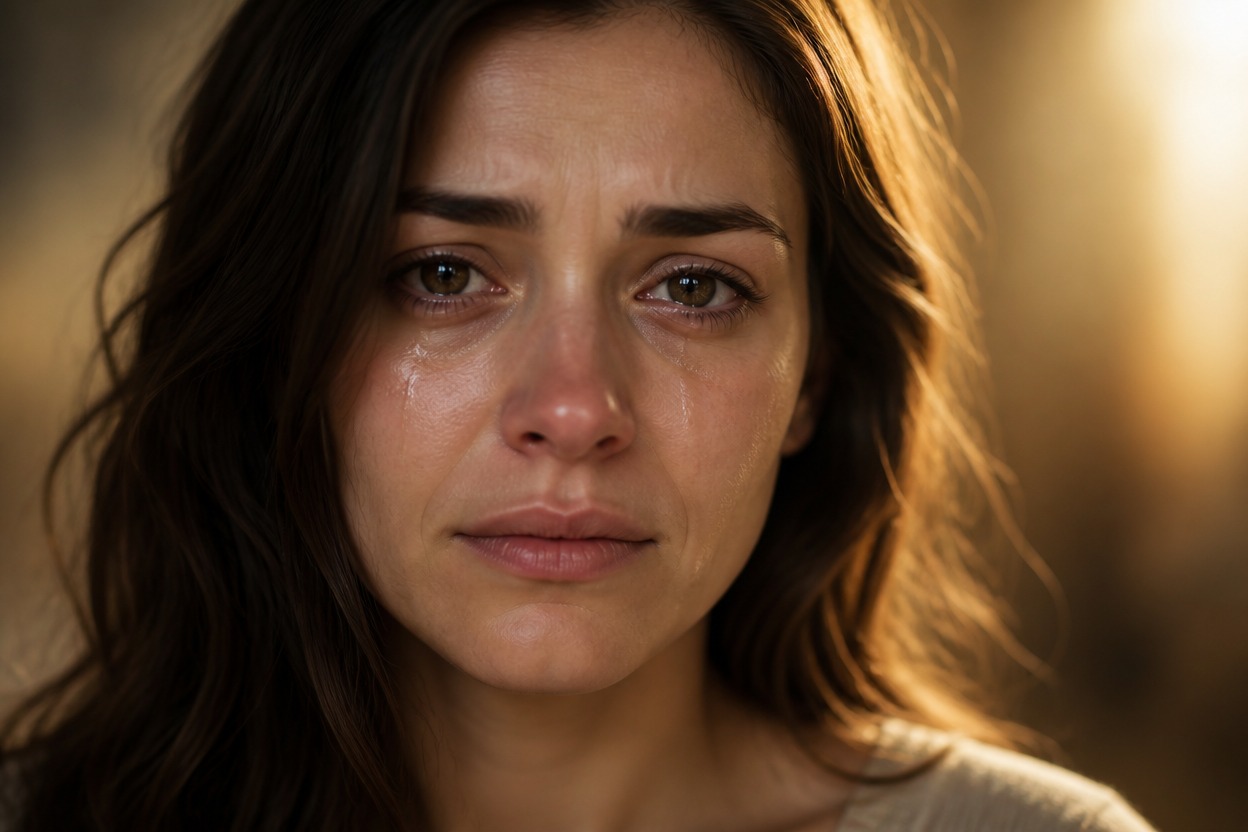
AI Crying Filter from Photo
Upload one clear portrait and create one polished, emotionally expressive image with watery eyes, natural tear tracks, and coherent lighting. Powered by GPT-Image-2, AI Hug rebuilds the effect as part of the full scene instead of placing a flat overlay on the face.
Apply the AI Crying FilterCreate Expressive AI Photo Effects with Natural Detail
Natural Tear and Eye Detail
Generate watery eyes, subtle redness, realistic moisture, and tear tracks that follow the contours of the face.
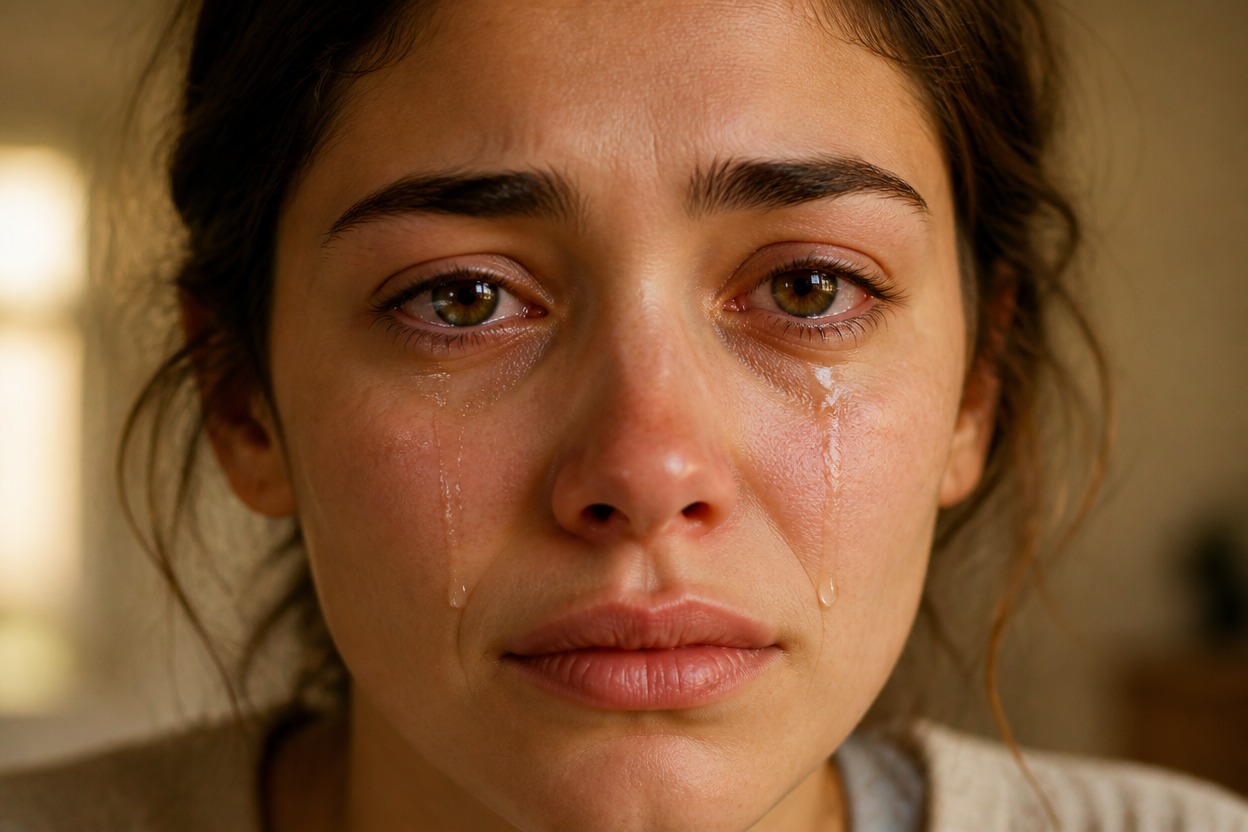
Face-Aware Photo Transformation
GPT-Image-2 interprets facial structure, skin texture, hair edges, expression, and light so the crying effect belongs to one coherent portrait.

One Upload, One Finished Scene
Start with one uploaded image and receive a single transformed result without a before-and-after composition or separate reference panel.
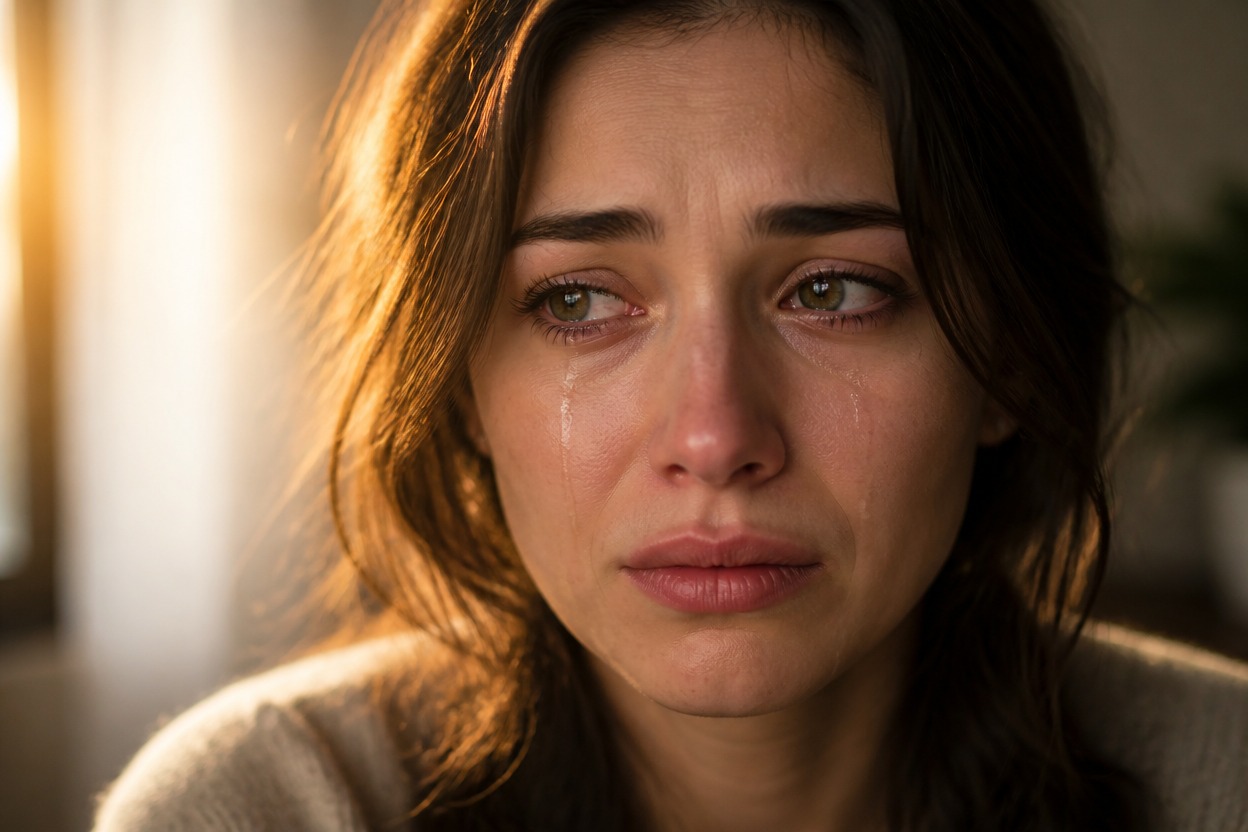
Create tearful portraits, cinematic character images, and emotionally focused visual concepts
AI Crying Filter Ideas for Expressive Photos
Emotional Portrait Concepts
Create a quiet, tearful mood for an original portrait, visual story, or character study.
Cinematic Character Stills
Give an adult character portrait watery eyes, natural tears, and scene-aware dramatic lighting.
Storytelling References
Develop a visual reference for a scene about relief, grief, nostalgia, or an emotional reunion.
Profile Photo Variations
Explore a more expressive version of an authorized portrait while keeping the composition focused on one subject.
Editorial Mood Studies
Generate a polished portrait treatment with realistic moisture, skin detail, and a coherent setting.
Creative Photo Effects Online
Try a distinctive emotional effect alongside other AI photo effects without manually painting tears.
How to Use the AI Crying Filter from Photo
Upload one portrait, apply the effect, and review the finished image
01
Upload One Clear Portrait
Choose a sharp, well-lit image of one adult with the eyes and most of the face visible. Avoid heavy blur, sunglasses, or deep shadows across the eyes.
02
Apply the Crying Effect
Start the one-image transformation. AI Hug uses GPT-Image-2 to generate watery eyes, tears, facial color, and scene lighting as one integrated result.
03
Preview and Download
Review facial likeness, both eyes, tear direction, skin texture, hair edges, neck, and background continuity, then download the result you want to keep.
Answers about one-photo input, GPT-Image-2, portrait quality, generated details, and access