Curly Hair Filter
Upload a photo to apply this effect while keeping the subject recognizable for a natural, polished result.
Image
Examples
Curly Hair Filter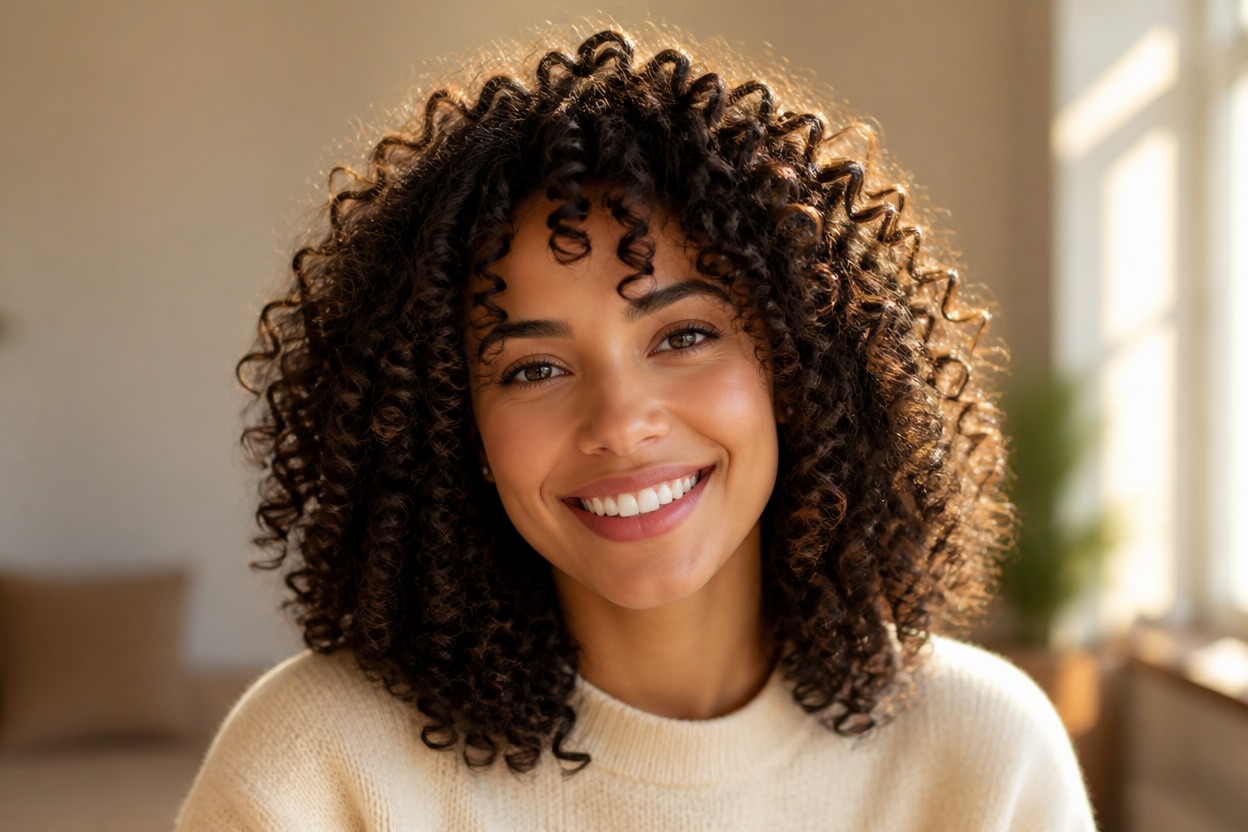
Curly Hair Filter from Photo
Upload one clear image and turn the visible hairstyle into defined, natural-looking curls. Powered by GPT-Image-2, AI Hug rebuilds the hair, face-framing strands, lighting, and nearby details as one coherent portrait.
Apply the Curly Hair FilterA Curly Hair Filter Built for Coherent Portraits
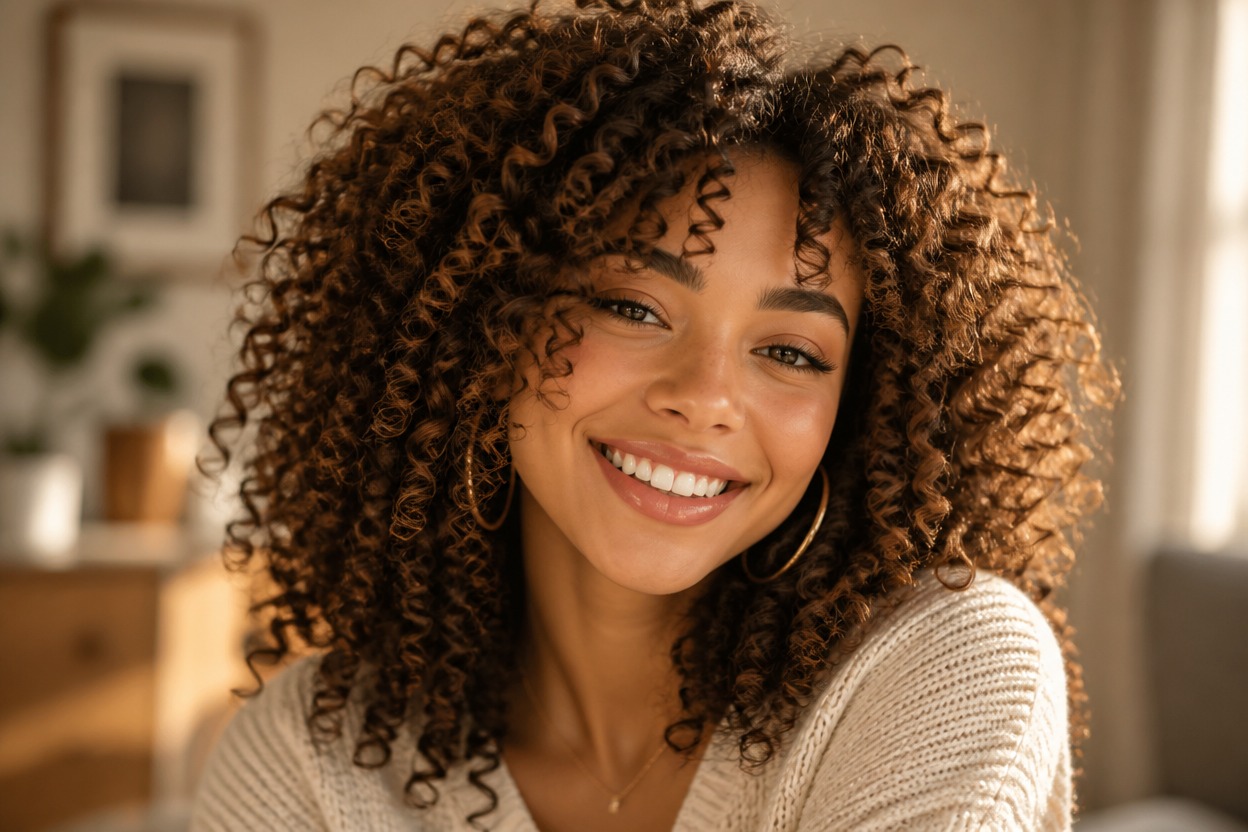
Defined Curls with Natural Volume
GPT-Image-2 can generate varied ringlets, believable roots, subtle flyaways, and balanced volume instead of placing a flat hair overlay on the photo.
One-Image Hairstyle Transformation
Start with one uploaded portrait. The AI hairstyle filter interprets the visible person and scene together to create one finished image, not a comparison board.
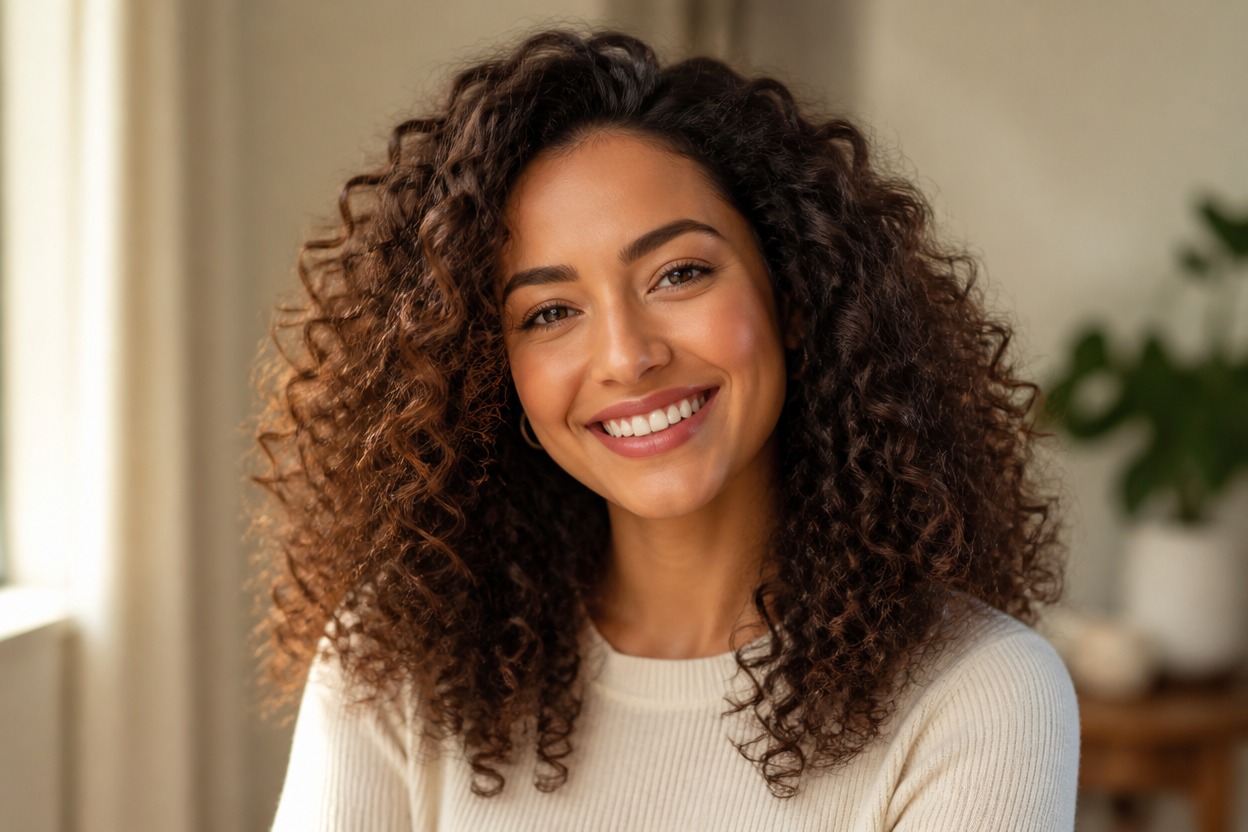
Coherent Face-Framing Detail
The transformation accounts for the hairline, curls around the face, shadows, clothing edges, and background so the new style reads as part of the portrait.
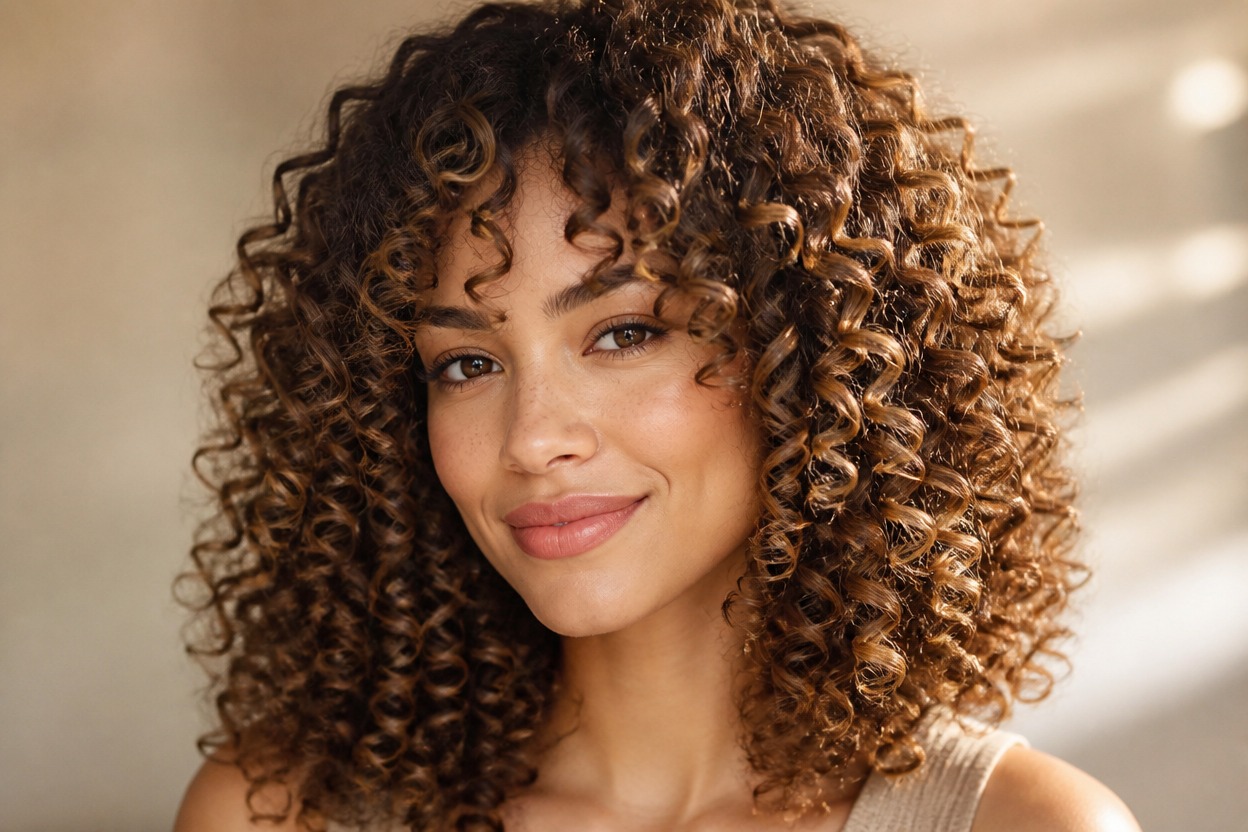
Explore curl definition, longer styles, editorial looks, and character variations from one uploaded image
Curly Hairstyle Ideas for Portraits and Profiles
Profile Picture Refreshes
Create a curly-haired variation of an adult profile portrait while keeping the composition polished and recognizable.
Hairstyle Inspiration
Visualize how defined curls and added volume could frame your face before choosing a new styling direction.
Long Curly Hair Concepts
Explore an AI long hair filter look with fuller curls when the uploaded framing gives the model enough room around the head and shoulders.
Editorial Portrait Variations
Give an authorized portrait a curl-focused beauty or fashion treatment with coordinated light and hair texture.
Character Hairstyle Studies
Reimagine an original or authorized adult character portrait with curls that suit the existing face, outfit, and mood.
Social Photo Experiments
Generate a new hairstyle variation for a personal post or avatar without arranging a separate photo session.
How to Use the Curly Hair Filter from Photo
Upload one image, apply the effect, and review the finished hairstyle
01
Upload One Clear Photo
Choose a sharp, well-lit image of one adult with the face, hairline, and space around the head clearly visible.
02
Apply the Curly Hair Filter
Start the transformation. AI Hug uses GPT-Image-2 to generate curls while reworking hair edges, shadows, and nearby portrait details together.
03
Preview and Download
Review the curl pattern, hairline, face, ears, clothing edges, and background continuity, then download the result you prefer.
Answers about one-photo input, GPT-Image-2, curl styles, image quality, and access