Disney Pixar AI Generator
Upload a photo to apply this effect while keeping the subject recognizable for a natural, polished result.
Image
Examples
Disney Pixar AI Generator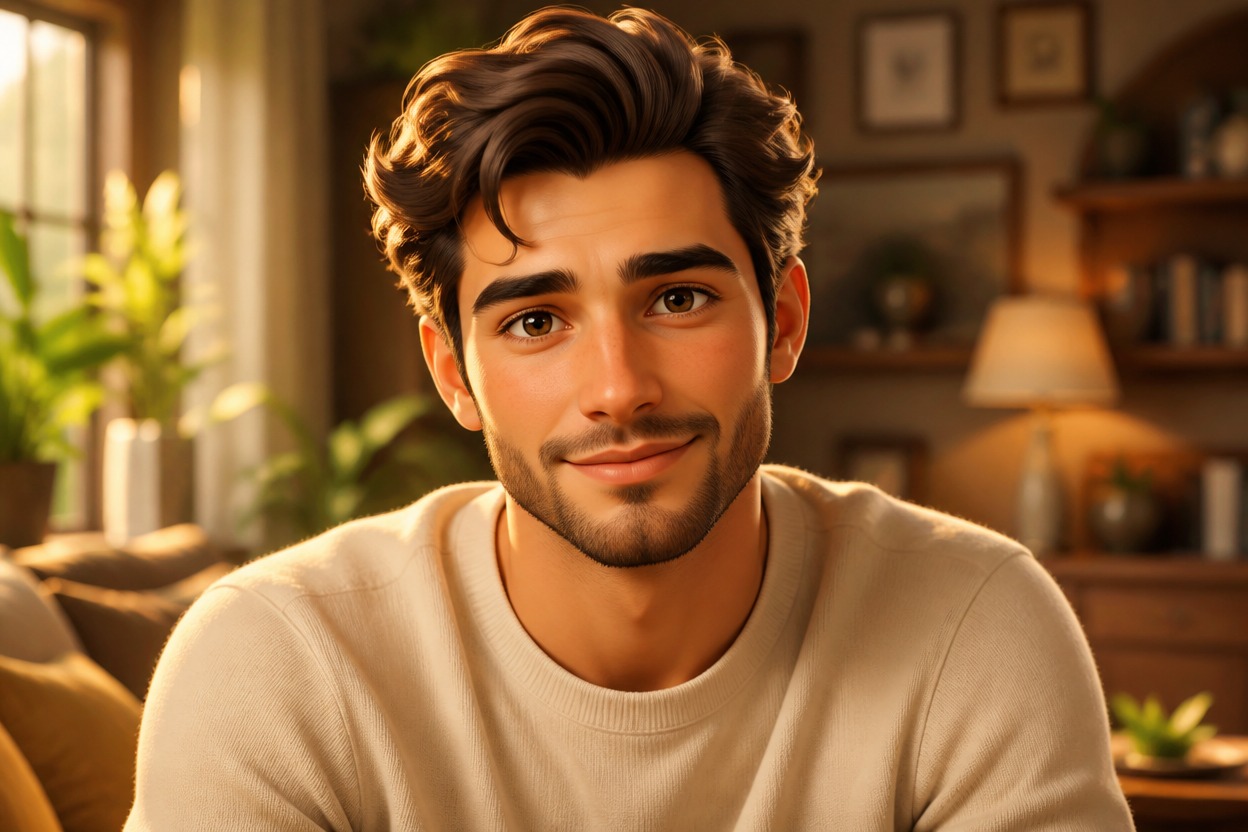
Disney Pixar AI Generator from Photo
Upload one clear image and turn it into an original, polished 3D animated scene. Powered by GPT-Image-2, AI Hug reinterprets the subject, lighting, materials, and setting as one coherent image.
Transform Your PhotoAI Image Style Transfer for a Complete Animated World
Full-Scene 3D Transformation
GPT-Image-2 rebuilds the visible subject, clothing, objects, background, color, and light together, creating a unified animated scene instead of placing a flat filter over the upload.
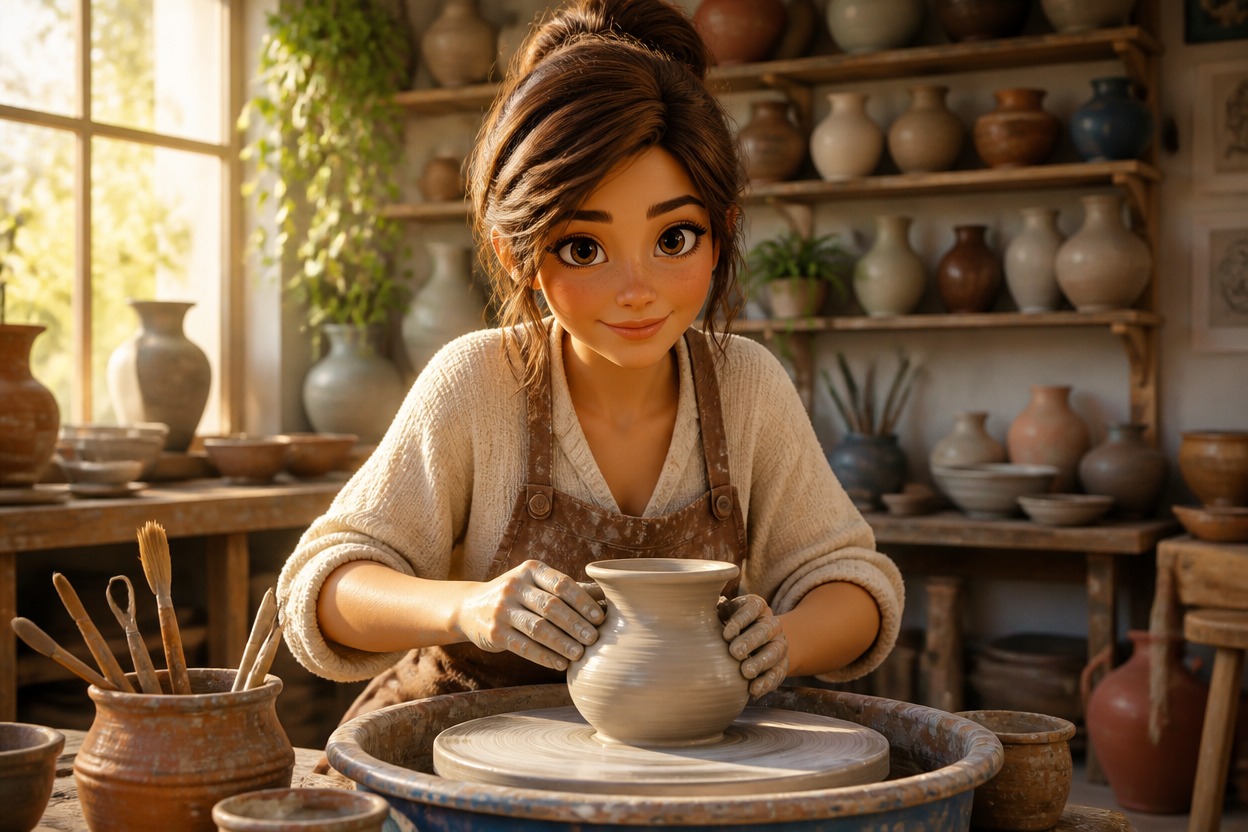
Expressive Character Styling
Softly stylized proportions, expressive eyes, detailed hair, tactile clothing, and cinematic lighting give adult portraits and original characters a polished feature-animation feel.
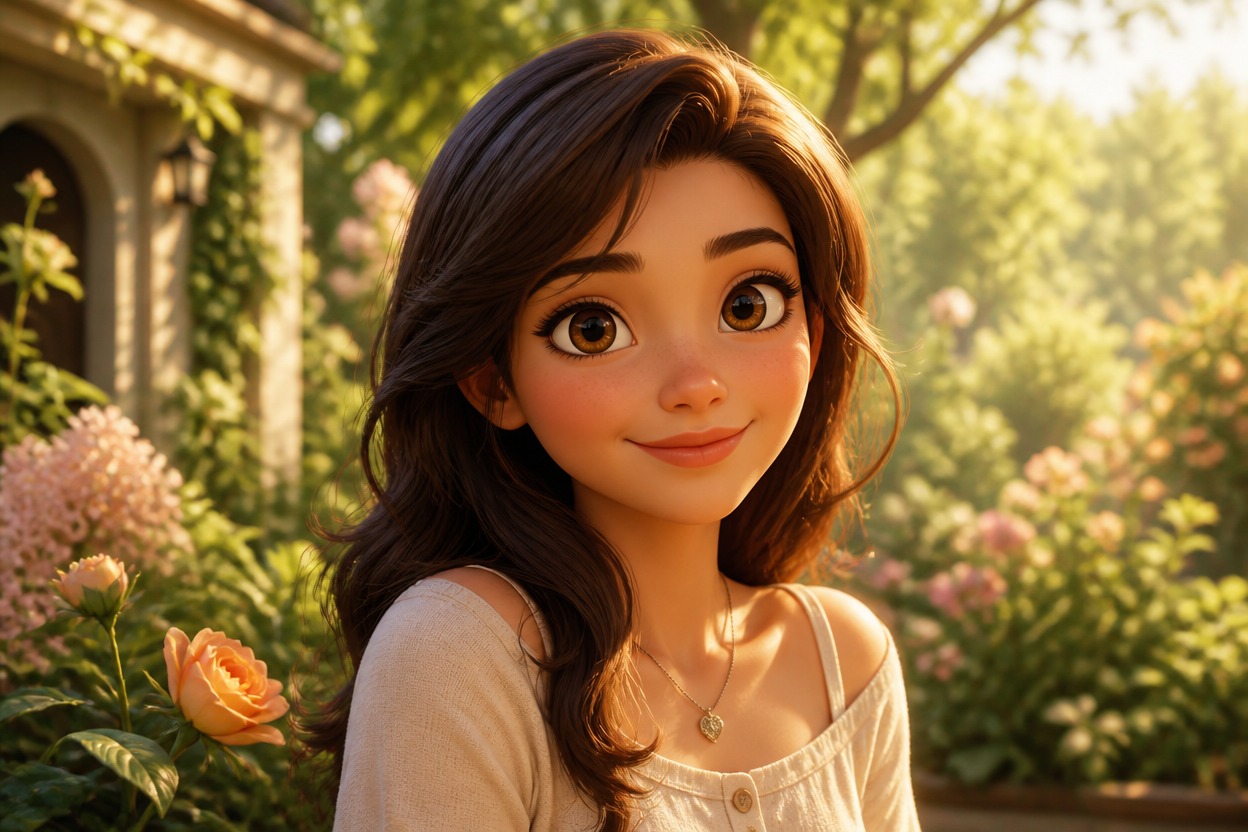
Source-Aware Composition
The AI style transfer follows visible cues from your image, including the main subject, pose, framing, and setting. Generated details can vary, so review faces, hands, and important objects.
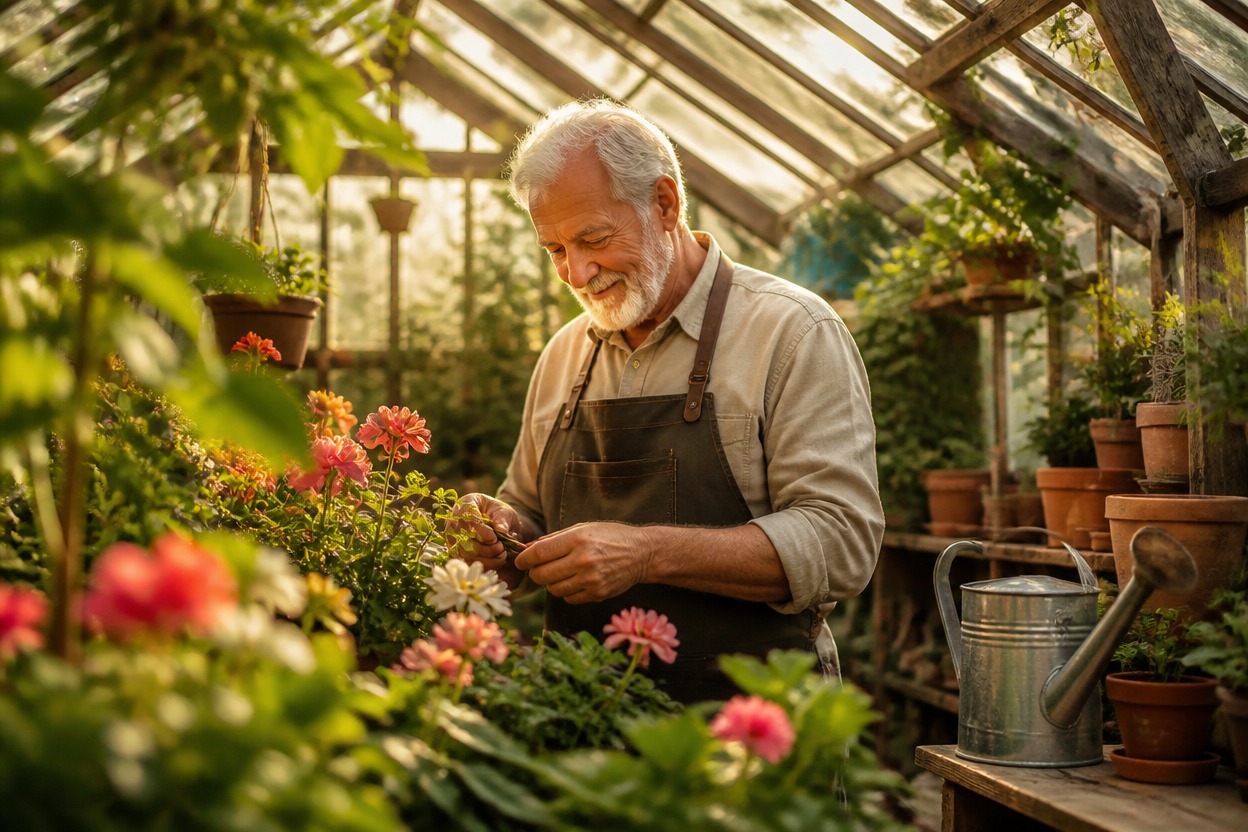
Original animated scenes for portraits, pets, travel memories, characters, and personal artwork
What You Can Create with 3D Animated Style Transfer
Animated Portraits
Reimagine a clear adult portrait with expressive 3D character styling, cinematic light, and an original setting.
Couple and Friendship Scenes
Turn a well-lit photo of adults into a warm, story-led keepsake with cohesive character and environment design.
Pet Adventure Art
Place a clearly photographed pet in a colorful animated world while reviewing markings, eyes, paws, and anatomy.
Travel Memory Restyles
Transform streets, landscapes, and vacation photos into richly lit 3D scenes with handcrafted atmosphere.
Original Character Concepts
Give your own character artwork dimensional materials, expressive features, and a cinematic environment.
Story and Profile Visuals
Create distinctive images for personal stories, profile pictures, invitations, and creative moodboards.
How to Use the Disney Pixar AI Generator
Upload one image, apply the effect, and review the finished 3D animated transformation
01
Upload One Clear Image
Choose a sharp photo with a distinct subject, readable shapes, and balanced lighting. A simple composition gives GPT-Image-2 clearer visual structure to reinterpret.
02
Apply the 3D Animated Effect
Start the one-image transformation. AI Hug rebuilds the subject and environment with cohesive character styling, dimensional materials, color, and cinematic light.
03
Preview and Download
Check facial likeness, hands, important objects, skin texture, and background continuity, then download the generated version you prefer.
Answers about one-image input, GPT-Image-2, source quality, AI style transfer, results, access, and affiliation