AI Dread Filter
Upload a photo to apply this effect while keeping the subject recognizable for a natural, polished result.
Image
Examples
Dread Filter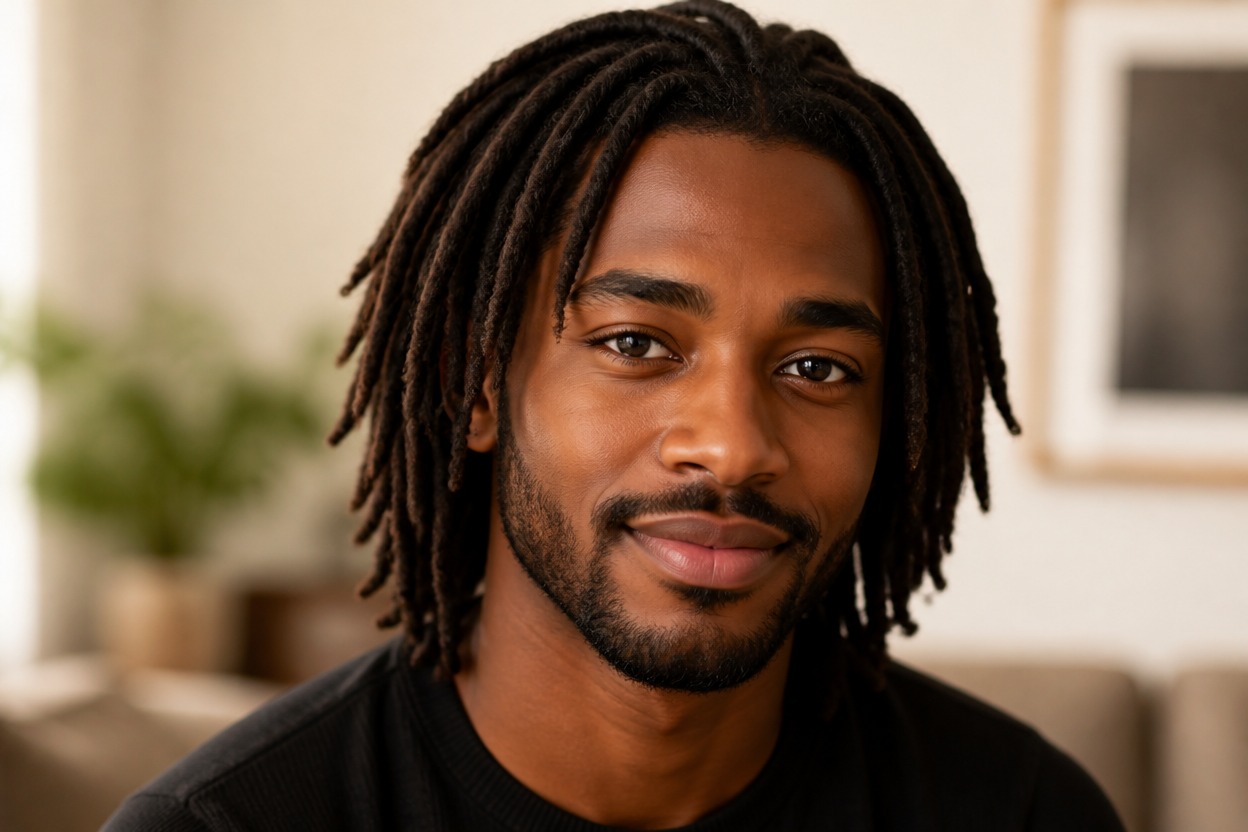
AI Dread Filter from Photo
Upload one clear portrait and transform the hairstyle into detailed locs. Powered by GPT-Image-2, AI Hug reinterprets the roots, length, texture, and volume as one coherent image.
Apply the AI Dread FilterTurn One Portrait into a Polished Loc Style
Loc Styles Shaped Around Your Portrait
Explore a dreadlock hairstyle that follows the visible head angle, facial proportions, and composition of the uploaded portrait.
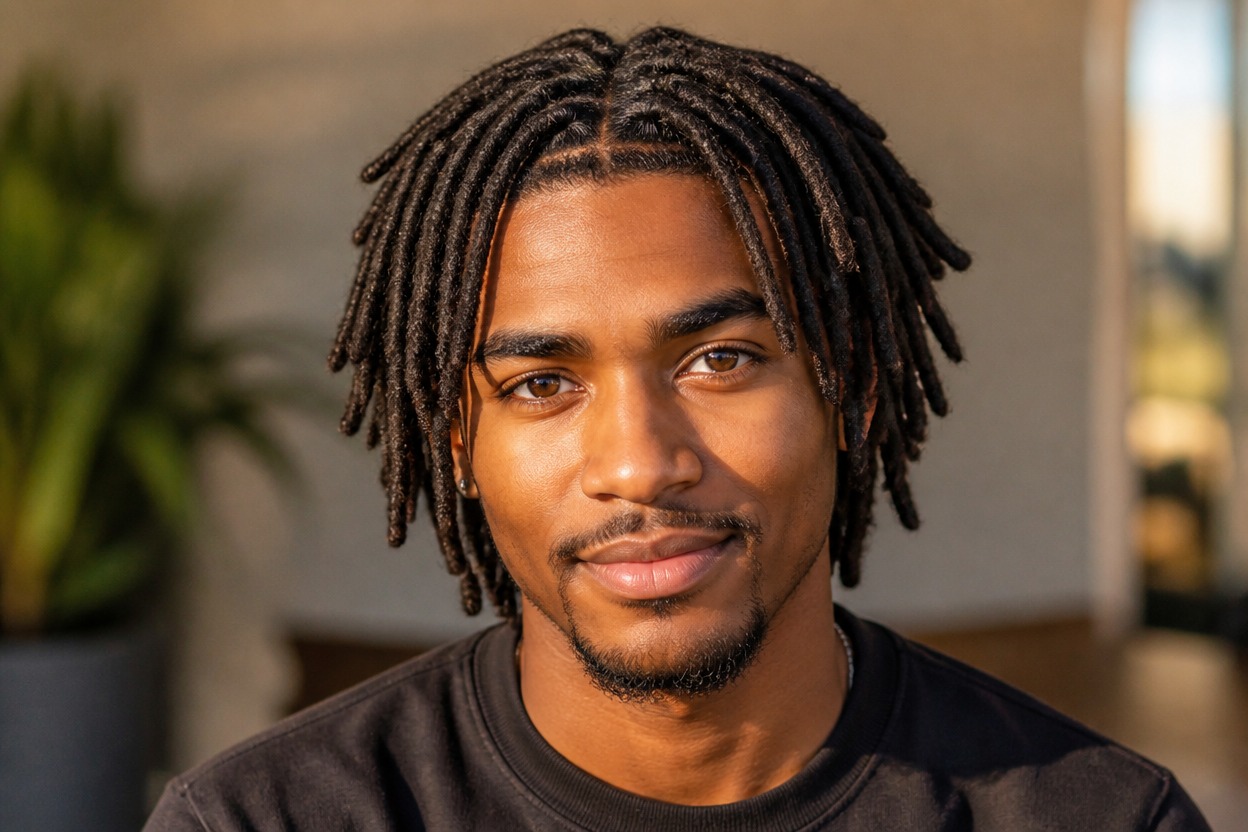
Believable Roots, Texture, and Weight
GPT-Image-2 can rebuild the hair with defined roots, varied loc thickness, natural volume, and clean overlap around the face, ears, neck, and clothing.
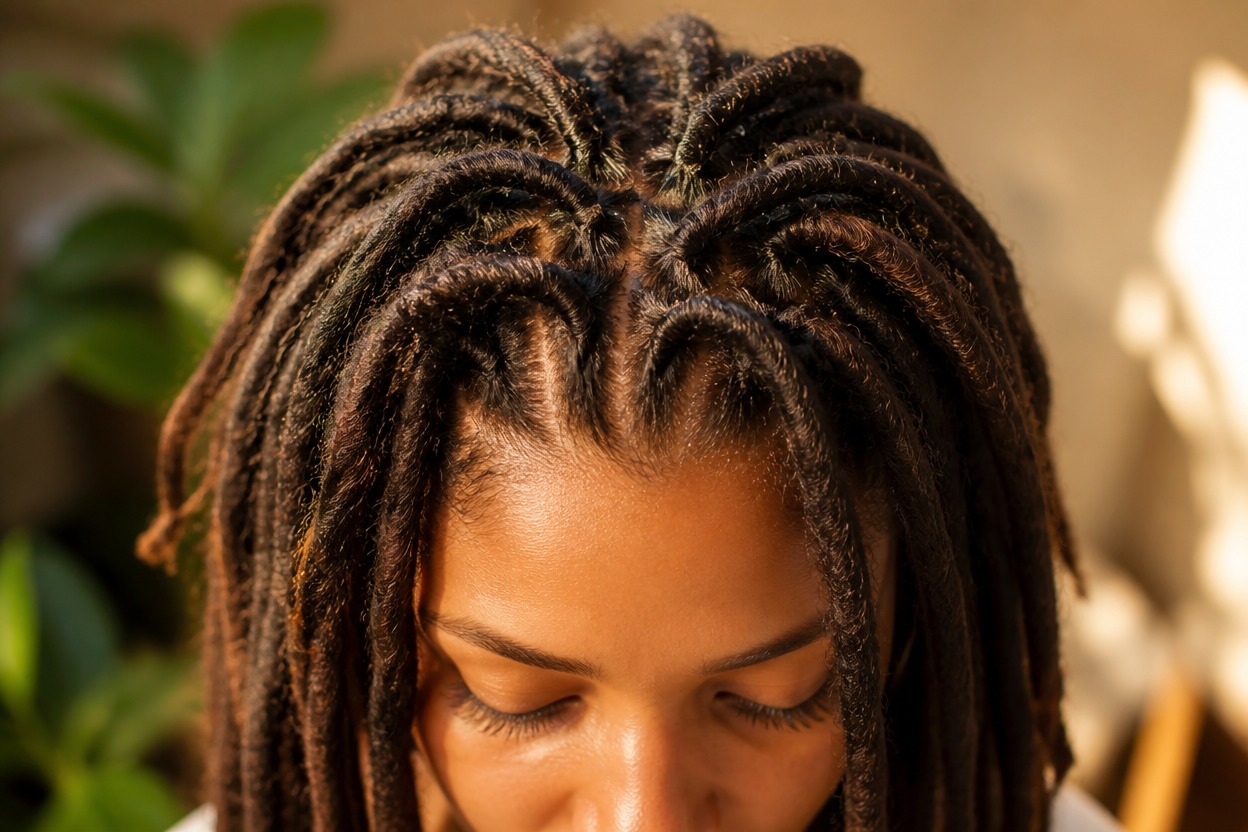
A Focused One-Photo Transformation
The effect changes the hairstyle while aiming to keep the person, expression, pose, lighting, and background recognizable.
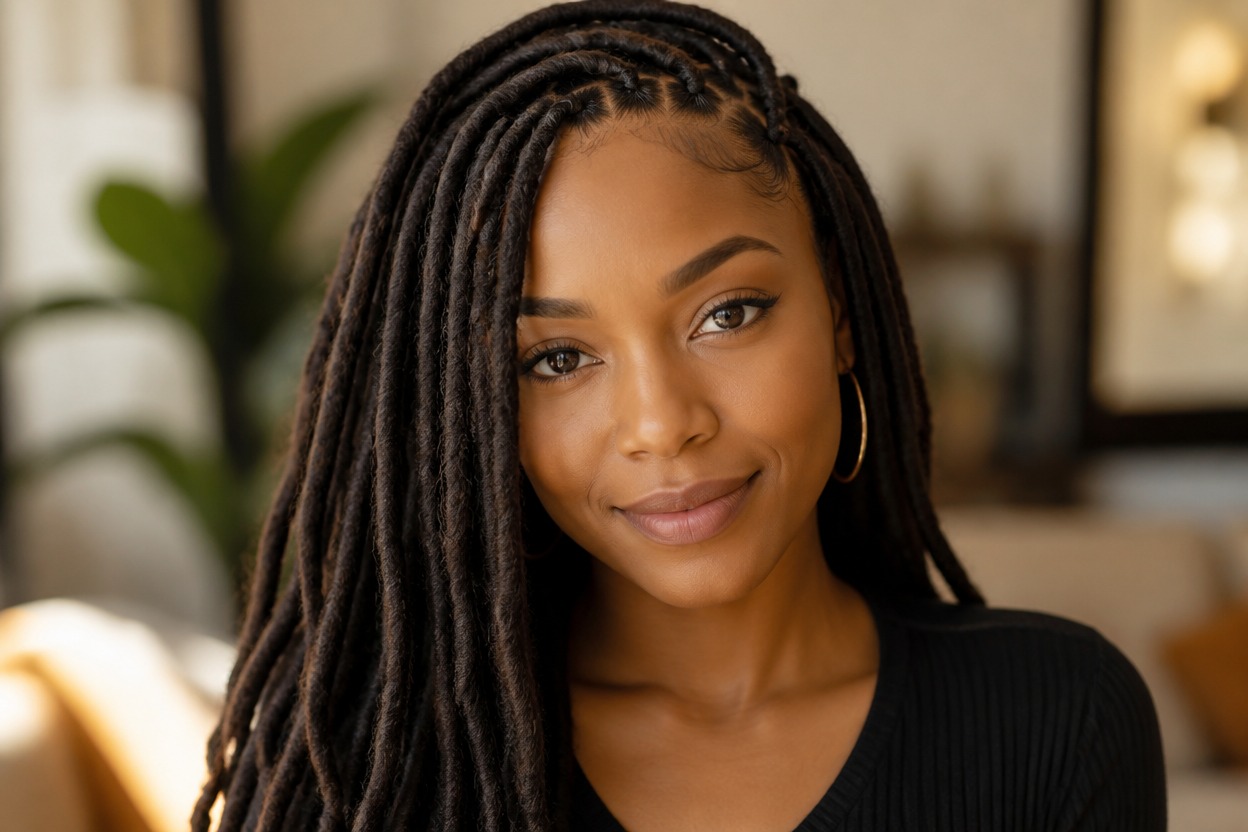
Explore short, medium, and long loc directions from one uploaded portrait
AI Dread Filter Ideas for Style Planning
Short Loc Preview
Visualize compact locs with a defined silhouette around the temples, ears, and neck.
Shoulder-Length Dreadlocks
Try a balanced medium-length style with visible movement, varied strands, and natural volume.
Long Loc Direction
Explore a longer dreadlock look when your search starts with an AI long hair filter but needs loc-specific texture.
Salon Consultation Reference
Create a visual direction for discussing length, thickness, parting, volume, and styling with a loctician or stylist.
Profile Photo Refresh
Generate a recognizable portrait variation with a new loc style for a personal profile image.
Original Character Styling
Develop a dreadlock hairstyle direction for an original character, costume concept, or photo session.
How to Use the AI Dread Filter
Upload one portrait, apply the effect, and review your generated loc style
01
Upload One Clear Portrait
Choose a sharp, well-lit image of one adult where the face, hairline, current hair, ears, and neck are easy to see.
02
Apply the AI Dread Filter
Start the one-image transformation. AI Hug uses GPT-Image-2 to generate a loc style that fits the visible portrait and scene.
03
Preview and Download
Check the roots, hairline, strand detail, facial likeness, anatomy, lighting, and background, then download the result you prefer.
Answers about one-photo input, GPT-Image-2, portrait quality, loc options, and access