Eye Color Filter
Upload a photo to apply this effect while keeping the subject recognizable for a natural, polished result.
Image
Examples
Eye Color Filter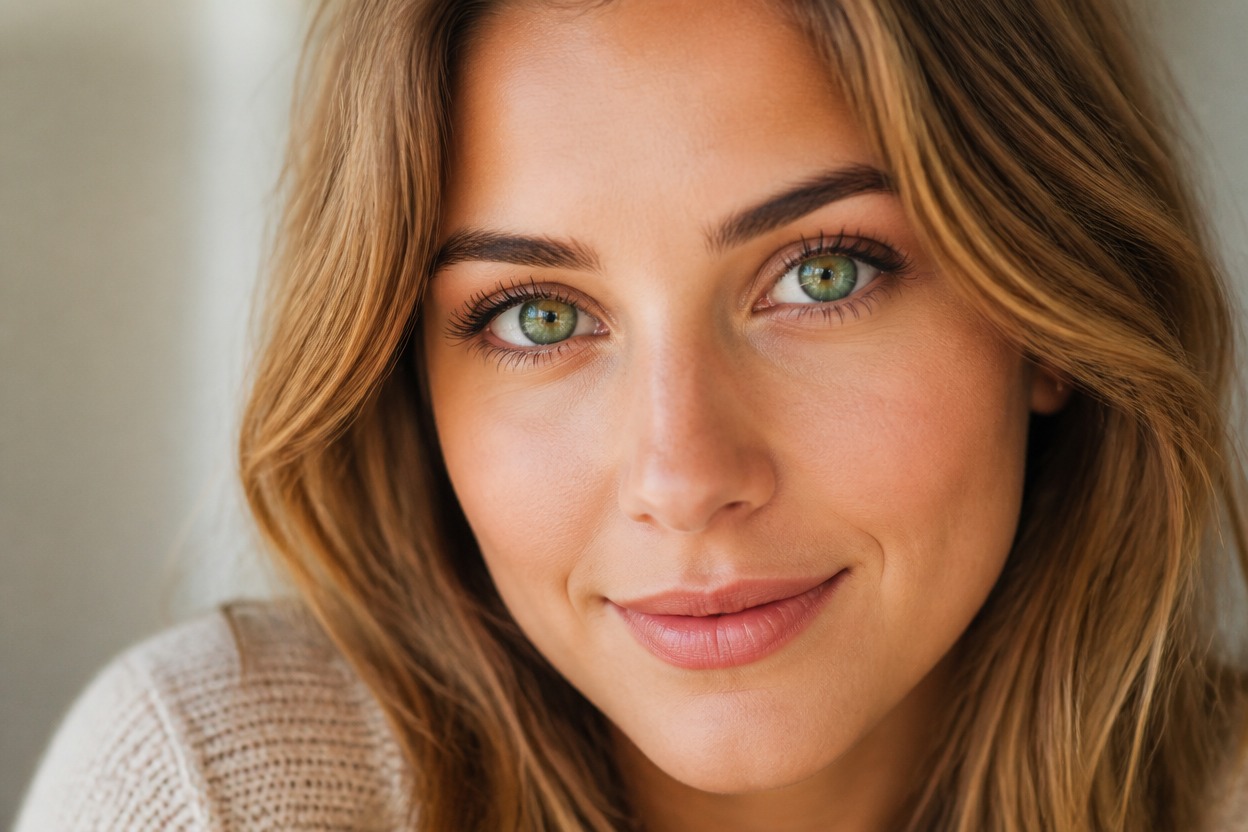
Eye Color Filter from Photo
Upload one clear portrait and preview a different iris color in one finished image. Powered by GPT-Image-2, AI Hug integrates the new shade with pupils, catchlights, eyelids, skin, makeup, and scene lighting.
Change Your Eye ColorPreview Eye Color in a Coherent Portrait
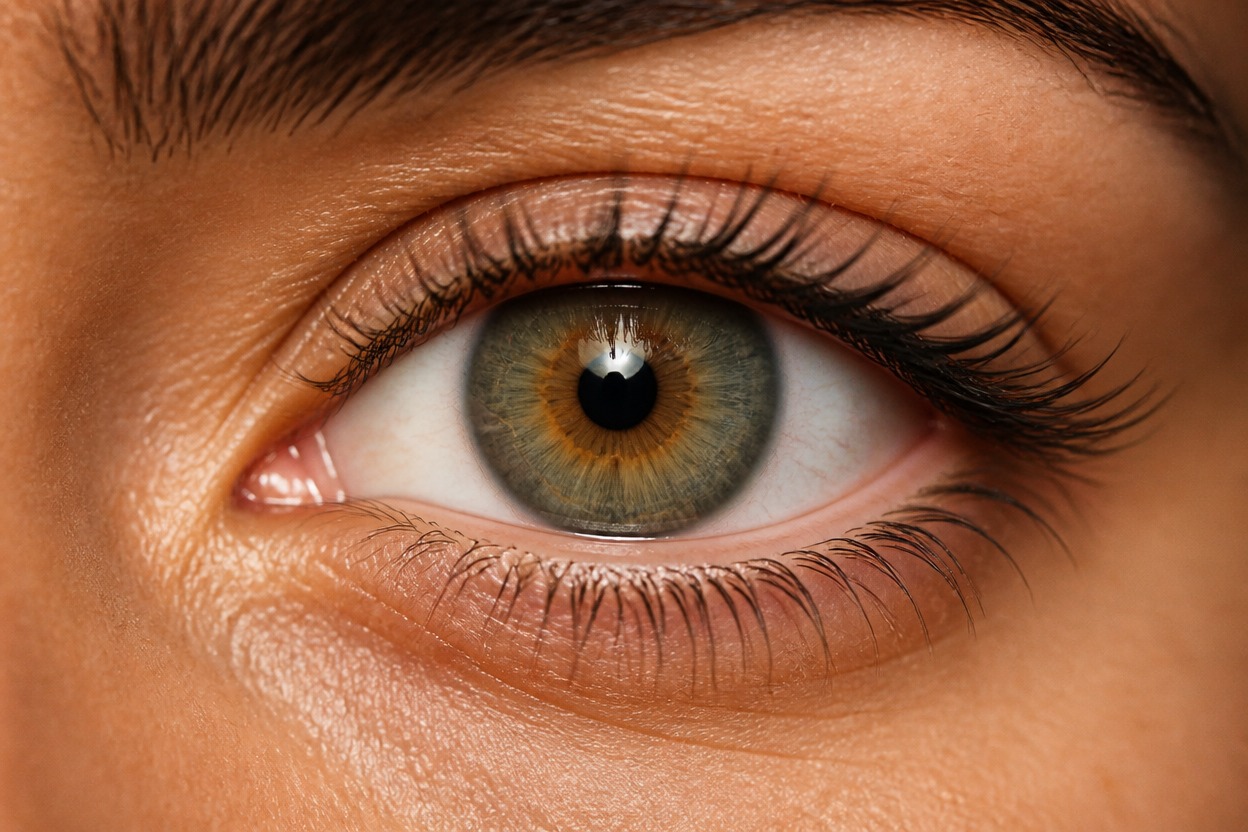
Integrated Iris Color
GPT-Image-2 rebuilds the iris shade with the existing pupils, catchlights, sclera, eyelids, lashes, and facial lighting instead of placing a flat color layer over the eyes.
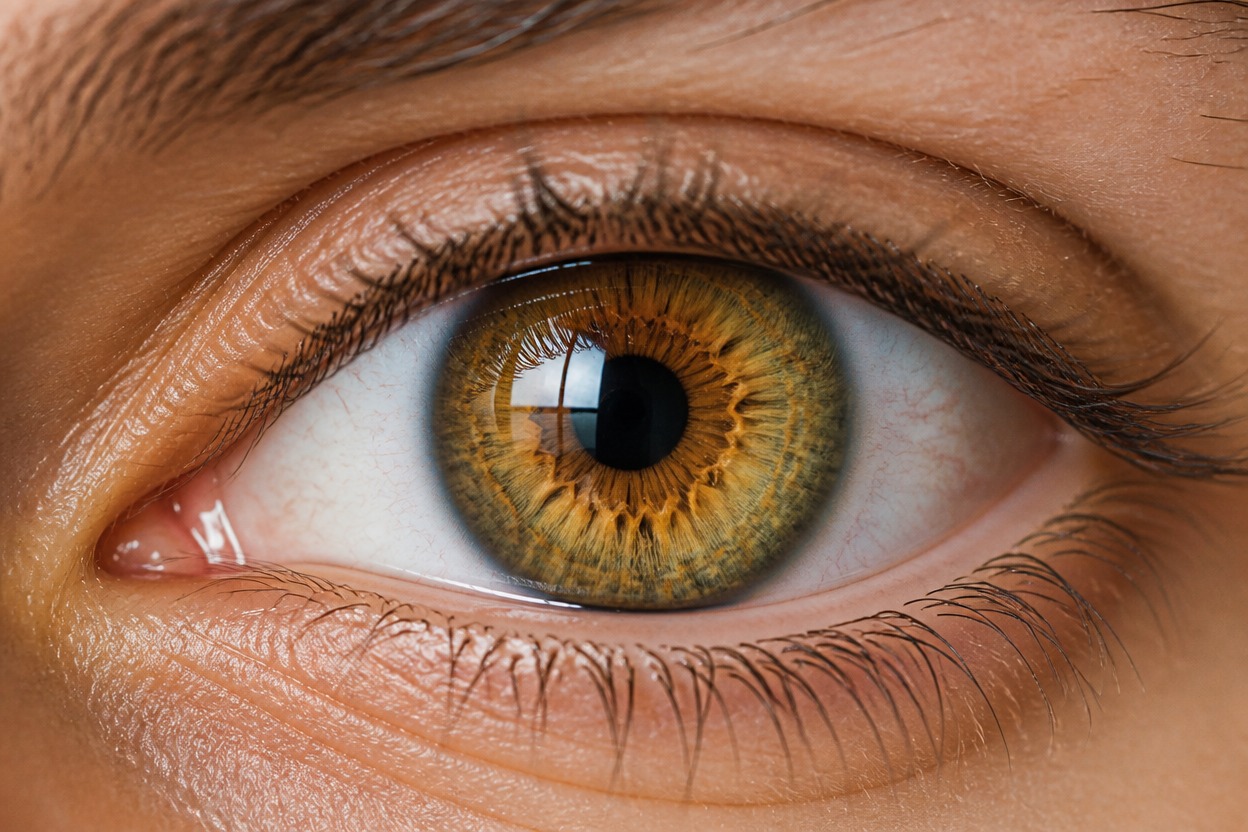
Natural Tonal Variation
Explore eye colors with subtle rings, highlights, and depth that respond to the visible portrait rather than appearing as a uniform painted circle.
One-Photo Transformation
Start with one uploaded image and receive one coherent portrait. Review both eyes, facial likeness, skin texture, hair edges, and background continuity before keeping the result.
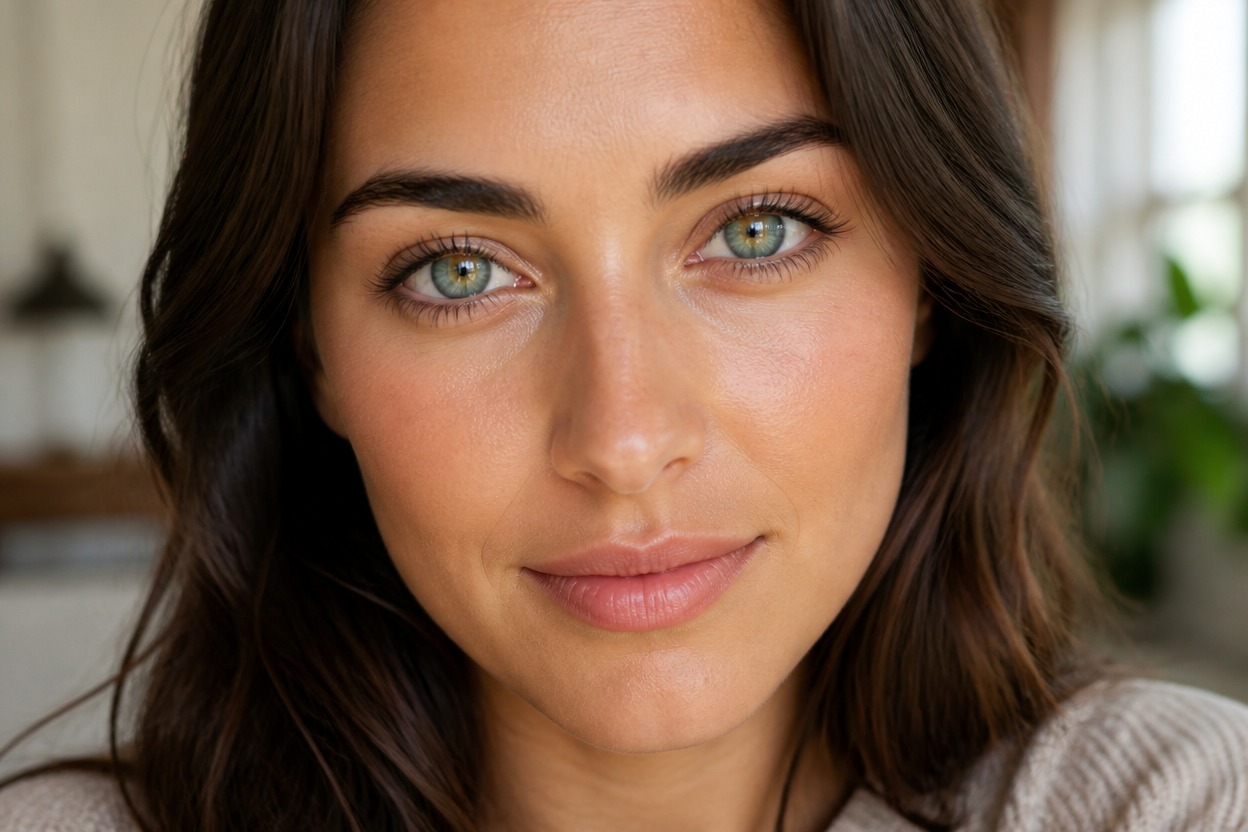
Eye-color previews for beauty planning, portraits, costumes, characters, and personal creative projects
Ways to Use an Eye Color Filter
Contact Lens Inspiration
Explore a visual direction for colored contacts before comparing real products with a qualified eye-care professional.
Makeup Look Planning
Pair a new eye-color idea with coordinated shadow, liner, lashes, blush, and lip tones in a polished portrait concept.
Profile Picture Variations
Create a recognizable portrait variation with a distinctive iris shade for a personal avatar or profile image.
Original Character Portraits
Give an authorized portrait an unusual eye color for an original fantasy, sci-fi, or editorial character concept.
Costume and Event Ideas
Preview how a blue, green, gray, hazel, amber, or imaginative eye color could support a themed adult look.
Beauty Mood Boards
Build a focused visual reference for eye color, lighting, and makeup direction without creating a comparison board.
How to Use the Eye Color Filter from Photo
Upload one portrait, apply the effect, and review the finished image
01
Upload One Clear Portrait
Choose a sharp, well-lit adult portrait with both eyes visible and minimal obstruction from hair, glasses, heavy shadow, or motion blur.
02
Apply the Eye Color Effect
Start the one-image transformation. AI Hug uses GPT-Image-2 to generate a new iris shade and integrate it with the visible eyes and portrait lighting.
03
Preview and Download
Check iris detail, pupil shape, catchlights, eye alignment, facial likeness, skin texture, and background continuity, then download the result you want to keep.
Answers about one-photo input, GPT-Image-2, portrait quality, eye details, creative previews, and access