AI Fat Filter
Upload a photo to apply this effect while keeping the subject recognizable for a natural, polished result.
Image
Examples
Fat Filter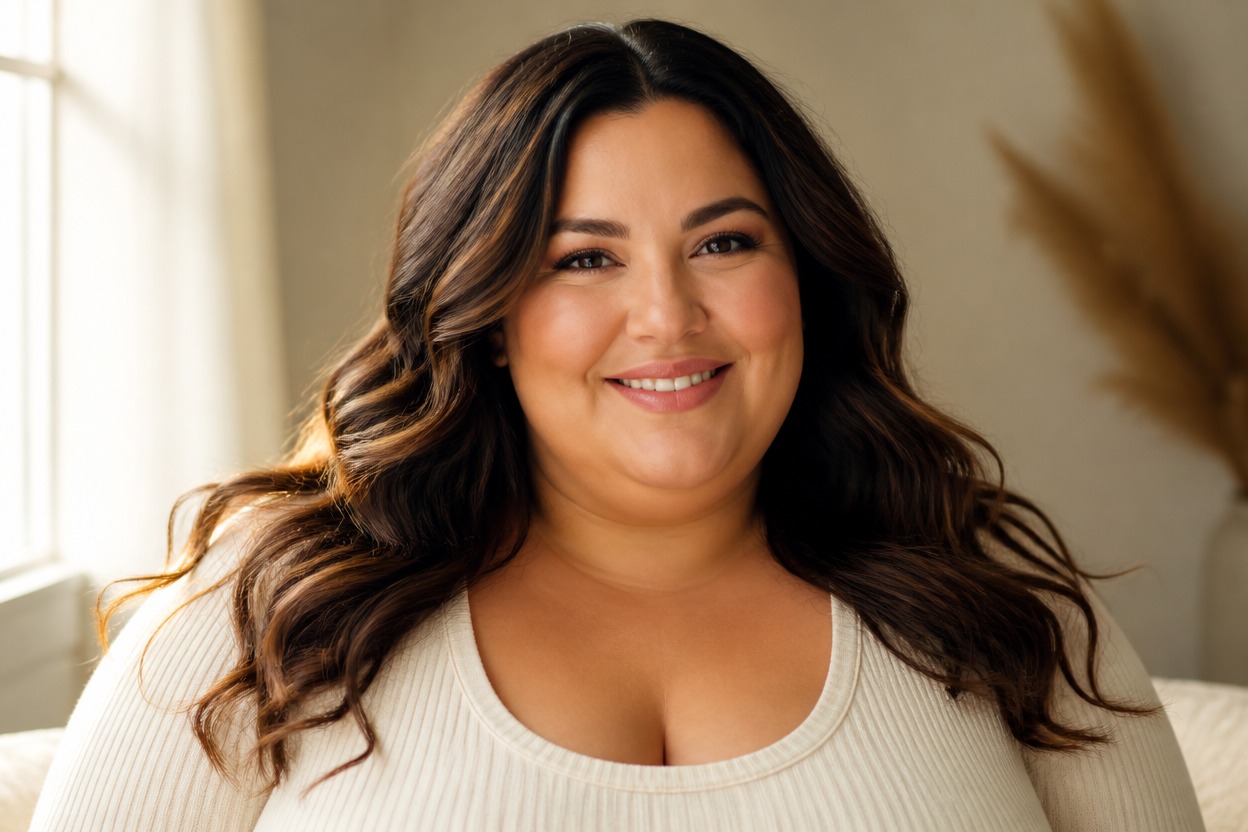
AI Fat Filter from Photo
Upload one clear image and create a respectful portrait with naturally fuller proportions. Powered by GPT-Image-2, AI Hug transforms the subject and surrounding details as one coherent photo effect.
Apply the AI Fat FilterCreate a Fuller Portrait Effect from One Photo
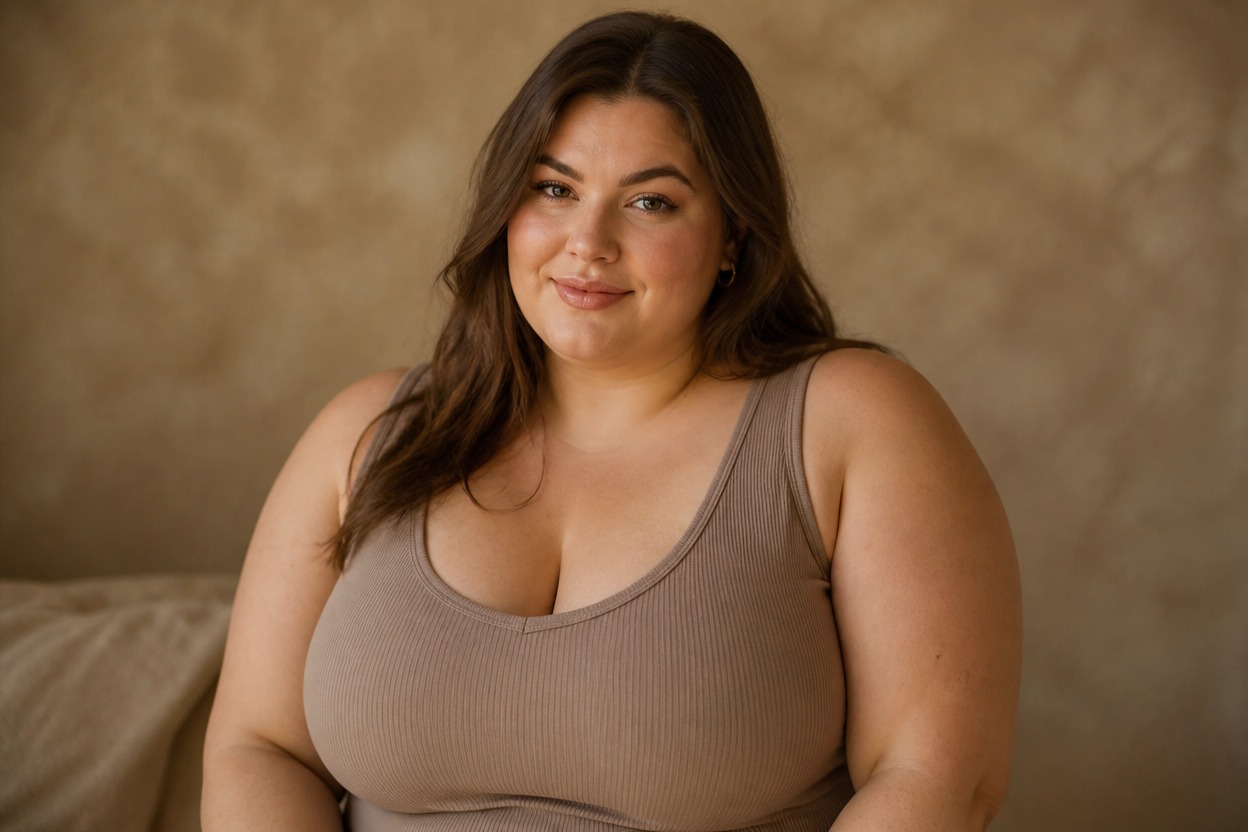
Natural Fuller-Proportion Effect
GPT-Image-2 can reinterpret visible facial and body contours with softly fuller proportions while keeping the result balanced, respectful, and visually cohesive.
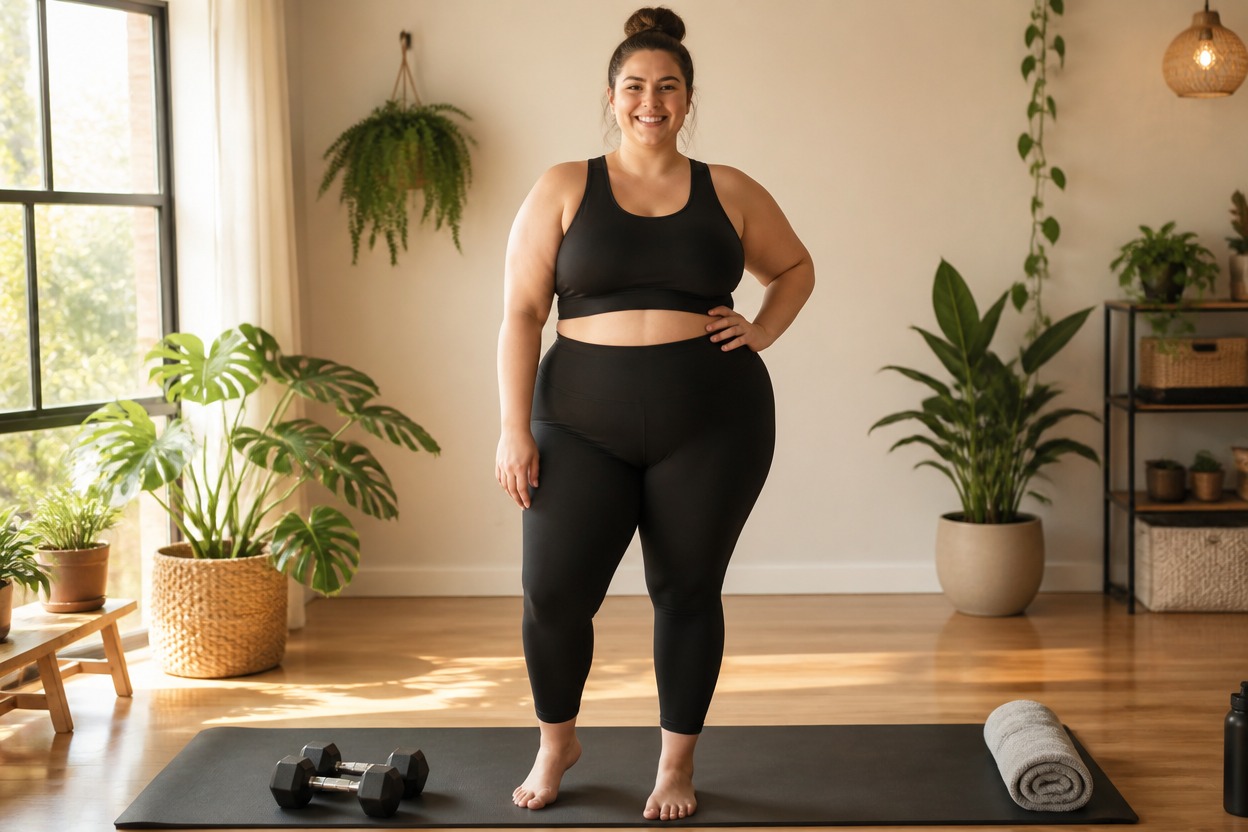
Whole-Photo Transformation
The effect rebuilds the portrait as a complete image, adapting clothing folds, posture, light, and nearby scene details instead of placing a simple overlay on the body.
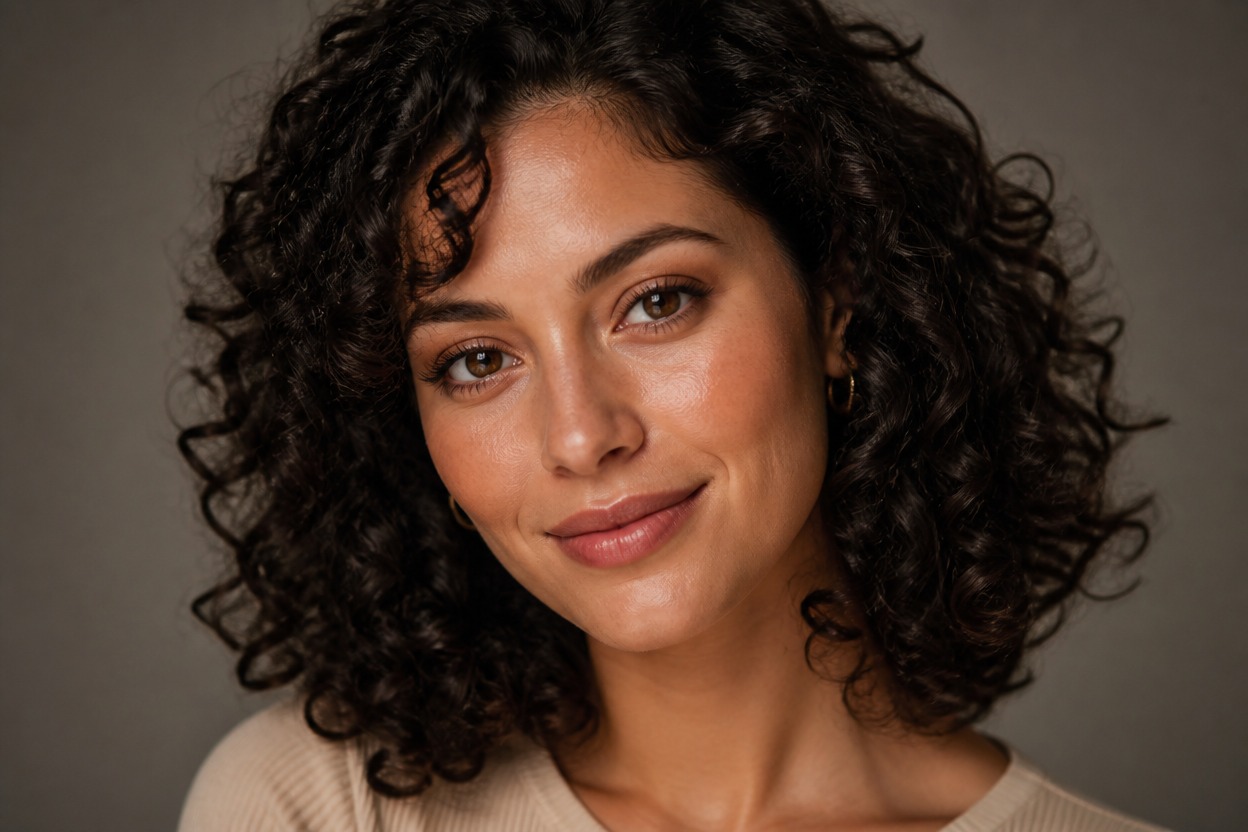
Details You Can Review
Preview facial likeness, anatomy, hands, clothing edges, background continuity, and skin texture before choosing the generated result you want to keep.
Respectful photo effects for portraits, characters, profiles, outfits, and visual storytelling
AI Fat Filter Ideas for Portraits and Creative Concepts
Creative Portrait Variations
Reimagine an authorized adult portrait with naturally fuller proportions for a playful personal photo effect.
Character Concept Styling
Explore a fuller body shape for an original adult character while keeping clothing, pose, and scene direction visually connected.
Profile Image Experiments
Create an alternative profile portrait and review facial likeness, framing, and overall polish before using it.
Editorial Photo Concepts
Develop a respectful fuller-figure visual direction for an original story, mood board, or creative photography concept.
Costume and Outfit Studies
See how an outfit may be reinterpreted around different generated proportions, including fabric folds and silhouette.
Online Photo Effects
Try a distinctive AI photo effect from one suitable image without manually reshaping separate parts of the portrait.
How to Use the AI Fat Filter from Photo
Upload one image, apply the effect, and review the finished portrait
01
Upload One Clear Image
Choose a sharp, well-lit photo of one adult with a visible face and body outline, natural posture, and minimal obstruction.
02
Apply the AI Fat Filter
Start the one-image transformation. AI Hug uses GPT-Image-2 to generate fuller proportions and integrate them with the photo’s clothing, light, and surroundings.
03
Preview and Download
Check facial likeness, anatomy, hands, skin texture, clothing folds, and background continuity, then download the result you prefer.
Answers about one-photo input, GPT-Image-2, portrait quality, generated proportions, and access