Fisheye Lens Filter
Upload a photo to apply this effect while keeping the subject recognizable for a natural, polished result.
Image
Examples
Fisheye Lens Filter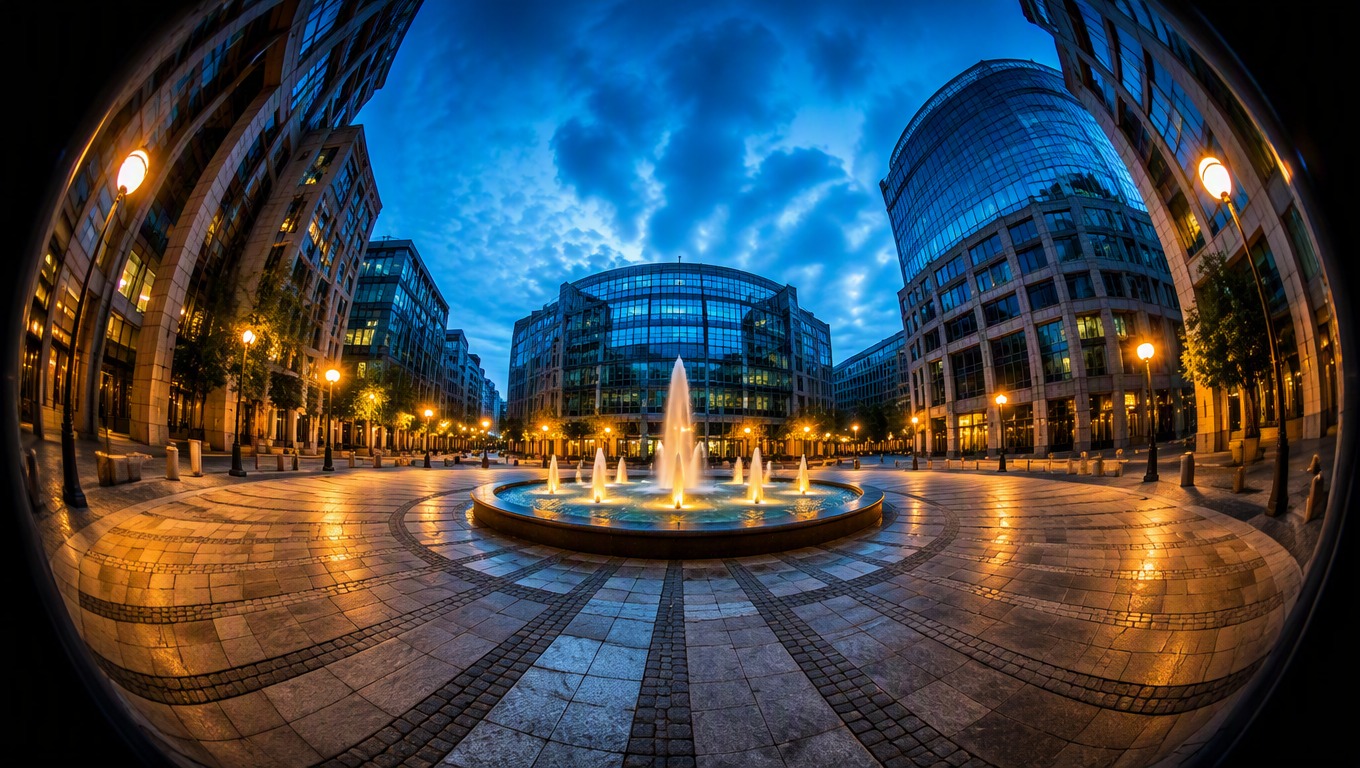
Fisheye Lens Filter for Immersive Wide-Angle Photos
Upload one image and let AI Hug use GPT-Image-2 to create a fisheye photo effect with a wider field of view, curved edge lines, and a pronounced sense of depth—without arranging the result as a before-and-after split.
Apply the Fisheye EffectTransform One Photo with a GPT-Image-2 Fisheye Effect
Start with a Single Upload
Upload one clear portrait, pet, street, travel, architecture, or action photo. The workflow uses that single source image, so there is no need to assemble layers, masks, or a multi-image composition.
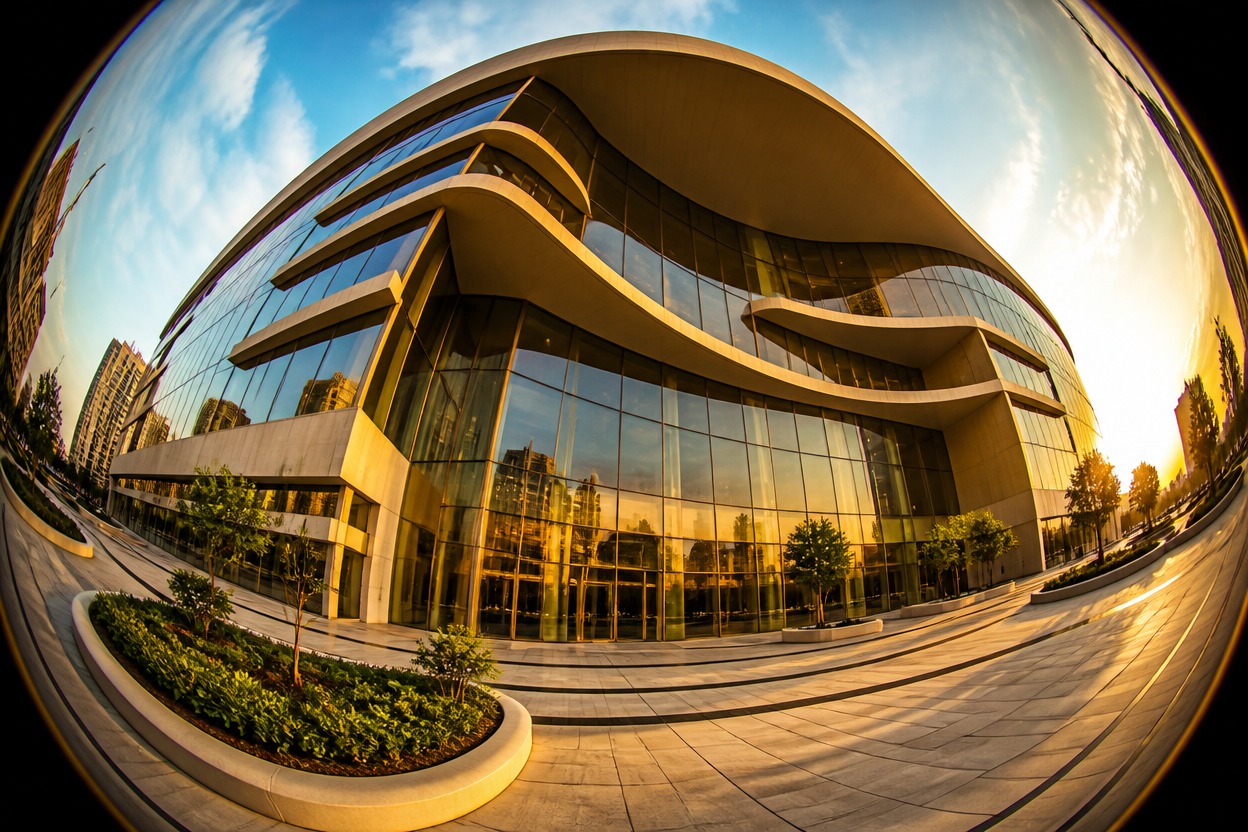
GPT-Image-2 Fisheye Transformation
GPT-Image-2 reinterprets the uploaded scene with fisheye-style barrel distortion, a more expansive field of view, curved edge lines, and stronger center-to-edge depth while aiming to keep the main subject recognizable.
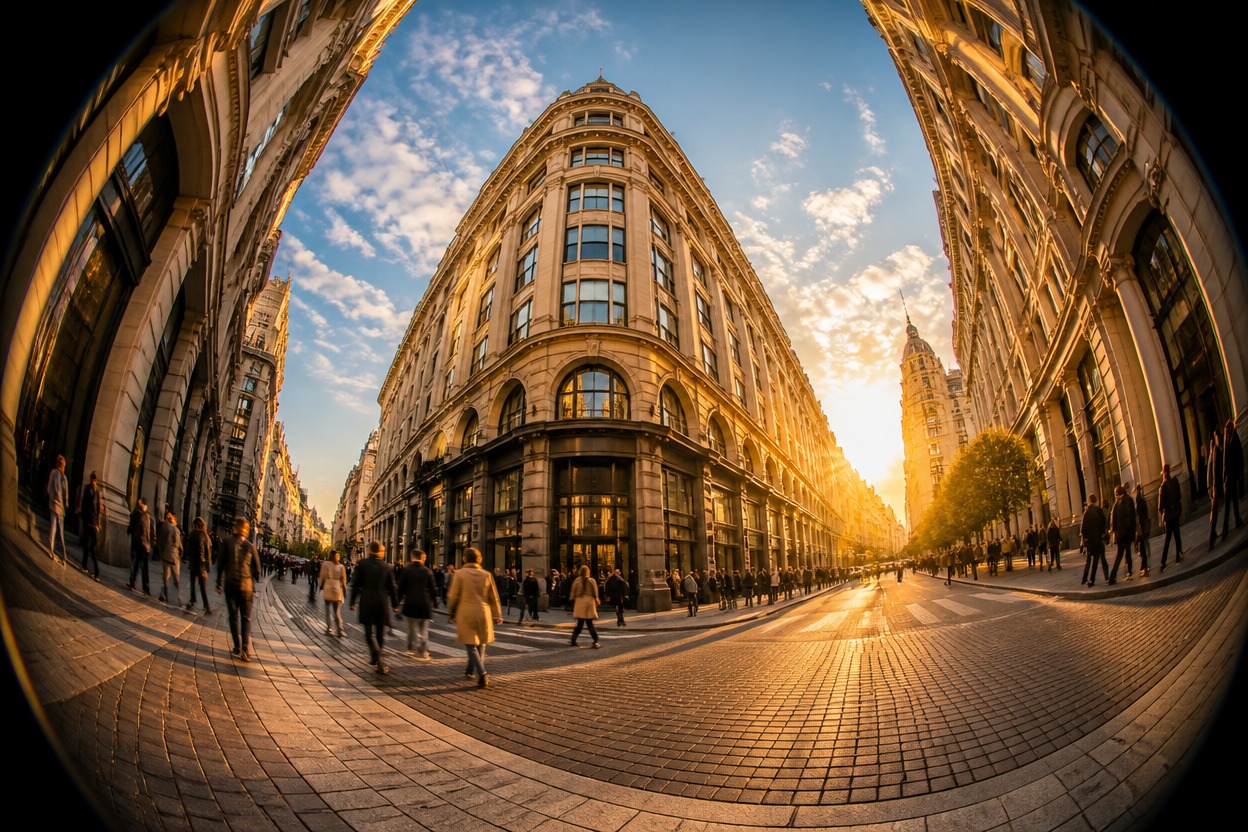
Review One Coherent Result
Preview the generated image as one continuous scene. Check faces, hands, straight lines, background continuity, and important objects, then download the version that best matches the perspective you want.
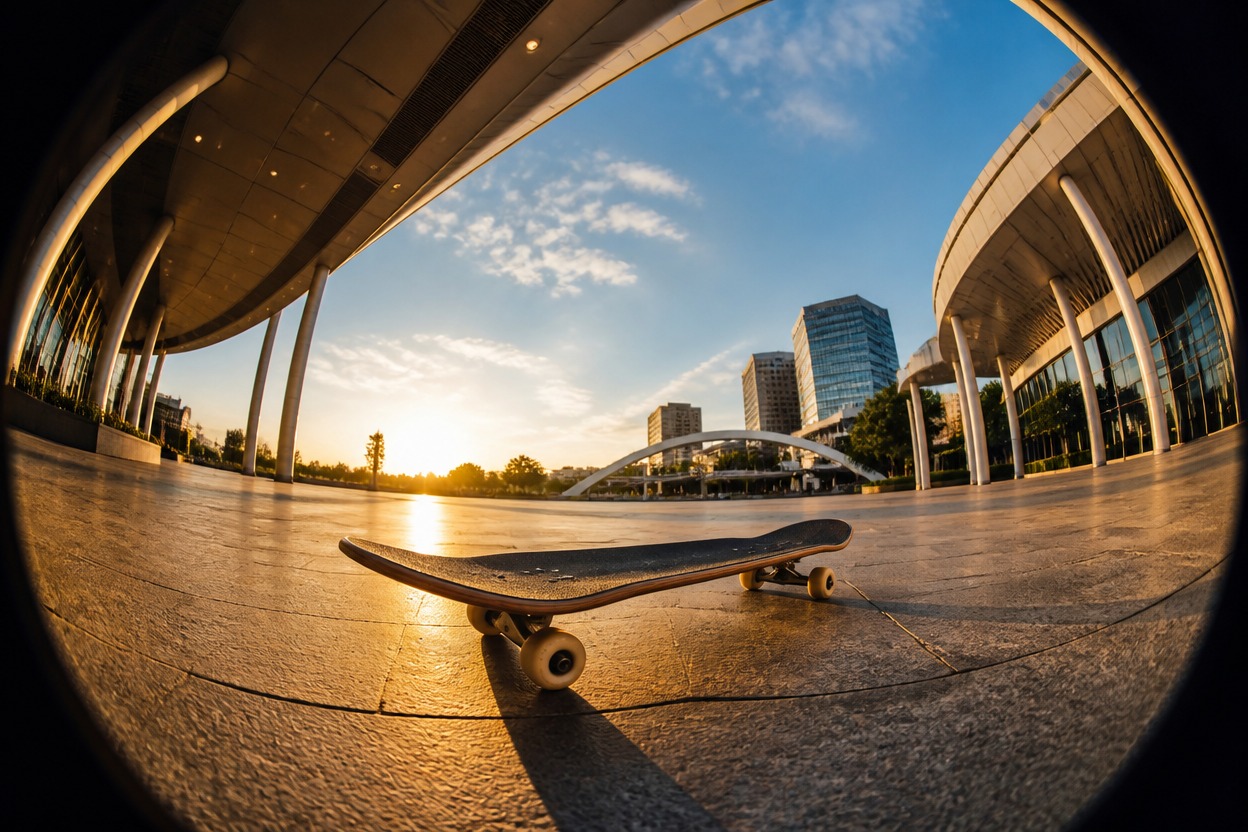
Distinctive perspective for people, places, motion, and everyday images
What You Can Create with a Fisheye Photo Effect
Immersive Architecture
Curve straight façades, interiors, and skylines toward the frame edges for a dramatic ultra-wide perspective.
Action and Street Photos
Give skate, bike, dance, and city scenes a close, energetic viewpoint with a more expansive sense of space.
Playful Portraits
Create expressive close-up portraits where the center feels prominent and the surrounding scene stretches outward.
Pet Close-Ups
Turn a single pet photo into a playful wide-angle composition with an exaggerated foreground and visible environment.
Travel and Landscape Shots
Expand the visual sweep of plazas, coastlines, trails, and landmarks while retaining one coherent scene.
More Image Transformations
Continue editing the same visual idea with AI Hug’s <a href="/image-to-image">image to image</a> tools for other creative directions.
How to Apply a Fisheye Effect Online
One uploaded image, one focused transformation
01
Upload One Image
Choose a clear photo with a central subject and enough background detail to show the wide-angle transformation.
02
Apply the Fisheye Lens Filter
Start the effect and let GPT-Image-2 reinterpret the uploaded image with curved edges, expanded perspective, and stronger center-to-edge depth.
03
Preview and Download
Check the subject, edge curvature, background continuity, faces, and important objects, then download the version that suits your idea.
Answers about inputs, perspective, and generated results