Funko Pop Maker
Upload a photo to apply this effect while keeping the subject recognizable for a natural, polished result.
Image
Examples
Funko Pop Maker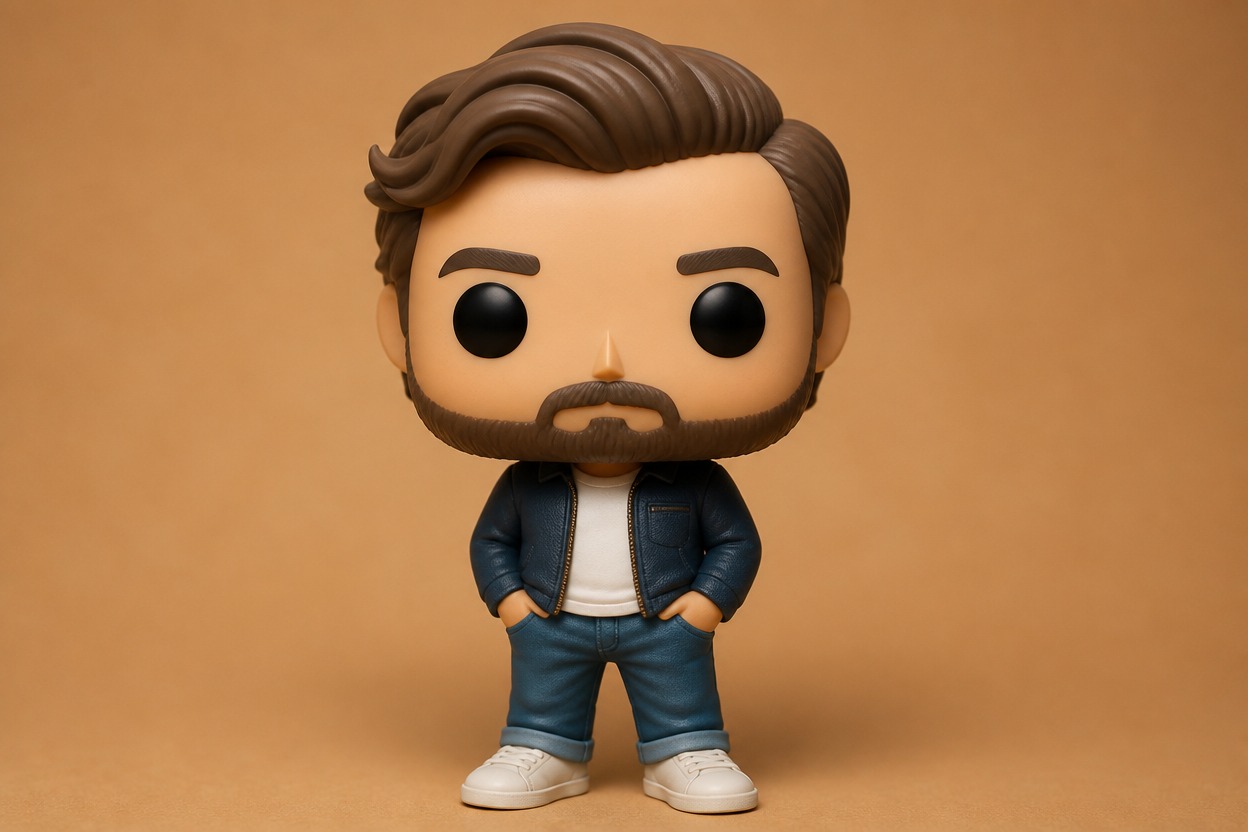
Funko Pop Maker
Upload one clear photo and turn the subject into an original pop-vinyl-style portrait. AI Hug uses GPT-Image-2 to reinterpret visible facial features, hair, clothing, and pose as one cohesive collectible-inspired image.
Create Your Collectible PortraitFrom Portrait to Pop-Vinyl-Style Character
Signature Collectible Proportions
GPT-Image-2 reshapes the portrait with an oversized rounded head, simplified expressive features, and a compact stylized body while keeping the result visually coherent.
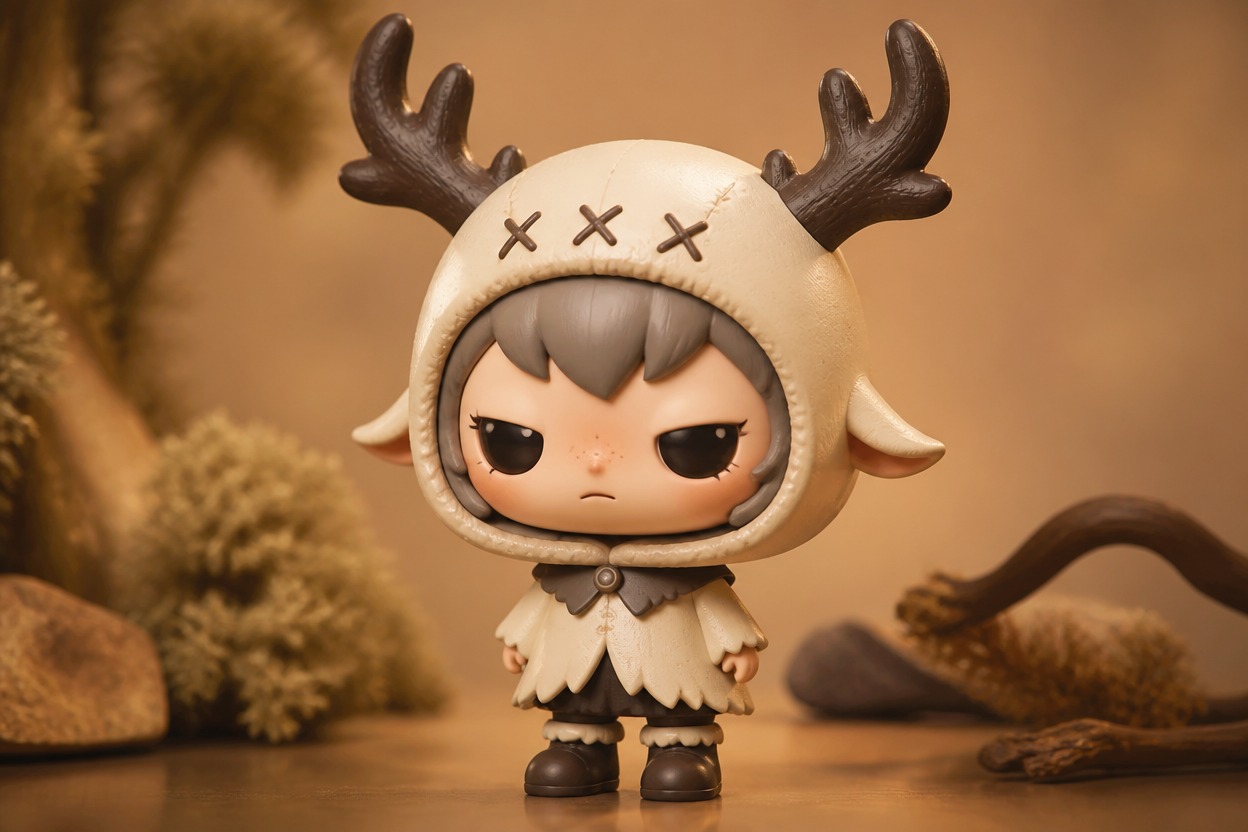
Photo-Guided Character Details
Hair, outfit colors, facial cues, and pose are interpreted from the uploaded image so the finished character stays connected to the source, although generated details can vary.
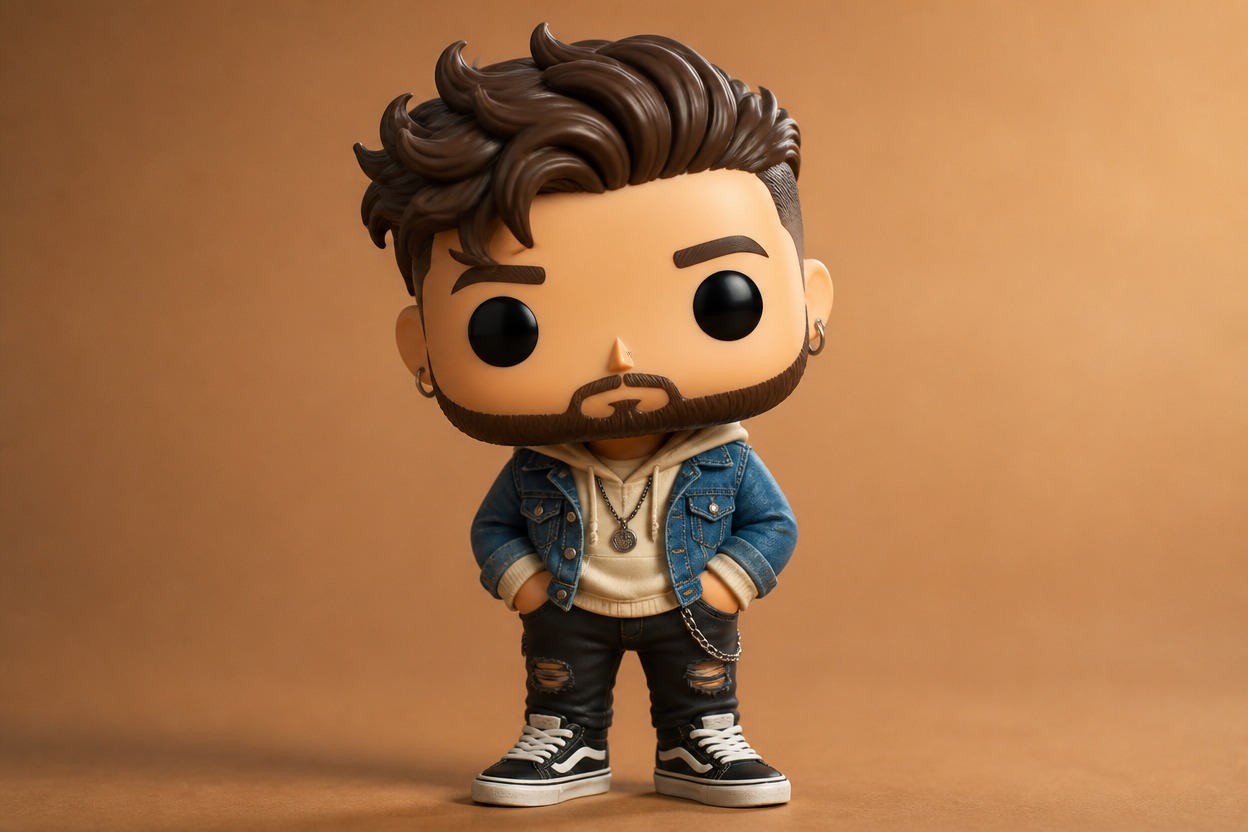
One-Upload Transformation
Create a complete collectible-inspired still image from one uploaded photo without assembling layers, drawing a character, or building a 3D model.
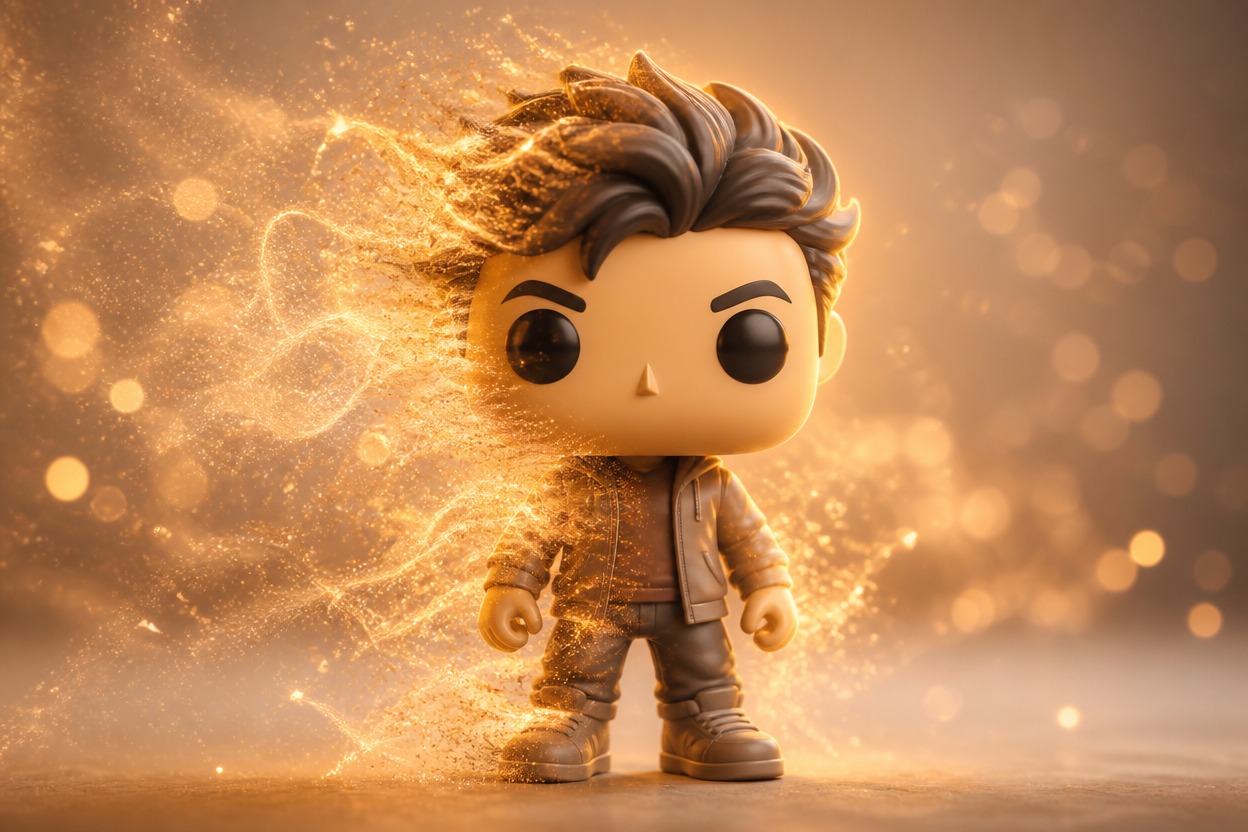
Character artwork for avatars, gifts, teams, events, and original ideas
Ways to Use Your Collectible-Style Portrait
Personal Avatar Concepts
Turn a clear adult portrait into a distinctive collectible-style profile image with recognizable hair, clothing, and expression cues.
Couple and Friend Gifts
Create separate character portraits from authorized photos as playful digital keepsakes or gift concepts.
Team Character Sets
Develop individual pop-vinyl-style portraits for teammates or coworkers while keeping each source photo and result separate.
Original Character Ideas
Use a photo of an original costume or authorized character concept to explore a compact collectible-inspired interpretation.
Social Profile Artwork
Make a friendly stylized portrait for a profile or post after checking the face, outfit, and usage rights.
Party and Event Portraits
Reimagine event photos as cheerful character artwork for invitations, recaps, or personal collections.
How to Use the Funko Pop Maker from Photo
Upload one image, apply the effect, and review your collectible-style portrait
01
Upload One Clear Photo
Choose a sharp, well-lit image with one adult subject, a visible face, and minimal obstruction around the hair and clothing.
02
Apply the Funko Pop Effect
Start the one-image transformation. AI Hug uses GPT-Image-2 to generate an original collectible-inspired portrait based on the visible subject and composition.
03
Preview and Download
Review the face, hair, outfit, anatomy, and background, then download the result that best represents your source photo.
Answers about source photos, GPT-Image-2, results, access, and affiliation