Gender Swap Filter
Upload a photo to apply this effect while keeping the subject recognizable for a natural, polished result.
Image
Examples
Gender Swap Filter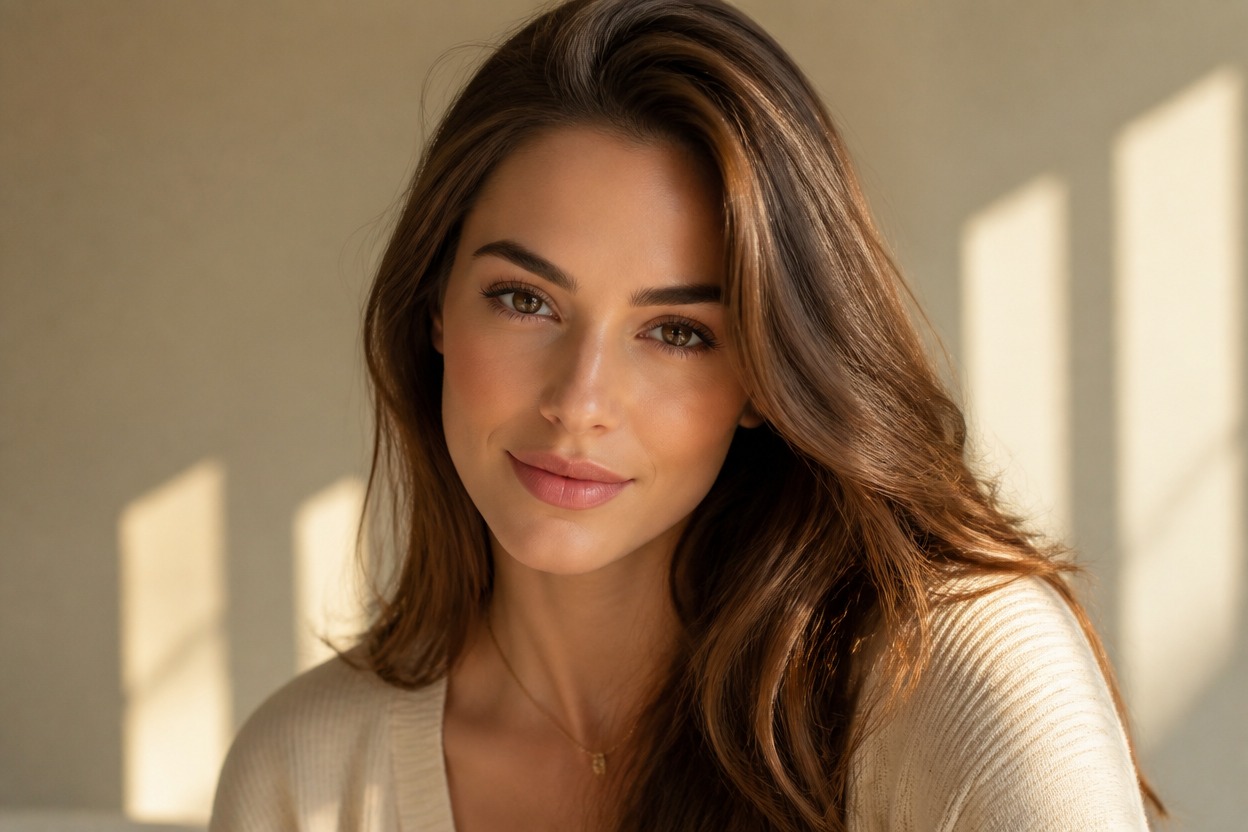
Gender Swap Filter from Photo
Upload one portrait and create a polished gender-shifted interpretation in a single transformation. Powered by GPT-Image-2, AI Hug reimagines facial presentation, hair, grooming, and styling as one coherent photo.
Apply the Gender Swap FilterCreate a Gender-Shifted Portrait from One Photo
A Complete Portrait Transformation
Hair, grooming, facial presentation, wardrobe cues, light, and background are interpreted together instead of being added as separate overlays.
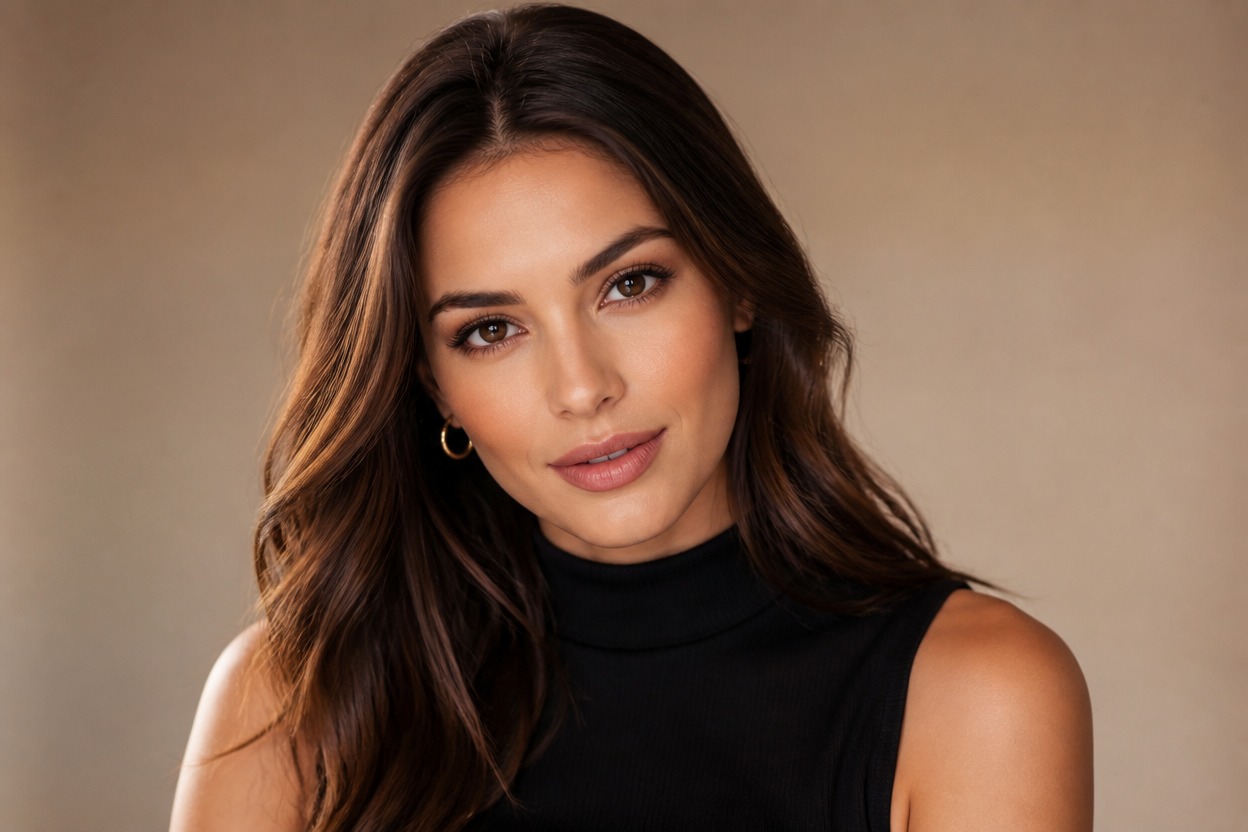
One Uploaded Image
Start with one clear adult portrait. The visible face, pose, framing, expression, and scene guide GPT-Image-2 as it generates a new interpretation.

Natural, Coherent Photo Styling
The transformation aims for consistent skin texture, hair edges, facial structure, clothing, and lighting so the finished portrait reads as one scene.
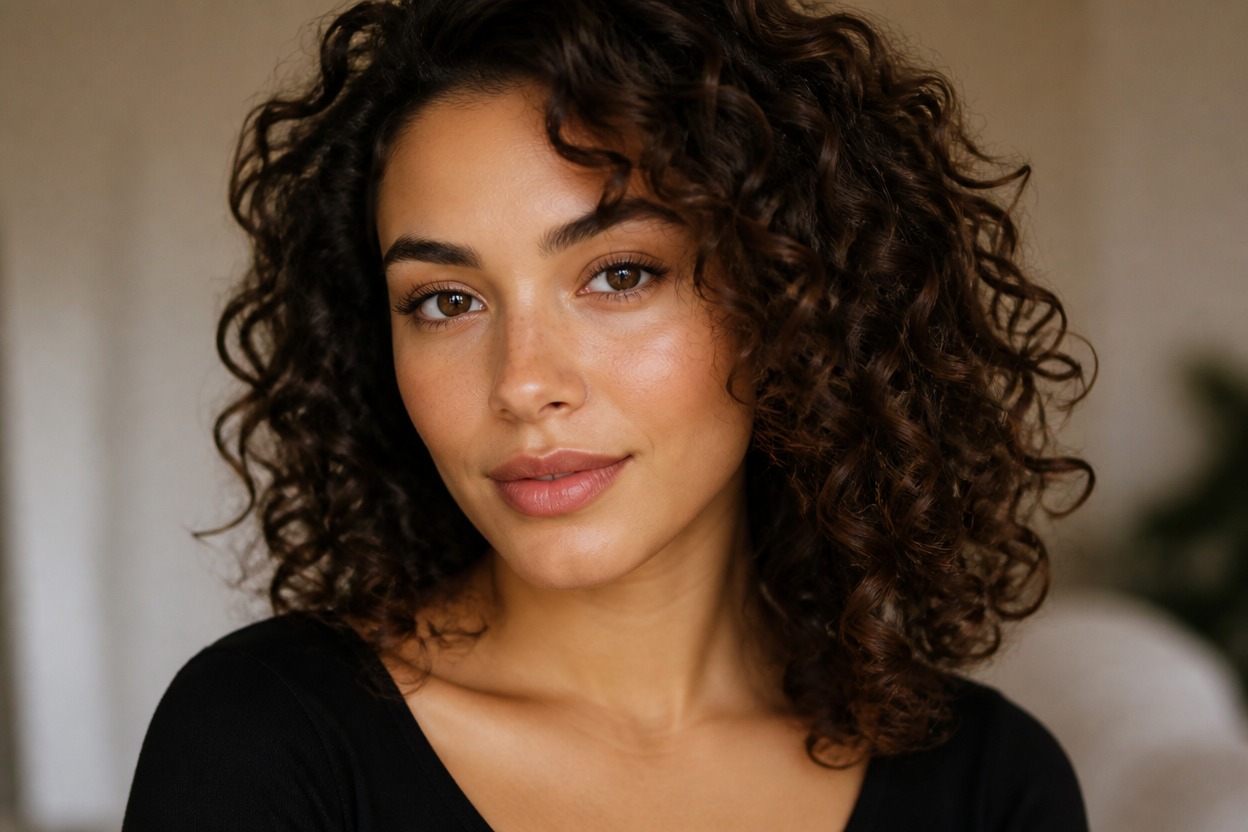
Portrait concepts for profiles, characters, styling, self-expression, and visual storytelling
Ways to Use the Gender Swap Filter
Profile Picture Concepts
Explore a gender-shifted portrait variation for an avatar or personal profile concept.
Character Design References
Reimagine an original adult character with different hair, grooming, facial presentation, and wardrobe cues.
Editorial Portrait Ideas
Create a polished fashion or studio portrait concept with a newly interpreted presentation.
Costume and Styling Previews
Visualize how coordinated hair, makeup, clothing, and accessories can change the feel of a portrait.
Creative Self-Portraits
Use a suitable photo to explore another visual expression of yourself through a generated image.
Story and Role Concepts
Generate a portrait reference for an original role, scene, or identity exploration in a creative project.
How to Use the Gender Swap Filter
Upload one image, apply the effect, and review the finished portrait
01
Upload One Clear Portrait
Choose a sharp, well-lit image with one clearly visible adult face and minimal obstruction around the eyes, hairline, cheeks, and jaw.
02
Apply the Gender Swap Effect
Start the one-image transformation. AI Hug uses GPT-Image-2 to reinterpret the portrait’s visible presentation, styling, expression, and scene.
03
Preview and Download
Review facial anatomy, skin texture, hair, clothing, and background continuity, then download the variation you want to keep.
Answers about one-photo input, GPT-Image-2, source quality, generated results, creative uses, and access