Ghibli AI Generator
Upload a photo to apply this effect while keeping the subject recognizable for a natural, polished result.
01Upload your photo

Ghibli AI Generator for Storybook-Style Images
Upload a photo and apply AI Hug’s fixed effect to create an original Ghibli-inspired illustration with soft color, expressive linework, and a warm storybook atmosphere.
Transform Your PhotoA Ghibli AI Image Generator Built for Full-Scene Transformations
Restyle one photo as a cohesive illustrated scene, then continue exploring other still-image transformations with AI Hug’s image to image tools.
A Cohesive Illustrated Scene
The effect reworks the subject and surroundings together, blending painted backgrounds, gentle lighting, expressive color, and clean linework into one unified image rather than placing a simple overlay on the original photo.
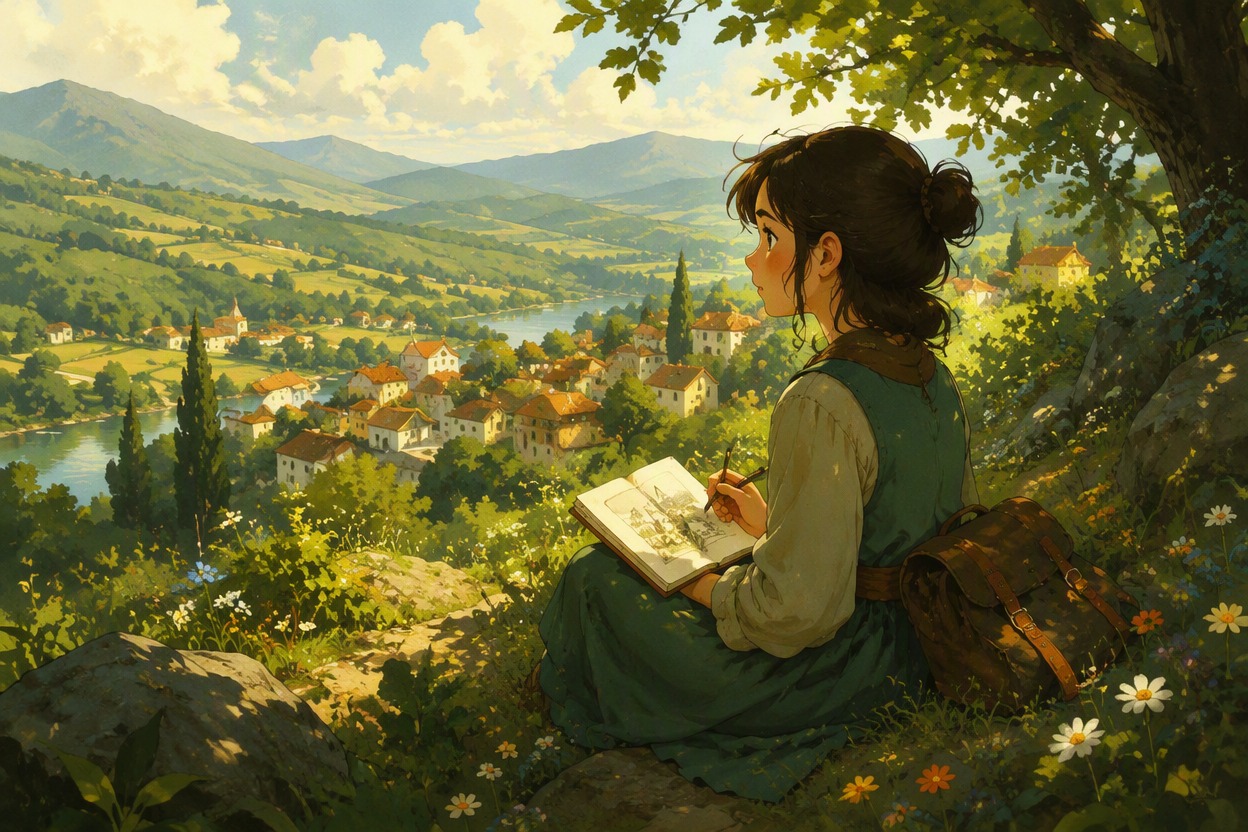
Composition Guided by Your Photo
Your upload provides the subject, pose, framing, and setting for the transformation. The generated image remains an artistic interpretation, so small facial features, hands, clothing details, and background objects may change.
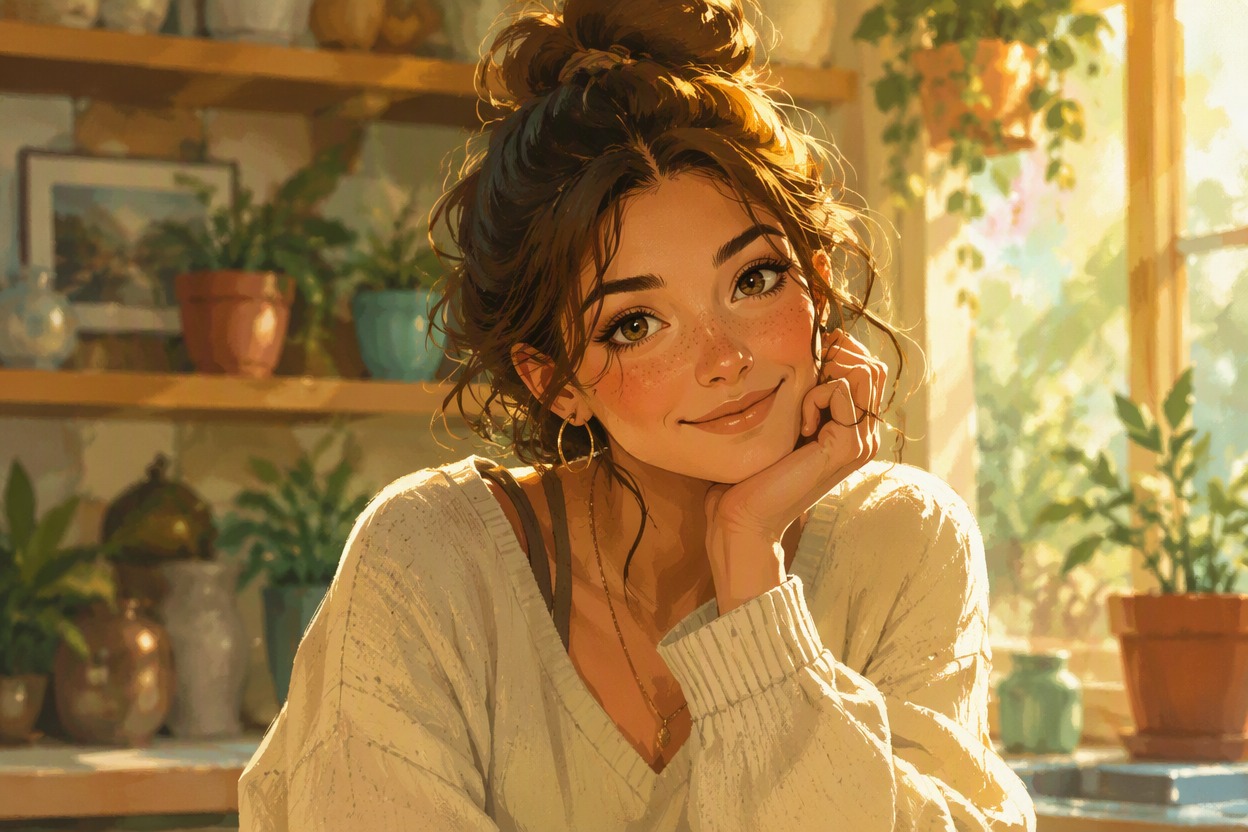
A Warm Storybook Finish
Create Ghibli style images with softened shapes, atmospheric scenery, natural color transitions, and a cinematic sense of place suited to portraits, pets, travel photos, and everyday moments.
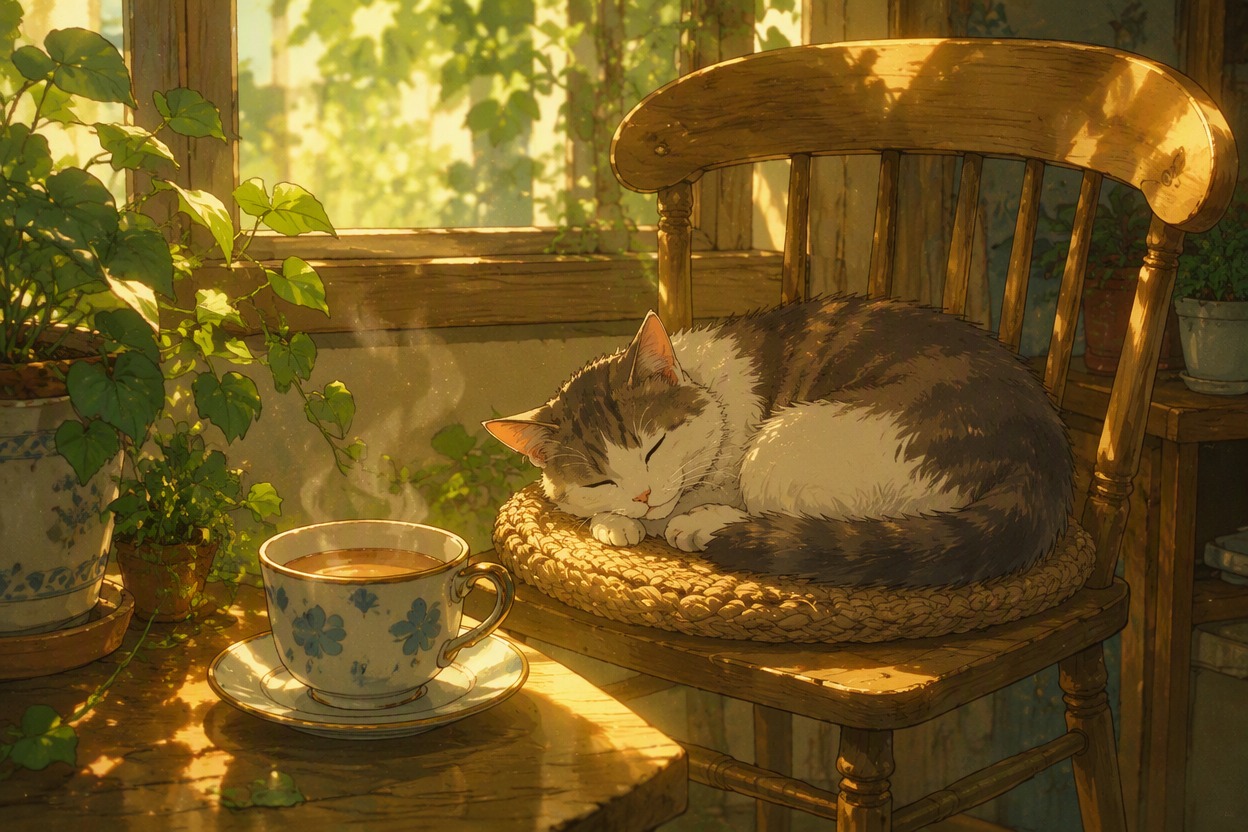
Turn familiar photos into original illustrated keepsakes, profile art, and imaginative scenes
Ways to Use Your Ghibli-Inspired Images
- 01
Storybook Portraits
Give a clear portrait a hand-painted mood with soft light, expressive color, and an original illustrated setting.
- 02
Travel Memory Art
Restyle a street, garden, landmark, or vacation photo as an atmospheric scene with layered depth and color.
- 03
Pet Adventure Scenes
Transform a well-lit pet photo into a whimsical illustrated moment while keeping the composition grounded in your upload.
- 04
Original Character Artwork
Apply the effect to your own character art to explore a richer painted environment without copying protected characters.
- 05
Couple and Friendship Keepsakes
Turn a favorite photo with friends or a partner into a gentle storybook-style image for a personal keepsake.
- 06
Nature and Cottage Scenes
Reimagine forests, flowers, cottages, and quiet landscapes with warm color, painterly texture, and cinematic atmosphere.
How to Use the Ghibli AI Generator
Upload one photo, apply the fixed effect, then preview and download your finished image
- 01
Upload a Clear Photo
Choose one sharp image with a visible main subject and balanced lighting. A simple, readable composition gives the effect a stronger visual foundation.
- 02
Apply the Ghibli-Inspired Effect
Start the transformation and let AI Hug reinterpret the full photo with painterly color, illustrated linework, and a warm storybook setting.
- 03
Preview and Download
Review the generated face, hands, clothing, objects, and background details. If the image suits your idea, download the finished version.
Ghibli AI Generator FAQ
Helpful answers about inputs, transformations, image quality, downloads, and independent use
What is the Ghibli AI generator?
AI Hug’s Ghibli AI generator is a fixed photo effect that transforms one uploaded image into an original illustration inspired by broad hand-painted fantasy-animation qualities, including soft color, expressive linework, and atmospheric scenery.
How do I ghiblify an image with AI Hug?
Upload a clear photo, apply the fixed Ghibli-inspired effect, and wait for the transformed image. You do not need to write custom style instructions. Preview the result and download it if it fits your idea.
What photos work best with the AI Ghibli photo generator?
Use a sharp, well-lit image with a clear subject and an uncluttered composition. Heavy blur, deep shadows, tiny faces, or crowded backgrounds can make important details harder to interpret.
Can I use the Ghibli AI image generator for portraits and pets?
Yes, you can apply the effect to suitable portraits, pet photos, travel scenes, landscapes, and original artwork. The output is a new artistic interpretation, so review small details before using it.
Will the transformed image look exactly like my original photo?
Not exactly. The effect uses the visible subject and composition as a foundation, but facial details, hands, clothing, objects, and scenery may change during the illustrated transformation.
Can I create another version of the same photo?
You can apply the effect again to explore another interpretation. Because each result is generated, color, linework, facial details, and background elements may vary between versions.
Can I download the finished Ghibli style image?
After the transformation is complete, preview the result and use the available download option on AI Hug. Check the final image carefully before sharing or using it in another project.
Is AI Hug affiliated with Studio Ghibli?
No. AI Hug is an independent product and is not affiliated with or endorsed by Studio Ghibli. The effect creates original Ghibli-inspired visual treatments; avoid using it to copy protected characters, logos, or franchise artwork.