Add Glasses to Photo
Upload a photo to apply this effect while keeping the subject recognizable for a natural, polished result.
Image
Examples
Add Glasses to Photo
Add Glasses to Photo
Upload one clear portrait and add naturally fitted glasses in a single transformation. Powered by GPT-Image-2, AI Hug rebuilds frames, lenses, reflections, and facial details as one coherent image.
Add Glasses to Your PhotoAdd Glasses to a Photo with a Natural Fit
Face-Aware Frame Placement
GPT-Image-2 interprets the visible face angle, eyes, nose bridge, ears, and hairstyle together so the glasses belong in the portrait rather than looking like a flat sticker.
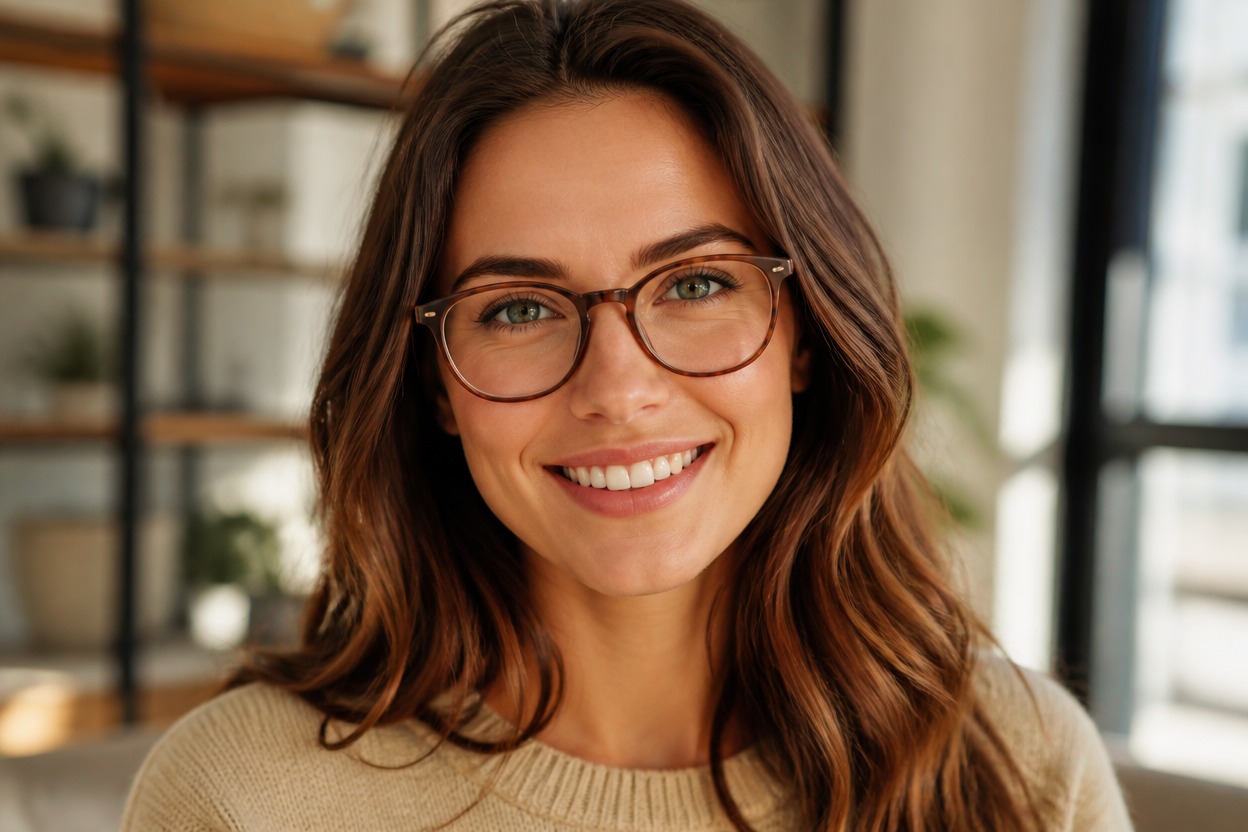
Coherent Lenses and Lighting
The transformation coordinates frame edges, transparent lenses, highlights, shadows, and reflections with the original scene for a more convincing finished image.
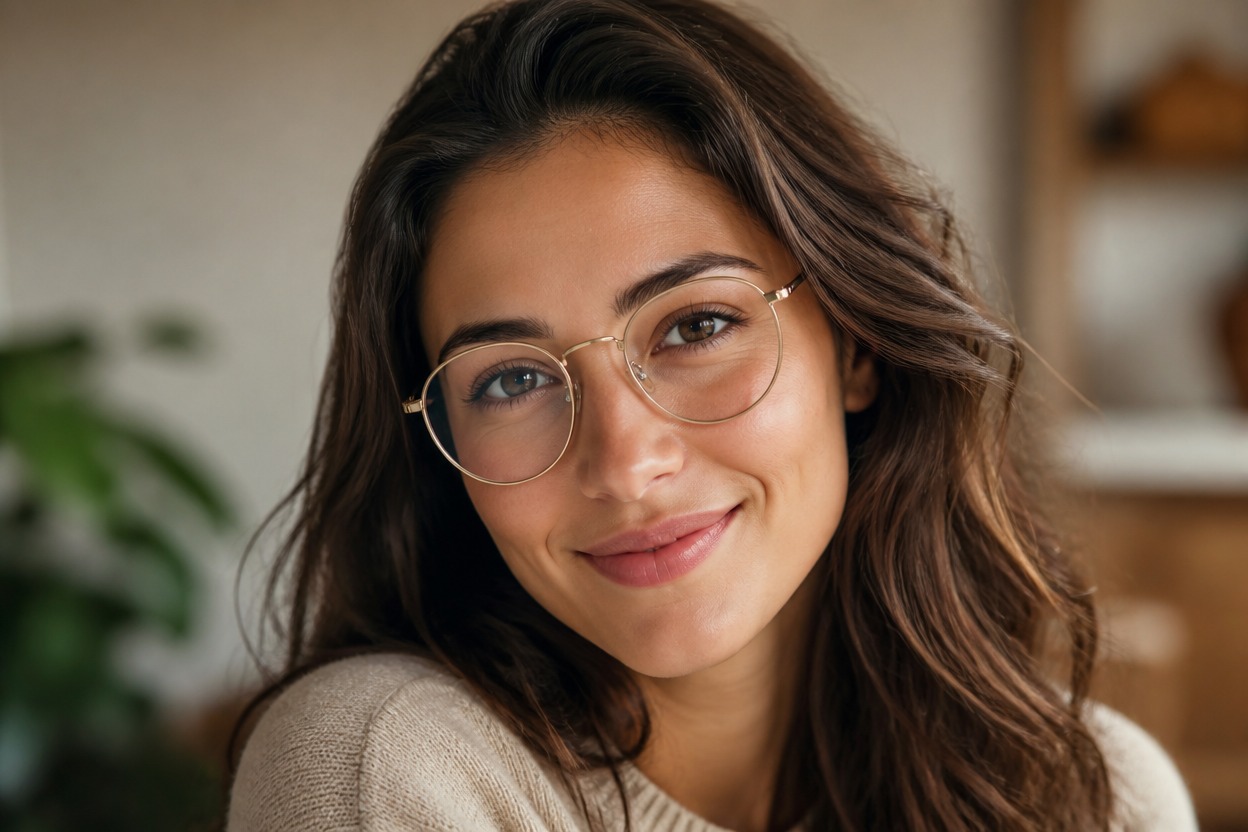
Details Worth Reviewing
Check eye clarity, frame symmetry, temple placement, facial likeness, hair edges, and skin texture before downloading. Generated interpretations can vary between images.
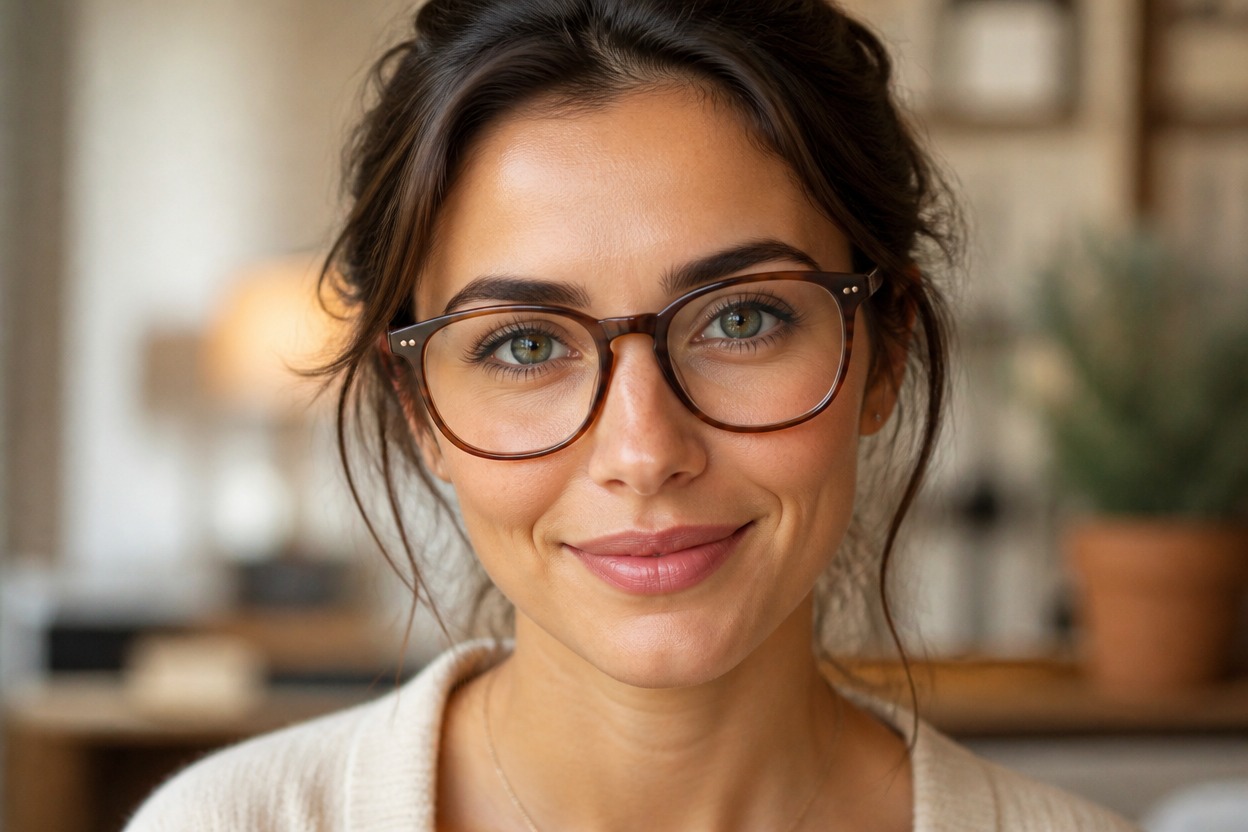
Practical portrait ideas for profiles, frame inspiration, professional concepts, fashion, characters, and social content
Ways to Use Glasses Photo Effects
Profile Picture Refresh
Create a new eyewear look for a portrait used as a profile picture or avatar concept.
Frame Style Inspiration
Visualize how glasses can change the mood of a portrait before exploring real frame options.
Professional Portrait Concepts
Try a polished glasses look for headshot concepts, personal branding, or portfolio planning.
Fashion and Editorial Looks
Turn a clean portrait into a styled eyewear visual for fashion-oriented creative concepts.
Character Portrait Styling
Add eyewear to an original illustrated or photographic character portrait to shape personality.
Social Content Variations
Generate a fresh portrait variation for posts, thumbnails, moodboards, or visual storytelling.
How to Add Glasses to a Photo Online
Upload one image, apply the effect, and review the finished portrait
01
Upload One Clear Photo
Choose a well-lit portrait with visible eyes, nose bridge, ears, and hair edges. A front-facing or gently angled adult portrait gives the model clearer placement cues.
02
Apply the Glasses Effect
Start the transformation. AI Hug uses GPT-Image-2 to generate frames and lenses while interpreting the face, pose, lighting, and surrounding scene together.
03
Preview and Download
Inspect frame alignment, eye clarity, lens reflections, facial likeness, and skin texture, then download the version that looks most natural.
Answers about one-image input, GPT-Image-2, portrait quality, use cases, and access