AI Halloween Avatar Generator
Upload a photo to apply this effect while keeping the subject recognizable for a natural, polished result.
Image
Examples
Halloween Avatar Generator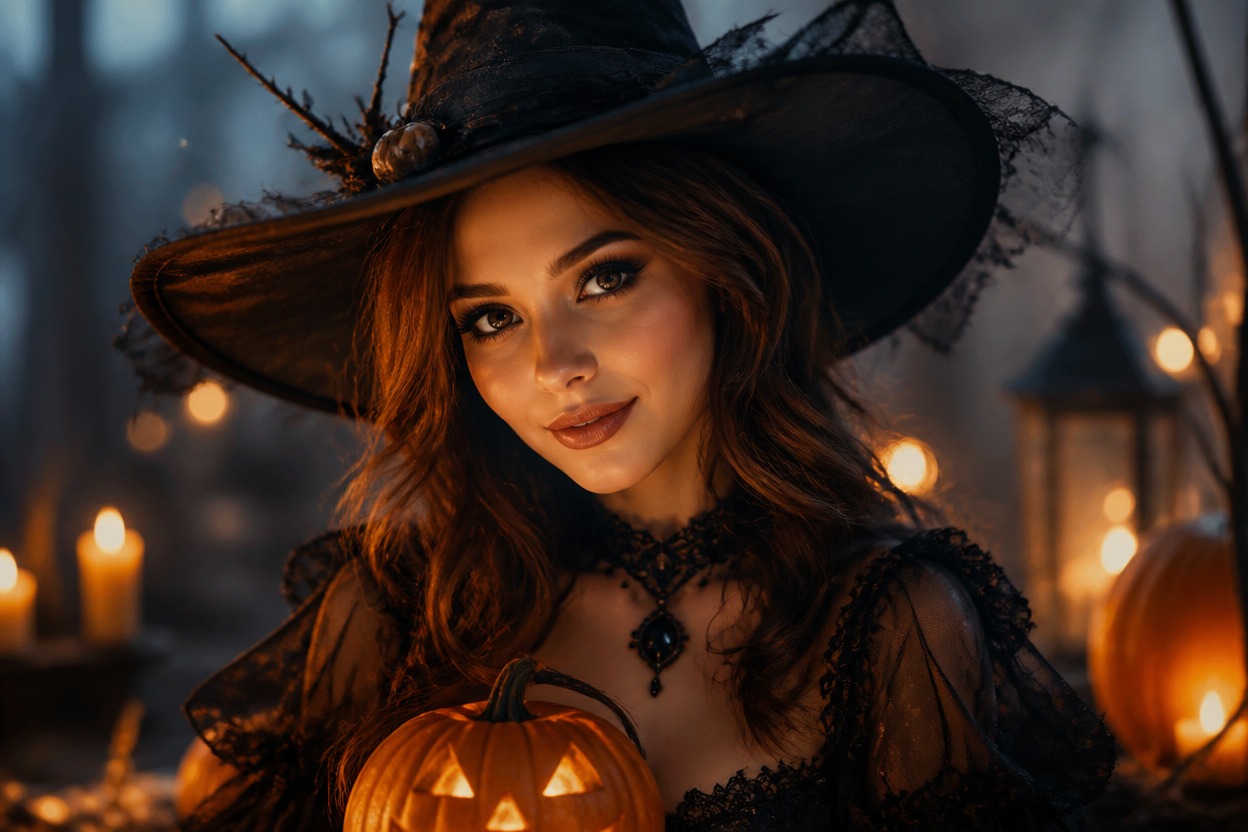
AI Halloween Avatar Generator from Photo
Upload one image and turn it into a polished Halloween avatar. Powered by GPT-Image-2, AI Hug reimagines the portrait's styling, lighting, color, and setting as one coherent seasonal scene.
Create a Halloween AvatarCreate a Complete Halloween Avatar from One Photo
One-Image Avatar Transformation
Start with one uploaded portrait. GPT-Image-2 interprets the visible subject and rebuilds the image with coordinated Halloween styling, atmosphere, and environmental detail.
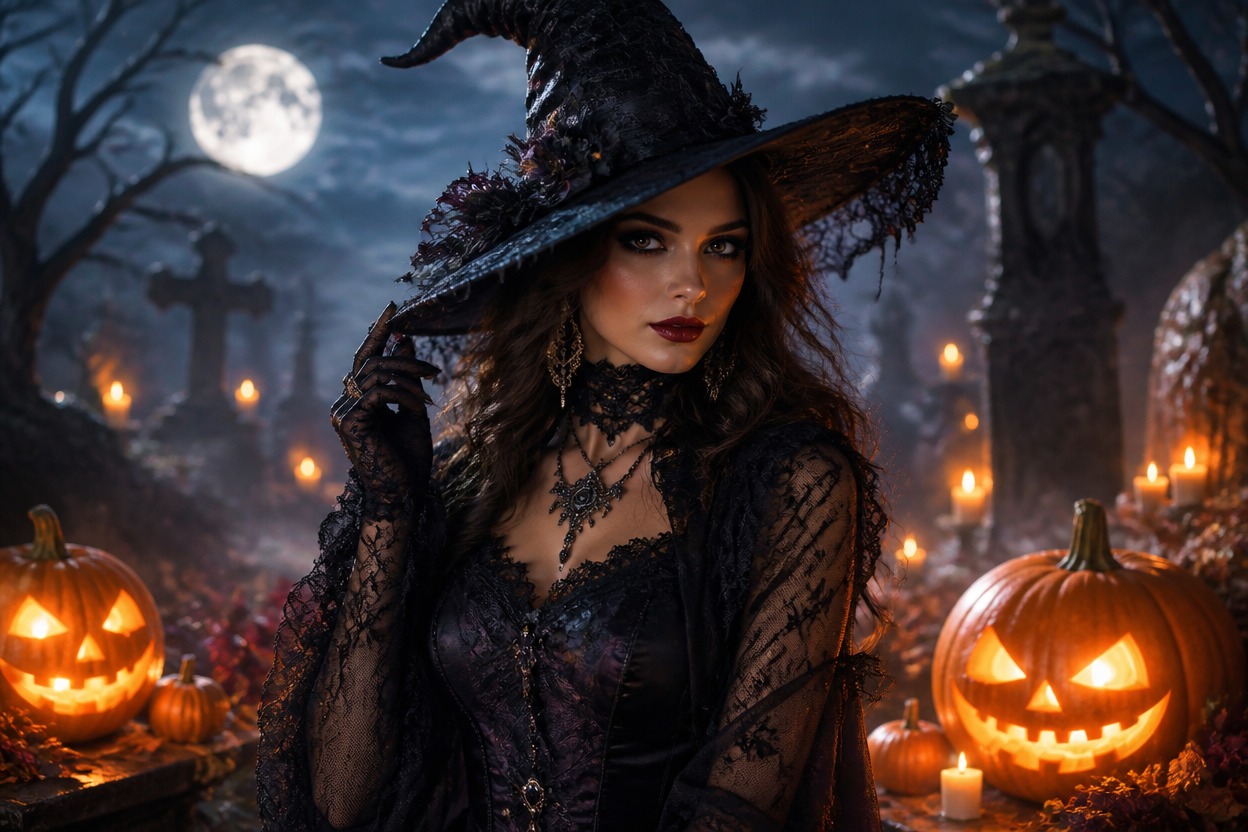
A Coherent Seasonal Portrait
Create one unified scene in which wardrobe, makeup, moonlight, autumn color, and background elements belong together instead of looking like separate stickers or overlays.
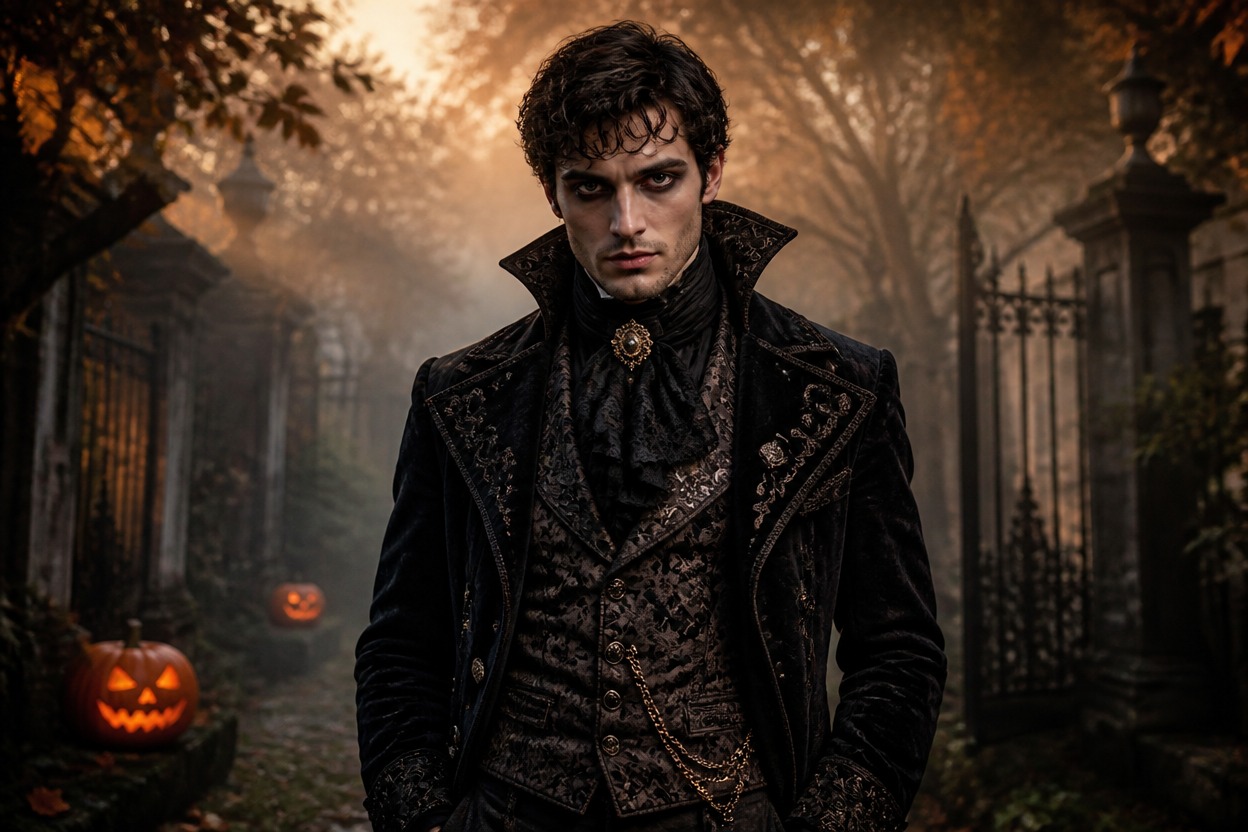
Details Worth Reviewing
Check facial likeness, eyes, hair edges, accessories, hands when visible, and background continuity. Treat each result as a generated interpretation and keep the version that looks most natural.
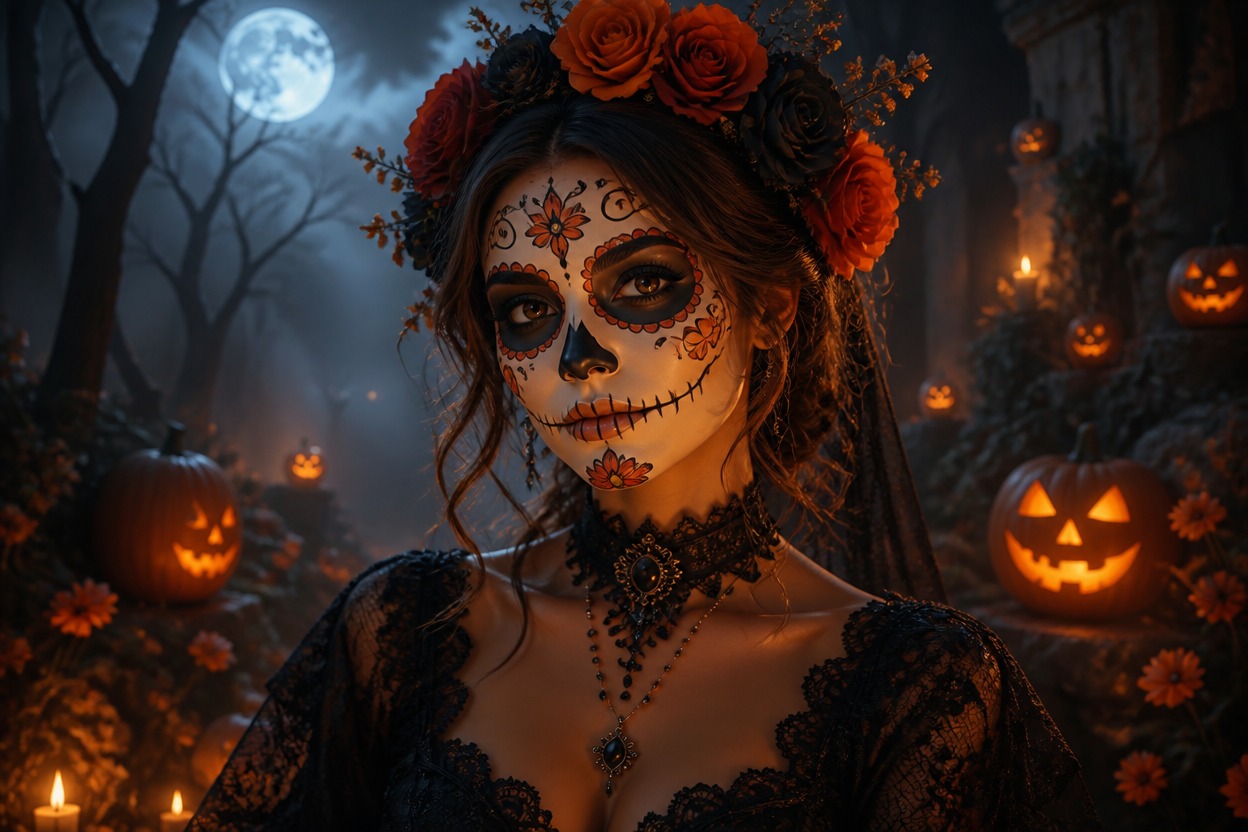
Create witch-inspired, gothic, ghostly, and seasonal portrait concepts from one image
Halloween Avatar Ideas for Profiles and Creative Projects
Witch-Inspired Avatars
Turn a clear adult portrait into an elegant witch-inspired profile image with coordinated clothing, lighting, and atmosphere.
Gothic Vampire Portraits
Explore a refined gothic direction with deep color, dramatic light, and original vampire-inspired styling.
Ghostly Character Looks
Create an atmospheric spectral avatar with mist, moonlight, and a coherent haunted setting rather than a flat overlay.
Halloween Profile Pictures
Generate a polished October variation for an avatar, profile image, community icon, or seasonal social visual.
Party Theme Inspiration
Explore original costume colors, makeup direction, accessories, and mood as visual inspiration for a Halloween event.
Seasonal Creative Projects
Develop a distinctive portrait for invitations, personal posts, story concepts, or other Halloween-themed projects.
How to Use the AI Halloween Avatar Generator
Upload one image, apply the effect, and review your finished seasonal portrait
01
Upload One Clear Image
Choose a sharp adult portrait with balanced lighting and a clear view of the face, hair, shoulders, and any visible hands.
02
Apply the Halloween Avatar Effect
Start the one-image transformation. AI Hug uses GPT-Image-2 to reinterpret the portrait with coordinated seasonal styling and atmosphere.
03
Preview and Download
Review facial likeness, anatomy, costume edges, accessories, and background continuity, then download the result you want to keep.
Answers about one-photo input, GPT-Image-2, source quality, generated details, and access