AI JoJo Filter
Upload a photo to apply this effect while keeping the subject recognizable for a natural, polished result.
Image
Examples
JoJo Filter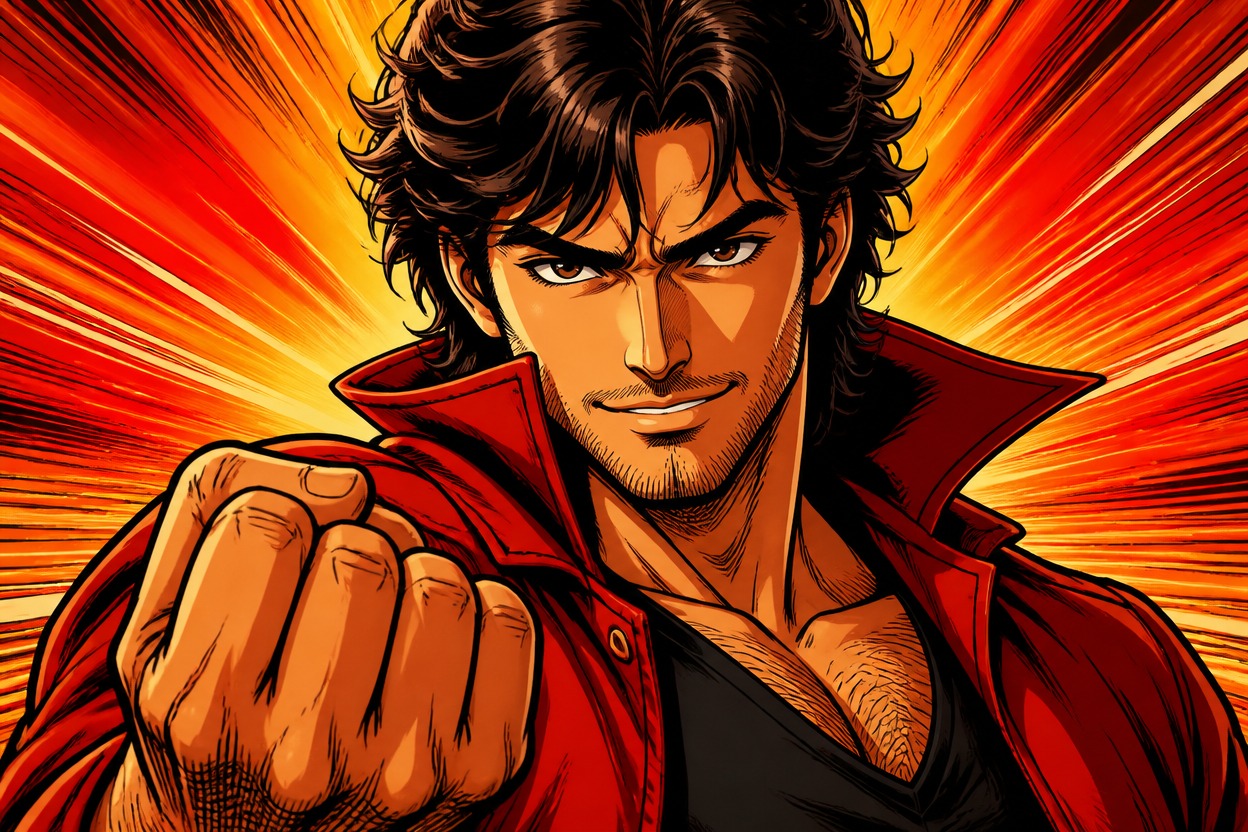
AI JoJo Filter from Photo
Upload one photo and turn it into a polished, high-energy action-manga portrait. Powered by GPT-Image-2, AI Hug reinterprets the subject, pose, clothing, lighting, colors, and setting as one coherent image with bold ink lines and dramatic cel shading.
Apply the JoJo FilterCreate a Dramatic Action-Manga Portrait
Bold Ink and Cel-Shaded Depth
GPT-Image-2 rebuilds visible forms with expressive contours, graphic shadows, saturated highlights, and dimensional color instead of placing a flat overlay on the photo.
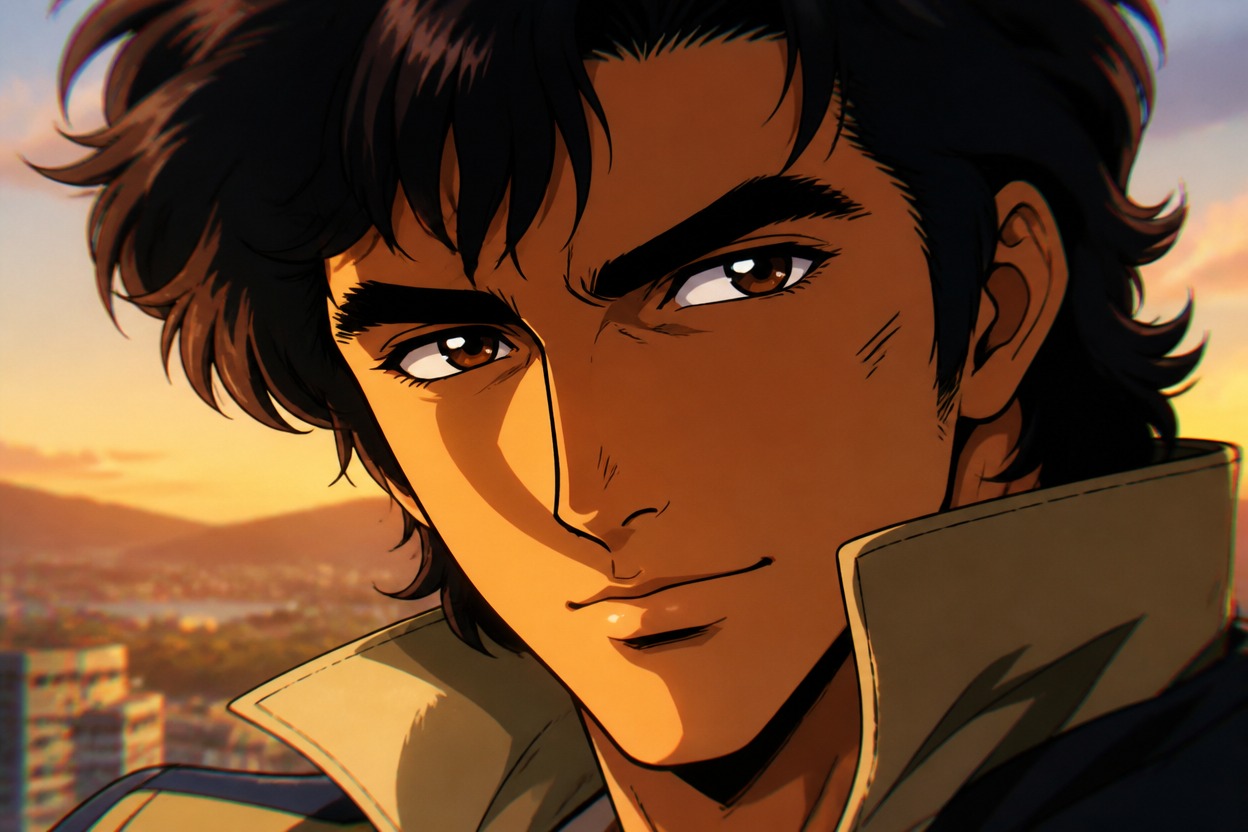
Dramatic Pose and Fashion Detail
The transformation follows the uploaded pose and outfit while heightening silhouette, fabric folds, accessories, expression, and camera energy for a striking character-focused result.
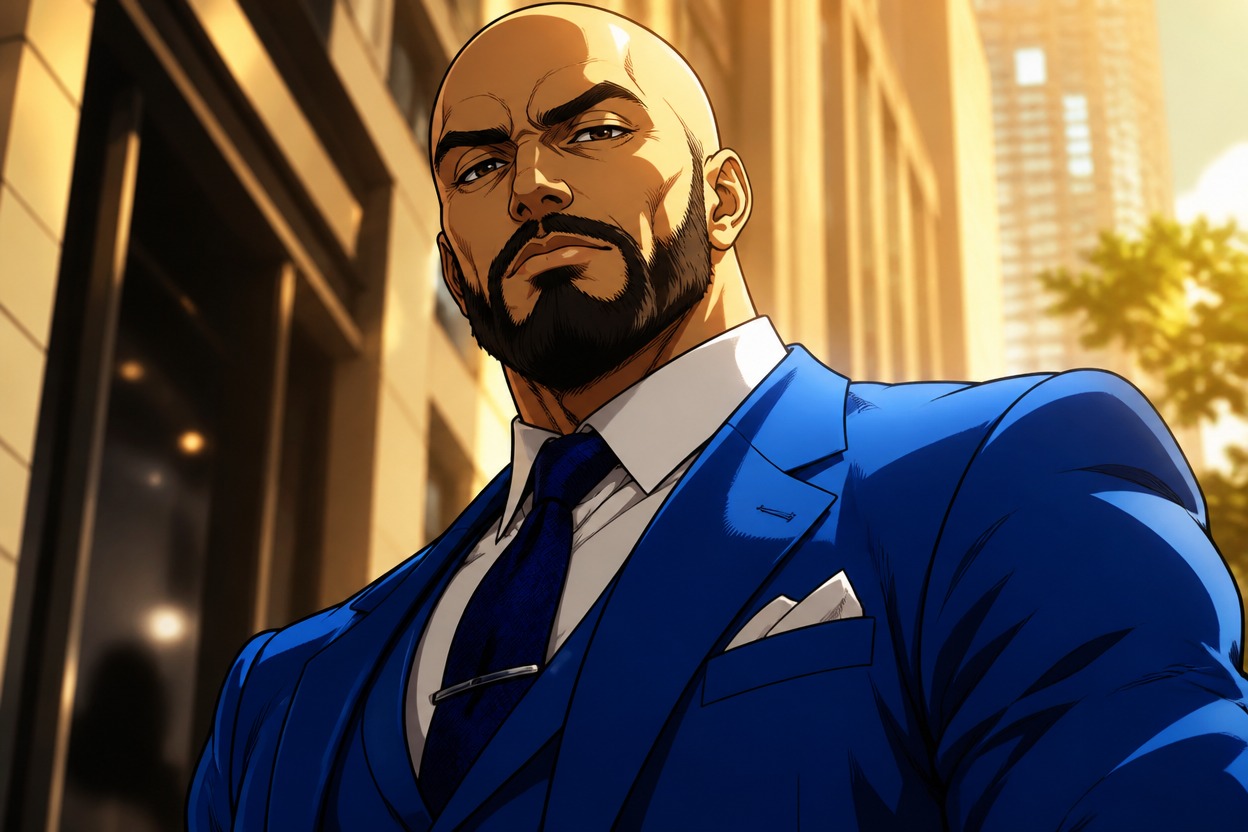
One Unified Manga-Inspired Scene
Subject and background are interpreted together so the finished image has consistent linework, color, perspective, atmosphere, and lighting across the full frame.
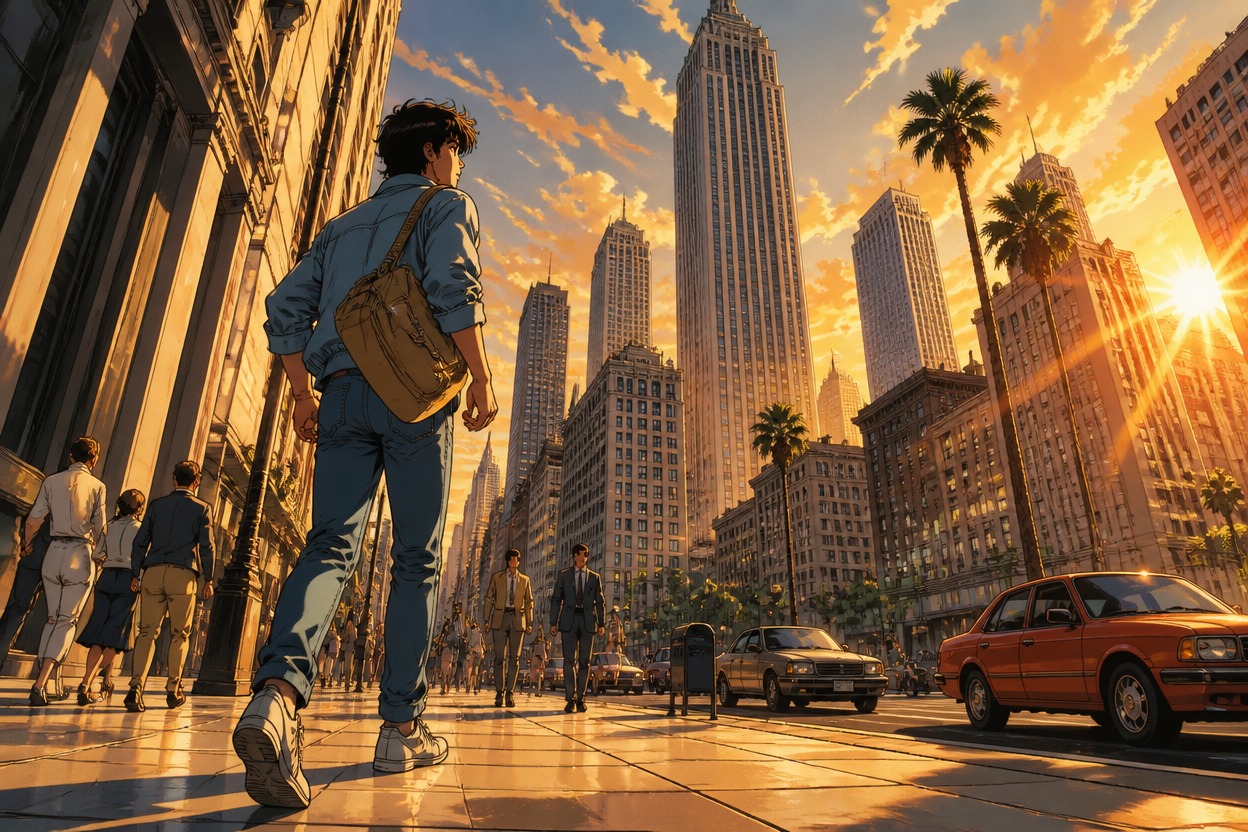
Create distinctive portraits, character concepts, fashion visuals, and expressive personal images
Ways to Use Your AI JoJo Filter Result
Profile Pictures
Turn a clear adult portrait into a bold illustrated avatar with expressive linework and a cinematic color palette.
Original Character Portraits
Restyle an original or authorized adult character image with sharper silhouettes, dramatic shading, and heightened fashion detail.
Cosplay Photo Edits
Give an authorized adult costume portrait an energetic action-manga treatment while keeping the scene visually unified.
Fashion Editorial Concepts
Reinterpret a styled outfit, pose, and location as a vivid illustrated editorial image with graphic light and shadow.
Reaction Images
Transform an expressive adult portrait into a dramatic, high-impact image for personal conversations or social posts.
Story and Poster Concepts
Create an original character-focused visual for a private mood board, story pitch, or poster direction without franchise branding.
How to Use the AI JoJo Filter
Upload one photo, apply the effect, and review one finished action-manga image
01
Upload One Clear Image
Choose one sharp, well-lit photo with an adult subject, visible anatomy, and a pose or outfit that gives the transformation useful visual detail.
02
Apply the JoJo Effect
Start the one-uploaded-image transformation. AI Hug uses GPT-Image-2 to reinterpret the subject and setting with bold contours, cel shading, vivid color, and dramatic energy.
03
Preview and Download
Review the face, hands, anatomy, outfit details, linework, lighting, and background coherence, then download the finished image you prefer.
Answers about one-photo input, GPT-Image-2, image quality, creative uses, access, and originality