Magazine Cover Generator
Upload a photo to apply this effect while keeping the subject recognizable for a natural, polished result.
Image
Examples
Magazine Cover Generator
Magazine Cover Generator from Photo
Upload one image and transform it into a refined editorial portrait with confident framing, polished lighting, and cover-ready visual impact. AI Hug uses GPT-Image-2 to reinterpret the complete photo as one coherent scene.
Create a Cover PortraitCreate a Magazine-Style Portrait from One Image
Editorial Composition
Turn an everyday portrait into a focused editorial scene with purposeful framing, balanced negative space, and a strong central subject.

Polished Light and Color
GPT-Image-2 can rebuild lighting, contrast, depth, and color harmony to give the uploaded image a more refined photographic finish.
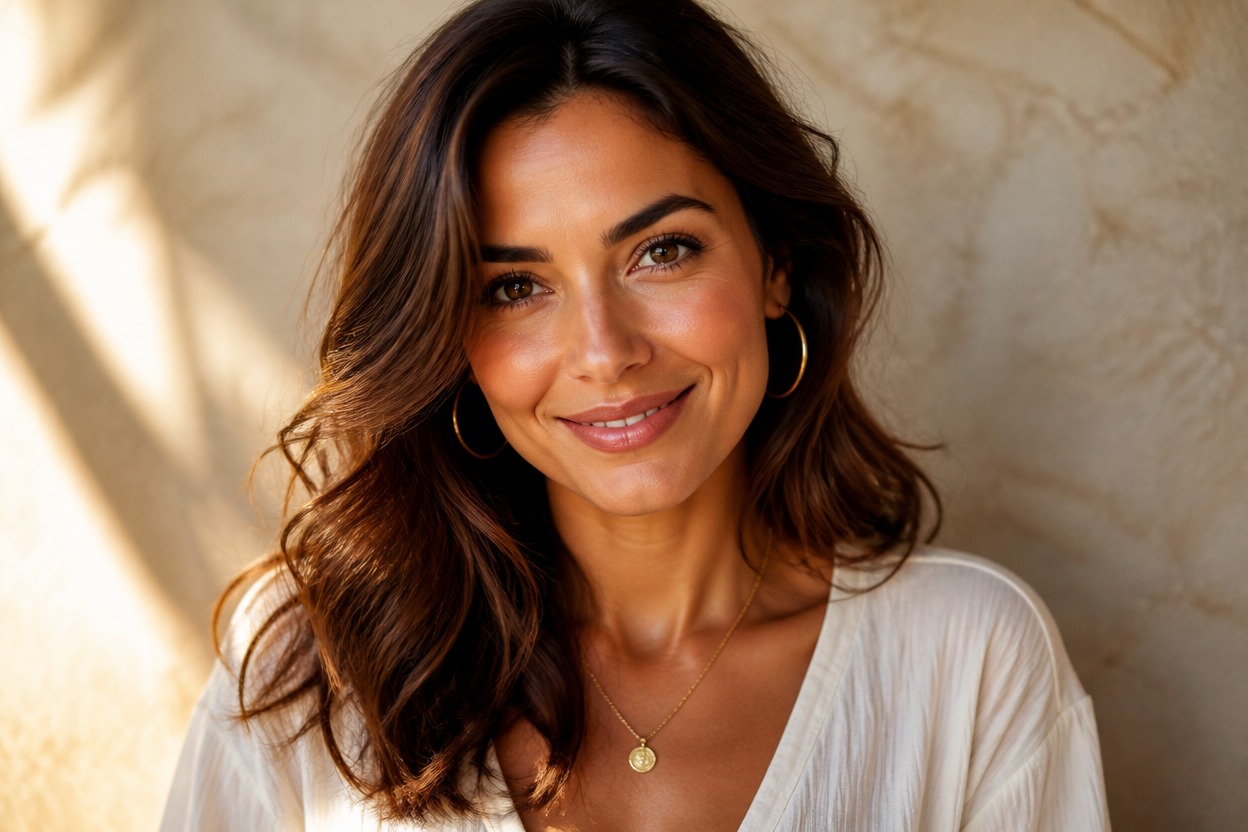
One Complete Transformation
Receive one continuous cover-style portrait instead of a before-and-after layout, comparison board, or collection of design cards.
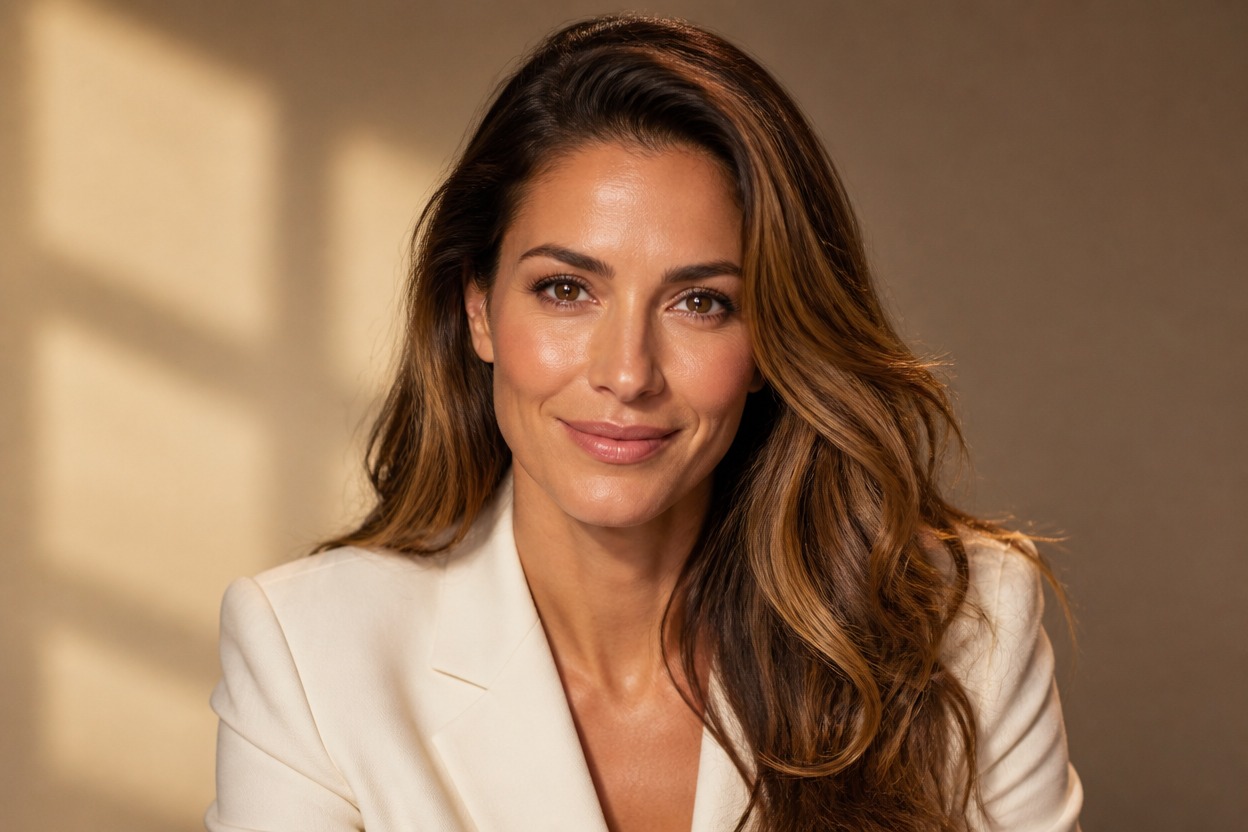
Create distinctive editorial portraits for profiles, milestones, fashion ideas, and creative references
Ways to Use Magazine-Inspired AI Photo Effects
Personal Editorial Portraits
Give a favorite portrait a composed, fashion-forward editorial treatment for a personal creative project.
Creator Profile Visuals
Develop a polished portrait direction for a creator profile, portfolio, or channel identity without copying a real publication.
Fashion Concept Images
Explore how styling, posture, color, and dramatic light can shape an original fashion editorial mood.
Event and Milestone Portraits
Reimagine a graduation, birthday, engagement, or achievement photo with a confident cover-inspired finish.
Character Editorials
Turn an authorized character or costume photo into an original editorial portrait with a stronger visual hierarchy.
Campaign Mood References
Create a visual reference for an editorial-themed shoot, presentation, or creative campaign before planning final production.
How to Use the Magazine Cover Generator
Upload one photo, apply the effect, and review one polished cover-style image
01
Upload One Clear Photo
Choose a sharp image with one main subject, visible facial detail, balanced lighting, and enough space around the person for editorial framing.
02
Apply the Magazine Cover Effect
Start the one-image transformation. AI Hug uses GPT-Image-2 to reinterpret composition, styling, light, color, and background as one finished scene.
03
Preview and Download
Review facial detail, anatomy, clothing, edges, lighting, and overall editorial balance, then download the result you prefer.
Answers about one-photo input, GPT-Image-2, image quality, recognizable results, and creative use