Mount Rushmore Generator
Upload a photo to apply this effect while keeping the subject recognizable for a natural, polished result.
Image
Examples
Mount Rushmore Generator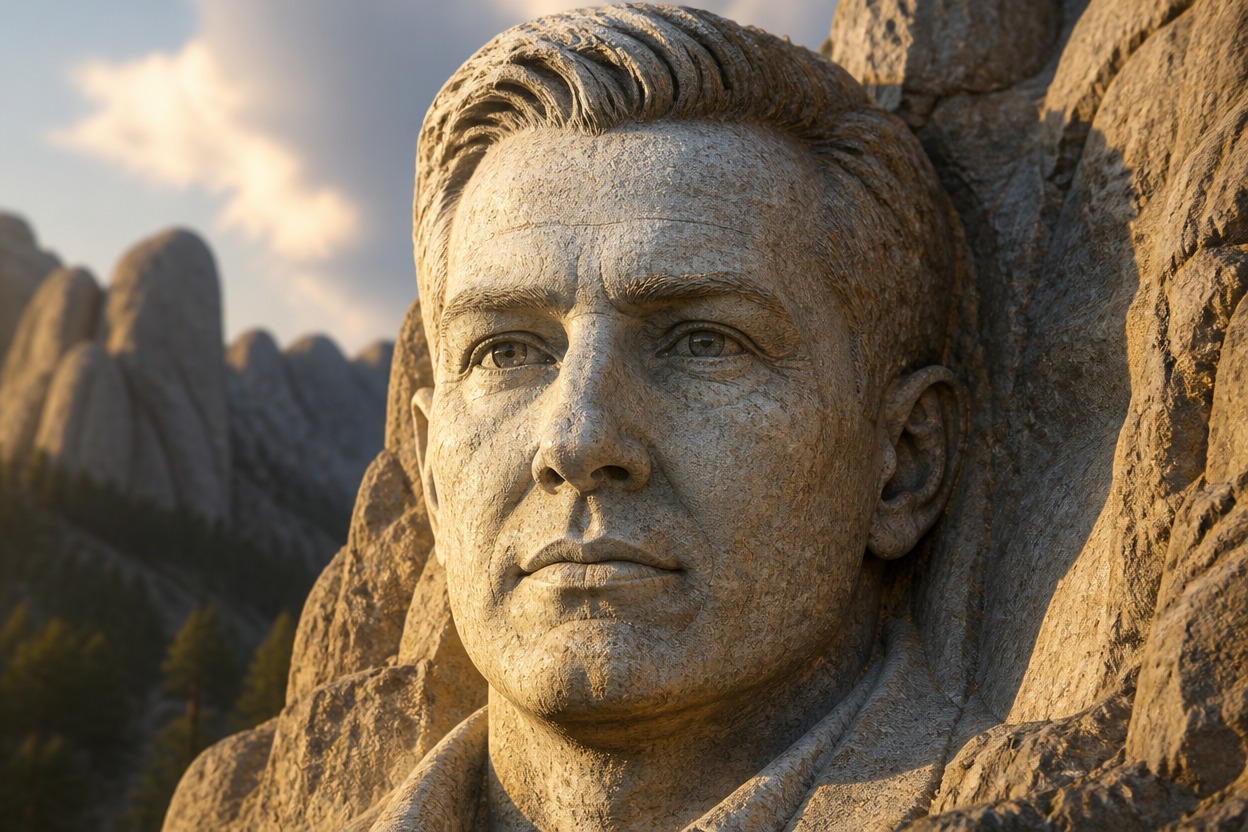
Mount Rushmore Generator
Upload one clear image and turn its adult subject into a monumental granite carving. AI Hug uses GPT-Image-2 to reinterpret visible facial structure, hair, expression, and lighting as sculpted stone.
Create Your MonumentFrom Portrait to Monumental Mountain Carving
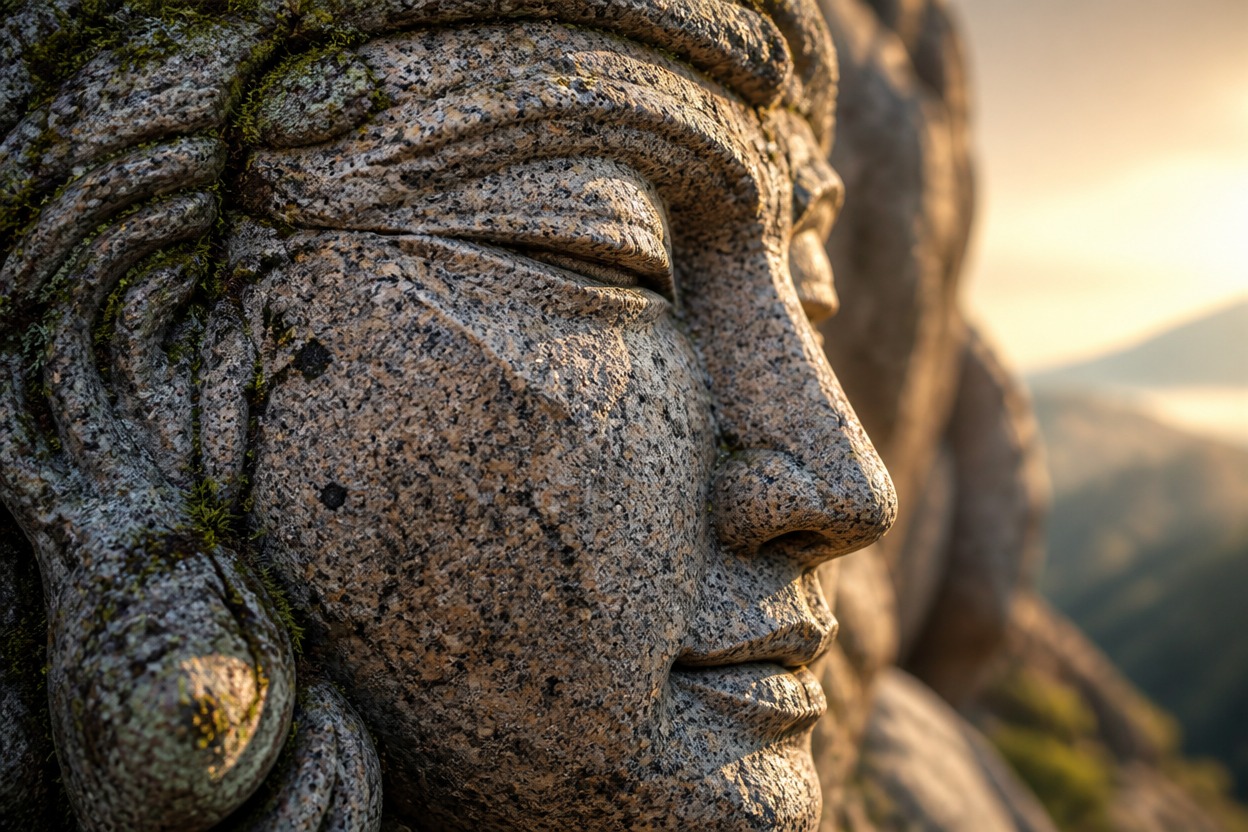
Monumental Granite Detail
GPT-Image-2 rebuilds visible facial contours, hair, clothing, and shadows as weathered granite with carved edges, dimensional depth, and a cohesive mountainside finish.
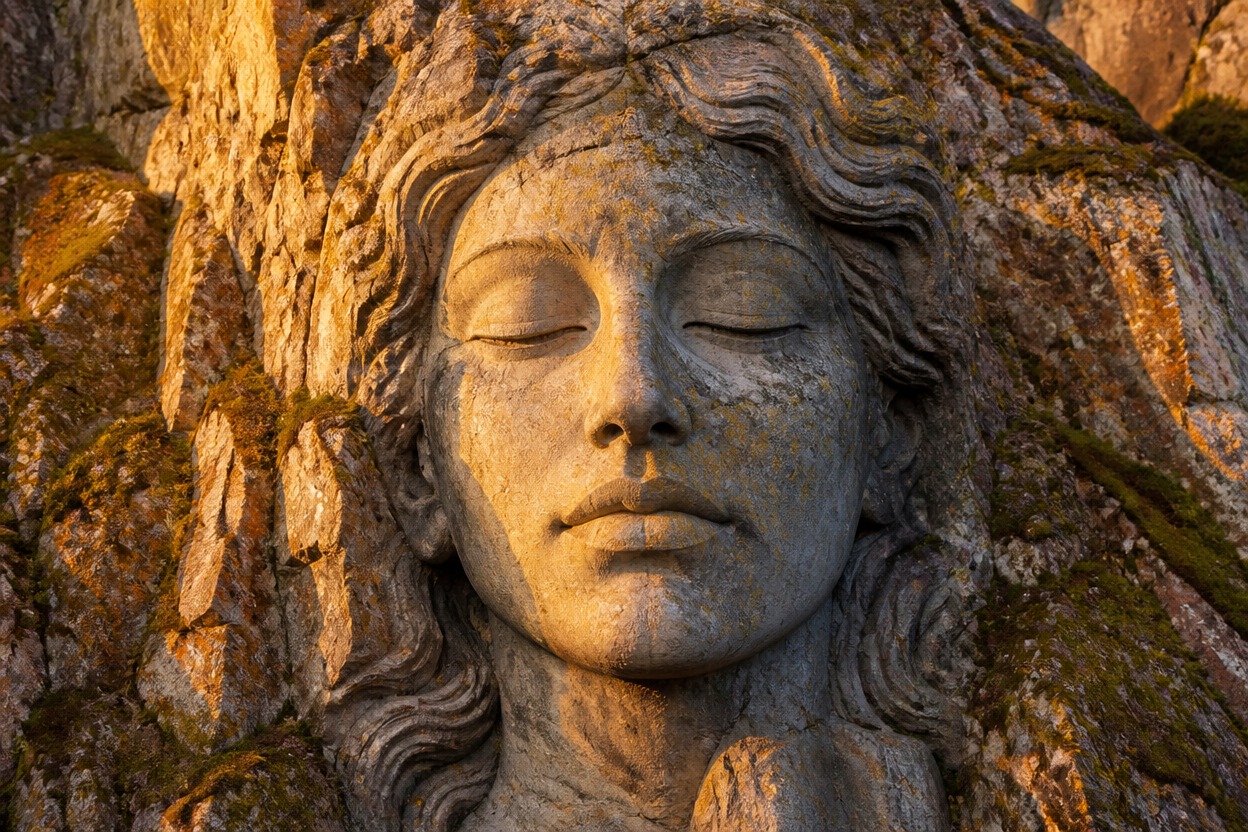
Source-Guided Facial Structure
The transformation follows recognizable cues from the uploaded face, expression, pose, and framing while interpreting them as a fictional rock monument. Generated details can vary.
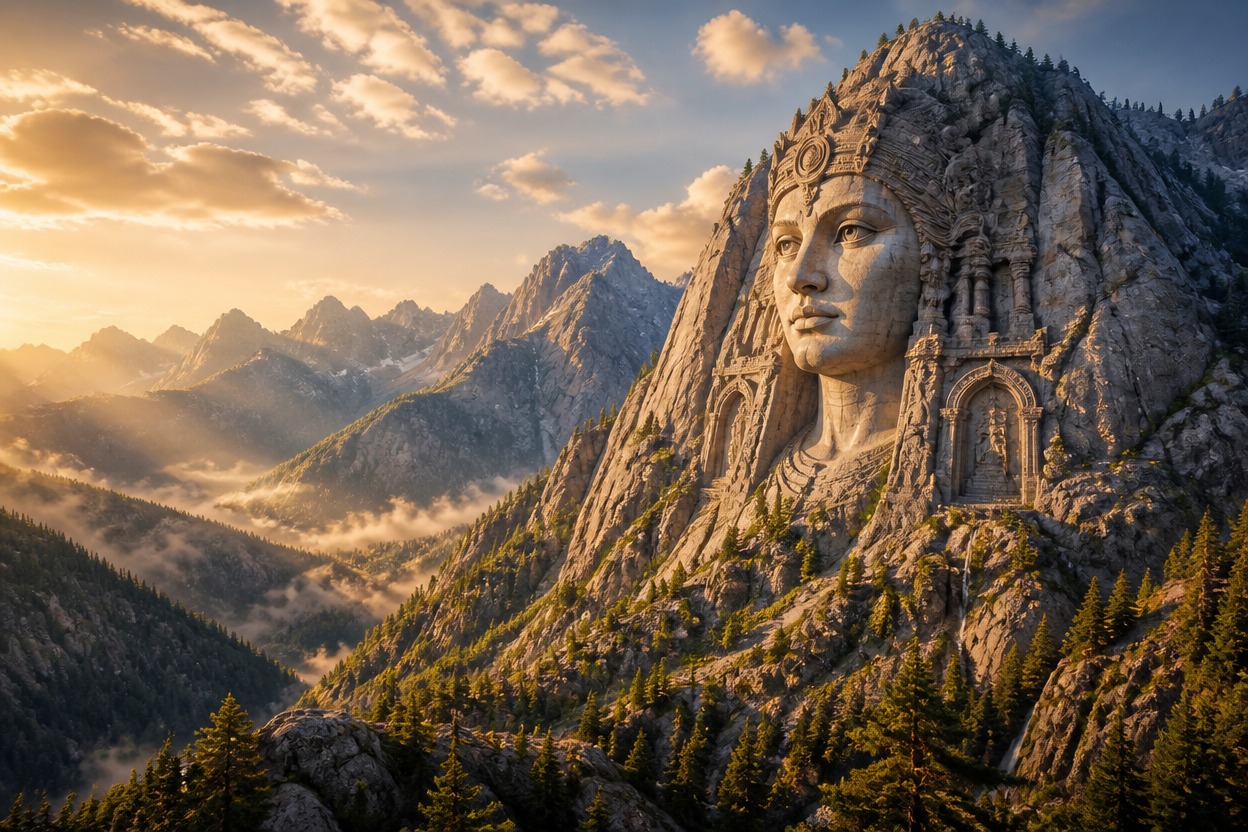
One Coherent Landscape
Create a unified carved-mountain scene from one uploaded image without assembling layers, building a 3D model, or arranging a before-and-after composition.
Granite-style transformations for groups, profiles, stories, keepsakes, and visual concepts
Ways to Use Your Monument Portrait
Group Tribute Concepts
Turn a clear group portrait into a fictional carved-mountain tribute for a celebration, reunion, or shared memory.
Profile Picture Variations
Recast one adult portrait as an imposing granite monument for a distinctive avatar or personal profile concept.
Team and Club Artwork
Create a unified stone-carving concept from an authorized team image for internal events, presentations, or keepsakes.
Historical Storytelling
Give an original or authorized character a monumental mountain treatment for alternate-history scenes and visual narratives.
Gift and Poster Ideas
Transform a meaningful photo into dramatic granite artwork for a personal card, poster concept, or digital keepsake.
Editorial Visual Concepts
Develop a fictional monument image for articles, mood boards, and campaigns after reviewing the source and output rights.
How to Use the Mount Rushmore Generator from Photo
Upload one image, apply the effect, and review the finished granite portrait
01
Upload One Clear Image
Choose a sharp, well-lit photo with clearly visible adult faces, balanced framing, and minimal obstruction around important facial features.
02
Apply the Mountain Carving Effect
Start the one-image transformation. AI Hug uses GPT-Image-2 to reinterpret the subjects as a cohesive granite monument while following the source composition.
03
Preview and Download
Check facial anatomy, subject count, likeness cues, stone texture, and scene coherence, then download the version that best represents your source.
Answers about source photos, GPT-Image-2, group portraits, output checks, access, and creative boundaries