No Beard Filter
Upload a photo to apply this effect while keeping the subject recognizable for a natural, polished result.
Image
Examples
No Beard Filter
No Beard Filter from Photo
Upload one clear adult portrait and preview a clean-shaven face in one coherent image. Powered by GPT-Image-2, AI Hug removes visible beard and mustache hair while rebuilding skin texture, facial contours, lighting, and nearby details together.
Try the No Beard FilterA Focused No Beard Filter for One Portrait
Natural Facial-Hair Removal
GPT-Image-2 can reinterpret beard and mustache areas as clean-shaven skin with believable pores, tonal variation, jaw contours, and lighting.
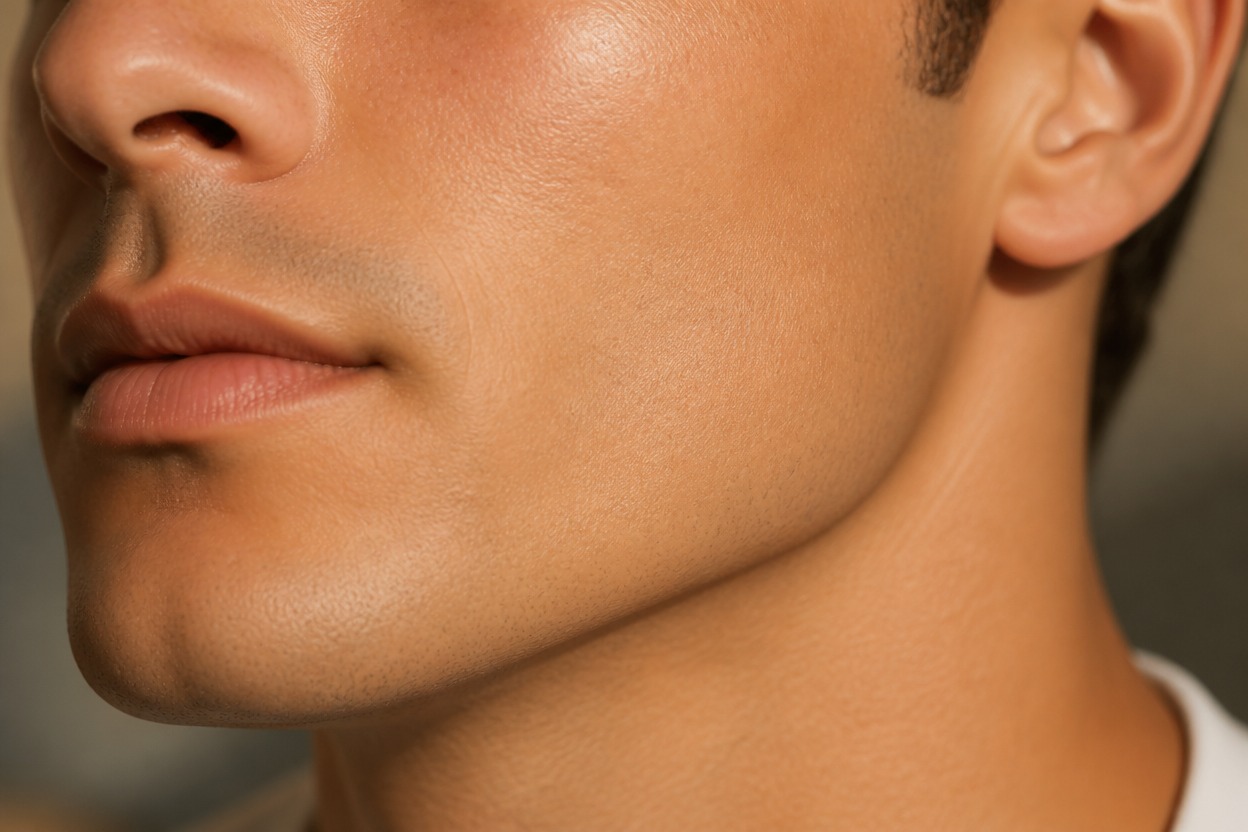
One-Photo Transformation
Start with one uploaded image and receive one finished clean-shaven portrait—without a split-screen, comparison board, or hairstyle card layout.
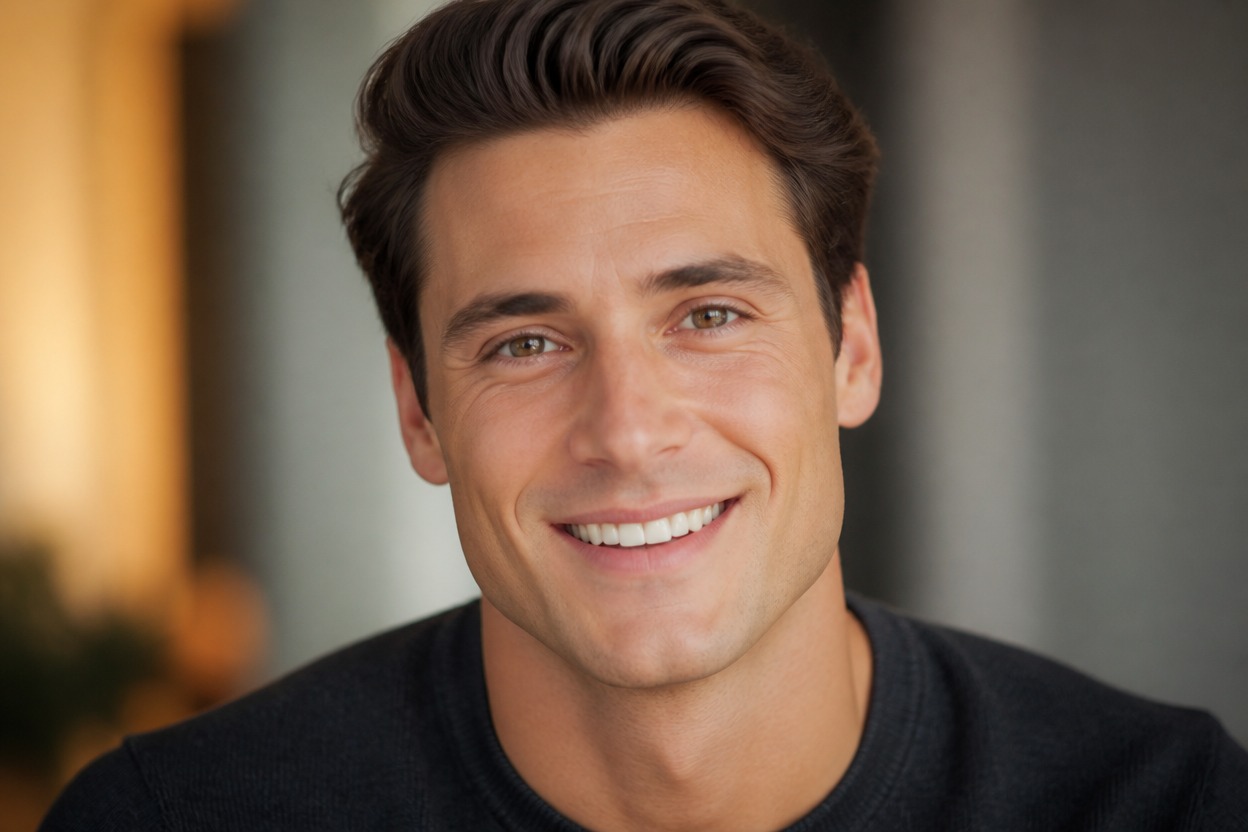
Portrait-Aware Editing
The effect aims to retain recognizable facial features, expression, hairstyle, clothing, pose, lighting, and setting while changing facial hair.
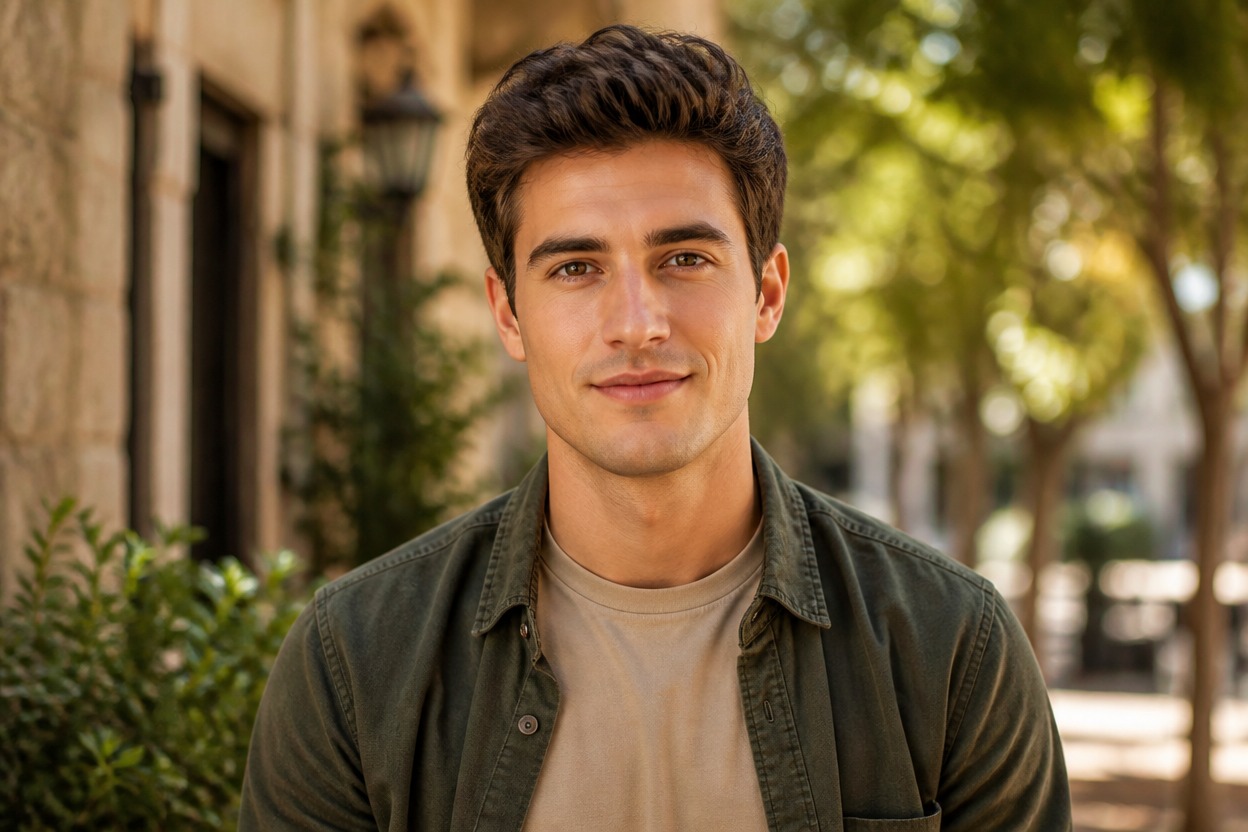
Explore clean-shaven ideas for grooming, profile photos, hairstyle pairing, and creative portraits
Ways to Use a No Beard Preview
Grooming Style Preview
Explore a clean-shaven appearance before deciding whether to remove a beard or mustache.
Jawline and Face-Shape Ideas
See how facial contours may read when dense facial hair is replaced with visible skin.
Profile Photo Variations
Generate a recognizable portrait variation with a polished, no-beard presentation.
Character and Costume Concepts
Develop an original clean-shaven direction for an authorized character, costume, or creative project.
Hairstyle Pairing
Review how an existing haircut or hairstyle may balance with a clean-shaven face.
Long-Hair Portrait Experiments
Use a clear long-hair portrait as the source while removing facial hair; this effect does not lengthen or replace head hair.
How to Use the No Beard Filter from Photo
Upload one portrait, apply the effect, and review one finished clean-shaven image
01
Upload One Clear Portrait
Choose a sharp, well-lit photo of one adult with the face, cheeks, mouth, chin, jawline, and facial hair clearly visible.
02
Apply the No Beard Effect
Start the one-image transformation. AI Hug uses GPT-Image-2 to remove visible facial hair and integrate clean-shaven skin with the face, light, hairstyle, clothing, and setting.
03
Review and Download
Inspect the jawline, lips, cheeks, skin texture, facial likeness, hair edges, shadows, and background, then download the result you prefer.
Answers about one-photo input, GPT-Image-2, facial-hair removal, likeness, and realistic expectations