Oil Painting Filter
Upload a photo to apply this effect while keeping the subject recognizable for a natural, polished result.
Image
Examples
Oil Painting Filter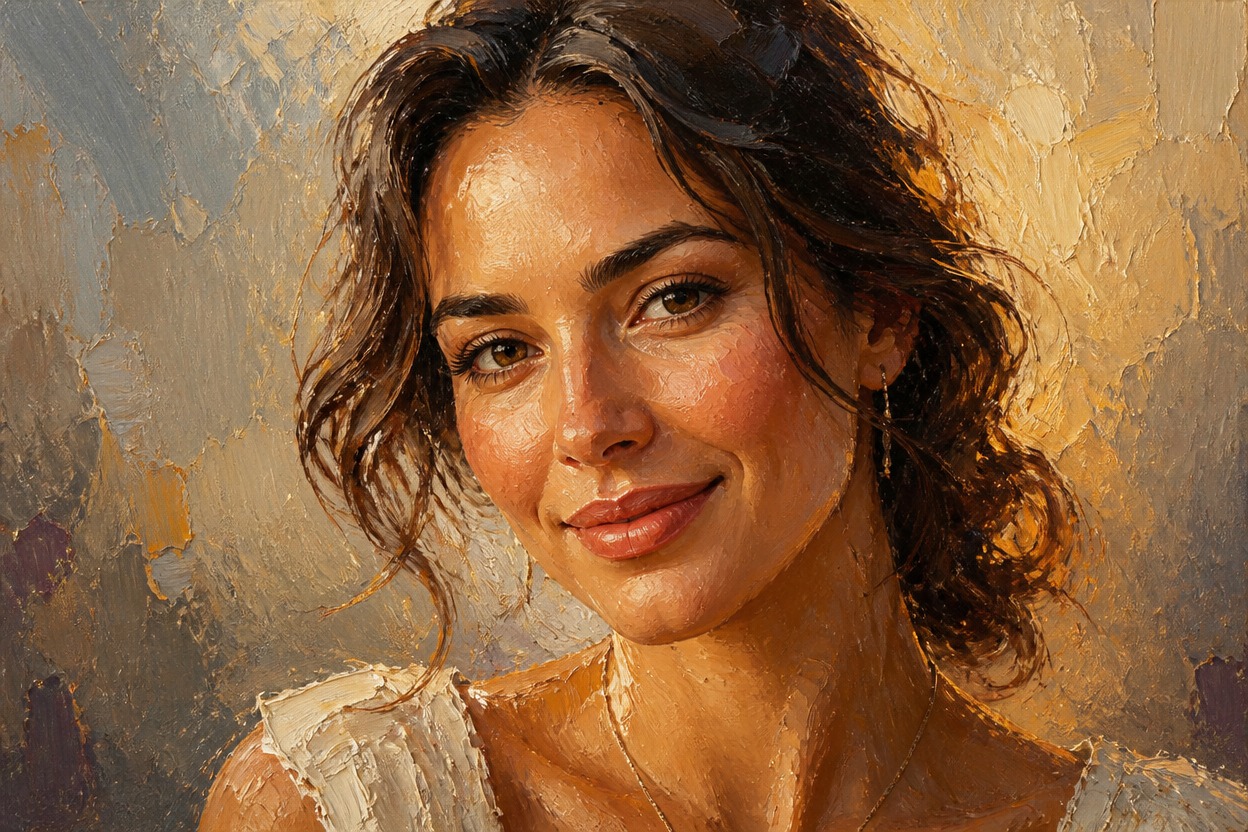
Oil Painting Filter from Photo
Upload one image and transform it into a cohesive oil-painted artwork. Powered by GPT-Image-2, AI Hug reinterprets color, light, texture, and depth with expressive brushwork across the entire scene.
Apply the Oil Painting FilterTurn a Photo into Rich Oil-Painted Artwork
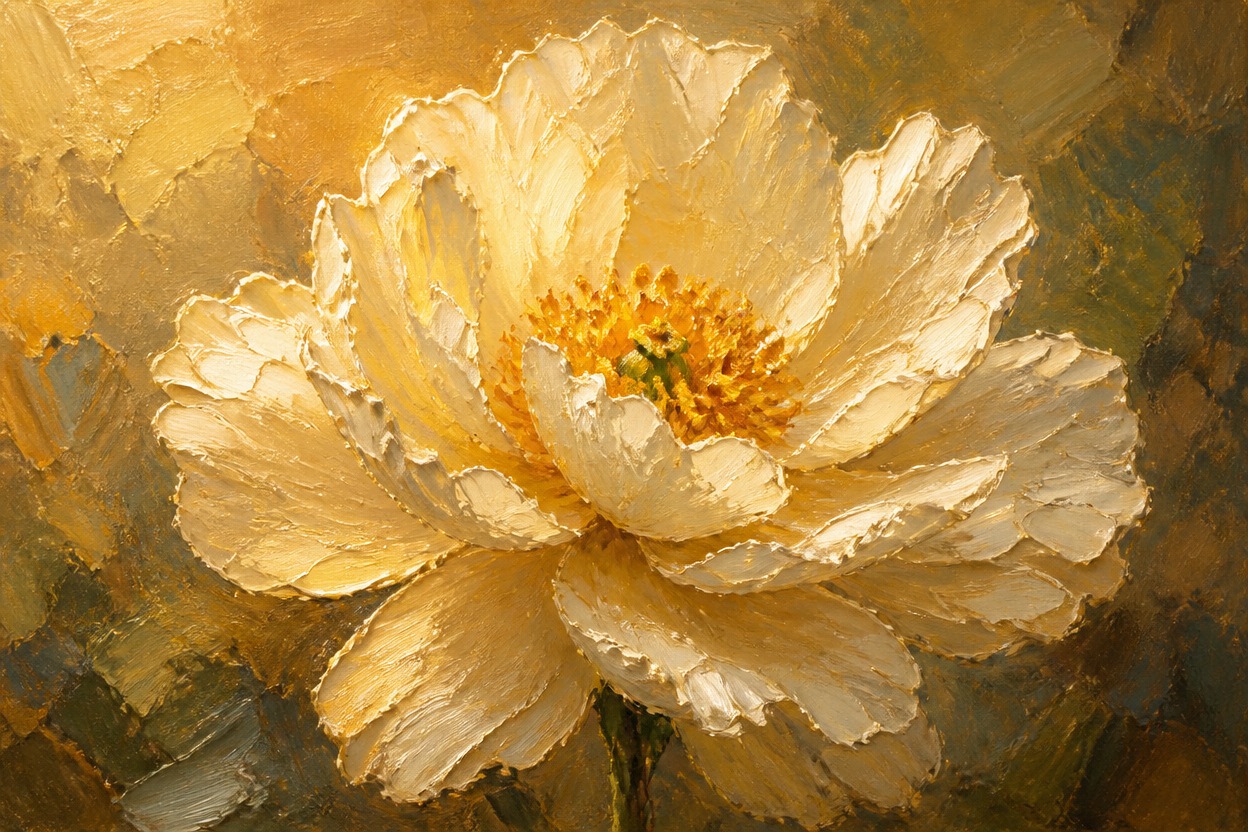
Layered Brushwork and Canvas Texture
Rebuild smooth photographic surfaces with visible strokes, blended pigments, textured highlights, and a tactile painted finish.
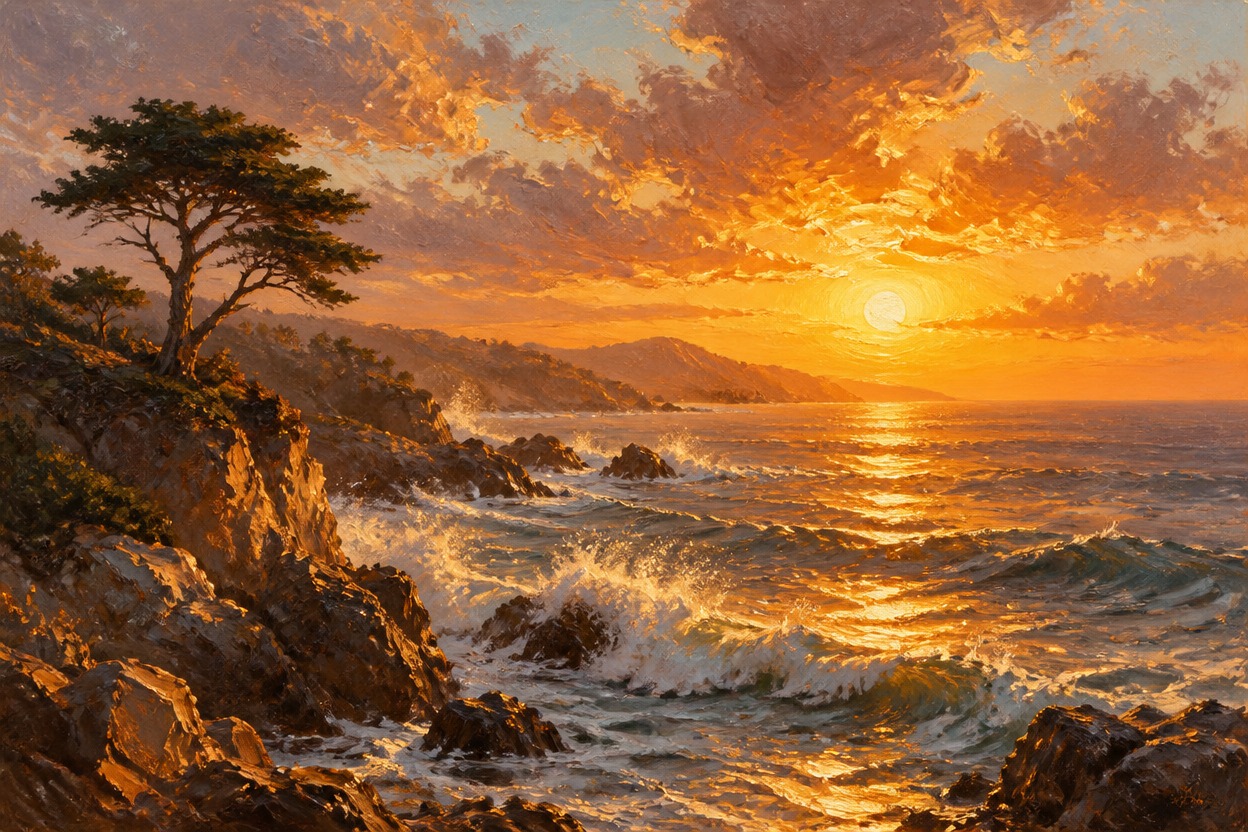
Cohesive Color and Light
GPT-Image-2 interprets the whole image so the subject, background, shadows, and highlights share one convincing oil-painting palette.
One-Image Style Transfer
Start from a single uploaded photo. The transformation follows its main subject and composition while creating a new painterly interpretation.
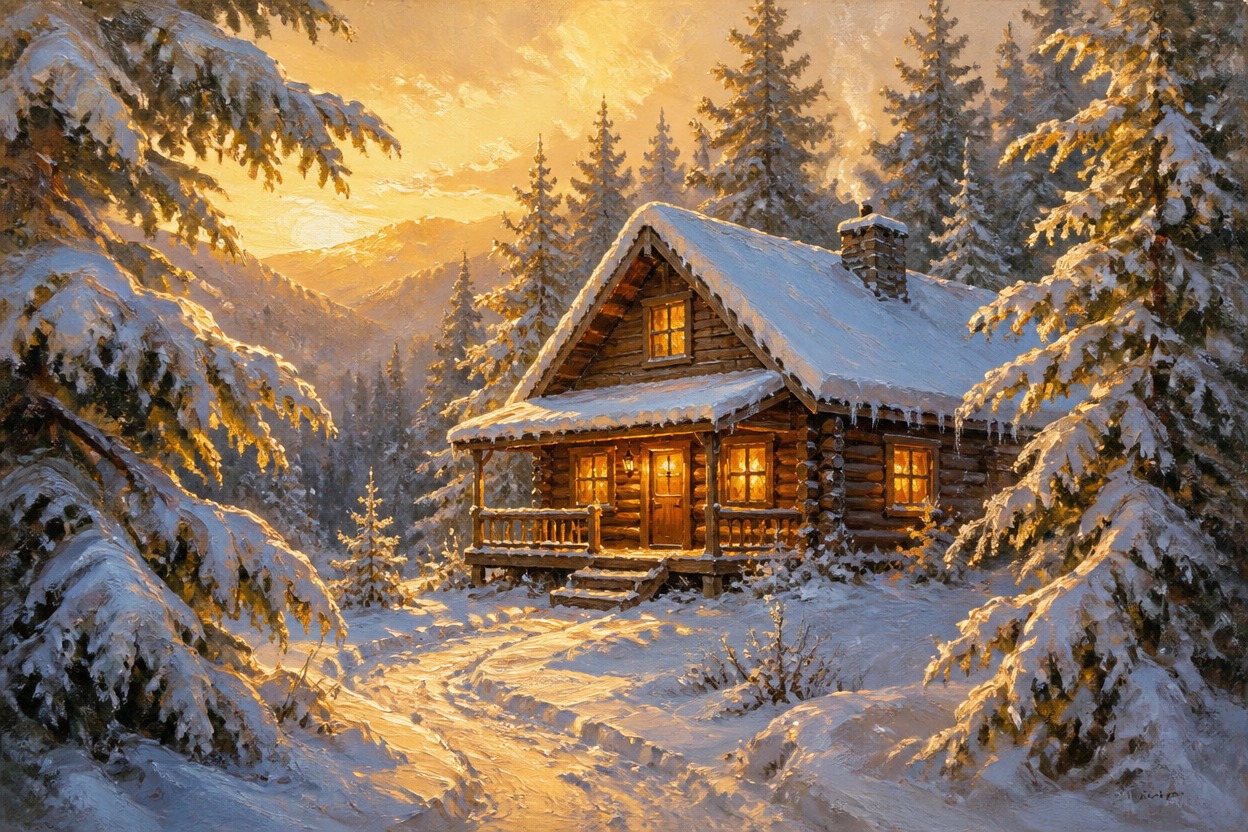
Painterly results for portraits, landscapes, pets, travel photos, still life, and profiles
Ways to Use an Oil Painting Filter
Painterly Portraits
Turn a clear adult portrait into expressive artwork with modeled facial detail, natural skin texture, and layered color.
Landscape Paintings
Reinterpret mountains, coastlines, gardens, and city views with atmospheric depth and visible brushwork.
Pet Artwork
Give a well-lit pet photo a painted finish while retaining recognizable fur color, markings, and expression where possible.
Travel Memories
Transform a favorite travel image into a cohesive canvas-style scene for a personal digital keepsake.
Still-Life Studies
Emphasize shape, material, shadow, and color in flowers, food, objects, or tabletop compositions.
Creative Profile Images
Create a distinctive painted variation of a suitable portrait for an avatar or personal profile image.
How to Use the Oil Painting Filter
Upload one image, apply the effect, and review your finished artwork
01
Upload One Clear Image
Choose a sharp photo with a distinct subject, balanced lighting, and enough visible detail for the transformation to interpret.
02
Apply the Oil Painting Effect
Start the one-image transformation. AI Hug uses GPT-Image-2 to rebuild the scene with painterly color, light, texture, and brushwork.
03
Preview and Download
Review faces, hands, important objects, edges, texture, and composition, then download the result you want to keep.
Answers about one-photo input, GPT-Image-2, source quality, style transfer, results, and access