Photo to Digital Art
Upload a photo to apply this effect while keeping the subject recognizable for a natural, polished result.
Image
Examples
Photo to Digital Art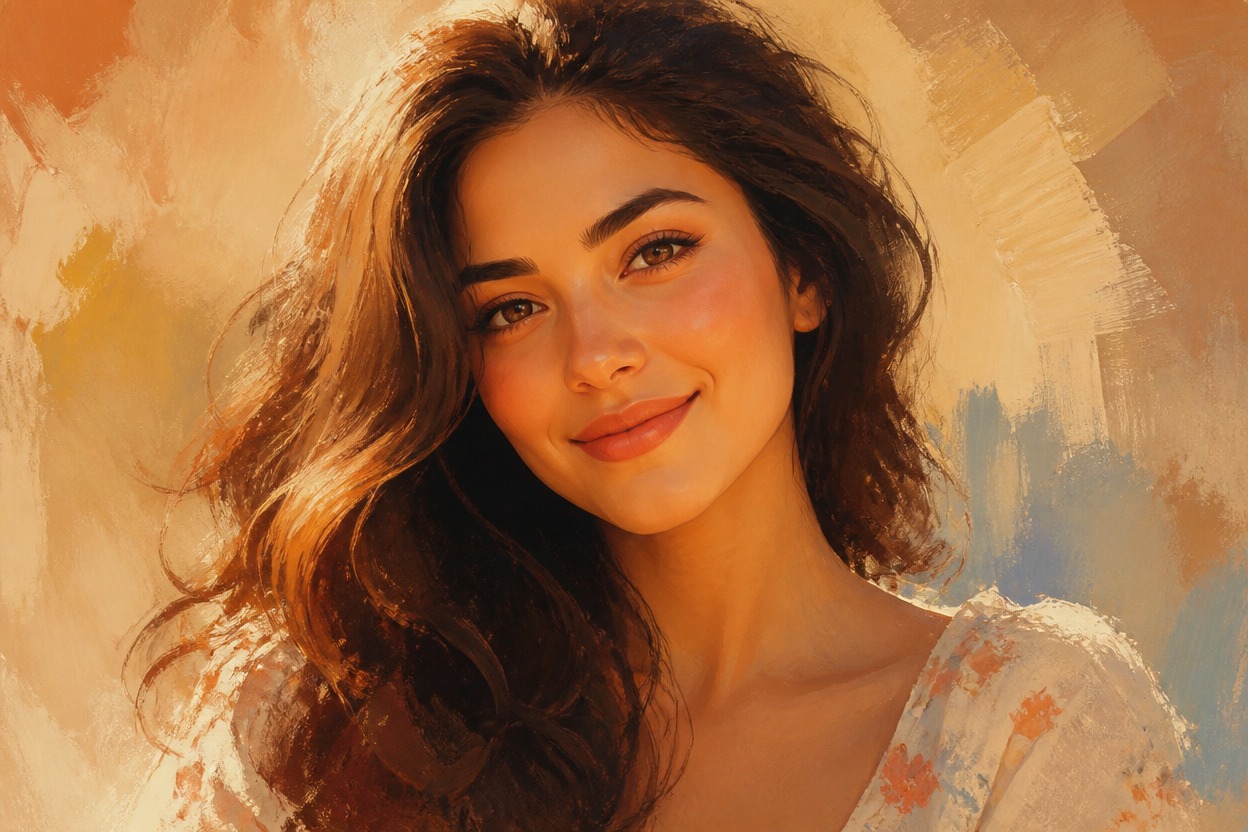
Photo to Digital Art from Photo
Upload one clear image and turn the full scene into polished digital artwork. Powered by GPT-Image-2, AI Hug reinterprets the subject, color, light, texture, and background as one coherent creation.
Transform Your PhotoTurn One Uploaded Photo into Finished Digital Art
Full-Scene AI Style Transfer
GPT-Image-2 transforms the visible subject and surroundings together, creating a cohesive digital-art interpretation instead of placing a flat preset over the photo.
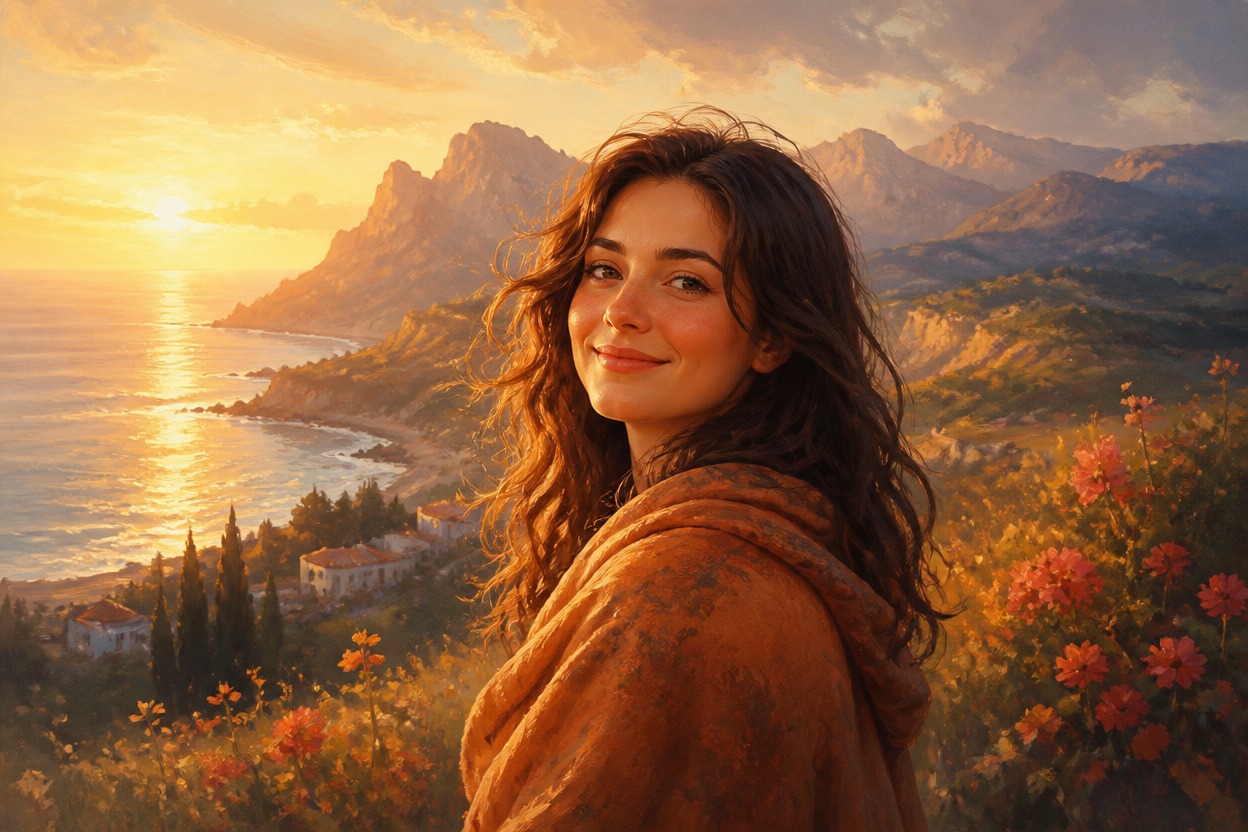
Painterly Detail and Color
The generated result can combine expressive brushwork, refined edges, layered color, modeled light, and atmospheric depth across the complete image.
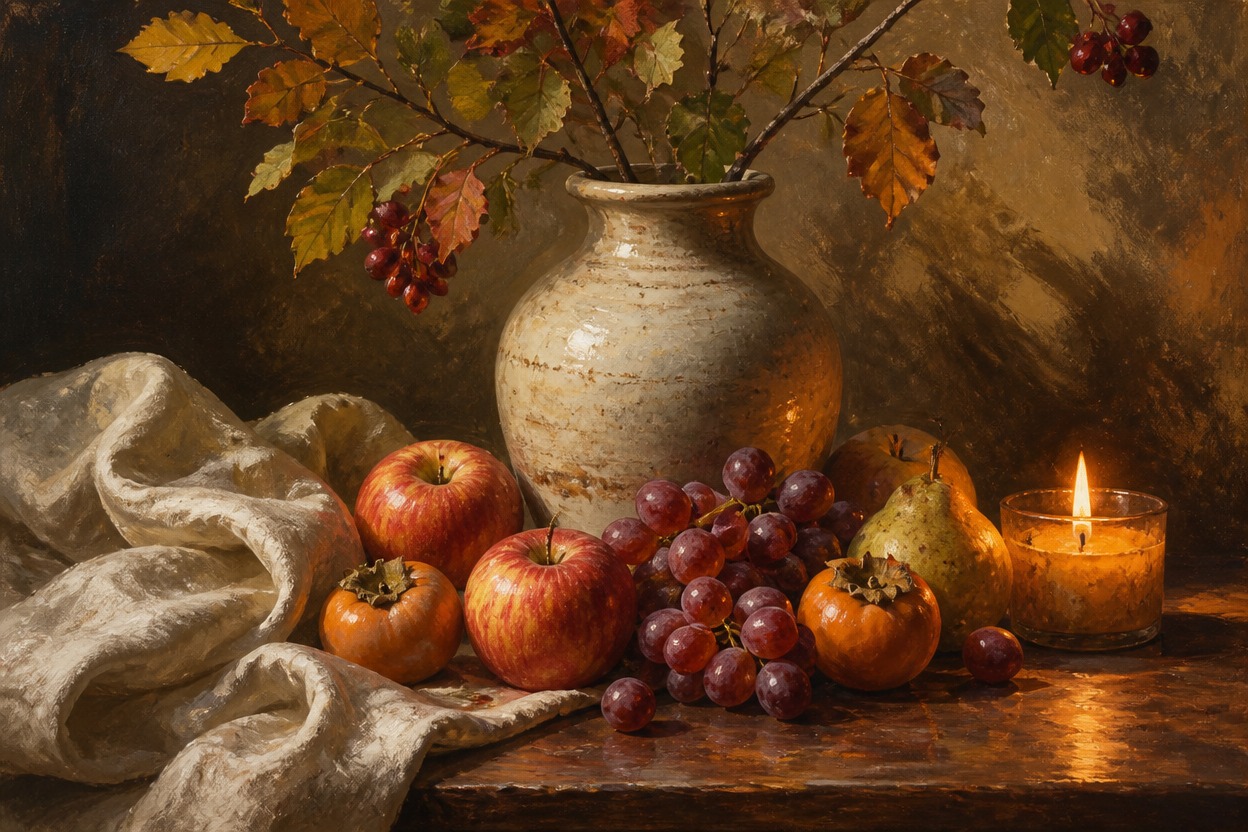
Source-Aware Composition
Your uploaded image supplies the main subject, pose, framing, and setting. Because the output is generated, review faces, hands, objects, and source resemblance before using it.
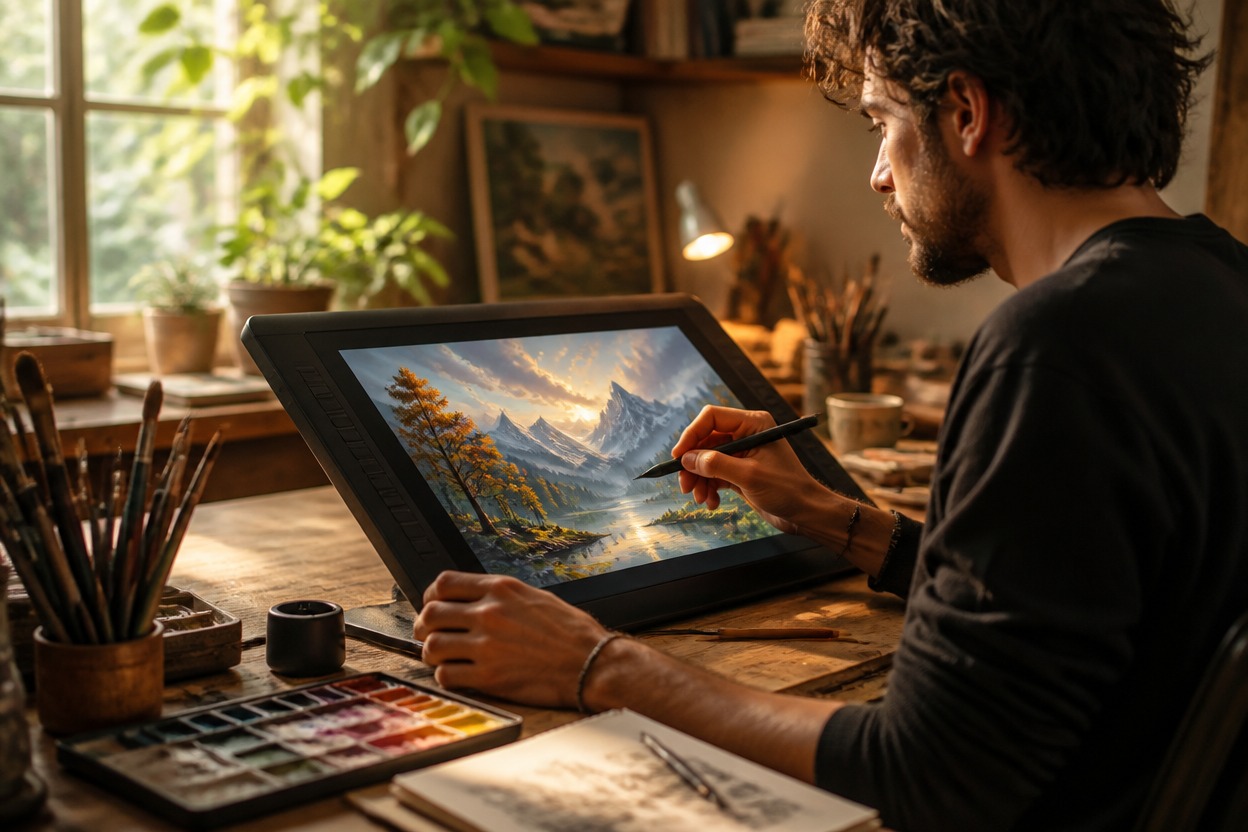
Create digital-art interpretations for portraits, travel photos, pets, characters, profiles, and personal moments
Photo to Digital Art Ideas for Portraits, Places, and More
Digital Art Portraits
Reimagine a clear adult portrait with painterly color, expressive light, and a cohesive illustrated setting.
Travel Photo Artwork
Transform streets, landscapes, architecture, and vacation moments into polished digital scenes.
Pet Illustrations
Turn a well-lit pet photo into expressive digital art while reviewing markings, eyes, and anatomy.
Original Character Art
Restyle artwork of an original character with richer lighting, texture, and environmental detail.
Creative Profile Images
Create a distinctive avatar or profile image from a suitable photo with a clear focal subject.
Artistic Keepsakes
Convert meaningful personal moments into generated artwork for private projects and visual inspiration.
How to Turn a Photo into Digital Art
Upload one image, apply the effect, and review the finished artwork
01
Upload One Clear Image
Choose a sharp photo with a distinct subject, balanced lighting, and enough visible detail for the transformation to follow.
02
Apply the Digital Art Effect
Start the one-image transformation. AI Hug uses GPT-Image-2 to reinterpret the subject, setting, palette, light, and texture as one digital artwork.
03
Preview and Download
Review facial likeness, hands, important objects, edges, and background continuity, then download the generated version you prefer.
Answers about one-image input, GPT-Image-2, style transfer, source quality, results, and access