Photo to Line Drawing
Upload a photo to apply this effect while keeping the subject recognizable for a natural, polished result.
Image
Examples
Photo to Line Drawing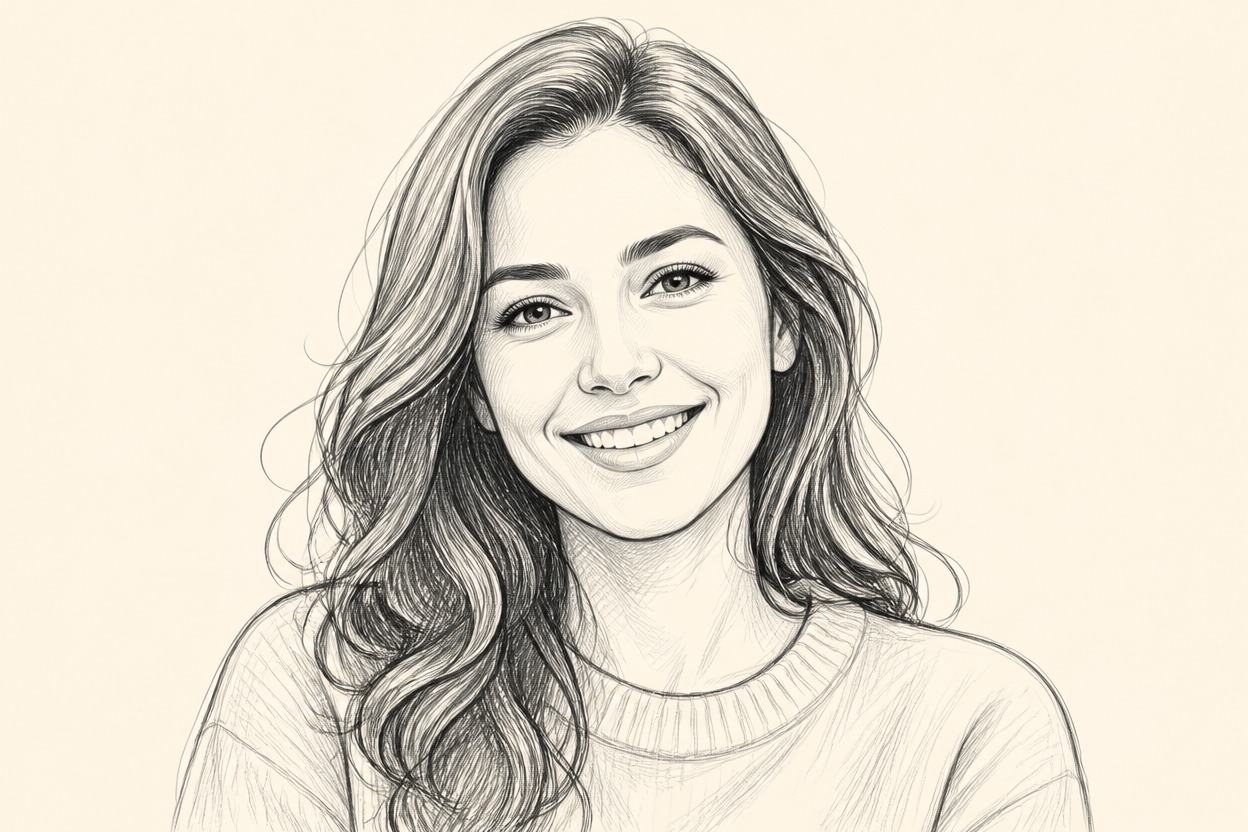
Photo to Line Drawing from Photo
Upload one clear image and turn it into a polished line drawing in one coherent scene. Powered by GPT-Image-2, AI Hug reinterprets contours, texture, light, and depth while following the visible subject and composition.
Create a Line DrawingAI Image Style Transfer for Detailed Line Art
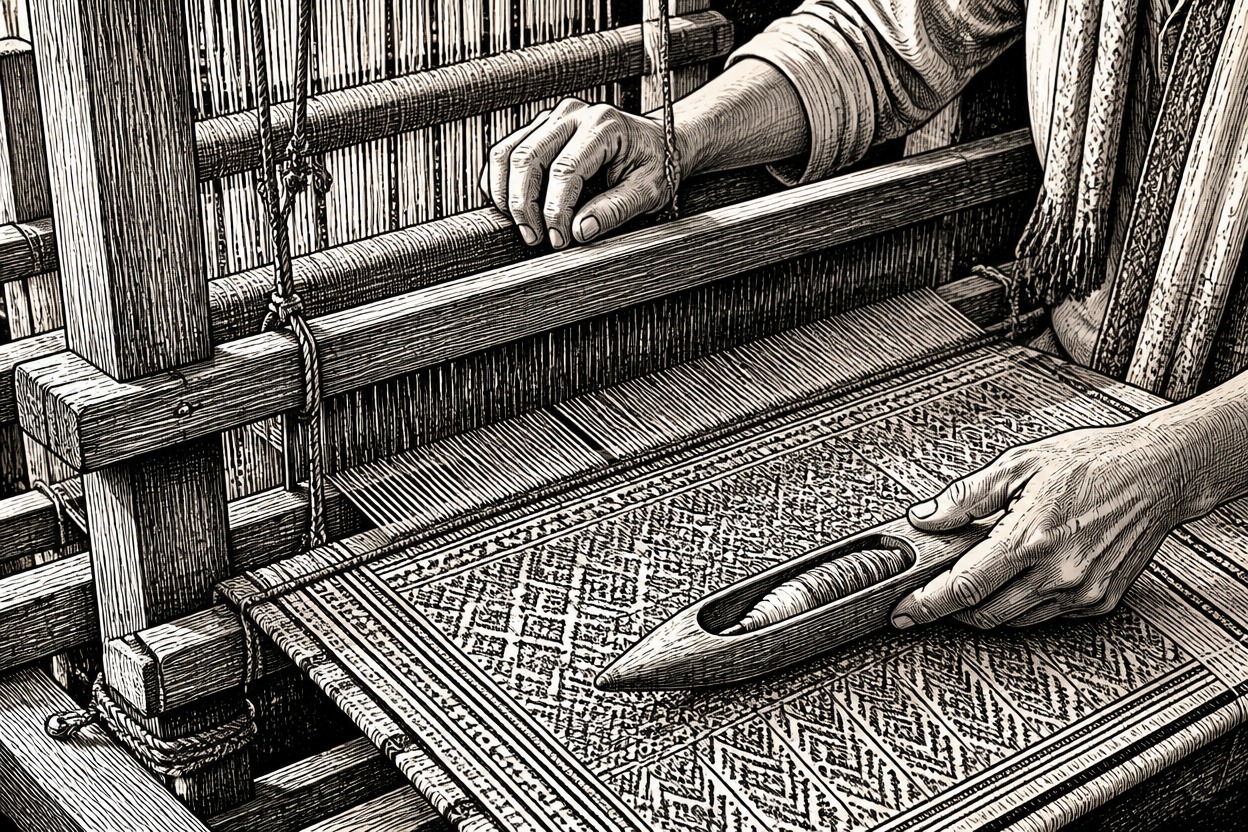
Refined Contours and Shading
GPT-Image-2 rebuilds visible edges as clean linework, then uses hatching and tonal variation to retain form, depth, fabric, hair, and surface detail.
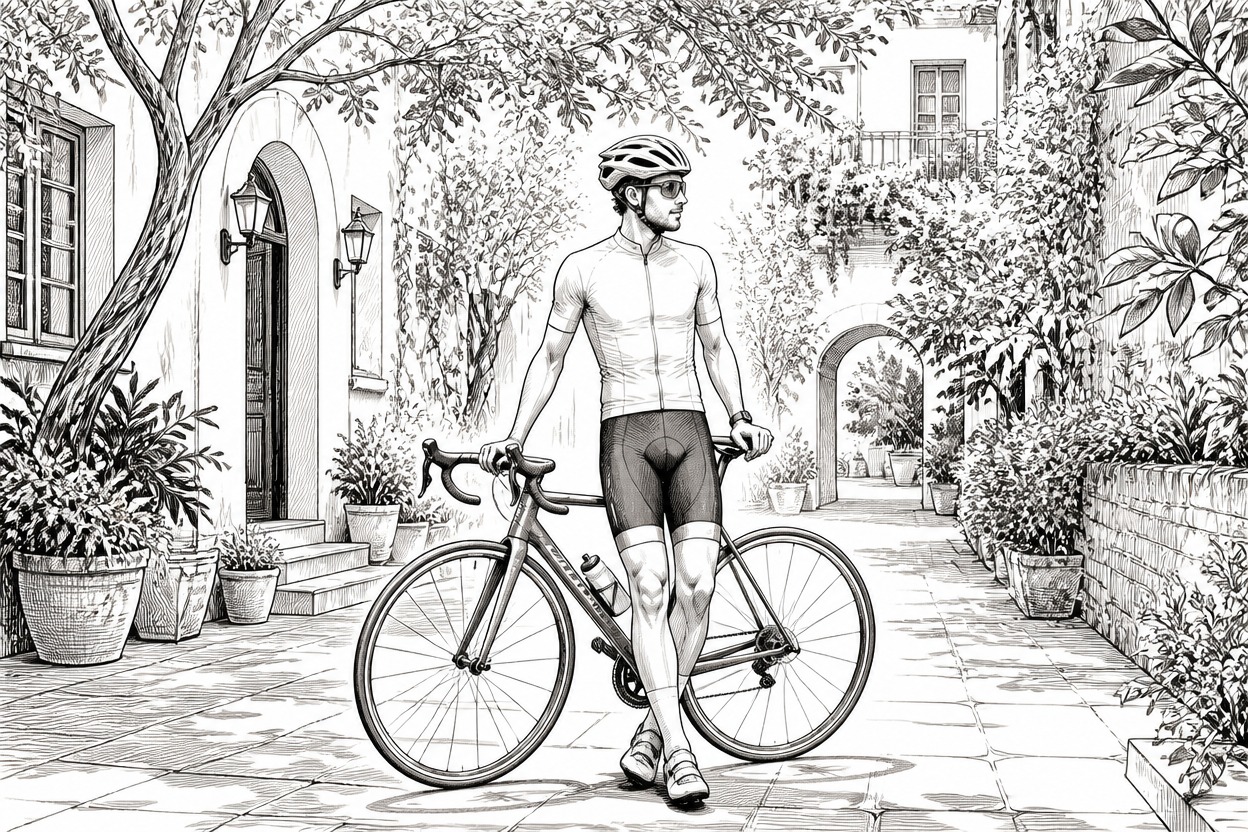
Recognizable Subject Structure
The transformation follows the source framing, pose, facial features, objects, and setting while interpreting them as a unified drawing rather than a flat outline overlay.
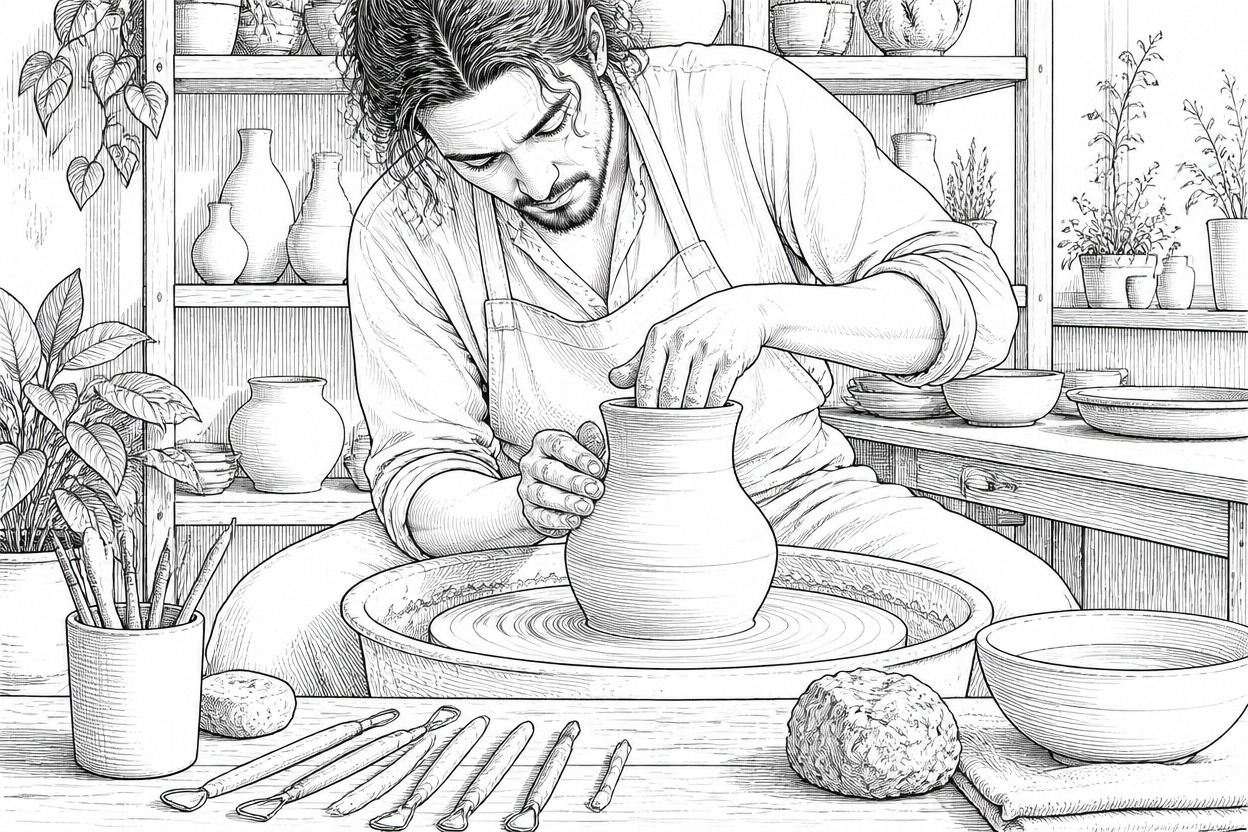
One Complete Stylized Image
One uploaded image produces one finished line-art scene. Inspect faces, hands, edges, and important objects before choosing the result you want to keep.
Create line-art portraits, pet keepsakes, architecture sketches, product concepts, travel scenes, and storyboard references
Ways to Use Photo to Line Drawing
Portrait Line Art
Turn a clear adult portrait into expressive linework while keeping the face, pose, hair, clothing, and lighting easy to recognize.
Pet Drawing Keepsakes
Reimagine a pet photo with detailed contours that follow distinctive ears, markings, fur direction, posture, and expression.
Architecture Sketches
Convert buildings, interiors, and street scenes into structured drawings with readable perspective, edges, and material detail.
Product Concept Art
Create a clean line-art interpretation of a clearly photographed object for personal ideation, visual references, or mood boards.
Travel Memory Drawings
Transform a favorite landscape or travel scene into an illustrated keepsake with coherent depth and recognizable landmarks.
Storyboard References
Use a suitable photo to create a line-drawn scene that can support composition studies or early visual planning.
How to Turn a Photo into a Line Drawing
Upload one image, apply the effect, and review the finished line art
01
Upload One Clear Photo
Choose a sharp image with a distinct subject, useful lighting, and visible edges. For people, use a clear photo of an adult with unobstructed hands and facial features.
02
Apply the Line Drawing Effect
Start the one-image transformation. AI Hug uses GPT-Image-2 to reinterpret the photo as coordinated contours, hatching, texture, and depth.
03
Preview and Download
Review likeness, anatomy, perspective, edge quality, important objects, and background continuity, then download the result you prefer.
Answers about one-photo input, GPT-Image-2, line-art results, source quality, output review, and access