Photo to Sketch
Upload a photo to apply this effect while keeping the subject recognizable for a natural, polished result.
01Upload your photo
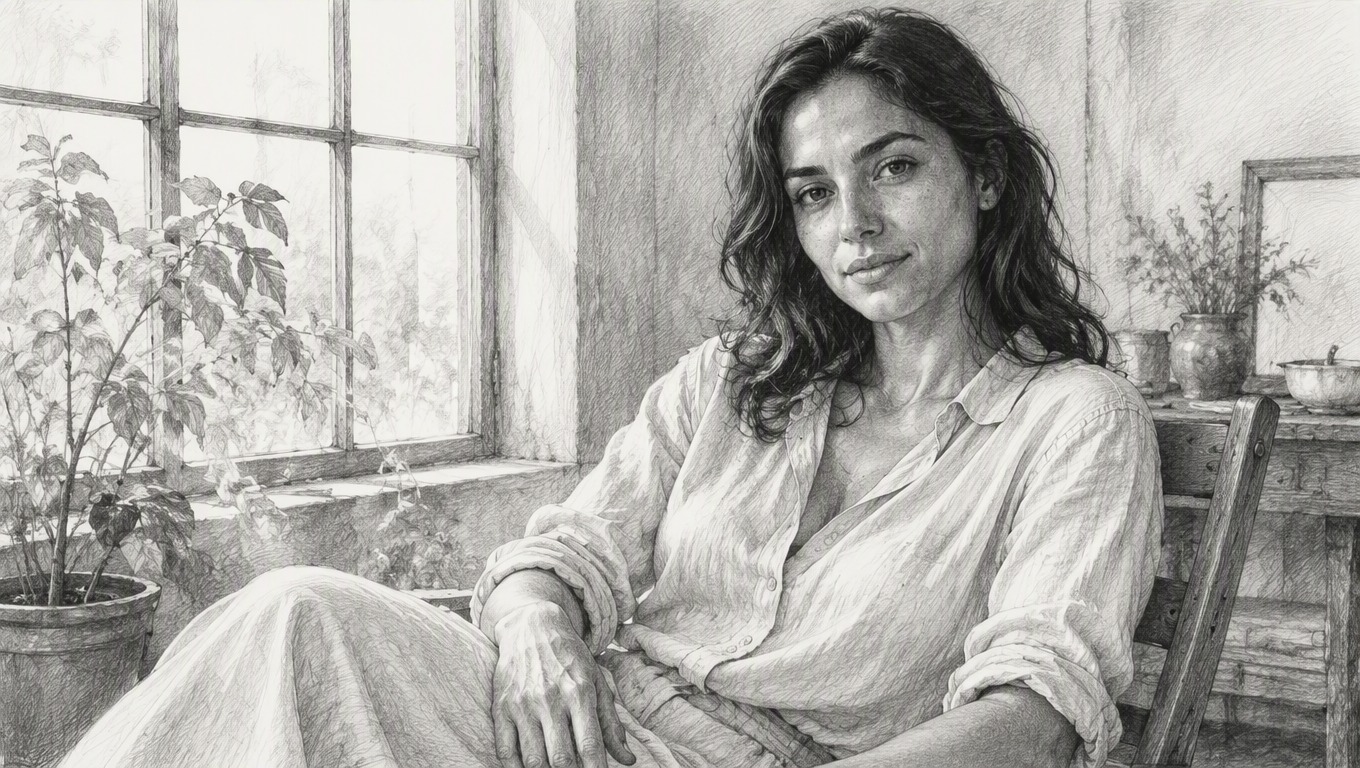
Image to Sketch: Turn Photos Into Pencil Art
Upload a favorite image and apply AI Hug’s fixed sketch effect to create crisp pencil lines, soft graphite shading, and a hand-drawn look. No prompt or style instructions are needed.
Create a Pencil SketchImage to Sketch With Natural Pencil Detail
Convert image to sketch artwork with balanced outlines, shading, and texture across the whole scene. To explore other still-image transformations, visit AI Hug’s image to image tools.
Defined Pencil Linework
Visible edges, facial features, hair, clothing, and objects are reinterpreted with clean graphite-style contours that give the result a drawn finish.
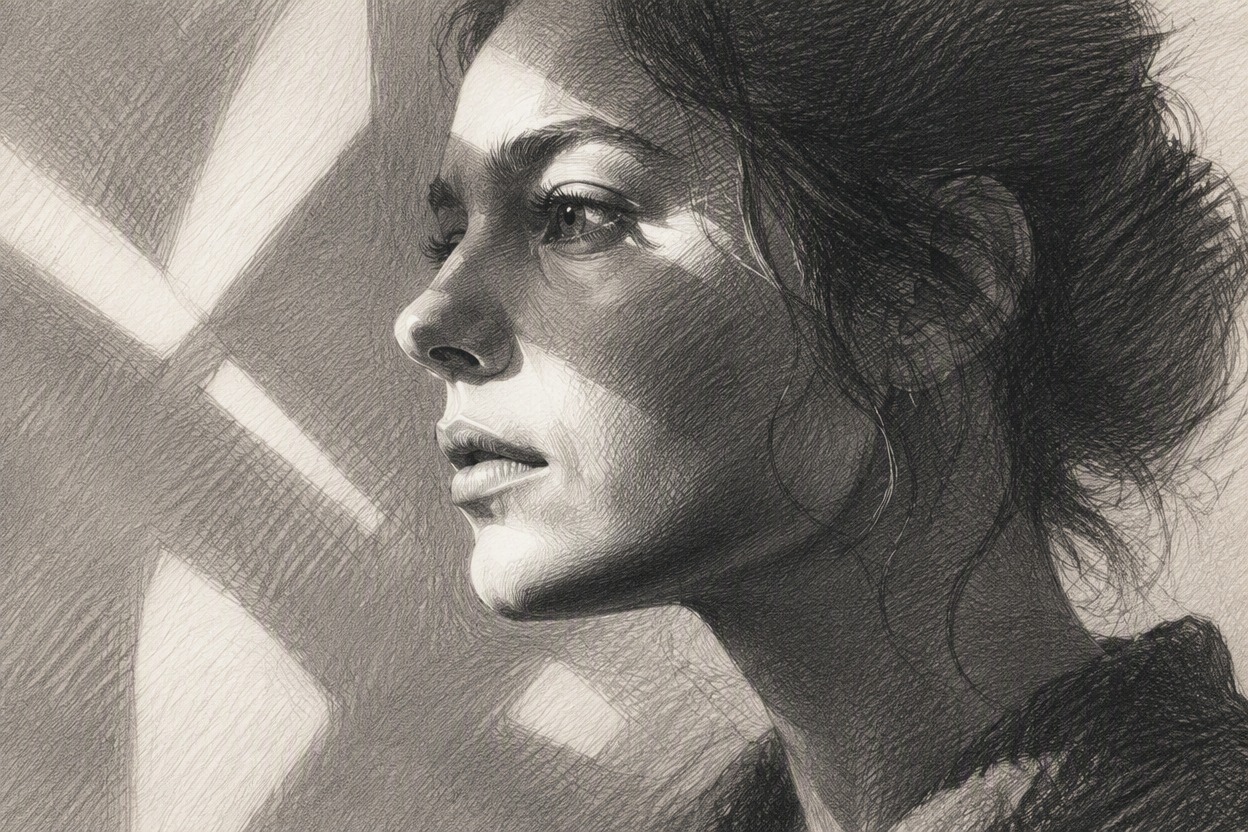
Layered Graphite Shading
Highlights, midtones, and shadows become a mix of soft gradients and pencil texture, adding dimension without turning the image into a flat filter.
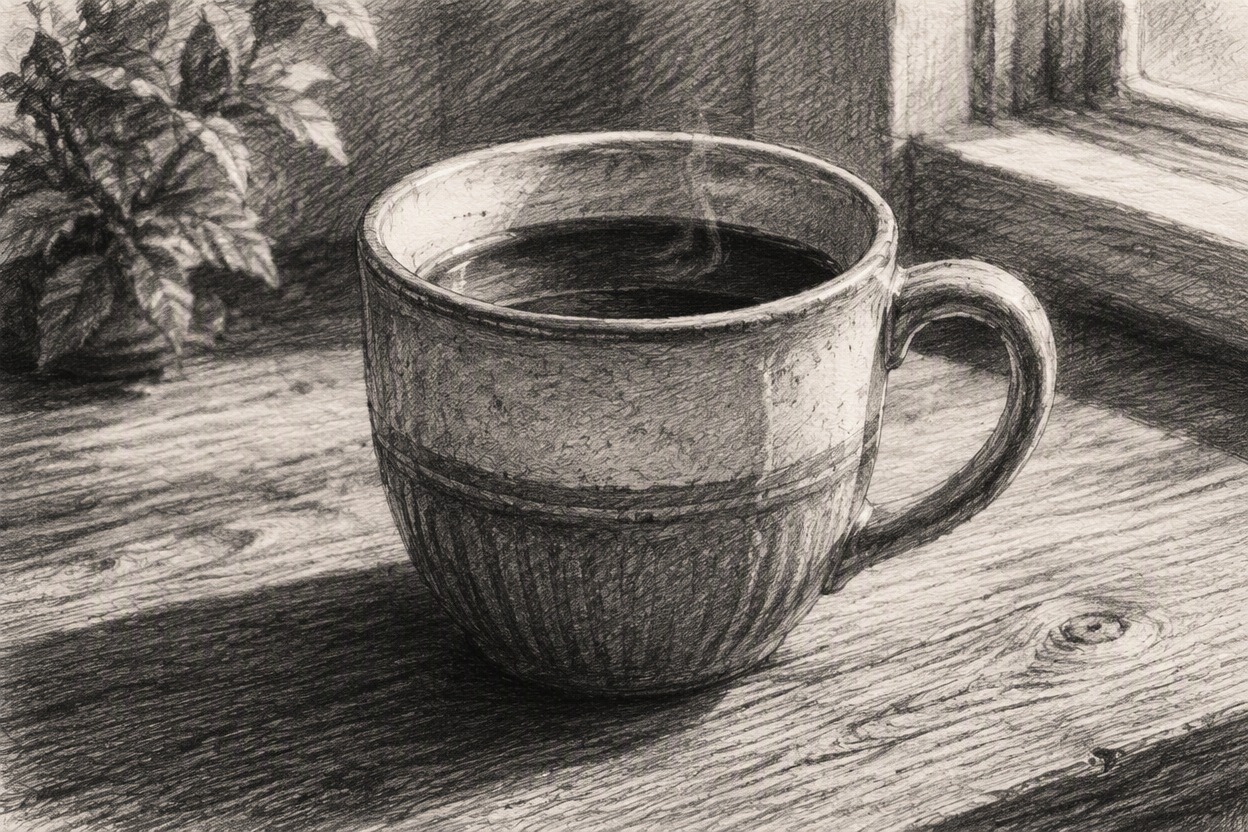
Consistent Scene Treatment
The sketch effect is applied across the subject and background so portraits, places, and everyday scenes share one cohesive pencil-art style.
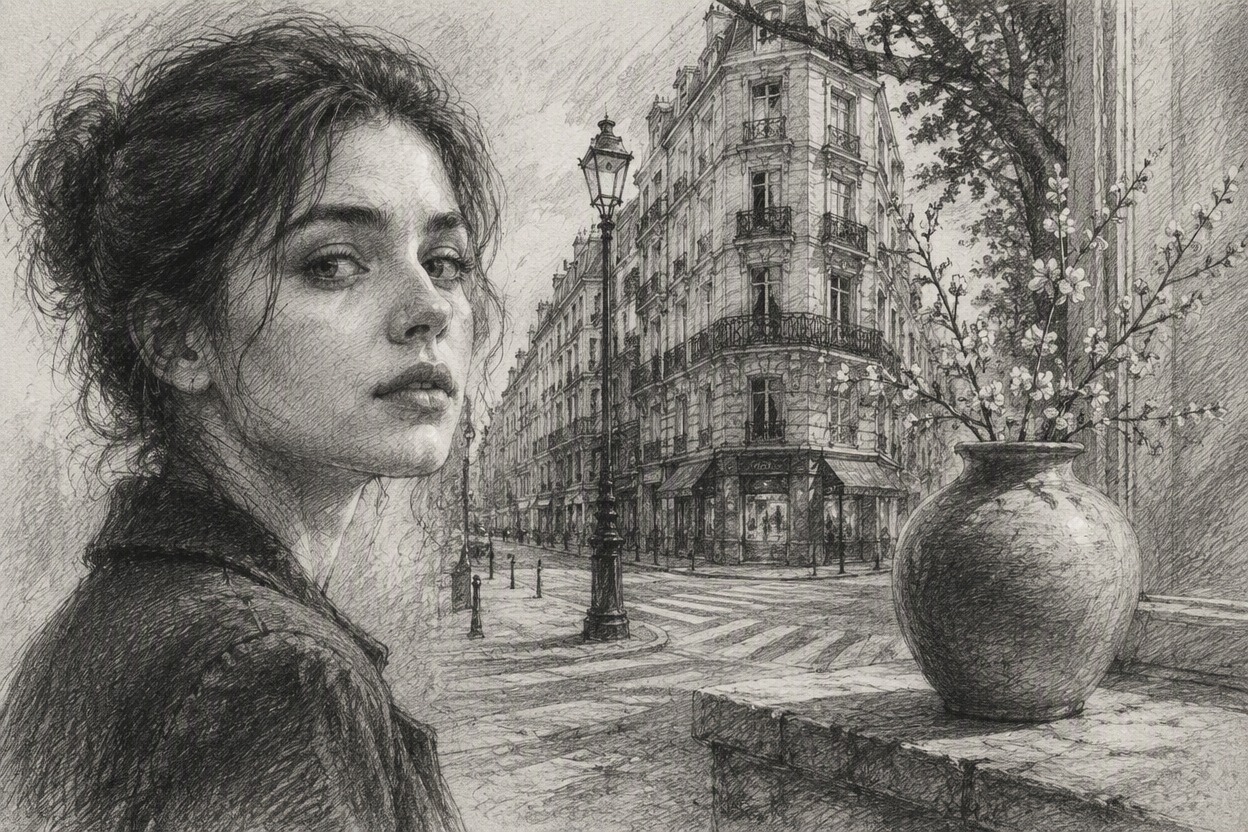
Transform portraits, pets, places, and meaningful moments into versatile pencil-style artwork
Picture to Pencil Sketch Ideas
- 01
Portrait Artwork
Turn a well-lit portrait into a pencil drawing for profile art, personal projects, or a fresh take on a favorite photo.
- 02
Pet Sketches
Translate fur, markings, poses, and familiar expressions into textured graphite-style artwork.
- 03
Travel Memories
Give landmarks, streets, and vacation scenes the look of pages from a hand-drawn travel journal.
- 04
Architecture Studies
Emphasize building shapes, perspective, windows, and surface details with structured pencil linework.
- 05
Nature Drawings
Rework landscapes, flowers, and outdoor scenes with layered shading and an understated monochrome feel.
- 06
Personal Keepsakes
Create a picture to pencil sketch for cards, framed mementos, drawing references, or thoughtful personal gifts.
How to Convert an Image to Sketch Art
Upload one photo, apply the sketch effect, then preview and save your result
- 01
Upload Your Image
Choose a clear photo with a visible subject and enough detail for the pencil treatment to interpret.
- 02
Apply the Sketch Effect
Start the transformation. AI Hug converts the image into graphite-style lines, shading, and texture automatically—no prompt is required.
- 03
Preview and Download
Review the finished sketch, including important facial or object details, then download the version you want to keep.
Image to Sketch FAQ
Helpful answers about uploads, pencil-style results, source photos, and using the finished image
What is the AI Hug image to sketch effect?
It is a fixed image effect that turns one uploaded photo into a generated pencil-style interpretation with graphite lines, texture, and tonal shading.
How do I convert an image to sketch art?
Upload a clear image, apply the sketch effect, and wait for the result. You do not need to write a prompt or provide custom style instructions.
Can I make a photo to pencil sketch from a portrait?
Yes, portraits are a natural fit for the effect. A well-lit photo with a clearly visible face gives the transformation more useful detail to work from.
What images work well for an image to pencil drawing?
Photos with a distinct subject, clear edges, balanced lighting, and limited blur tend to provide better visual information than tiny, heavily compressed, or dark images.
Will the pencil sketch be an exact copy of my picture?
No. The result is a generated interpretation rather than an exact trace, so fine details, likeness, anatomy, and perspective may vary. Review the image before using it.
Can I turn pets, buildings, and landscapes into sketches?
Yes. The effect can be useful for pets, architecture, travel photos, nature scenes, objects, and other images with readable shapes and details.
Does the effect create an editable vector drawing?
The page provides a finished still-image transformation. It does not claim to produce editable vector paths, layered source files, or technical drawings.
Can I download the finished picture to pencil sketch result?
After the effect finishes, preview the generated image and use the available download option to save the result you want to keep.
Who provides this photo to pencil sketch effect?
AI Hug independently provides and operates this image effect as part of its creative image tools.