Pixel Art Generator
Upload a photo to apply this effect while keeping the subject recognizable for a natural, polished result.
Image
Examples
Pixel Art Generator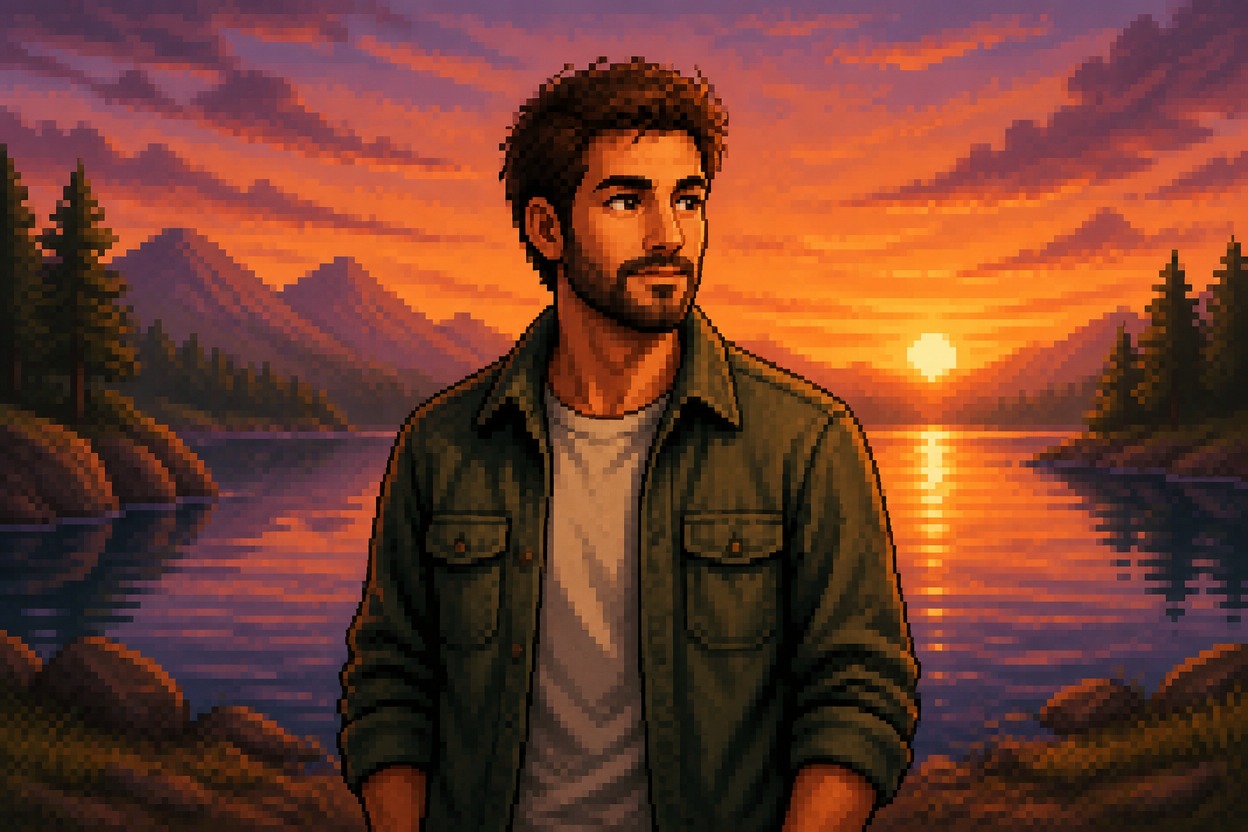
Pixel Art Generator from Photo
Upload one image and transform it into a cohesive pixel-art scene with crisp blocks of color, intentional shading, and retro-inspired detail. AI Hug uses GPT-Image-2 to reinterpret the complete photo in one polished result.
Create Pixel ArtTurn a Photo into Cohesive Pixel Art
One-Image Style Transfer
Start with one uploaded photo. GPT-Image-2 interprets the subject, composition, lighting, and setting before rebuilding the whole image with a unified pixel-art treatment.
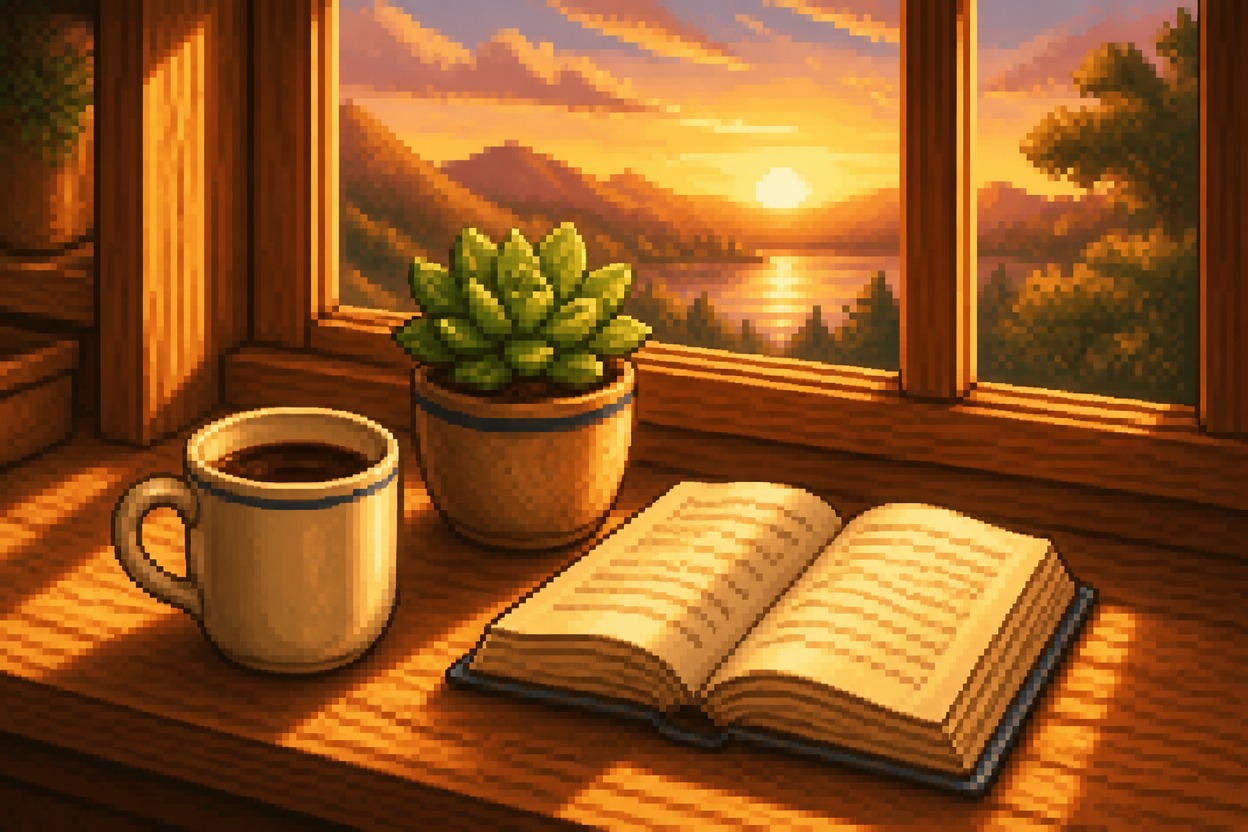
Crisp Pixel Structure
Shapes, highlights, shadows, textures, and edges become deliberate pixel clusters instead of a simple low-resolution blur or blocky overlay.
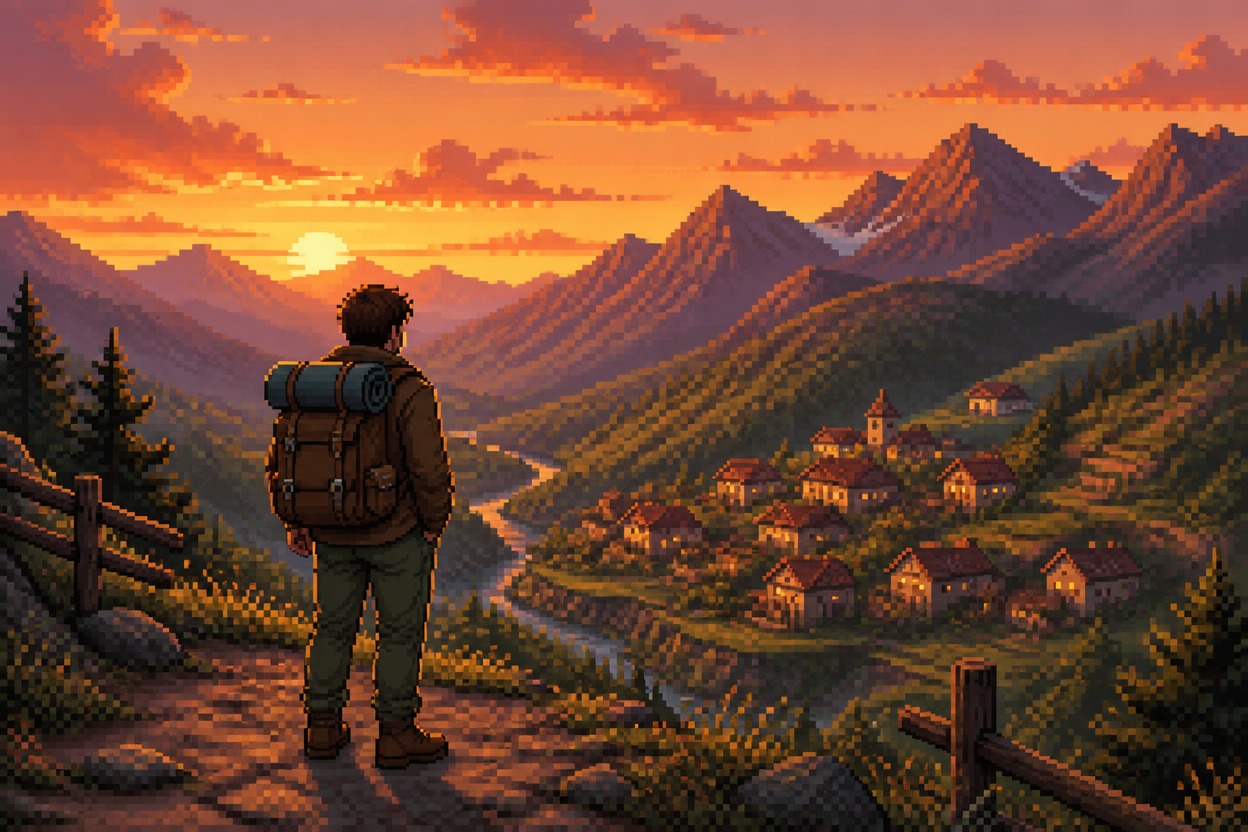
Coherent Color and Detail
The transformation treats the subject and background together, helping the palette, atmosphere, and level of detail feel consistent across one finished scene.
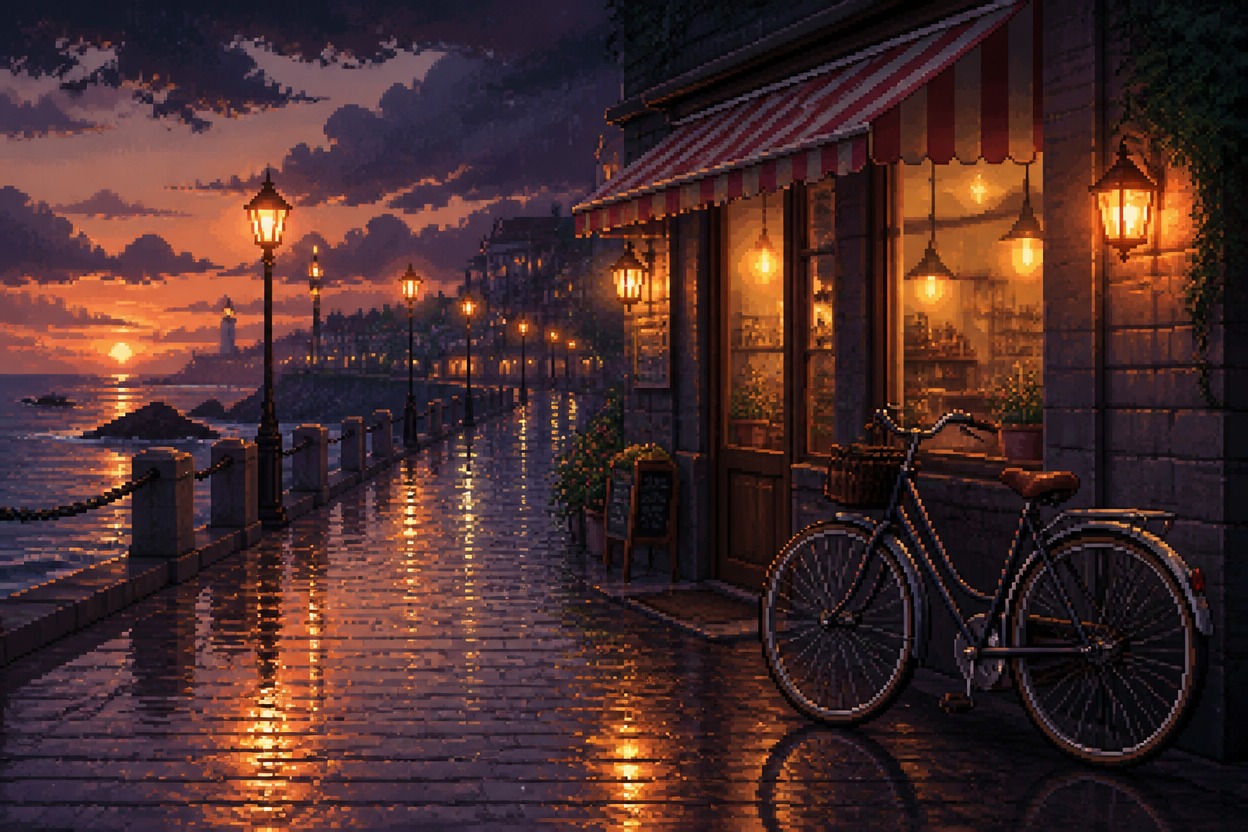
Pixel-inspired visuals for portraits, pets, places, characters, products, and landscapes
What You Can Create with Pixel Art Style Transfer
Pixel Portraits
Turn a clear adult portrait into stylized pixel artwork for an original profile image or character reference.
Pet Sprites
Reimagine a favorite pet photo with compact shapes, expressive color clusters, and game-inspired charm.
Travel Scenes
Convert streets, landmarks, beaches, or mountain photos into atmospheric pixel-art environments.
Game Character Concepts
Use an original costume or character image as the basis for a cohesive retro-inspired visual concept.
Product Illustrations
Explore a pixel-art interpretation of a simple object or product photo for creative direction and campaign ideas.
Landscape Artwork
Transform forests, skylines, interiors, and gardens into richly colored pixel scenes with layered depth.
How to Use the Pixel Art Generator
Upload one image, apply the effect, and review the finished pixel-art scene
01
Upload One Clear Image
Choose a sharp photo with a distinct subject, useful lighting, and enough visible detail for the transformation to interpret.
02
Apply the Pixel Art Effect
Start the one-image transformation. AI Hug uses GPT-Image-2 to rebuild the subject and setting with crisp pixel structure, coordinated color, and retro-inspired shading.
03
Preview and Download
Review faces, hands, object edges, small details, and background continuity, then download the pixel-art version you want to keep.
Answers about one-photo input, GPT-Image-2, source quality, style transfer, results, and access