Polaroid Photo Generator
Upload a photo to apply this effect while keeping the subject recognizable for a natural, polished result.
Image
Examples
Polaroid Photo Generator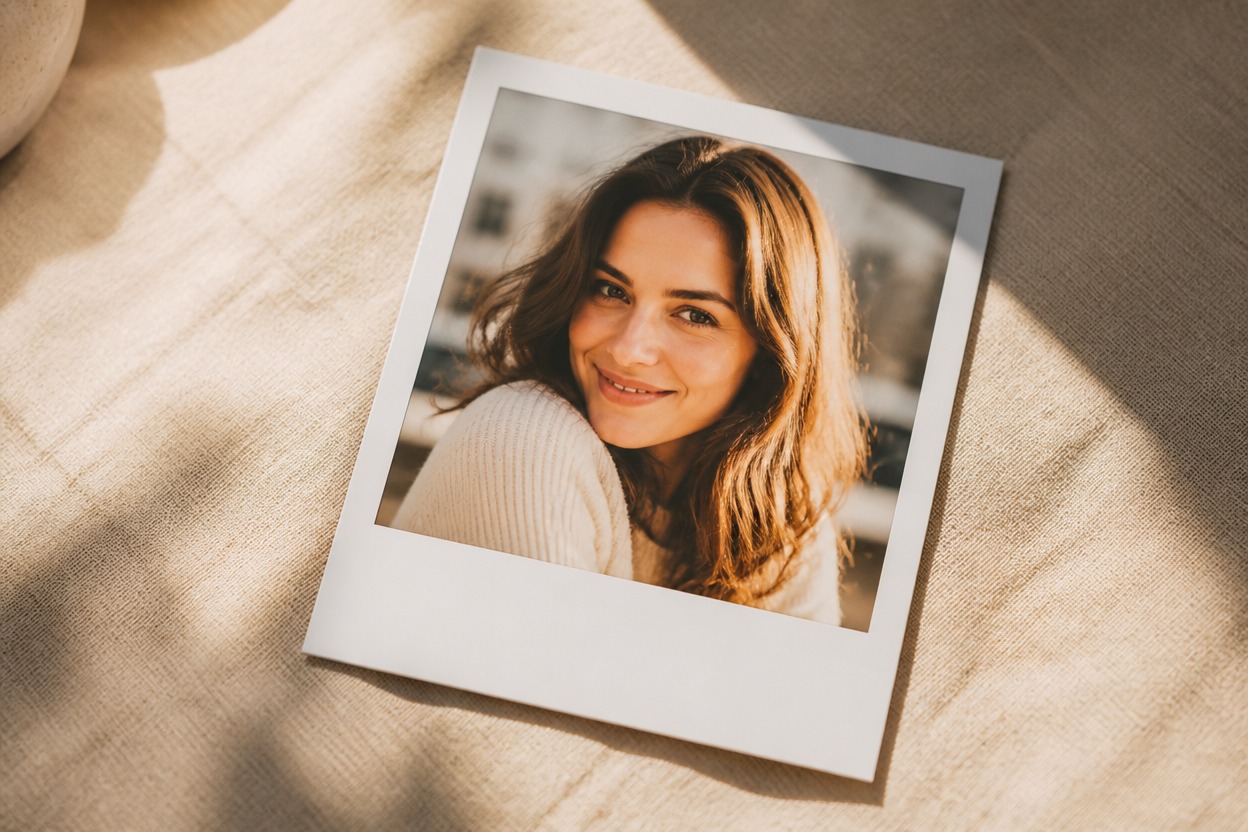
Polaroid Photo Generator from Photo
Upload one image and transform it into a polished white-bordered instant photo. Powered by GPT-Image-2, AI Hug rebuilds color, light, grain, and paper-like character as one cohesive finished image.
Create an Instant PhotoCreate a Polished Instant-Photo Look from One Image
Classic Instant-Film Character
GPT-Image-2 can reinterpret the upload with a broad white border, softened contrast, gentle color shifts, subtle film grain, and the tactile mood of a developed instant print.
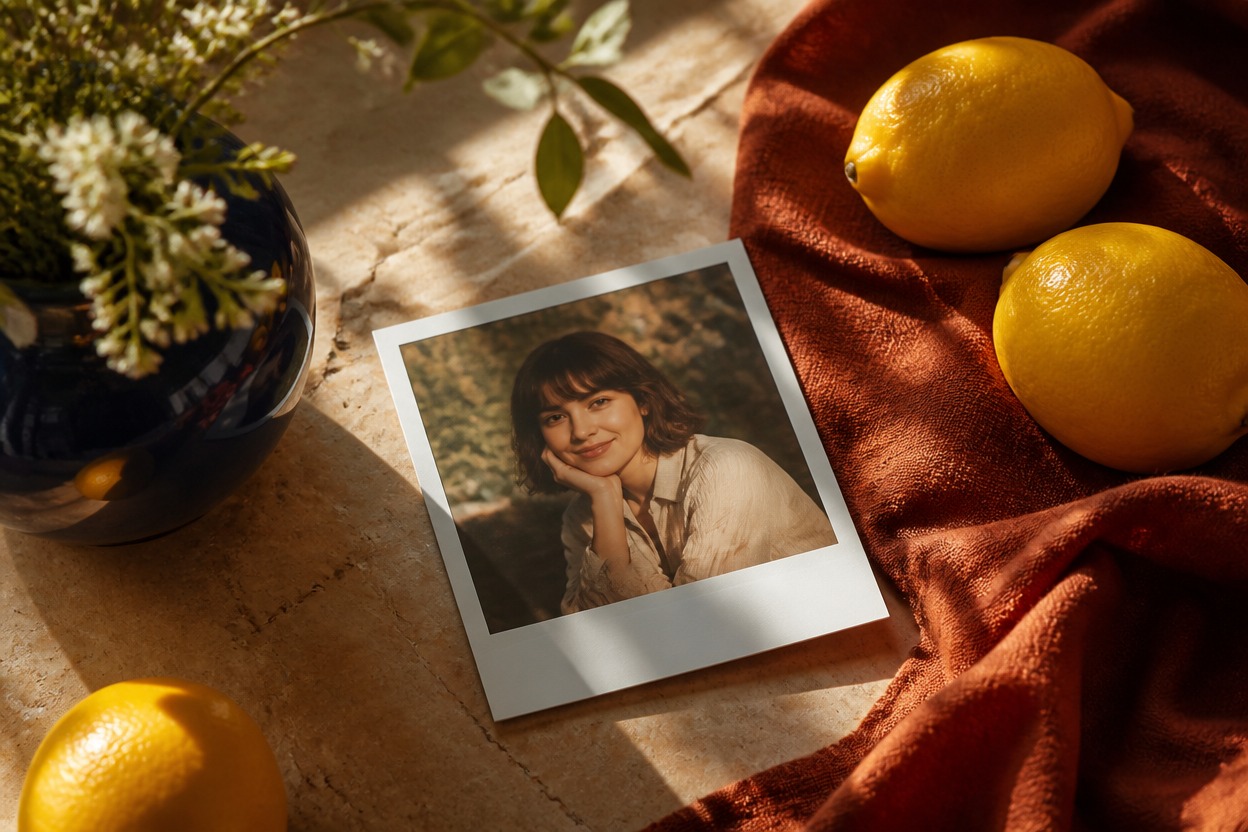
One Coherent Photo Transformation
The subject, background, lighting, and analog finish are generated together in one frame rather than arranged as a before-and-after board or preset preview.
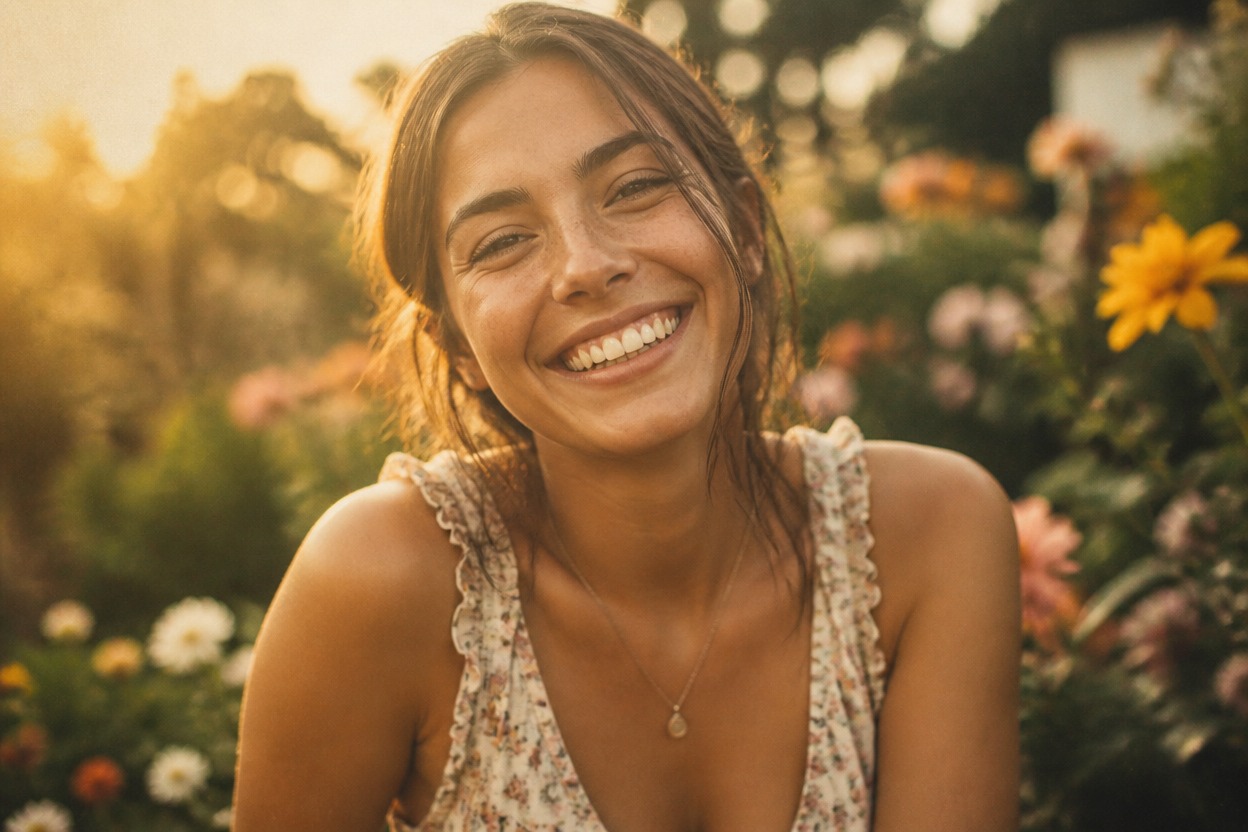
Source-Aware Composition
Your uploaded image guides the main subject, pose, framing, and setting. Because the result is generative, review faces, hands, important objects, and resemblance before using it.
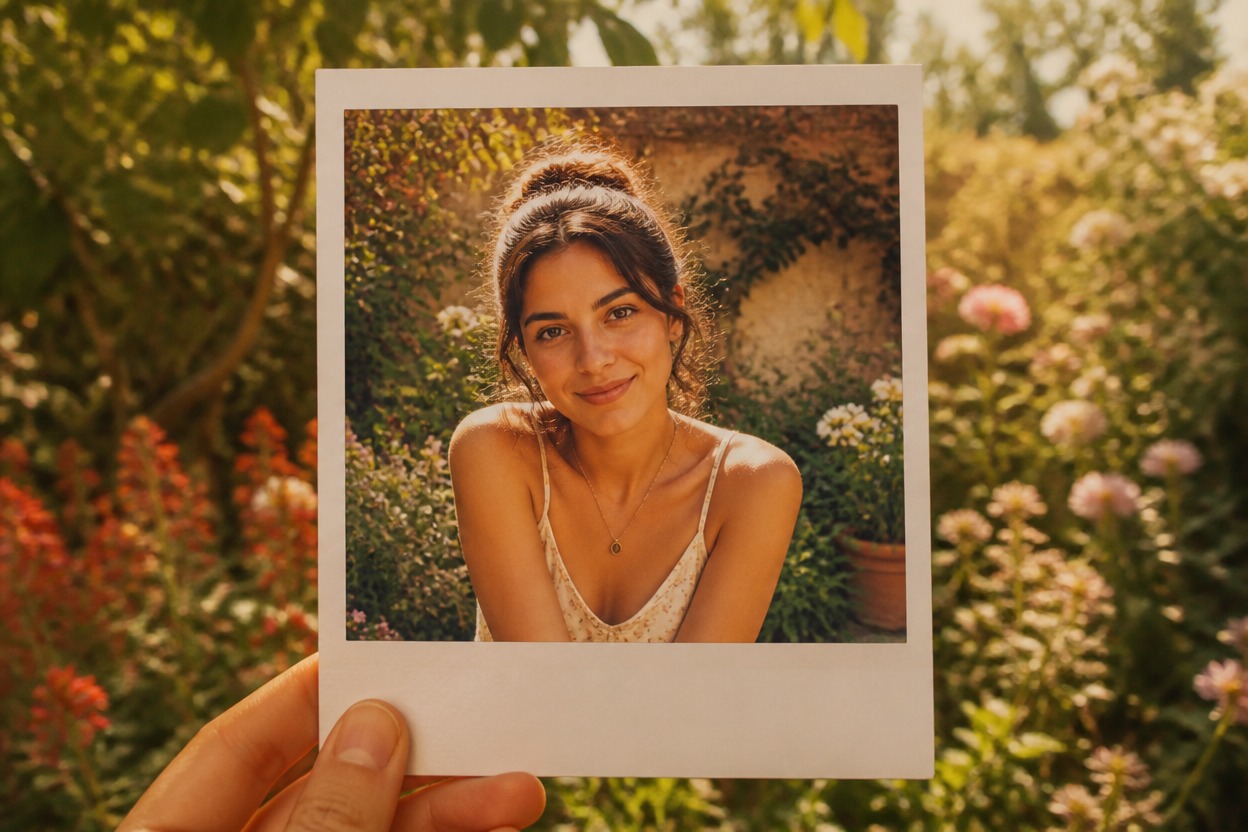
Create analog-inspired images for portraits, travel, pets, profiles, memories, and visual stories
Instant-Photo Ideas for Portraits, Places, and Keepsakes
Retro Portraits
Give a clear adult portrait softly faded color, gentle grain, and a white instant-film border for a warm analog mood.
Travel Memories
Turn a favorite landscape, street, or vacation image into a nostalgic keepsake with cohesive color and paper-like character.
Couple and Friendship Photos
Restyle an authorized photo of adults as an intimate instant print for personal memories, albums, or creative posts.
Pet Keepsakes
Transform a well-lit pet photo into instant-film-inspired artwork while checking eyes, paws, markings, and overall anatomy.
Profile Picture Variations
Create a distinctive analog-style portrait variation with a recognizable focal subject and understated vintage color.
Moodboards and Story Visuals
Build a single nostalgic scene for a personal moodboard, scrapbook concept, invitation, or visual story.
How to Use the Polaroid Photo Generator
Upload one image, apply the effect, and review your finished instant-photo transformation
01
Upload One Clear Image
Choose a sharp photo with a distinct subject, balanced lighting, and enough visible detail for the transformation to follow.
02
Apply the Instant-Photo Effect
Start the one-image transformation. AI Hug uses GPT-Image-2 to reinterpret the scene with a white border, analog color, film grain, and a developed-print feel.
03
Preview and Download
Check facial likeness, hands, important objects, border shape, color, and background continuity, then download the generated result you prefer.
Answers about one-image input, GPT-Image-2, source quality, generated results, access, and affiliation